Use the filters below to quickly find courses relevant to your products, topics, or learning goals.

There are 140 results
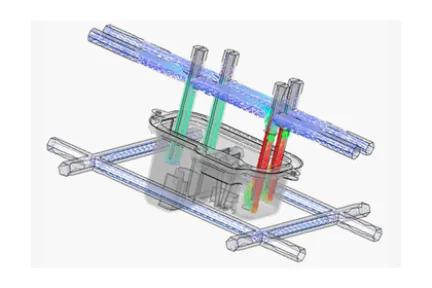
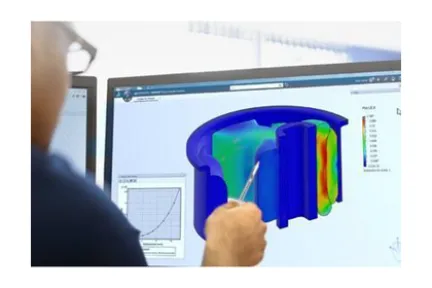
Plastic Injection Essentials

This course is an introduction to performing injection molding simulation for product and design innovation on the 3DEXPERIENCE platform. The Plastic Injection app enables realistic simulation of mold filling, packing and cooling manufacturing processes. This enables decision making early in the design cycle, when the cost of design change is low and opportunity is high.

Course Catalog

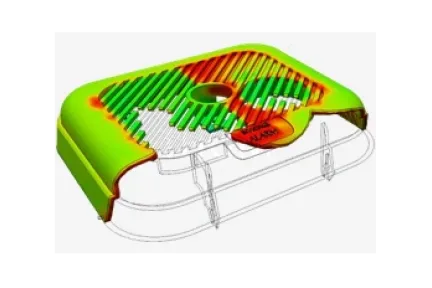
Plastic Part Filling Essentials

This course is an introduction to performing basic injection molding simulation for product and design innovation on the 3DEXPERIENCE platform. The Plastic Part Filling app enables realistic simulation of the mold filling manufacturing process.

Course Catalog

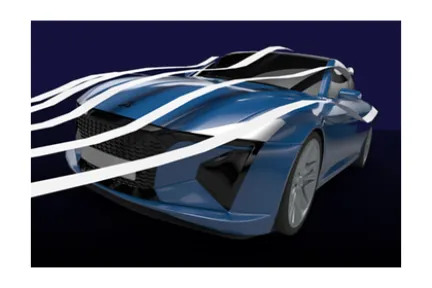
PowerFLOW MODSIM Advanced Common Model - ACM

This course provides a comprehensive overview of the Advanced Common Model (ACM) workflow within the PowerFLOW 2025 environment. Participants will learn the key stages of the ACM process that enable end to end simulation automation from CAD data to final results. The course covers the following major topics: ACM Identification: Learn how to process the 150% CAD Bill of Materials (BOM) and organize it into 100% BOM sorted into ACM modules using customer PLM tools. ACM Build: Understand how to create PowerFLOW compatible meshes using PowerDELTA templates, including automated meshing, gap filling, and manual mesh fixes to prepare accurate simulation models. ACM Scenario Setup: Discover how to set up simulation scenarios using PowerCASE ACM templates, including boundary conditions, measurements, visual representations, and partitioning. ACM Simulation and Results: Gain insights into submitting simulations using the PowerFLOW LBM solver, automated post processing with PowerINSIGHT, and interpreting various flow properties and result visualizations.

Course Catalog

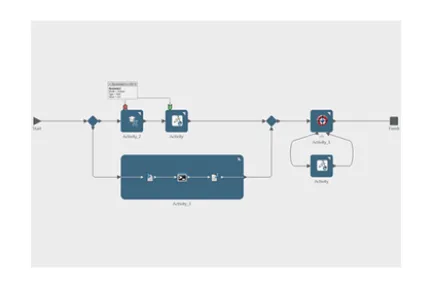
Process Composer Essentials

Automation Process Composer and Optimization Process Composer apps are apps for authoring simulation processes on the 3DEXPERIENCE platform. Such simulation processes can be used to automate simulations and capture best practices to distribute to other users in your organization. Optimization Process Composer also enables design space exploration with DOE and Optimization or reliability calculations including Monte Carlo simulation.

Course Catalog

Process Experience Studio Essentials

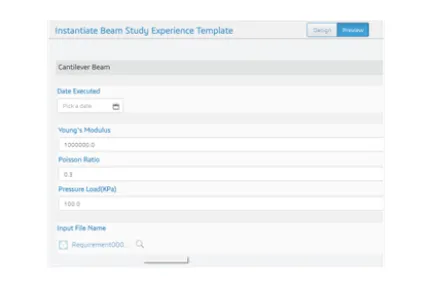
This course is an introduction to the Process Experience Studio widget on the 3DEXPERIENCE platform. Process Experience Studio allows engineers to create custom interfaces for distributing simulation processes and simulation templates throughout the organization. This widget is similar to a form builder which allows the engineer to develop a simple or complex interface of inputs and outputs to/from the process. Using the widget in a dashboard provides a way to collaborate in teams around process integration and automation.

Course Catalog

Quickstart: Durability Simulation on the 3DEXPERIENCE platform

This course provides a hands-on introduction to the durability features of the Structural Scenario Creation and Mechanical Scenario Creation apps on the 3DEXPERIENCE platform. It provides a quick start to fatigue loading definition, fatigue properties of materials, fatigue analysis and postprocessing

Course Catalog

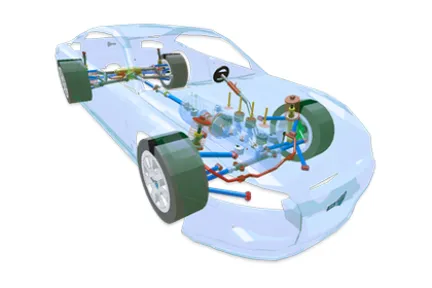
Quickstart: Motion and Multibody Simulation on the 3DEXPERIENCE Platform

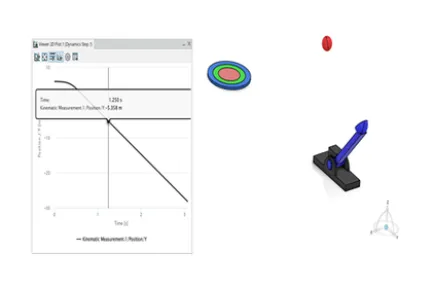
This course provides a hands-on introduction to the multibody features of the Motion Engineering, Motion Analysis and Suspension Analysis apps on the 3DEXPERIENCE platform. It provides a quick start to mechanism creation, multibody model element definition and postprocessing.

Course Catalog

Quickstart: Topology Optimization on the 3DEXPERIENCE Platform

This course offers a hands-on introduction to the topology optimization capabilities of the 3DEXPERIENCE platform. It provides a quick start to defining the design space, objectives, and constraints, as well as generating concept shapes and performing validation analyses

Course Catalog

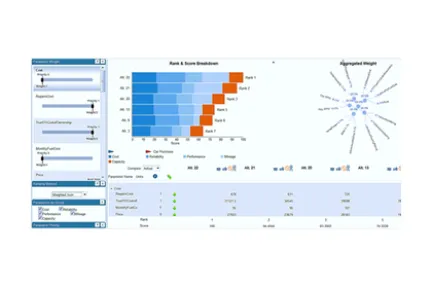
Results Analytics Essentials

This course is an introduction to the integrated web-based tool in the 3DEXPERIENCE platform that allows decision makers to collaboratively choose the best design from a large pool of data. This tool allows one to view and conduct Trade-off analyses.

Course Catalog

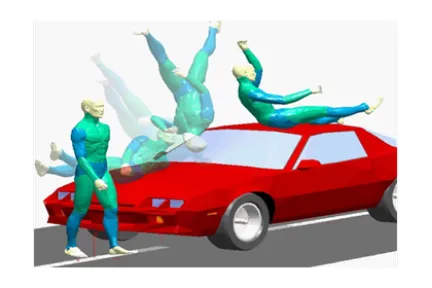
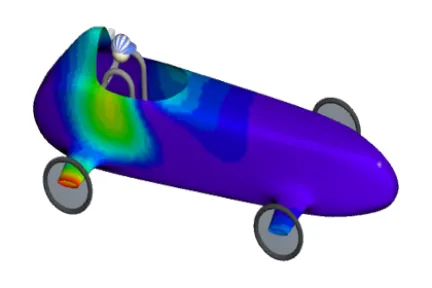
Simpack Automotive

This course describes the procedure to set-up road vehicle models and introduces Simpack’s Automotive elements (tires, roads, steering controllers, etc.).

Course Catalog
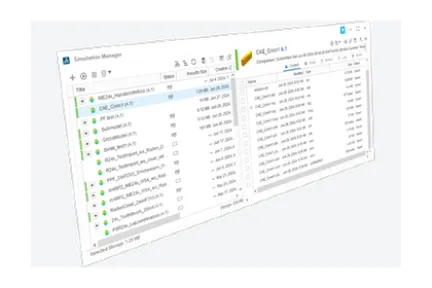
Simpack Contact Mechanics

This course explains the usage of Simpack’s modeling elements for contact mechanics and features that optimize the Simpack solver for generic contact simulations

Course Catalog
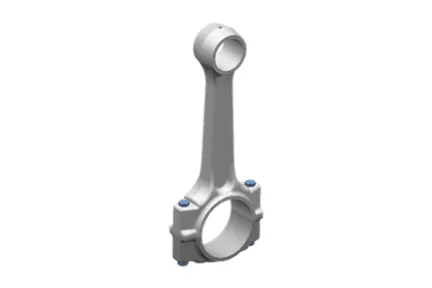
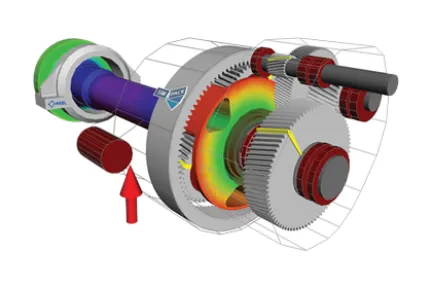
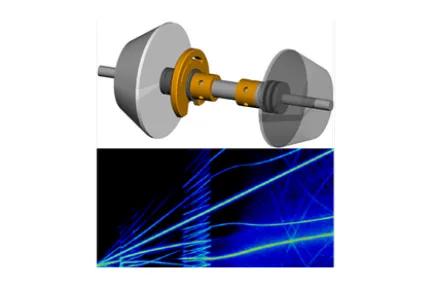
Simpack Drivetrain

The drivetrain training gives an overview of Simpack modeling elements and analysis methods available for drivetrain applications

Course Catalog

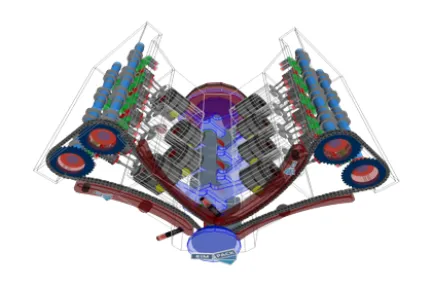
Simpack Engine

This course explains how to use Simpack specific modeling elements for engine applications. These include cranktrain modeling, the Dynamic Spring Generation tool, hydraulic lash adjuster, valvetrain, chain drive systems and Simpack Wizard together with the Engine demo database

Course Catalog

Simpack FlexTrack

This course explains how to set up flexible rail track models in Simpack.

Course Catalog

Simpack Flexible Bodies

This course is about structural flexibility in Simpack. It explains how to import linear finite element (FE) models into Simpack and how to model linear and nonlinear beam structures directly in Simpack

Course Catalog

Simpack NVH

This course covers the fundamental theory necessary to understand NVH, along with a detailed look at the NVH functionality within Simpack.

Course Catalog

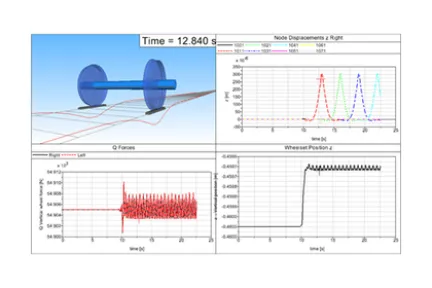
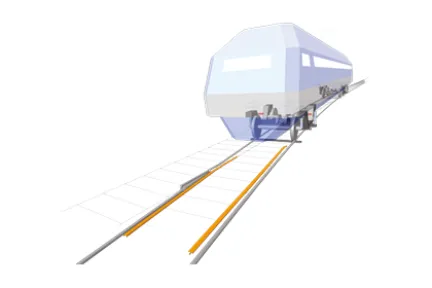
Simpack Rail

The Simpack Rail training explains how to use Modeling Elements to simulate rail-wheel contact, how to set up entire vehicle models, and the most important analysis types for rail vehicles.

Course Catalog

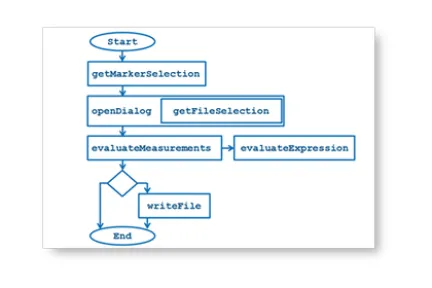
Simpack Scripting

This course explains how to automate tasks in Simpack Pre and Post through scripting. It provides user experience in terms of writing, running and debugging scripts.

Course Catalog

Simpack User Routines

The User Routines training explains how to add user-defined functionality to Simpack by means of Fortran subroutines.

Course Catalog

Simpack Wind

This course explains how to set up wind turbine models in Simpack, how to use the rotorblade generator with linear and nonlinear SIMBEAM elements, wind specific elements (including the interfaces to AeroDyn and HydroDyn), and how to use the Simpack wind load calculation tool.

Course Catalog

Simulation Manager Essentials

This course is an introduction to the Simulation Manager app on the 3DEXPERIENCE platform, enabling analysts to run, monitor, and manage simulations on the cloud, for analyses created using traditional SIMULIA products, such as Abaqus, CST, Simpack, PowerFLOW, XFlow, and Wave6

Course Catalog

Simulation Model Design Essentials

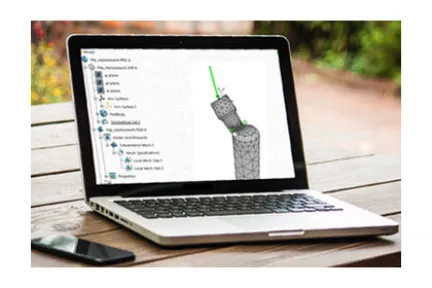
This course is an introduction to creating and assembling geometry in the 3DEXPERIENCE Platform. The focus is on techniques relevant to simulation

Course Catalog

Also Discover

Join the SIMULIA User Community

Connect with SIMULIA users, experts, and learners worldwide. Explore discussions, technical insights, learning resources, and shared experiences across industries and disciplines.

Customized Training for Your Team

Organize private or on-site instructor-led training adapted to your products, workflows, and business objectives. Contact SIMULIA training teams to discuss your needs and request a customized learning program.

Get Help

Find information on software & hardware certification, software downloads, user documentation, support contact and services offering