Delivering New and Updated Capabilities to All Users Throughout the Enterprise

Dassault Systèmes has delivered 3DEXPERIENCE Release R2026x to all customers, including enhancements for MODSIM (Unified Modeling & Simulation), CATIA & SOLIDWORKS designer simulation, Cloud simulation flexibility and performance. We continuously enhance the functionality of our products, and regularly deliver these to you throughout the year. Learn here about the latest and greatest simulation functionality in our SIMULIA portfolio available to you on the 3DEXPERIENCE platform.

3DEXPERIENCE SIMULIA R2026x FD03

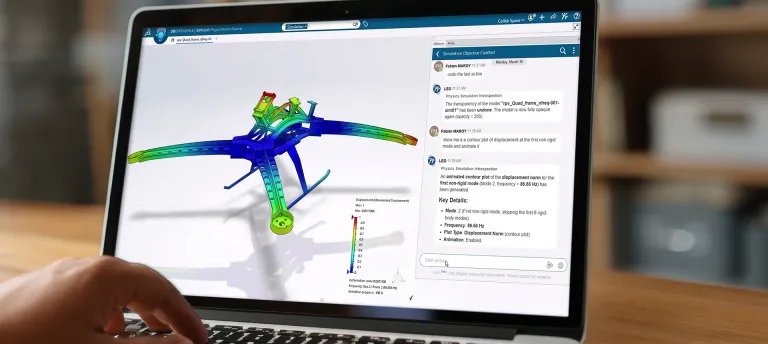
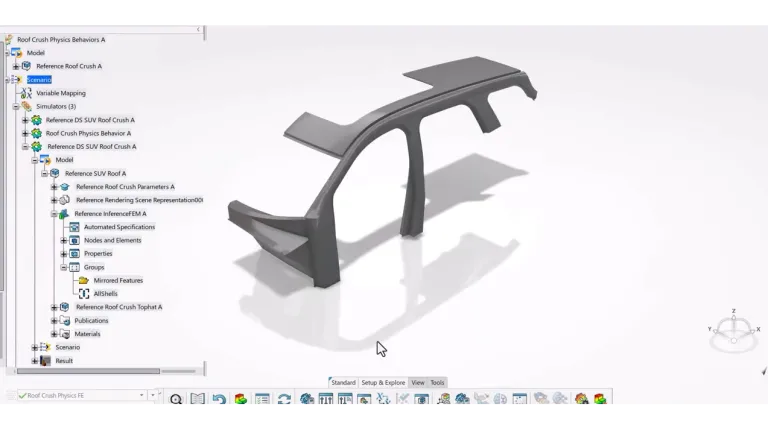
Virtual Twin Physics Behavior Creator

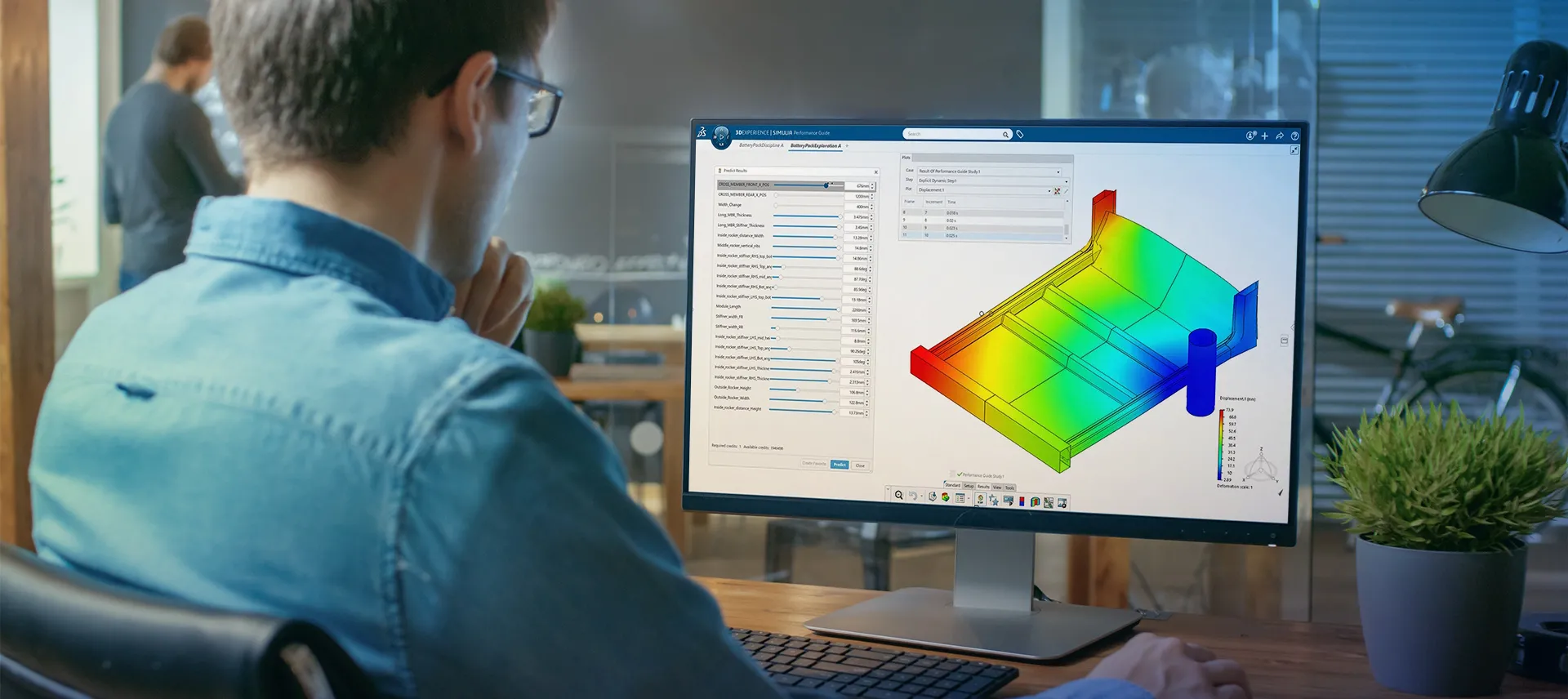
Accelerate innovation by training Virtual Twin Behavior Models with machine learning based on high-fidelity physics data to deliver trustworthy, simulation-driven predictions at scale.

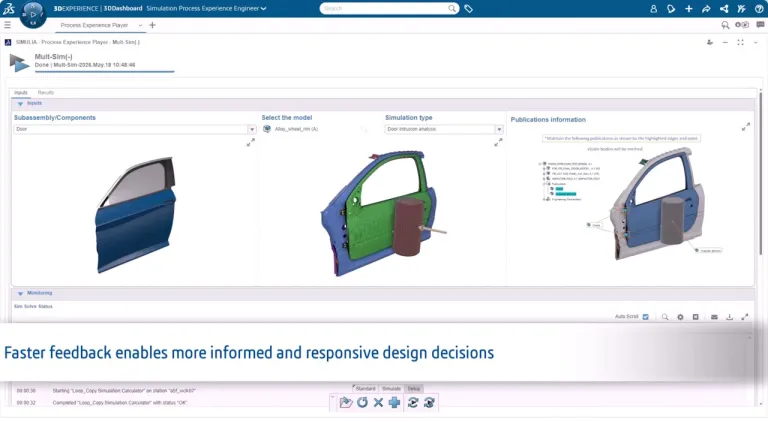
Simulation Process Experience Engineer

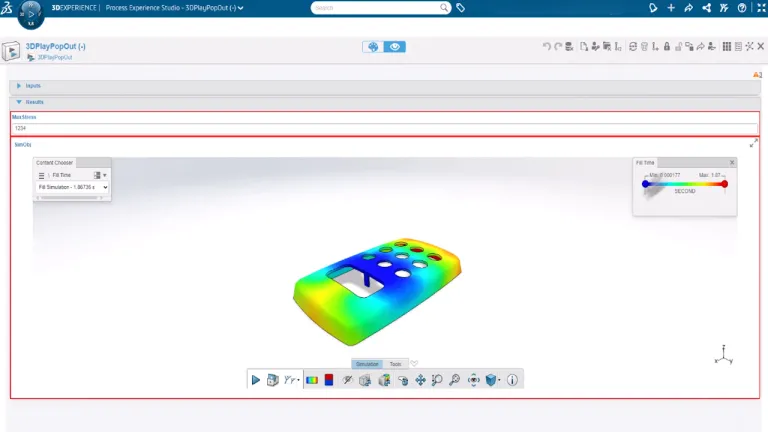
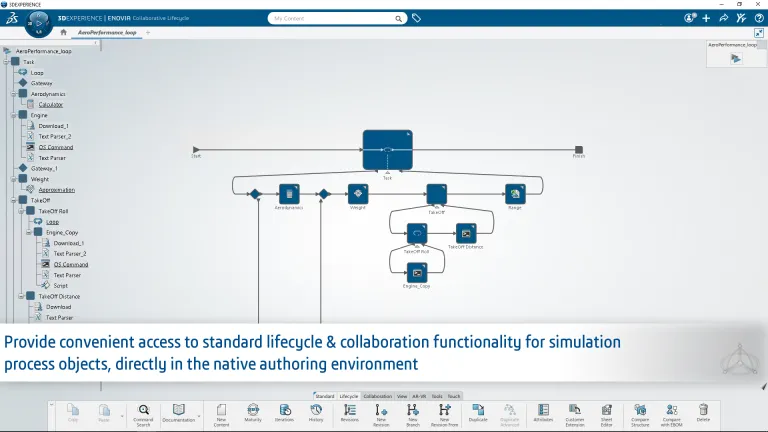
This new role, Simulation Process Experience Engineer (PXS) is designed to improve engineering productivity and expand simulation adoption by enabling users to execute approved methodologies through intuitive, guided experiences, which ensure consistency and reduce complexity. It is a further step in the democratization of simulation. The simulation user has access to approved engineering methods that are provided through templates.

Further Enhancements to 3DEXPERIENCE SIMULIA FD03

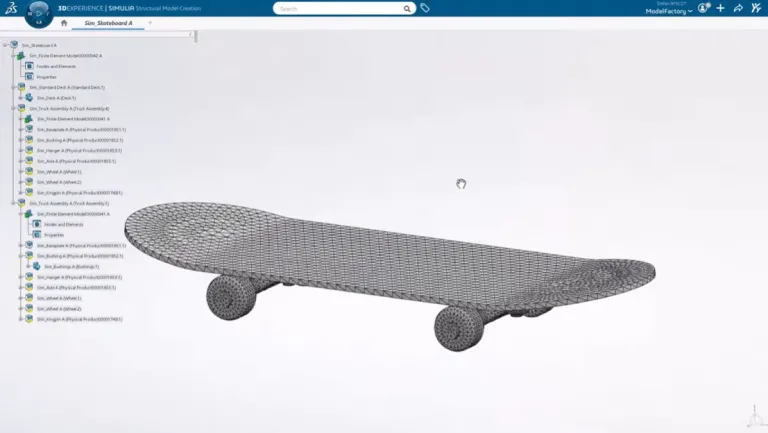
Structures UX Enhancements

  • Unconstrained Mode Detection is enabled by default for faster analysis troubleshooting (Structural Analysis Engineer, Structural Analysis Engineer, Structural Mechanics Engineer, Structural Mechanics Analyst)
  • Monitor, query and create simulation results interactively during solution progress (Structural Analysis Engineer, Structural Analysis Engineer, Structural Mechanics Engineer, Structural Mechanics Analyst)
  • Improved usability of load sets and load case creation tools; efficiently define loads, boundary conditions (Structural Analysis Engineer, Structural Analysis Engineer, Structural Mechanics Engineer, Structural Mechanics Analyst)
  • Add annotations to identified hotspots, detecting local min/max on a user-defined area (Structural Analysis Engineer, Structural Analysis Engineer, Structural Mechanics Engineer, Structural Mechanics Analyst)
  • Name and comment results for better organization of complex analysis outputs (Structural Mechanics Engineer, Structural Mechanics Analyst)
  • Resume stopped simulations from any saved increment or step of incomplete multistep analyses (Structural Mechanics Engineer, Structural Mechanics Analyst)

Structures Functionality Enhancements

  • Advanced Lanczos and Subspace iteration solvers for reliable frequency response analysis (Structural Analysis Engineer, Structural Analysis Engineer, Structural Mechanics Engineer, Structural Mechanics Analyst)
  • GPU compute technology for faster explicit dynamic simulations (Structural Mechanics Engineer, Structural Mechanics Analyst)
  • Encrypted material file support for secure sharing of protected material definitions (Structural Mechanics Engineer, Structural Mechanics Analyst)
  • Composite solid element results visualization for assessing composite structural performance (Structural Mechanics Engineer, Structural Mechanics Analyst)
  • Relative stress gradient correction for more accurate fatigue life predictions (Structural Mechanics Engineer, Structural Mechanics Analyst)

3DEXPERIENCE SIMULIA R2026x FD02

Simulation Foundation Essential Collaborator

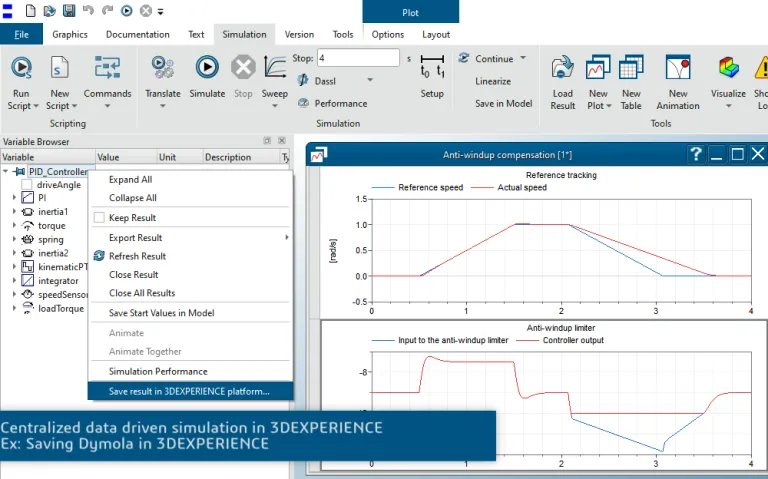
Simulation Foundation Essential Collaborator enables users to store and manage models, simulations, and results as a single Simulation Object in the 3DEXPERIENCE platform. With centralized data, it enables efficient data-driven decisions by developing 3DEXPERIENCE Simulation Power'BY applications using the MSR data model. 
Further Enhancements to 3DEXPERIENCE SIMULIA FD02

Structures 2026 FD02 > Dassault Systemes

Structures User Experience Enhancements

  • Accelerate creating and configuring connections by re-using previously defined parameters and templates (Structural Engineer, Structural Performance Engineer, Durability and Mechanics Engineer, Structural Analysis Engineer)
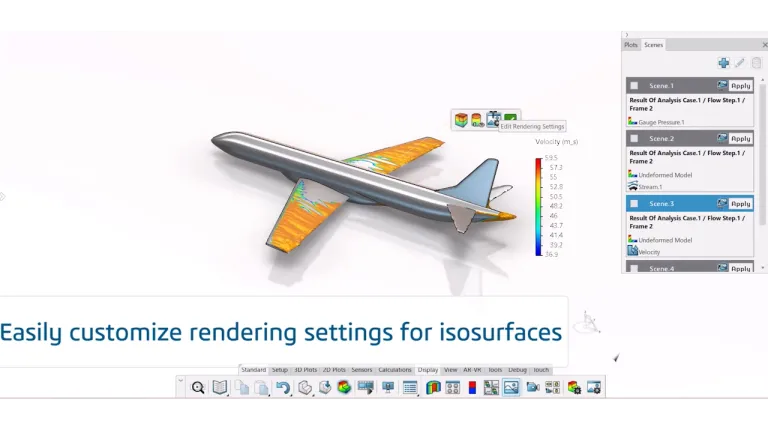
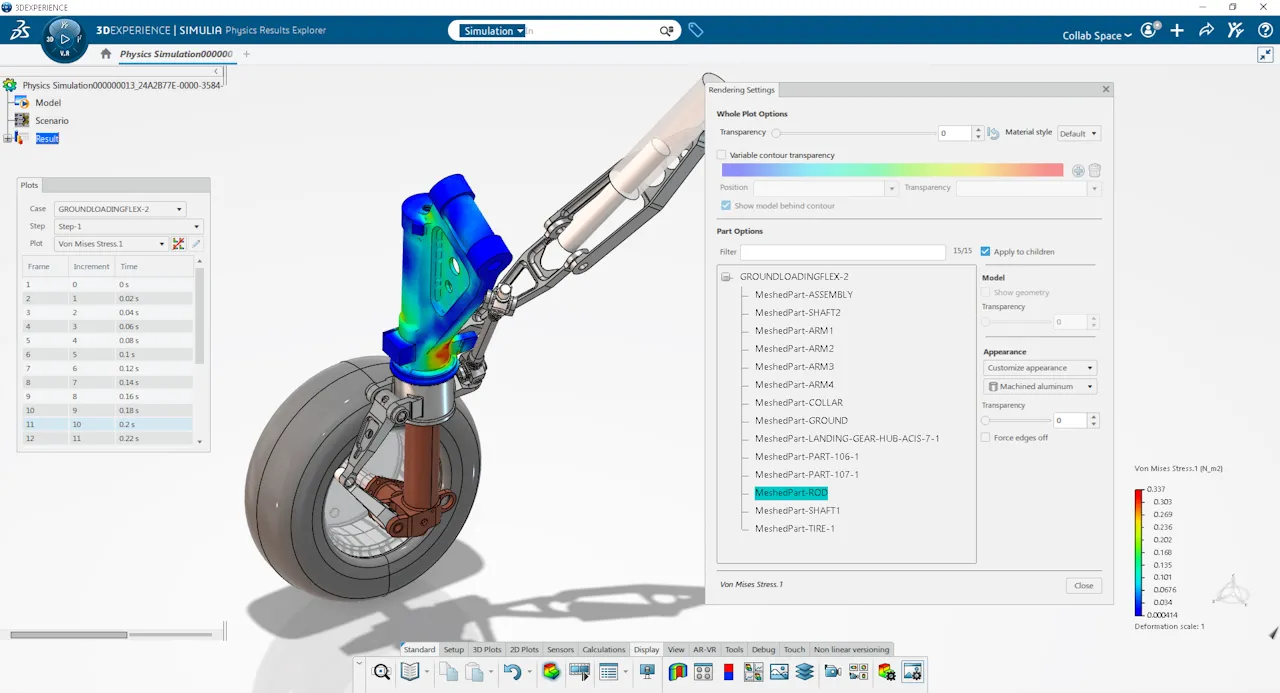
  • Easily create high-end visualizations of orphan results with new part-based rendering settings in Physics Results Explorer (Structural Engineer, Structural Performance Engineer, Durability and Mechanics Engineer, Structural Analysis Engineer)
  • Rapidly select all faces of partitioned geometry as geometrical supports for quick definition of relevant operating conditions (Structural Engineer, Structural Performance Engineer, Durability and Mechanics Engineer, Structural Analysis Engineer)
  • Easy redefinition of mechanical contact numerical parameters enabling more accurate modeling of product physical behavior (Structural Performance Engineer, Durability and Mechanics Engineer, Structural Analysis Engineer)

Structures Functionality Enhancements

  • Improve local mesh quality with support of a minimum element size when defining local sag specifications (Structural Engineer, Structural Performance Engineer, Durability and Mechanics Engineer, Structural Analysis Engineer)
  • Performant and streamlined definition of a large number of loading features and pertinent load cases to represent aircraft operating conditions for internal loads analysis (Structural Engineer, Structural Performance Engineer, Durability and Mechanics Engineer, Structural Analysis Engineer)
  • Improve the accuracy of threaded bolt connection simulations with added support for threaded contact (Structural Engineer, Structural Performance Engineer, Durability and Mechanics Engineer, Structural Analysis Engineer)
  • Easily create a high-fidelity mesh of solid rods from 3D Part with an automatic procedure of extracting the neutral fiber, meshing and defining its section properties (Structural Engineer, Structural Performance Engineer, Durability and Mechanics Engineer, Structural Analysis Engineer)
  • Improve mesh quality with the option to auto-defeature small fillets (Structural Engineer, Structural Performance Engineer, Durability and Mechanics Engineer, Structural Analysis Engineer)
  • Optimize mesh orientation around holes by aligning patterns through constrained node movement along the circular boundary (Structural Engineer, Structural Performance Engineer, Durability and Mechanics Engineer, Structural Analysis Engineer)
  • Advance the accuracy of durability simulations with the ability to apply a critical distance theory correction (Durability and Mechanics Engineer, Structural Analysis Engineer)
  • Effective modeling of the stabilized nonlinear structural response of products subjected to cyclic loading for efficient virtual product validations (Structural Analysis Engineer)

3DEXPERIENCE SIMULIA R2026x FD01

XFlow Analyst

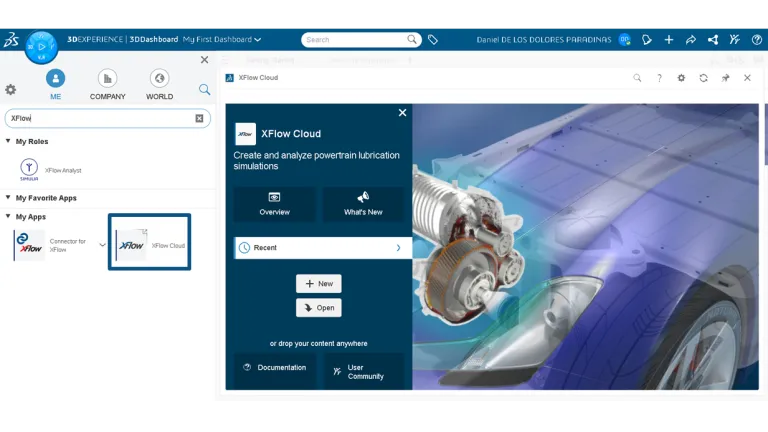
The XFlow Analyst is a new Cloud Accelerator (CA) role that delivers an end-to-end, web-based, interactive, session-based workflow for preparing, running and post-processing XFlow simulations on the 3DEXPERIENCE Cloud.

Further Enhancements to 3DEXPERIENCE SIMULIA FD01

Functionality Enhancements

  • Compare design alternatives leveraging SOLIDWORKS configurations for efficient what-if scenarios (Structural Designer, Structural Engineer, Structural Performance Engineer, Durability and Mechanics Engineer, Structural Analysis Engineer)
  • Create high-quality mesh with improved mesh flow algorithm addressing small geometric features—holes, fillets and flanges (Structural Engineer, Structural Performance Engineer, Durability and Mechanics Engineer, Structural Analysis Engineer)
  • Amend intersecting model sections with enhanced automatic and manual tools to fix intersections and penetrations (Structural Engineer, Structural Performance Engineer, Durability and Mechanics Engineer, Structural Analysis Engineer)
  • Accelerate selection of specifications definitions with selection by propagation for topology Edges and Domains (Structural Engineer, Structural Performance Engineer, Durability and Mechanics Engineer, Structural Analysis Engineer)
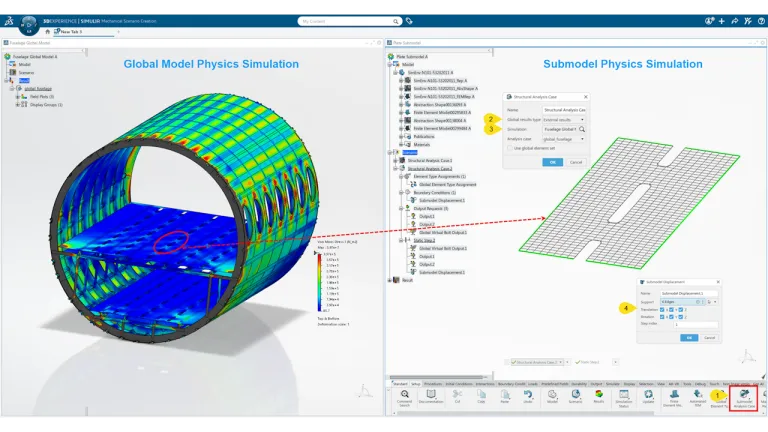
  • Validate sub-model accuracy by overlaying outputs with the global model (Structural Performance Engineer, Durability and Mechanics Engineer, Structural Analysis Engineer)
  • Automate fastening creation with increased allowable point fastener stacking combinations and constructs (Structural Performance Engineer, Durability and Mechanics Engineer, Structural Analysis Engineer)
  • Flexible definition of contact formulation parameters for robust modeling of product performance (Structural Performance Engineer, Durability and Mechanics Engineer, Structural Analysis Engineer)
  • Create high-fidelity digital representations of advanced materials with new material calibration options (Durability and Mechanics Engineer, Structural Analysis Engineer)

User Experience Enhancements

  • Review simulation results with results plot legend enhancements (Structural Engineer, Structural Performance Engineer, Durability and Mechanics Engineer, Structural Analysis Engineer)
  • Detect and create point fasteners based on placement lines (Structural Engineer, Structural Performance Engineer, Durability and Mechanics Engineer, Structural Analysis Engineer)
  • Import Abaqus input files by bringing model and materials in one step (Structural Engineer, Structural Performance Engineer, Durability and Mechanics Engineer, Structural Analysis Engineer)
  • Create mesh groups directly in the support manager while defining scenario features (Structural Performance Engineer, Durability and Mechanics Engineer, Structural Analysis Engineer)
  • Define and select exact time points when configuring output requests for thorough results examination (Structural Performance Engineer, Durability and Mechanics Engineer, Structural Analysis Engineer)
  • Improve the accuracy of complex assembly simulations with consolidated definition of contact formulation parameters and controls (Structural Performance Engineer, Durability and Mechanics Engineer, Structural Analysis Engineer)
  • Create amplitudes while defining scenario features to simplify loads and boundary condition definition (Durability and Mechanics Engineer, Structural Analysis Engineer)

3DEXPERIENCE SIMULIA R2026x

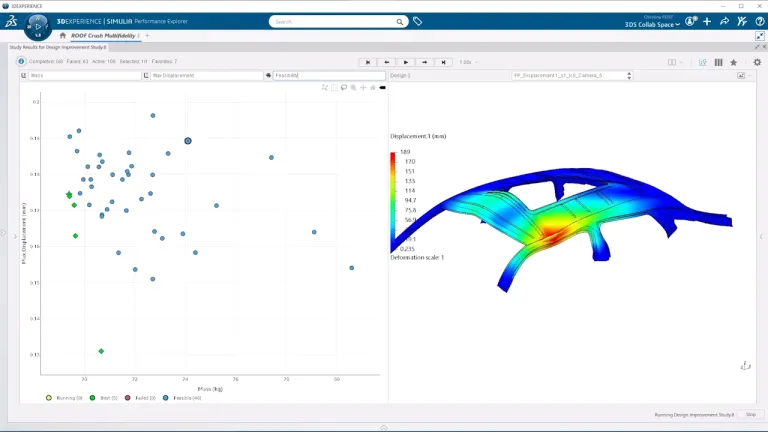
Physics Simulation Advisor is the role for interacting with AI-powered Virtual Twins Physics Behavior, which provides quick evaluations of the performance of a design to compare design alternatives or show the impact of a design change. The 2026x release sees enhanced management of favorite designs and access to requested KPI results from predictions.

Structural Analysis Engineer role and other Structures roles have a new KPI-focused results exploration. This offers the ability to define simulation goals in the Physics Results Explorer and a user-friendly pass-fail view showing which goals have been met, in order to quickly identify problems and begin the investigation of the root cause of failures.

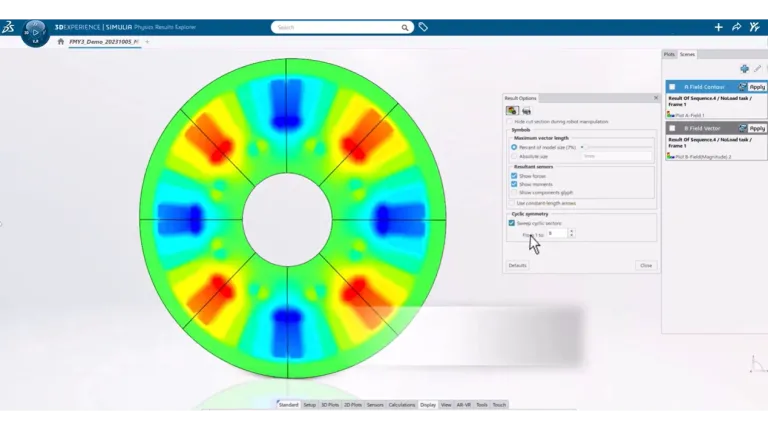
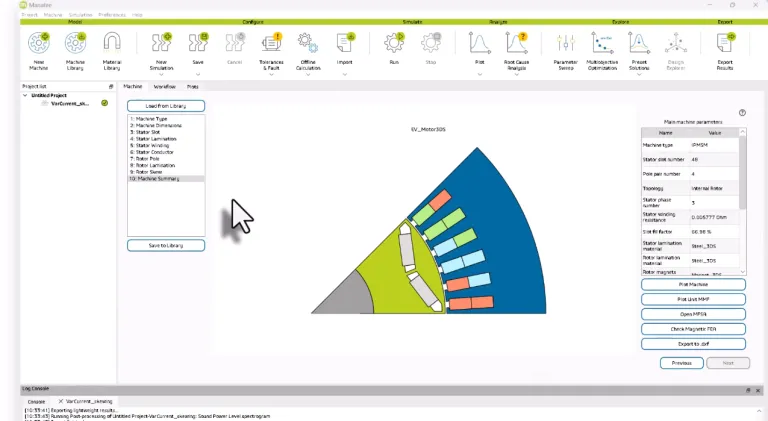
Electromechanical Analysis Engineer role also sees enhancements in the Physics Results Explorer, with the ability to easily measure the performance of an electrical machine from heatmap sensors, and a new link to SIMULIA Parametric Design Study. Users can now also visualize transient electromagnetic fields in linear actuators and similar machines, taking the motion of the device into account.

For the design and analysis of electromagnetic systems on the 3DEXPERIENCE platform, Electromagnetics Engineer role now enables the efficient conversion of electrical behavioral models for connectors into electronic logical components. The relationship between the logical and physical models can be easily managed on the 3DEXPERIENCE platform.

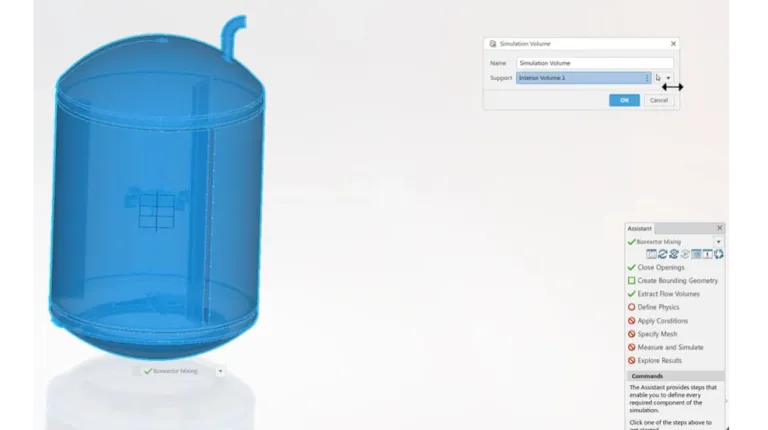
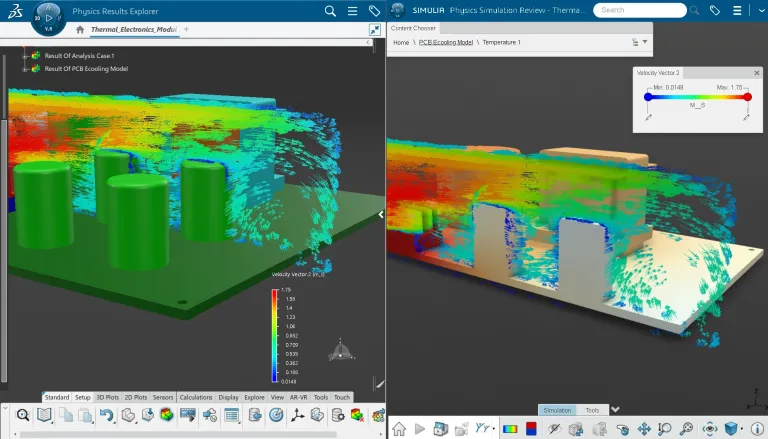
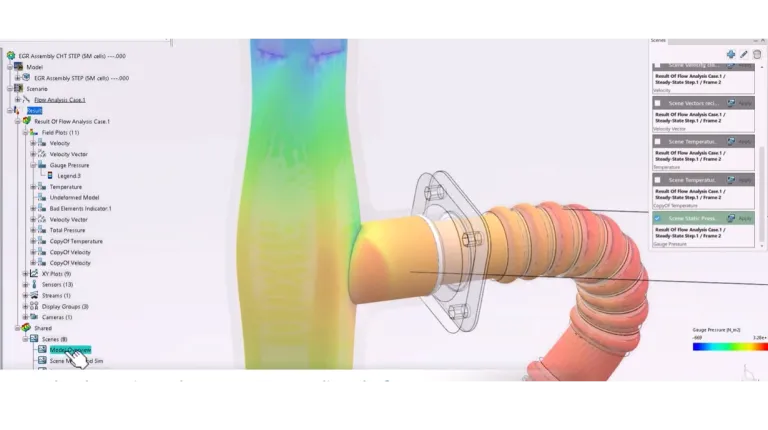
Fluid Dynamics Engineer role has seen several significant enhancements to its workflows and underlying technology. Applications that benefit from these problems include electronic cooling applications, with new electronics cooling component models, and centrifugal pumps, with the ability to simulate rotating geometry in the geometry-based workflow. Immediately assess product performance with a new KPI-centric approach to Results Exploration, introducing the new Goals command in Physics Results Explorer.

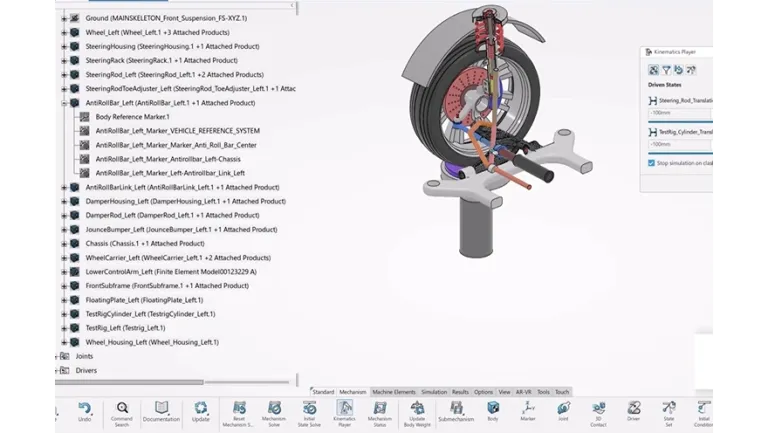
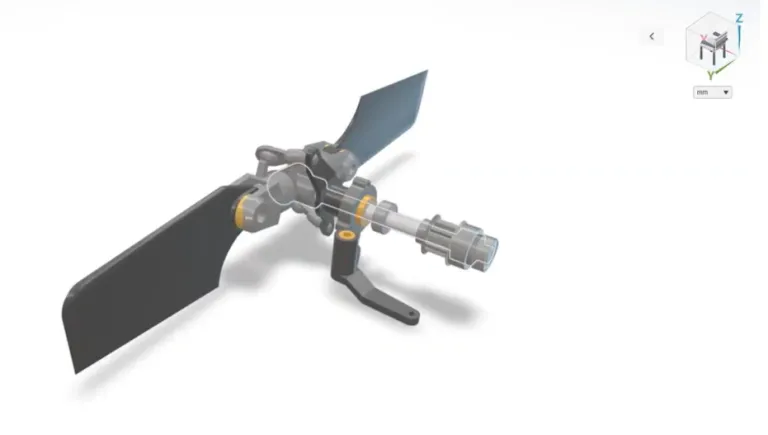
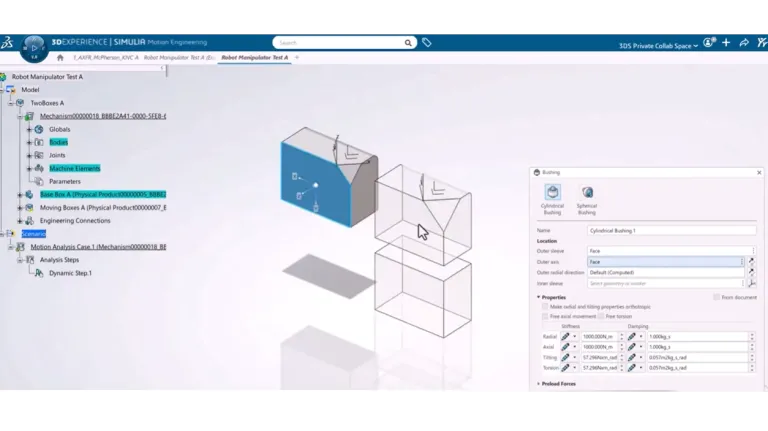
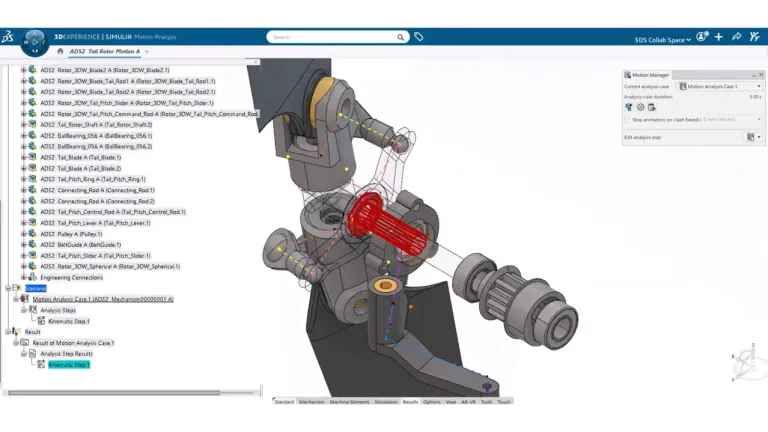
Motion Analyst, the role for multi-body system dynamics simulation, now has support for advanced flexible body damping capabilities in Motion Analysis and more advanced system excitation definition using knowledgeware design tables and user-defined formulas.

Start Your Journey

Explore the latest SIMULIA R2026x resources, including webinars, blogs, videos, and expert insights to help you get the most from the release.

Also Discover

Learn What SIMULIA Can Do for You

Speak with a SIMULIA expert to learn how our solutions enable seamless collaboration and sustainable innovation at organizations of every size.

Get Started

Courses and classes are available for students, academia, professionals and companies. Find the right SIMULIA training for you. 

Get Help

Find information on software & hardware certification, software downloads, user documentation, support contact and services offering