Unlock the Future of Innovation with CATIA R2026x
Discover the latest AI-driven capabilities built for fast-moving teams who need to innovate without limits
EBooks
CATIA R2026x brings AI-assisted workflows, refined design tools and expanded web access for all users who demand more from their tools.
3DEXPERIENCE CATIA R2026x changes how teams approach design and engineering. With Virtual Companions guiding your workflows, smarter surface tools shaping your ideas and 25 new web-compatible roles and applications, you can move from concept to completion with greater speed and confidence. Every enhancement is designed to remove friction so you can focus on what matters most: creating exceptional products.
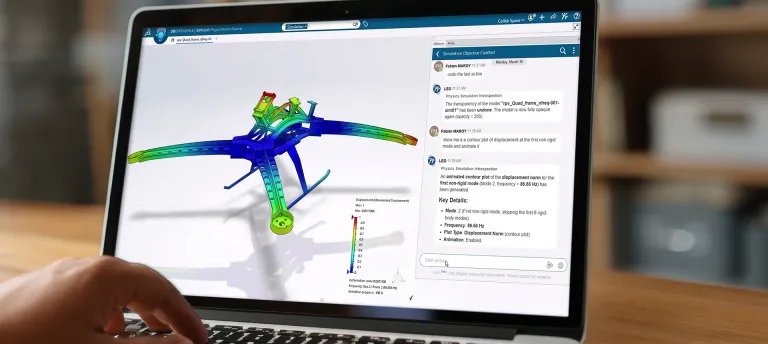
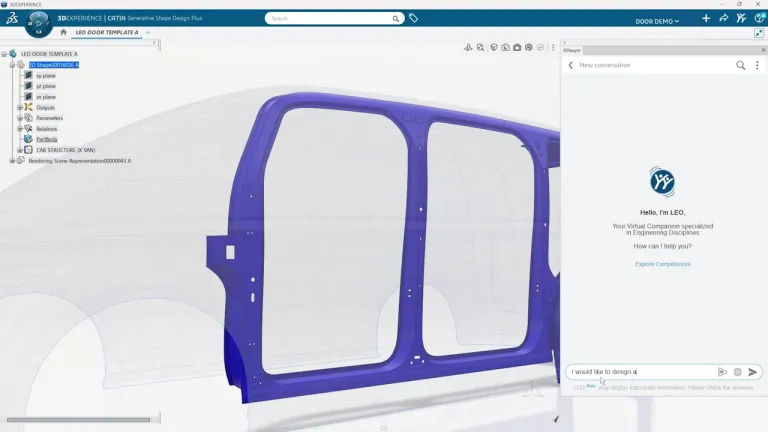
Say hello to LEO, your AI engineering companion inside CATIA. Built for mechanical engineering, LEO takes on the coordination work that slows projects down. It automates multi-step engineering workflows and manages task allocation across complex projects, so the right work reaches the right place at the right time. Obsessed with validation, manufacturing and system integrity, LEO turns your prompts into structured action—generating assembly structures, running simulation studies, diagnosing model issues and resolving design errors. The result? Less time spent coordinating, and more time spent on the scientific validation that defines great engineering.
CATIA is constantly evolving to offer you the best possible experience. Discover what's new in 3DEXPERIENCE CATIA R2026x, featuring AI-driven design, simulation, and Virtual Twin technology.
This e-book explores how to redefine generative design through a new Space of Possibilities, empower teams with Augmented Engineering, and deliver Fit-for-Use products.
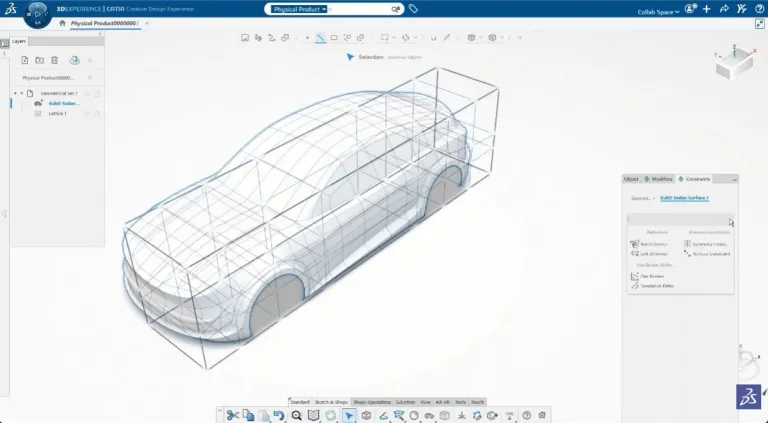
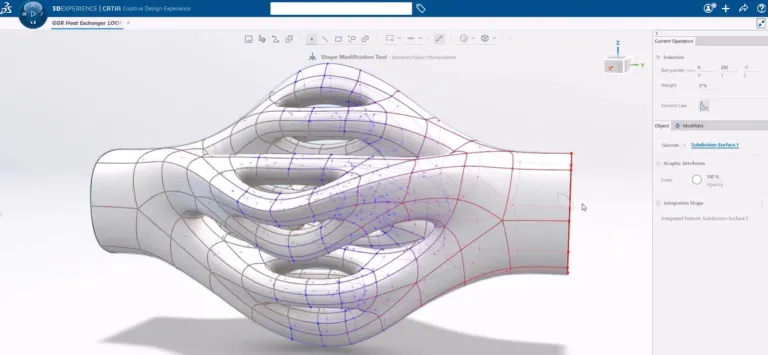
The new Box Deformer in CATIA 2026x gives designers direct, intuitive control over complex shapes.
Wrap a model in a control box and reshape it through simple manipulations, driving fast concept exploration while respecting the original design intent. This approach speeds up early ideation and lets styling teams test more variants in less time.
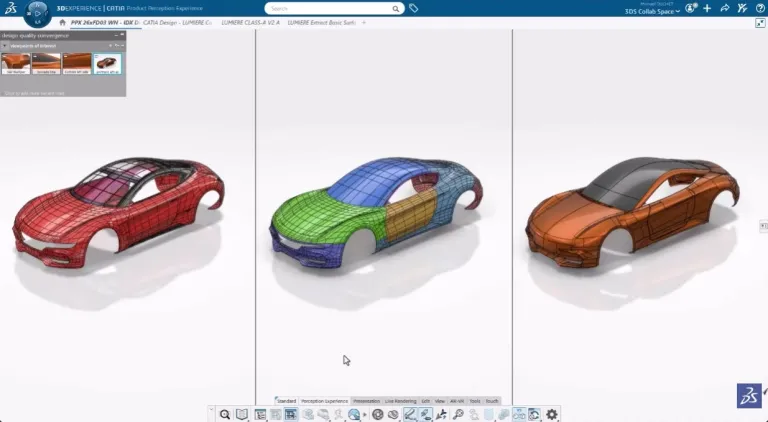
Surface Refinement delivers stronger usability and accuracy for class A modelers and transportation design teams.
Improved selections, refined fillet and concatenate capabilities and a compare mode with split-screen views help designers create perfect surfaces and evaluate variants with confidence. Teams spend less time managing model structure and more time on quality decisions.
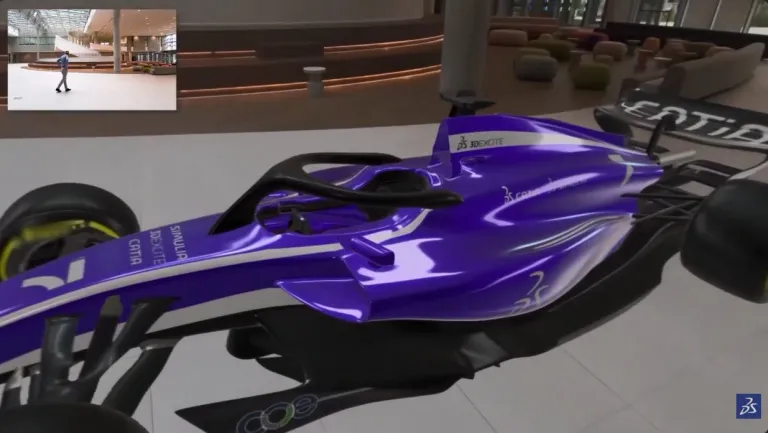
Visualization capabilities in CATIA 2026x bring physically accurate rendering into the decision-making process.
High-quality real-time visualization, validation rendering and immersive review tools - including support for Apple Vision Pro - let teams take reliable visual decisions earlier, catching issues before any physical prototype exists. This shortens review cycles and connects creative designers and engineers around a shared, accurate view.
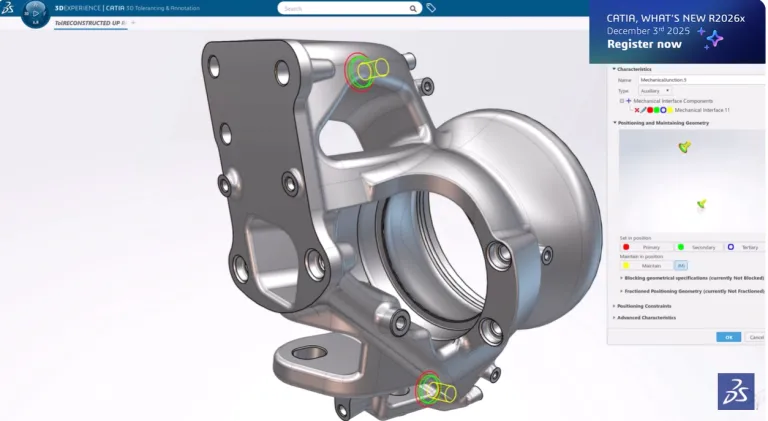
CATIA 2026x extends 3D Tolerancing to the product level, providing engineers with a consistent way to define and manage geometric requirements across assemblies.
Annotations link directly to requirements, creating a digital thread from design through drawings to manufacturing specifications. This continuity reduces errors, strengthens compliance and improves accuracy across your development process.
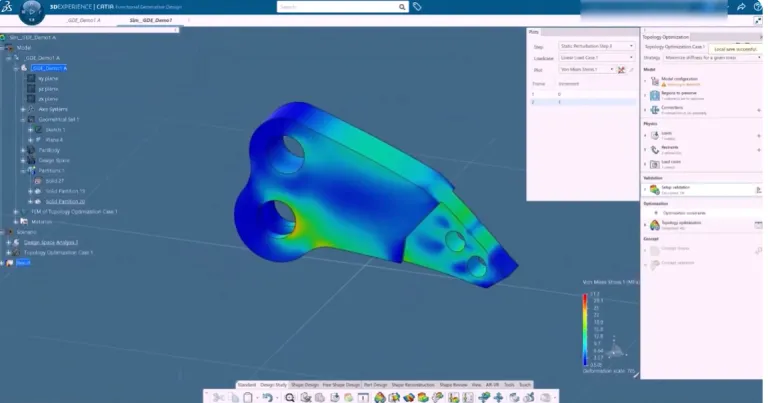
Generative-Driven Design combines parametric optimization with faster convergence to produce better-performing geometry in fewer cycles.
Engineers define design variables and constraints, then let the platform converge on an exact B-rep result ready for the next step. Loads and load cases are imported directly from spreadsheets, saving time and eliminating manual-entry errors, so your teams can reach optimized designs with less rework.
Visual Scripting in CATIA 2026x is the next generation of knowledge automation, letting engineers build algorithms without writing code.
New behaviors hide intermediate steps to reduce clicks, color-coded data flows simplify debugging, and a layout assistant automatically organizes complex graphs. Teams generate parametric animations, protect valuable algorithms with IP controls and produce algorithmic geometry in hours rather than days.
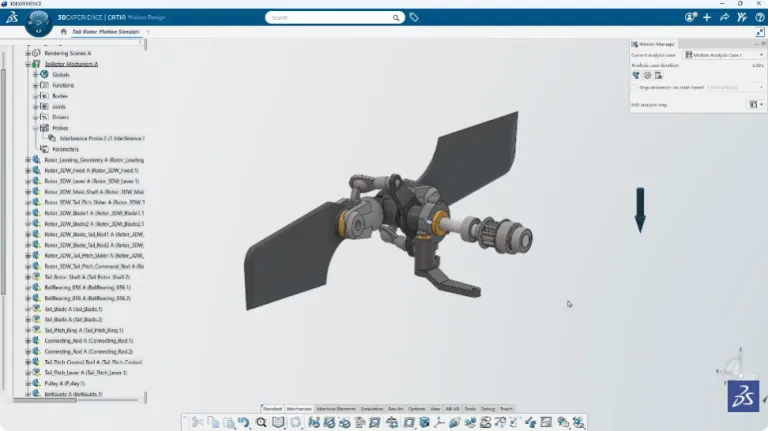
Motion Design helps engineers validate the behavior of mechanisms with greater clarity.
A refreshed interference probe report makes clashes easier to identify and understand, while a new store-and-recall function captures mechanism positions for quick review. These enhancements turn kinematics findings into clear, shareable results and keep your validation reviews moving efficiently.
This solution brings electrical, electronics and software architecture into a single workbench. It answers the core questions of system definition: who does what and who exchanges what. Teams define software and hardware architectures, allocate software to execution platforms and produce synthesis tables ready for tier-one suppliers, supporting a multi-industry path across transportation, aerospace and industrial equipment.
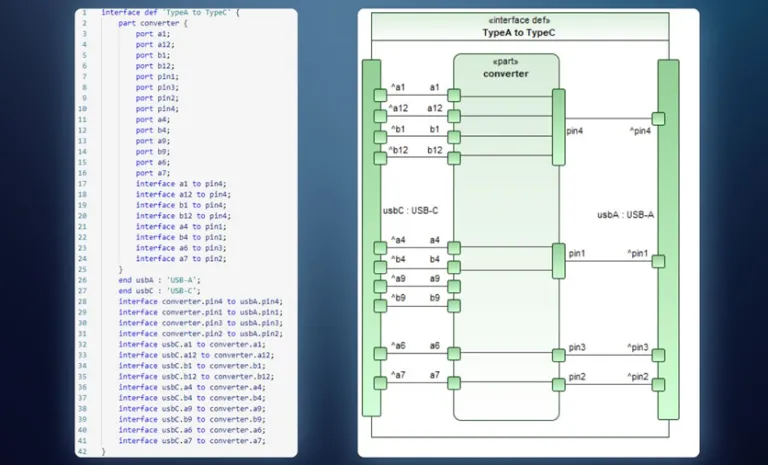
As products become more connected, teams need to model relationships across multiple systems, not just within a single one. Magic Systems of Systems Architect helps architects capture how independent systems interact and depend on one another, giving decision-makers a clearer view of complex, large-scale architectures and their multidisciplinary impact.
SysML v2 support in CATIA Magic and Cameo advances model-based systems engineering by providing a clearer structure and stronger relationships among model elements. This alignment improves integration with requirements, tests and downstream engineering processes, strengthening the digital thread across the lifecycle. For your teams, it means better model clarity, faster collaboration between systems and software groups and less effort managing complex system architectures.
CATIA 2026x streamlines building design by keeping engineering intent connected to the model.
Levels and grids integrate into standard copy-paste protocols, so teams distribute and reuse engineering templates with ease. Updating a level trigger synchronized regeneration of slabs, walls and other elements, while enhanced openings cut cleanly through concrete and columns. Smarter wall constraints and configurable object types help teams start projects faster and produce accurate models with less manual effort.
For civil engineering projects, CATIA 2026x introduces corridor segmentation, transforming how teams work on large-scale roads.
Long road designs are split into segments, so editing one section updates only the affected part rather than recomputing the entire model, improving performance on projects that span many kilometers. Support for the IFC 4X3 standard adds new road-oriented element types, strengthening compliance and improving data exchange across your infrastructure workflows.
Explore the latest CATIA R2026x resources, including webinars, blogs, videos, and expert insights to help you get the most from the release.
Discover the latest AI-driven capabilities built for fast-moving teams who need to innovate without limits
EBooks
Connecting 3DEXPERIENCE CATIA to your existing PLM backbone. Hosted by T-Systems & Dassault Systèmes.
E-seminar
An overview of the Dassault Systèmes solutions around Model-Based System Engineering and the integrations of a multi-discipline ecosystem and integrations.
E-seminar
Bring Industry-Grade AI to Life with Virtual Companions.
Explore the latest SIMULIA R2026x release, featuring new capabilities, product enhancements, technical resources, webinars, and expert insights.
Speak with a CATIA expert to learn how our solutions enable seamless collaboration and sustainable innovation at organizations of every size.
Courses and classes are available for students, academia, professionals and companies. Find the right CATIA training for you.
Find information on software & hardware certification, software downloads, user documentation, support contact and services offering