

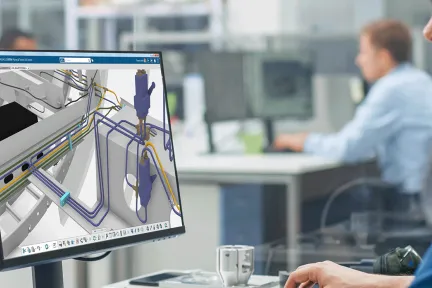
Collaborative Circuit Board Designer
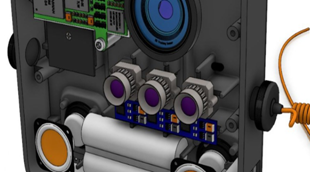
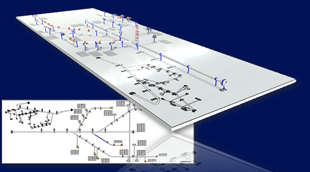
Offer the engineering virtual twin of electronic assembly board in context of MCAD design, reducing time to market thanks to virtual mechanical integration.
Role
A Comprehensive Set of Engineering Roles Integrated in a Seamless Design Process
With the ever-increasing demand for more complex and sustainable systems, Electrical and Fluid Engineering faces critical challenges for energy efficiency, system integration, and optimized behavior. Quality of electrical and fluid design becomes paramount to ensure proper feature delivery and avoid costly modification late in the manufacturing process.
Full integration is crucial for seamless processes and compatibility between technologies. Overcoming these challenges requires collaboration, staying updated with advancements, and adopting a multidisciplinary approach for efficient solutions in these fields.
Bring teams together with a single platform to exchange relevant data between all stakeholders.
Enable systems engineering from early conceptual steps all the way to realization of final products.
Provide dedicated assistance and automation tools to empower the ideas of system engineers.
A Powerful End-to-end Process for All Electrical Designers
Design End-to-end, compliant Fluid Systems in a Collaborative Product Development platform
CATIA Electrical & Fluid solutions are built on the Dassault Systèmes 3DEXPERIENCE platform for systems engineering. They share a common, open, extendable data-model and repository that delivers a consistent view of information across all engineering disciplines and applications. This data model is at the heart of an integrated workflow that links systems architecture definition through schematics and 3D routed systems representation up to manufacturing preparation.
These system representations all access the same underlying component definitions, ensuring design consistency and product quality. Throughout the development process, integrated knowledge management capabilities facilitate automated checks of the systems design against predefined compliance rules and standards.
CATIA Electrical & Fluid Engineering software products are packaged as Roles on the 3DEXPERIENCE platform to get you up to speed faster and work more efficiently with all needed applications available at your fingertips. Select a package that corresponds to your role in an organization.
Offer the engineering virtual twin of electronic assembly board in context of MCAD design, reducing time to market thanks to virtual mechanical integration.
Role
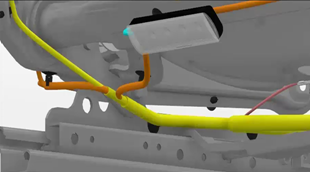
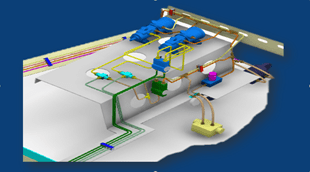
Optimize the physical design of wire harnesses and cable systems in context of the complete product and prepare quickly high quality manufacturing documentation
Role
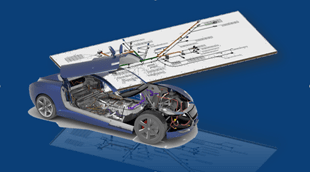
An integrated 3D electrical development environment which enables the physical design of wire harnesses and cabling in the context of the complete product
Role
An integrated 3D electrical development environment which enables the physical design of cabling and cable tray systems in context of the complete product
Role
Save costly development time by optimizing the quick preparation of high quality manufacturing documentation
Role
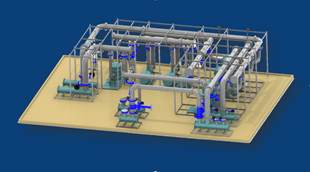
Improve piping, tubing and HVAC systems quality, shorten design time and reduce material costs by optimizing the physical design of complex fluid systems
Role
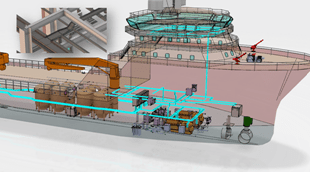
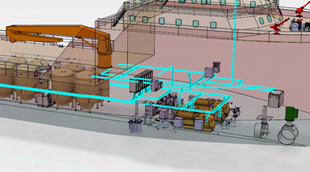
Engineer fluid & electrical systems and steel layout equipment while ensuring integration/synchronization in context of the overall ship or offshore platform
Role
An integrated 3D fluid systems development environment for the physical design of piping and HVAC systems in the context of the Digital Mock-Up
Role
Create discipline-specific intelligent schematics for wiring, cabling, piping/tubing and HVAC systems
Role
The Cutting Edge of Electromechanical Integration
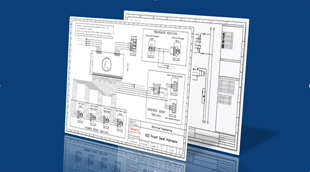
Electrical Schematic and Wiring Diagrams
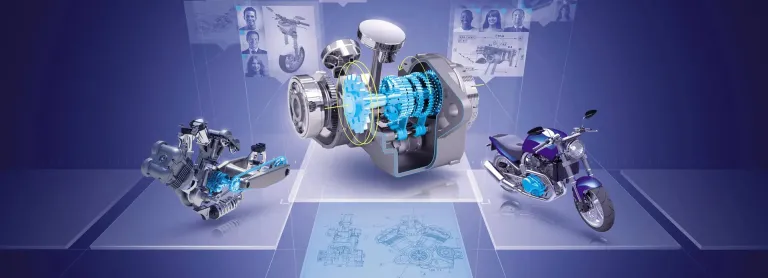
Virtual Twin for Electrical & Fluid Systems Design Process
EBooks
Discover how Marcopolo uses the 3DEXPERIENCE platform to streamline bus development, centralize product data, and speed time to market.
Customer Story
Manage traceability along the entire electrical systems life-cycle
E-seminars
I had to share the story of this incredible service provided to one of our clients: 20 Million Euros saved in two weeks work with STIMULUS:
CATIA MBSE CYBER SYSTEMS
The SE Commision of UCODS is pleased is pleased to announce its next webinar : "Making a first MBSE application proves something" which will take place on November 18, 2026 at 11:00 a.m. (French Time) Register at the following link:https://www.ucods.eu/event/making-a-first-mbse-application-proves-something-58/register?utm_source=Webinar+UCODS+Novemb%2E%2E%2E+%28E-mail+Marketing+cr%C3%A9%C3%A9
CATIA MBSE CYBER SYSTEMS
Stay up to date with DYMOLA – all the essentials in one place!The next edition of the DYMOLA Newsletter is coming at the end of November 2026! Now is the perfect time to subscribe and make sure you don't miss it.Published twice a year, the newsletter brings together the latest DYMOLA news and insights, including: Product updates and improvements Modelica libraries and FMI developments Upcomi
CATIA MBSE CYBER SYSTEMS
What if your SysML model could interact with real systems before the software is even implemented?Join us to live webinar to discover how CATIA Magic (Cameo Systems Modeler) connects SysML models with live DDS (Data Distribution Service) traffic, enabling earlier system integration, validation, and testing.Through a live demonstration, you will see how a SysML model can subscribe to real-time data
CATIA MBSE CYBER SYSTEMS
End-to-End Model-Based Solutions for Mechatronics & Software-Driven Experiences
Enabling Rapid Development of High-Quality Mechanical Products
A Unified Industrial Design Workflow Solution
Delivering world-class Building Information Management (BIM) software solutions for architects, civil engineers and contractors across all project phases and trades.
Speak with a CATIA expert to learn how our solutions enable seamless collaboration and sustainable innovation at organizations of every size.
Courses and classes are available for students, academia, professionals and companies. Find the right CATIA training for you.
Find information on software & hardware certification, software downloads, user documentation, support contact and services offering