The Industrial Solution for Electrical System Engineering and CAD

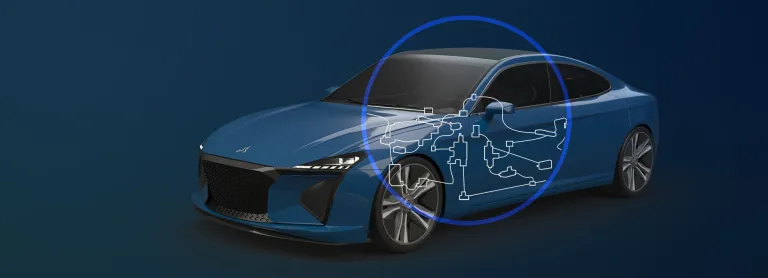
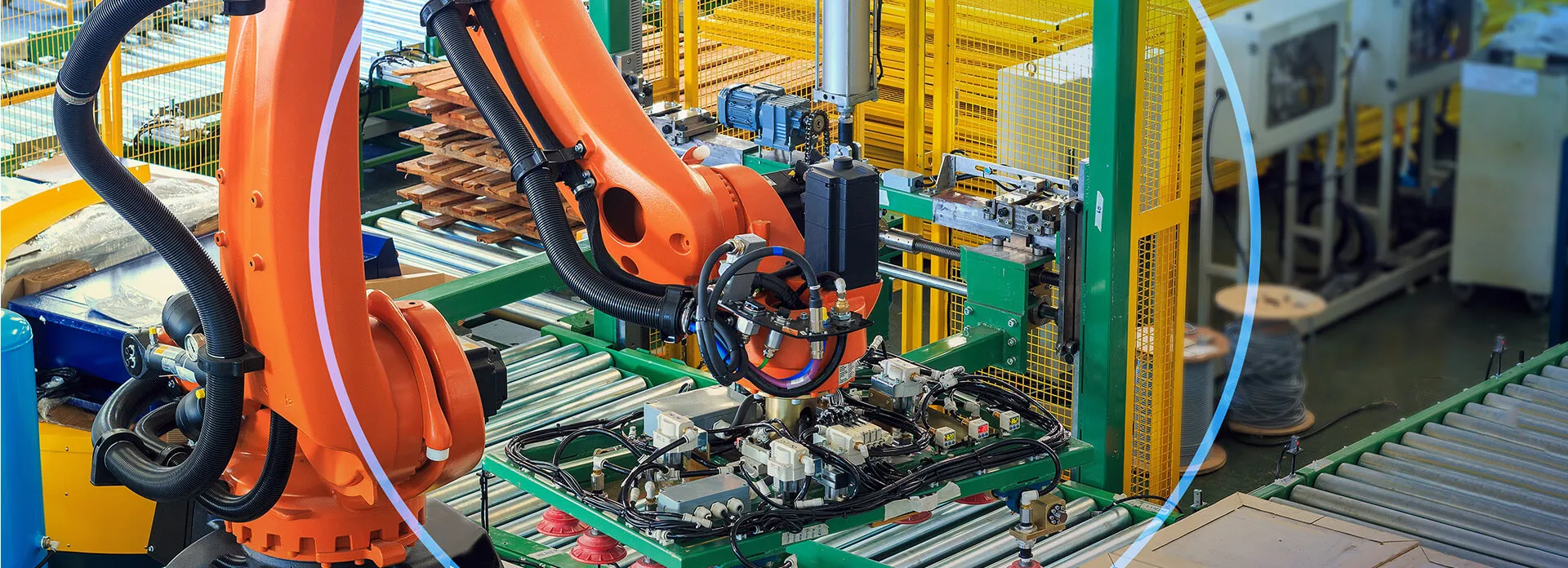
The ELECTRE application suite seamlessly integrates electrical schematic tech with design, manufacturing, and lifecycle management of electromechanical systems in various sectors like automotive, aeronautics, and more. These solutions enhance the entire electrical design process, addressing onboard electrical engineering needs and 3D wiring challenges in both design and manufacturing. With a comprehensive approach, ELECTRE solutions efficiently solve complex industrial problems in onboard electrical systems. They manage diversity and complexity across functions, standards, segregation, and manufacturing documents. ELECTRE fosters collaboration between electrical and mechanical engineers, meeting distinct industrial branch requirements.

Simple Electrical Schematic Design

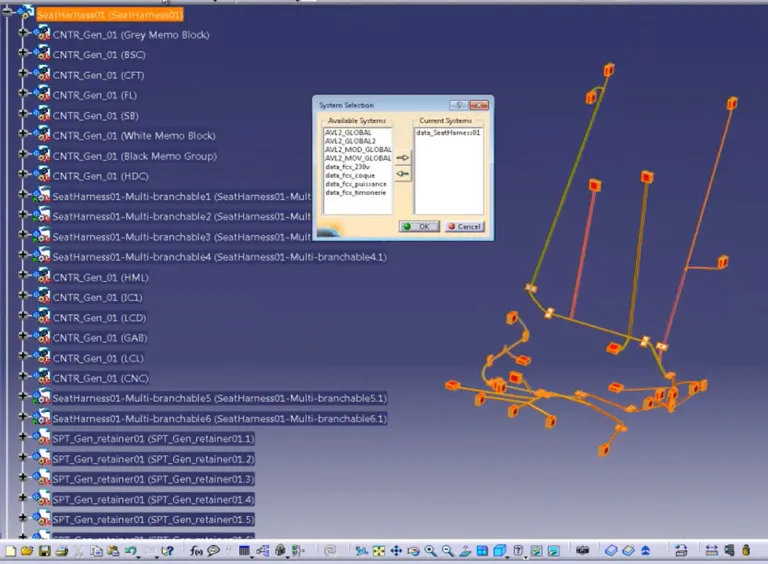
The ELECTRE application is the core of ELECTRE suite of electrical schematic solutions. It is developed by industry professionals for industry professionals in sectors that design products combining mechanical and electrical technologies and require special applications for electrical schematic, bundle and harness design, and wiring. From the schematics to the complete harness production file, ELECTRE offers a broad range of applications that cover the entire electrical design process in its mechanical environment and automatically generate manufacturing and wiring documents.

Join the conversation in the CATIA MBSE Cyber System User Community!

[Blog Article] Verifying Nuclear Reactor Safety with CATIA Magic and Dymola

How can simulation help verify nuclear reactor safety earlier?For complex systems like advanced nuclear reactors, verification can’t wait until the end of development. It needs to happen throughout the engineering process.In this new blog, Assystem shares how combining CATIA Magic and Dymola on the 3DEXPERIENCE platform helps connect system architecture, requirements and multi-physics simulation.?

CATIA MBSE CYBER SYSTEMS

2026x HF2 Unable to Apply ForceDesignation to Operational Performer

mission engineering UAF When I attempt to create a value for the OpposableElement tag I am not able to get a pull-down. Instead I just get a link to the enumeration. The tag definition in the stereotype uses the type DesignationKind for the tag, not ForceDesignation. DesignationKind is the base stereotype for ForceDesignation. This appears to be an issue in the UAF v1.3 profile.

CATIA MBSE CYBER SYSTEMS

[SAMPLE MODEL] EE&S Artifact Positioning on the Automotive SPICE Grid

What this isA practice model showing where EE&S plugin artifact types naturally land on the ASPICE process grid, using a Collision Avoidance System (ADAS) as the reference system. The point isn't the system — it's demonstrating that the tool's native constructs map directly to ASPICE work products, and that the chain doesn't stop at architecture.ASPICE Process → EE&S Artifact MappingSYS.1 — Requir

CATIA MBSE CYBER SYSTEMS

FlexNet Plugin Licenses in Batch Mode

My team is trying to run Cameo in “batch mode”, and I have a question regarding the FlexNet license server configuration that is not answered in any of the documentation that I was able to find. In the Cameo documentation, I see Java arguments for specifying a FlexNet server and port (FL_SERVER_ADDRESS / FL_SERVER_PORT), and I also see that I can specify a tool edition (FL_EDITION). However, in th

CATIA MBSE CYBER SYSTEMS

ELECTRE FAQs

Also Discover

Learn What CATIA Can Do for You

Speak with a CATIA expert to learn how our solutions enable seamless collaboration and sustainable innovation at organizations of every size.

Get Started

Courses and classes are available for students, academia, professionals and companies. Find the right CATIA training for you. 

Get Help

Find information on software & hardware certification, software downloads, user documentation, support contact and services offering