Use the filters below to quickly find courses relevant to your products, topics, or learning goals.

There are 140 results
Co-simulation with Abaqus and Dymola

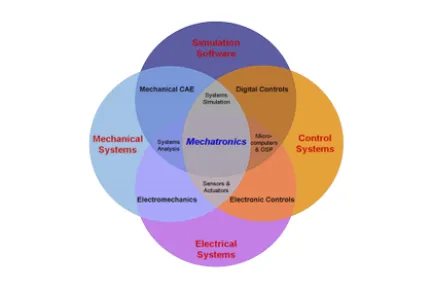
AbaqusDymola Co simulation is useful when logical modeling needs to be included in a physical system simulation; for example, it can be used to couple Anti lock Braking System (ABS) logic modeled in Dymola with an Abaqus rolling tire and brake simulation. In a typical workflow, sensor data computed in Abaqus (the physical system) are passed to Dymola (the controller), which in turn computes the needed actuation to drive the Abaqus model to a desired state. The powerful logical modeling features in Dymola cover a wide variety of engineering fields, such as electromechanics, control systems, hydraulics, penumatics, etc. This course illustrates coupling Dymola and Abaqus to develop a very versatile logical physical modeling capability.

Course Catalog
Complete Guide to PowerDELTA

This course describes the set of tools provided by PowerDELTA to edit CAD/Mesh data, in order to obtain watertight meshes as required by PowerFLOW. Each tool is explained within the context of the recommended geometry preparation process.

Course Catalog

Composites Modeler for Abaqus/CAE

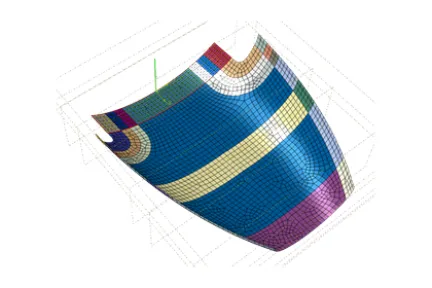
This is a two-day course on Composites Modeler for Abaqus/CAE, an add-on product that complements and extends the powerful ply modeling features in Abaqus/CAE. Composites Modeler for Abaqus/CAE provides proven fiber simulation capabilities and advanced model building—all seamlessly integrated within Abaqus/CAE. It allows you to model composite structures in Abaqus/CAE in a way that reflects the composite's manufacturing processes.

Course Catalog

Connecting CST to the 3DEXPERIENCE Platform

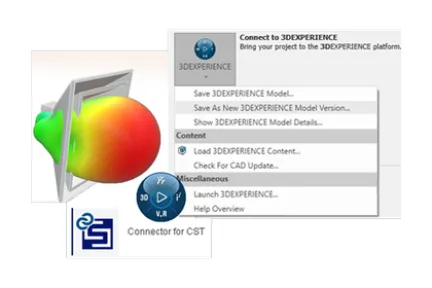
Throughout this course you will become familiar with the various ways of launching CST Studio Suite from within the 3DEXPERIENCE platform, the platform interface and how to perform basic tasks such as modeling, simulation setup, and reviewing the results.

Course Catalog

Connector Elements and Mechanism Analysis with Abaqus

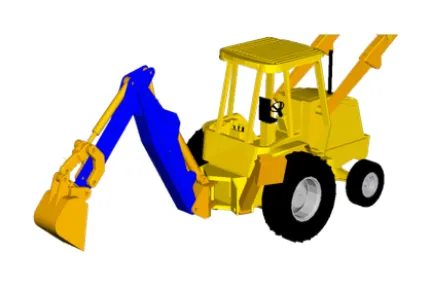
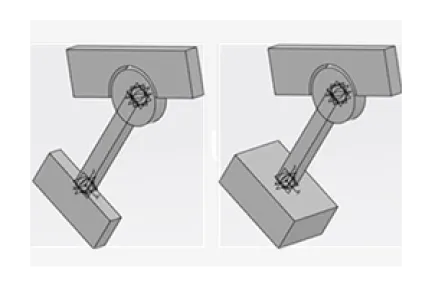
The combination of mechanisms, rigid bodies, and finite elements in Abaqus makes a powerful simulation tool. The mechanism capability expands the ability of Abaqus to model connections among individual bodies in a variety of ways. Connections can be as simple as pins and rigid links or as complicated as nonlinear frictional joints with elasticity and failure. In this course you will explore the variety of connection types available in Abaqus and learn how to define connections that suit your needs.

Course Catalog

Connector for Abaqus/CAE Essentials

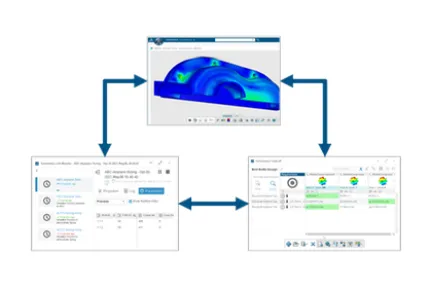
This short course will teach Abaqus users how to import parts and assemblies from the 3DEXPERIENCE platform into Abaqus/CAE. Once a model has been defined and the job completed in Abaqus/CAE, the results can be saved to the 3DEXPERIENCE platform for collaboration, data analysis, and postprocessing.

Course Catalog

Crashworthiness Analysis with Abaqus

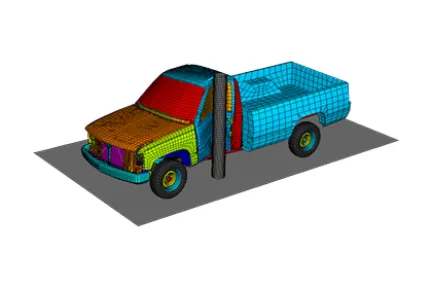
This course is the ideal way to obtain a working knowledge of how to use Abaqus for crashworthiness analysis. The course is ideal for users who are already familiar with other crash codes and would like to transition to Abaqus. The course does not cover the use of preprocessors and introduces you to the analysis capabilities of Abaqus using the keyword interface.

Course Catalog

Design Exploration Essentials

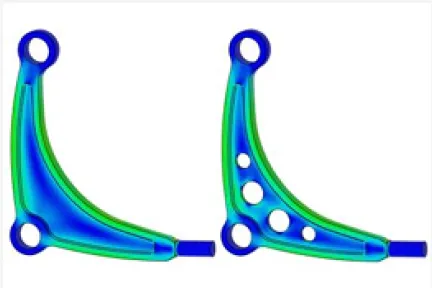
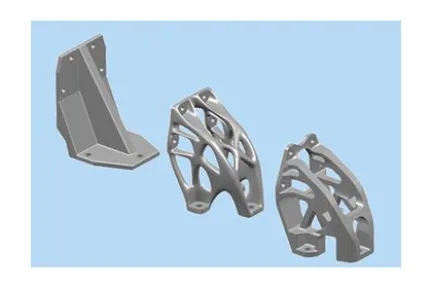
This course is a comprehensive introduction to the structural optimization capabilities of the Design Exploration app on the 3DEXPERIENCE platform. Design exploration allows engineers to study and improve designs through topology and shape optimization, review and validate results and easily re-transfer optimized shapes into the downstream design process.

Course Catalog

Durability Simulation Essentials

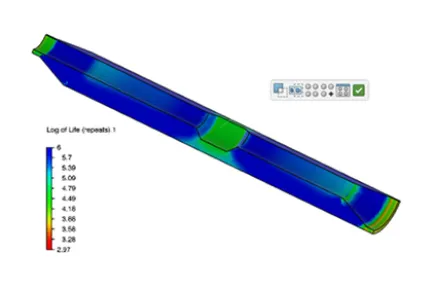
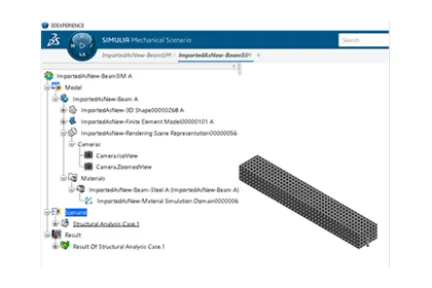
This course is an introduction to fatigue of metals on the 3DEXPERIENCE platform. Using a structural analysis that has been run in the Structural Scenario or Mechanical Scenario apps, the frames can be used to define a complex fatigue loading history. Depending on the material, the durability case can calculate either stress life or strain life damage, infinite life factors or FKM utilization along with other durability output. These can be used to redesign parts and assemblies in conjunction with the structural results.

Course Catalog

Electrochemical Simulation with Abaqus for Li-ion Batteries

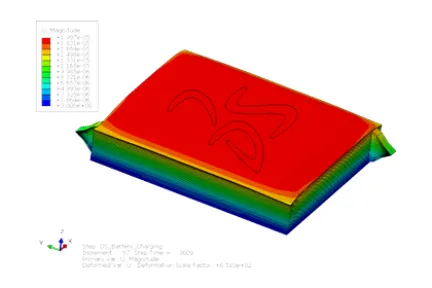
This course introduces you to cell-level multiscale, multiphysics analysis that allows modeling and assessment of the electrochemical performance of Li-ion batteries based on porous electrode theory, the thermal effects from various losses (associated with the ionic diffusion, electrical conduction, entropy change and intercalation) and the mechanical effects due to lithiation-induced swelling in a fully coupled manner. The knowledge gained will allow you to further benefit from the capability by enabling optimization of cell design and performance with respect to a slew of parameters virtually.

Course Catalog
Electromagnetic Analysis with Abaqus

Abaqus provides computational electromagnetic capabilities for the simulation of problems involving steady state electrical conduction, piezoelectric phenomena and low frequency eddy currents. In this course, you will learn how to analyze low frequency eddy current problems in Abaqus Standard.

Course Catalog
Element Selection in Abaqus

Choosing an element is one of the most fundamental questions that users must answer as they build a finite element model. Many issues should be considered when selecting an element, including: Is there contact in the model? Is the material behavior fully or nearly incompressible? Will the element bend during the analysis? Is the structure thick or thin? Will the mesh become severely distorted? What results are needed from the analysis? Is the analysis a static or dynamic simulation? This course provides an overview of the different element types available in Abaqus for stress analyses. Differences between the Abaqus Standard and Abaqus Explicit element libraries are considered. Application specific recommendations for choosing an element type are provided. The pitfalls and symptoms of choosing incorrect element types are also discussed. Examples and workshops are used to illustrate element behavior and the consequences of choosing incorrect element types for a given problem.

Course Catalog

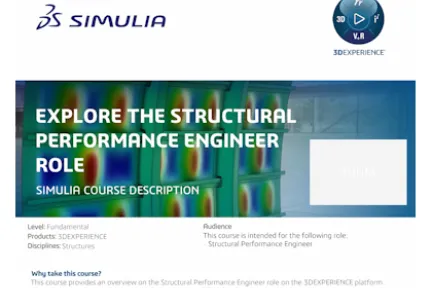
Explore the Structural Performance Engineer Role

This course provides an overview on the Structural Performance Engineer role on the 3DEXPERIENCE platform. A step-by-step tutorial shows a typical simulation workflow for the role.

Course Catalog

Fatigue of Welds in fe-safe

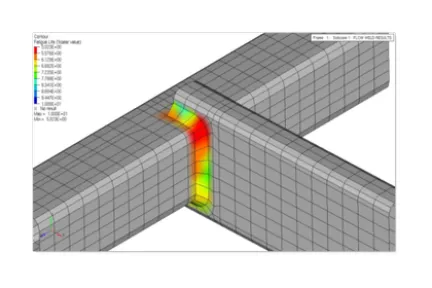
This course covers simulating the number of cycles till fatigue failures at welds in welded structures. The methods are based on predicting a crack through a certain thickness, in welded structures at the welds (toe, root, throat, etc.; failure mechanisms in welds can be included). Both classification methods (such as BS5400 and BS7608) and structural stress methods (such as the Verity TMmodule in fe safe) are included. Examples are provided using FEA output models run in Abaqus, Ansys or Nastran. Not included is temperature dependent weld fatigue, or weld processes such as friction stir welding or similar. Non structural joining such as solder is not covered, nor is nonmetallic joining such as adhesive bonding.

Course Catalog

Fitness-for-Service Analysis with Abaqus

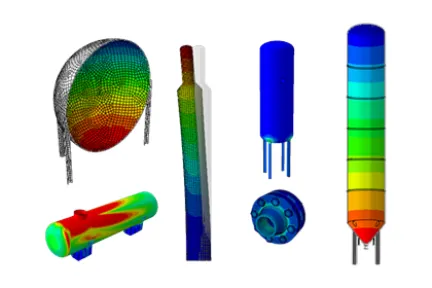
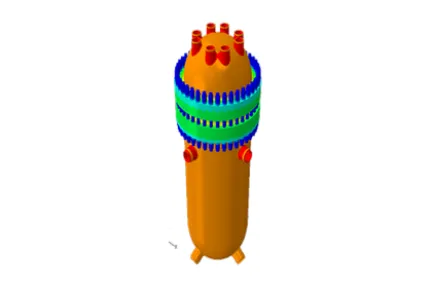
Pressure vessels and piping equipment are periodically assessed based on guidelines prescribed by documents such as ASME/API 579 Fitness for Service (FFS). Finite element based Level 3 assessments are often utilized for assessing equipment with complex geometries and loading conditions. This course discusses methods for modeling common pressure vessels such as distillation towers, storage vessels, etc. using Abaqus CAE. Methods for application and verification of loads such as weight of contents, internal pressure, etc. using Abaqus Standard, as required for Level 3 FFS assessments are also discussed. Procedures for analyzing metal loss using the finite element method by mapping thickness readings from scans are also considered. The following products are covered by this course: Abaqus CAE, Abaqus Standard. The course is divided into lectures and workshops. The course's workshops are integral to the training. They are designed to reinforce concepts presented during the lectures. They are intended to provide users with the experience of running and trouble shooting actual Abaqus analyses.

Course Catalog

Fluid Simulation Essentials

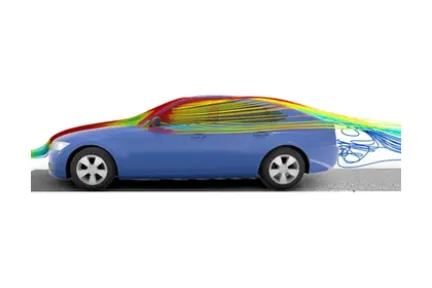
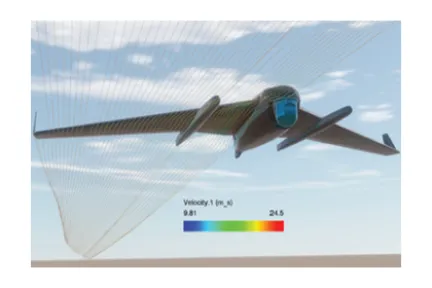
This course is an introduction to solving fluid flow and conjugate heat transfer problems in the 3DEXPERIENCE platform. In this course, you will learn workflows for steady state internal and external flow as well as Conjugate Heat Transfer (CHT) problems through the Fluid Model Creation and Fluid Scenario Creation apps.

Course Catalog

Fluid Simulation: Advanced Topics

This course includes lessons and workshops covering advanced capabilities and techniques that can be included in a flow simulation using the Fluid Model Creation and Fluid Scenario Creation apps on the 3DEXPERIENCE platform.

Course Catalog

GUI Customization with Abaqus

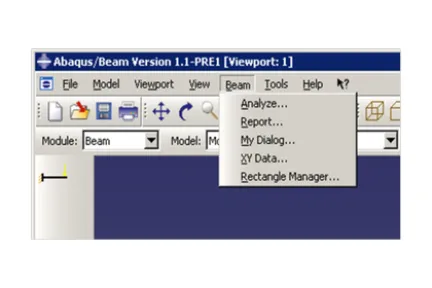
Increasingly, Abaqus is being applied to more routine, repeatable workflows and analysis procedures. These workflows can be captured using specialized Abaqus Process Automation tools. One of the more commonly used Process Automation tools is the Abaqus GUI Toolkit. The Abaqus GUI Toolkit provides programming routines that allow you to change the Abaqus graphical user interface (GUI) and build customized applications. Such applications can enable you to capture proven Abaqus centric workflows and methods for deployment to a wider range of users and generate Abaqus solutions more efficiently and reliably. This course covers basic syntax and the fundamentals of the Abaqus GUI Toolkit through a combination of lectures, examples and workshops. The hands on workshops are an integral component of learning about the Abaqus GUI Toolkit and represent a significant portion of the course experience. The workshops focus on distinct aspects of the GUI Toolkit and build upon each other in order to create a complete stand alone application.

Course Catalog

Geometry Idealization Basics

This course provides in depth treatment of cleaning/repairing geometry for the purpose of generating high quality meshes on the 3DEXPERIENCE platform. It also introduces geometry creation techniques to address situations where additional geometry is needed for the purpose of the completing the simulation model.

Course Catalog

Getting Started with Automation and Optimization

This interactive course is intended for on demand learning and is the prerequisite for many process automation and design optimization courses (if you are new to using the 3DEXPERIENCE platform). Using automation apps requires a baseline knowledge of how to log in to the platform, use 3DSearch to find and filter data, manage maturity of the data for collaboration. The 3DEXPERIENCE native (desktop) apps and web interfaces (including dashboards) will be introduced in this course.

Course Catalog

Getting Started with Physics Simulation

This interactive course is intended for on demand learning and is the prerequisite for many physics simulation courses (if you are new to using the 3DEXPERIENCE platform). Using physics simulation apps on the3DEXPERIENCE platform requires a baseline knowledge of how to log in to the platform, use 3DSearch to find and filter data, explore the data and manage maturity for the purpose of collaboration. The 3DEXPERIENCE native (desktop) apps and web interfaces (including dashboards) will be introduced in this course.

Course Catalog

Heat Transfer and Thermal-Stress Analysis with Abaqus

The success of many structural designs requires a thorough understanding of both the thermal and mechanical response of the design. Temperature dependent material properties, thermally induced deformation, and temperature variations all may be important design considerations. This course introduces you to the heat transfer and Thermal Stress capabilities available within Abaqus. Practical examples and workshops are used to illustrate these capabilities.

Course Catalog

Also Discover

Join the SIMULIA User Community

Connect with SIMULIA users, experts, and learners worldwide. Explore discussions, technical insights, learning resources, and shared experiences across industries and disciplines.

Customized Training for Your Team

Organize private or on-site instructor-led training adapted to your products, workflows, and business objectives. Contact SIMULIA training teams to discuss your needs and request a customized learning program.

Get Help

Find information on software & hardware certification, software downloads, user documentation, support contact and services offering