There are 1489 results
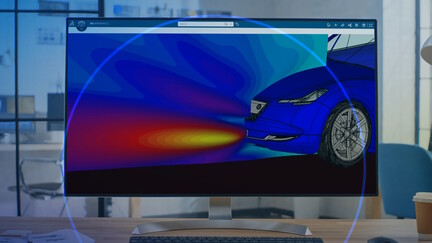
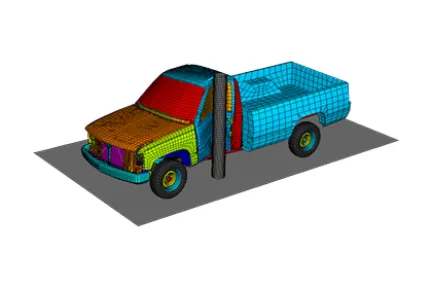
Crashworthiness Analysis with Abaqus

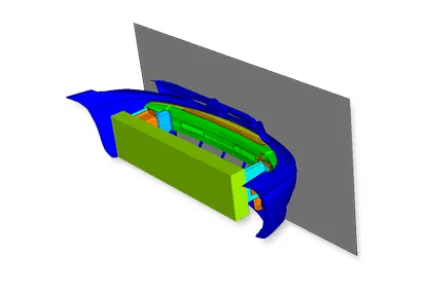
This course is the ideal way to obtain a working knowledge of how to use Abaqus for crashworthiness analysis. The course is ideal for users who are already familiar with other crash codes and would like to transition to Abaqus. The course does not cover the use of preprocessors and introduces you to the analysis capabilities of Abaqus using the keyword interface.

Course Catalog
Crashworthiness Analysis with Abaqus
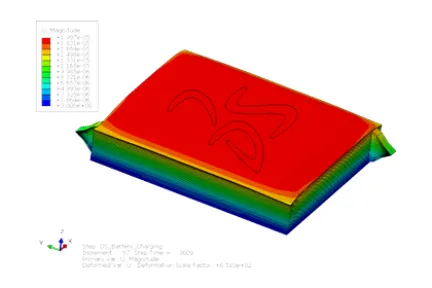
Electrochemical Simulation with Abaqus for Li-ion Batteries

This course introduces you to cell-level multiscale, multiphysics analysis that allows modeling and assessment of the electrochemical performance of Li-ion batteries based on porous electrode theory, the thermal effects from various losses (associated with the ionic diffusion, electrical conduction, entropy change and intercalation) and the mechanical effects due to lithiation-induced swelling in a fully coupled manner. The knowledge gained will allow you to further benefit from the capability by enabling optimization of cell design and performance with respect to a slew of parameters virtually.

Course Catalog

Electrochemical Simulation with Abaqus for Li-ion Batteries
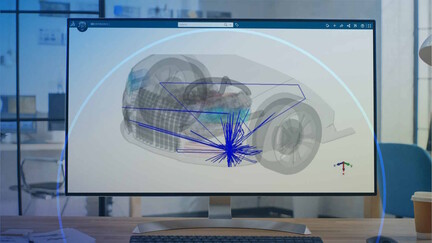
CST STUDIO SUITE - Antenna Placement

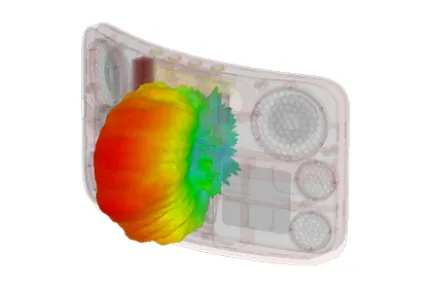
Throughout this course, you will become familiar with topics like antenna placement, antenna-to- antenna coupling, antenna matching network and radiation hazard. Particular attention is given to the generation and usage of near/far-field sources in the context of the Hybrid Solver Task.

Course Catalog

CST STUDIO SUITE - Antenna Placement
3DEXPERIENCE Simulation Primer for Abaqus/CAE Users

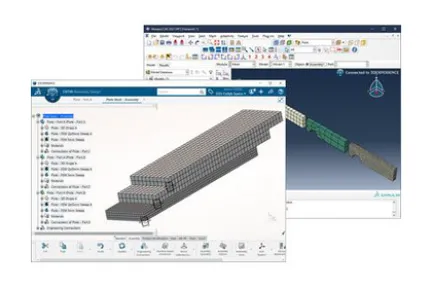
This course is intended to help experienced Abaqus/CAE users transition to simulation on the 3DEXPERIENCE platform. The course provides a high-level introduction to the complete simulation workflow on the 3DEXPERIENCE platform, and for each step compares back to the approach in Abaqus/CAE, allowing users to leverage their existing knowledge, whilst highlighting some key advantages of simulation on the 3DEXPERIENCE platform.

Course Catalog

3DEXPERIENCE Simulation Primer for Abaqus/CAE Users
Abaqus/Explicit: Advanced Topics

This course emphasizes practical skills and techniques that are needed for analyses with Abaqus/Explicit. The course uses examples derived from actual industrial applications to reinforce the concepts and issues discussed in the lessons

Course Catalog

Abaqus/Explicit: Advanced Topics
Adaptive Remeshing in Abaqus/Standard

This course provides an in-depth coverage of the Abaqus features which address adaptive remeshing for solution accuracy. Abaqus/CAE and Abaqus/Standard work together to adaptively remesh your model in response to user-specified criteria. These criteria include error indicator and mesh-size targets. Usage can be manual or fully automatic, providing options to control the way the adaptivity process is executed.

Course Catalog

Adaptive Remeshing in Abaqus/Standard
Antenna Placement Essentials

This course is an introduction to the Antenna Placement app on the 3DEXPERIENCE platform. It teaches you how to import antenna models from CST Studio Suite and then evaluate their installed performance at positions on a selected platform (for example, a vehicle, an aircraft, or an electronic device). Antenna placement studies help you find the best position for an antenna on the platform by providing you the results of the installed antenna's performance.

Course Catalog

Antenna Placement Essentials
CST STUDIO SUITE - EMC/EMI

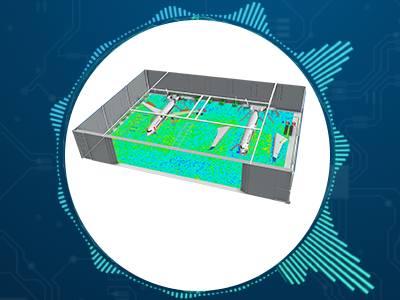
This course covers the EMC Module providing an overview on how simulation can be applied towards electromagnetic compatibility (EMC) design and analysis for emissions and immunity, conducted and radiated.

Course Catalog
CST STUDIO SUITE - EMC/EMI
Structural-Acoustic Analysis with Abaqus

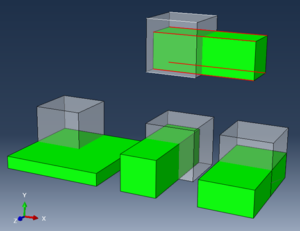
Abaqus includes a number of capabilities in the area of structural-acoustic analysis. In addition to pure acoustic analysis features, Abaqus includes the capability to couple nonlinear structural analyses with linear acoustic analyses using several different methods.

Course Catalog
Structural-Acoustic Analysis with Abaqus
Introduction to CST Studio Suite

Throughout this course you will become familiar with the CST Studio Suite interface and how to perform basic tasks in terms of modeling, setup of simulation, and analyzing pre and postprocessing results. This course will also briefly discuss the various high frequency solvers available in CST Microwave Studio and provide a behind the-scenes look at the FIT and FEM algorithms

Course Catalog

Introduction to CST Studio Suite
CST STUDIO SUITE - Multiphysics

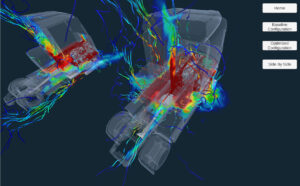
This course describes how to use CST's Multiphysics Studio to perform thermal and mechanical analyses. The course reviews the basic concepts of heat transfer and mechanical behaviors of materials, then explains the sources, boundary conditions, meshing and solver options available in MPS, and illustrates the steps of an EM-Thermal-Mechanical coupled simulation.

Course Catalog
CST STUDIO SUITE - Multiphysics
There are 245 results

Customer stories

There are 129 results

From the communities

There are 6 results

SIMULIA Self Learning

We provide hundreds of self-learning modules so you can continue to learn at your convenience

Blogs

Read the SIMULIA blog on the latest news and innovations from our experts.

There are 694 results
A New Approach for Simulating Laminar Separation in PowerFLOW

The transition between laminar and turbulent flow is crucial to understanding fluid behavior in many scenarios, such as eVTOL propellers and wind turbine blades. Formerly, this transition was challenging to simulate accurately. An extension to the PowerFLOW Very Large Eddy Simulation (VLES) method provides easier and more accurate simulation of laminar flow separation and reattachment. This allows both aerodynamic and aeroacoustic simulations for applications in rapidly growing markets including urban air mobility and wind energy.

Article

A New Approach for Simulating Laminar Separation in PowerFLOW
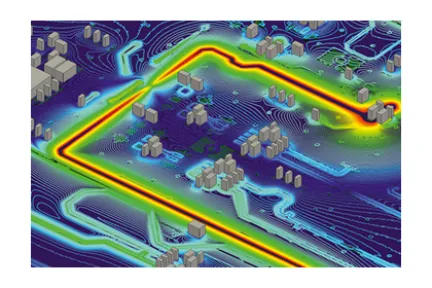
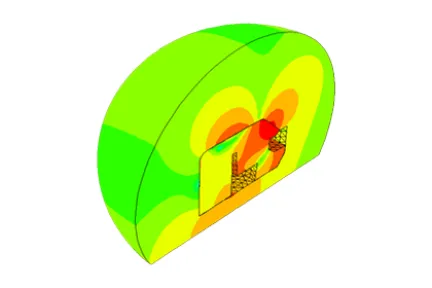
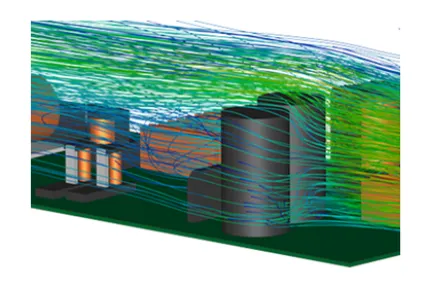
EMC Simulation of the Coupling Between a PCB and a Ground Plane

In this article, we demonstrate how simulation with CST Studio Suite can help improve emission performance of products. We analyze the coupling between signal traces on a printed circuit board (PCB) and the reference plane as it is commonly the result of interest in electromagnetic compatibility (EMC) measurements. The presented results are discussed for conducted emission but could be extended to radiated emissions.

Article

EMC Simulation of the Coupling Between a PCB and a Ground Plane
Your Turn! Interactive Online Experience: Stent

Welcome to our new series, “Your Turn!,” where you can try out different simulation experiences. This experience uses Finite Element Modeling to explore various stent designs in the biomedical industry. Don’t forget to try out the experience for yourself!

Article

Your Turn! Interactive Online Experience: Stent
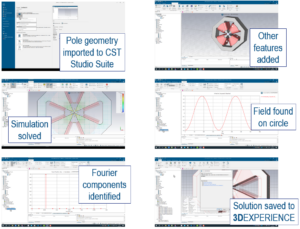
Optimization of a Quadrupole Magnet with the 3DEXPERIENCE Platform and CST Studio Suite

Magnet design covers many disciplines of physics, and a unified model for magnet design would have many benefits in accelerating and streamlining the magnet development process. The workflow presented in this blog post allowed a quadrupole magnet to be designed with CATIA, simulated with SIMULIA CST Studio Suite and optimized with Process Composer. This workflow was performed all in one common environment, the 3DEXPERIENCE platform.

Article

Optimization of a Quadrupole Magnet with the 3DEXPERIENCE Platform and CST Studio Suite
Unlocking the Magic of MODSIM: A Game-Changer in Product Development

MODSIM, or unified modeling and simulation, has much to offer for engineers and designers who want to streamline their workflows, collaborate better and accelerate product development. In this article, we delve into the benefits of MODSIM on the 3DEXPERIENCE platform on the cloud.

Article

Unlocking the Magic of MODSIM: A Game-Changer in Product Development

Learn What SIMULIA Can Do for You

Speak with a SIMULIA expert to learn how our solutions enable seamless collaboration and sustainable innovation at organizations of every size.

Get Started

Courses and classes are available for students, academia, professionals and companies. Find the right SIMULIA training for you. 

Get Help

Find information on software & hardware certification, software downloads, user documentation, support contact and services offering