


SIMULIA Fluids Enhancements R2026x | Dassault Systèmes
Discover how SIMULIA’s latest fluids simulation advancements can transform your engineering workflows and drive innovation.
E-seminar
On demand
Perform fluid flow and conjugate heat transfer simulations to accelerate smarter design decisions
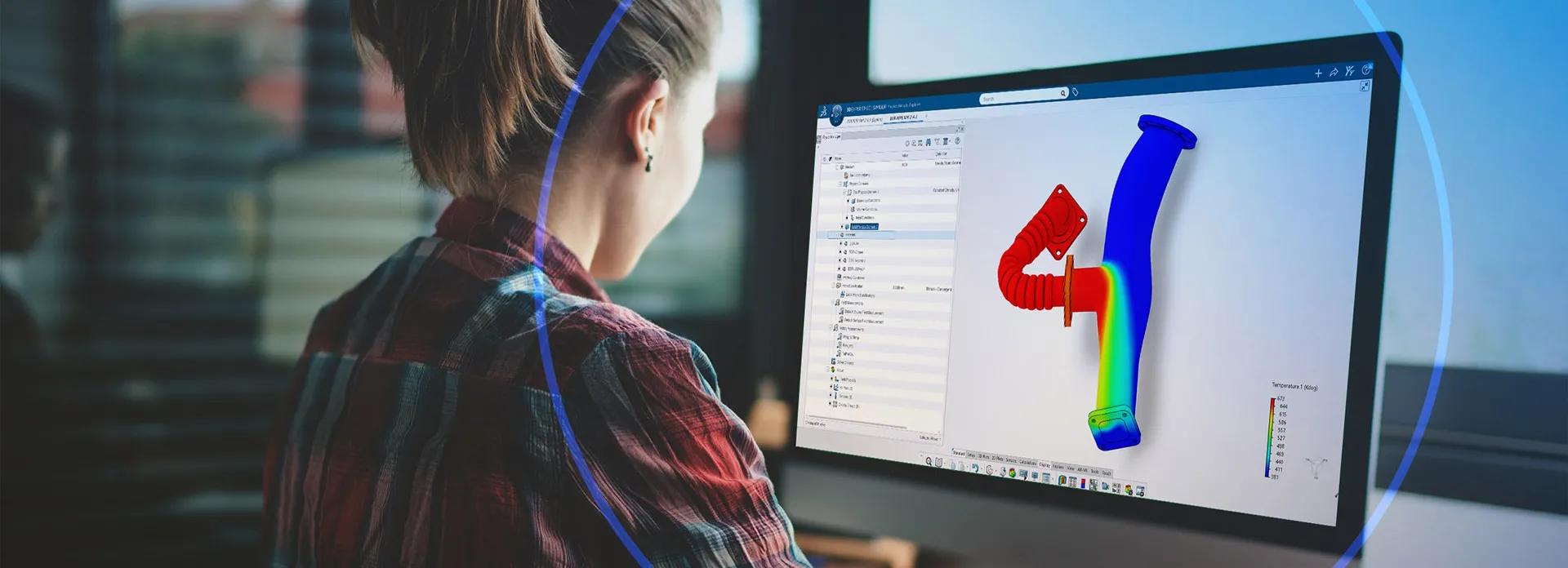
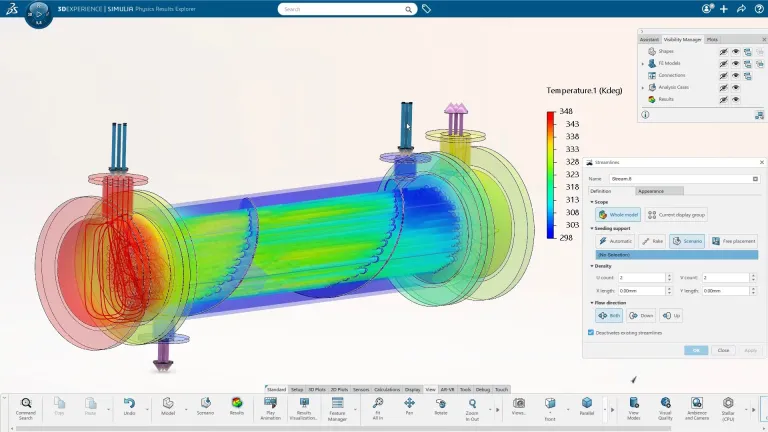
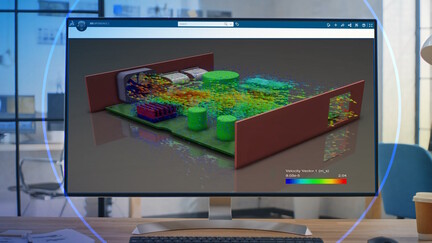
Fluid Dynamics Engineer (FMK) is a CAD-embedded simulation role on the 3DEXPERIENCE platform that enables designers and engineers to evaluate fluid flow and thermal performance with confidence. It simplifies routine Computational Fluid Dynamics (CFD) and Conjugate Heat Transfer analyses, making it possible to explore hundreds of design alternatives quickly while improving flow distribution, reducing pressure losses, and optimizing thermal management.
Built on proven RANS-based finite volume CFD technology, FMK combines geometry, simulation, and data management in a single collaborative environment. With an intuitive, guided user experience tailored for designers, it allows teams to perform end-to-end simulation efficiently- turning fluid and thermal insight into better design decisions, faster.
FMK is built with designers in mind, making advanced CFD accessible without specialist expertise. Its guided user experience streamlines setup and execution, while CAD and PLM integration ensures geometry updates and performance insights flow seamlessly—helping designers explore more ideas, validate faster, and innovate with confidence.
FMK delivers comprehensive CFD and thermal simulation capabilities to evaluate complex fluid flow behavior with accuracy and confidence. Its robust solver technology enables engineers to analyze real-world operating conditions within a unified simulation environment.
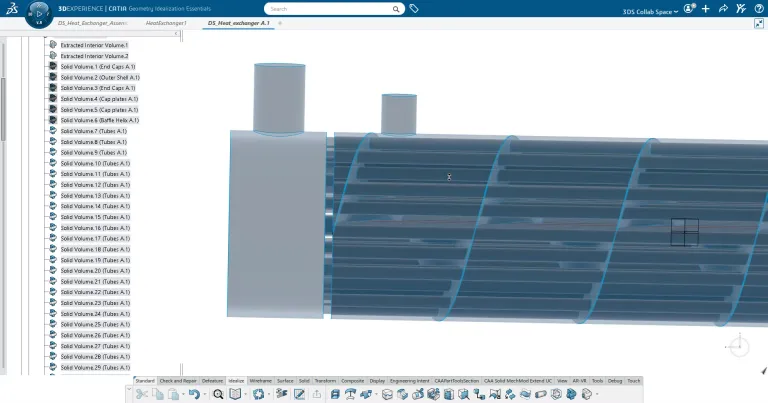
FMK takes the complexity out of mesh creation. With just two parameters, it automatically generates high-quality body-fitted mesh, including boundary layers, without manual intervention. This streamlined approach lets engineers concentrate on defining the physics and analyzing results, rather than spending valuable time on mesh preparation.
Built on the 3DEXPERIENCE platform, FMK ensures model-based digital continuity across design and simulation. All data are linked and traceable, enabling teams to work from a single source of truth. With secure data sharing and seamless integration with CAD and PLM, FMK makes collaboration effortless and accelerates decision-making.
Designers can evaluate and optimize fluid flow and thermal performance at different stages of product development using Fluid Dynamics Engineer.
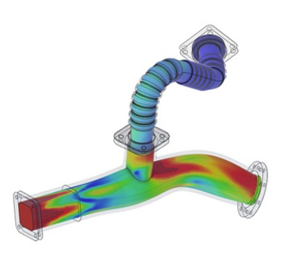
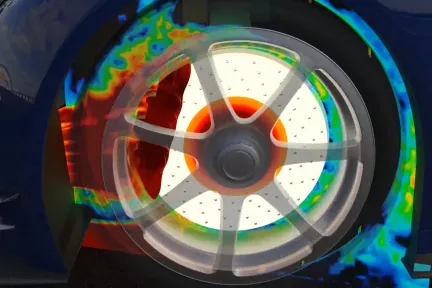
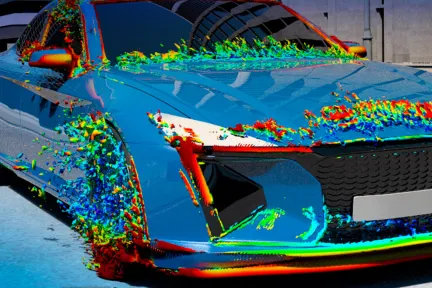
In the early design phase, they can quickly compare alternative geometries and layouts, such as cooling channel configurations, duct shapes, or aerodynamic profiles, to understand performance trade-offs. Pressure losses, flow distribution, and thermal hotspots can be estimated directly from CAD-embedded CFD, enabling informed design decisions before physical prototypes are built.
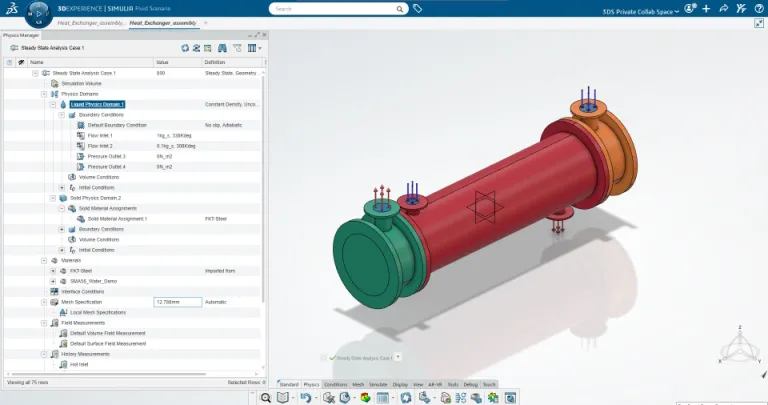
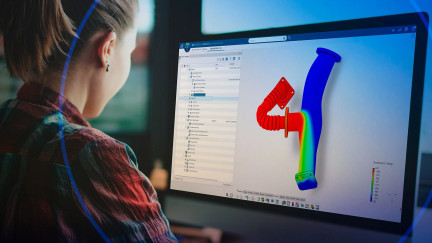
Once models are set up in FMK, meshing is generated automatically and transparently to the user. Designers can run CFD simulations and evaluate performance under realistic operating conditions. They can study how key design parameters such as pipe diameter, wall thickness, flow rates, or heat loads affect metrics like cooling efficiency, drag and thermal balance.
FMK provides a scalable simulation environment, enabling users to run analyses on up to 16 embedded compute cores or scale to hundreds of cores, either on HPC or using the 3DEXPERIENCE Cloud.
Built-in results exploration tools let users extract KPIs from simulation data and visualize product performance in a clear, intuitive way for all stakeholders.
Design exploration tools support parameter sweeps and optimization studies to evaluate trade-offs between fluid performance and overall system objectives.
Discover how SIMULIA’s latest fluids simulation advancements can transform your engineering workflows and drive innovation.
E-seminar
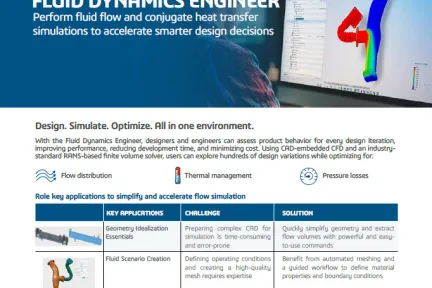
Brochure for the SIMULIA Fluid Dynamics Engineer (FMK) role
Brochures
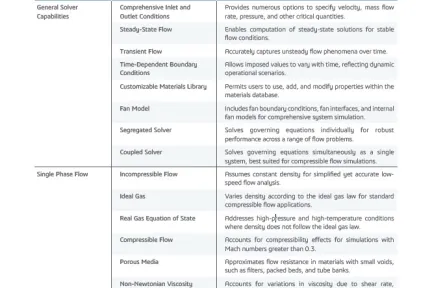
List of functionalities of the SIMULIA Fluid Dynamics Engineer (FMK) role
Brochures
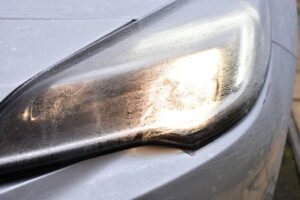
This blog covers optimizing headlight defrost time using a modeling and simulation-based parametric design study performed on Dassault Systèmes’ pioneering 3DEXPERIENCE Platform with its native Navier-Stokes computational fluid dynamics solver, FMK.
Article
For decades, computational fluid dynamics (CFD) has been a domain of experts: powerful, technical and often inaccessible to those without specialized training. At Dassault Systèmes, we believe that simulation should empower all engineers, not just a select few. With Fluid Dynamics Engineer, our goal is to make advanced CFD and multiphysics simulation more intuitive, scalable and collaborative without compromising the scientific rigor that defines our technology. Democratizing CFD isn’t about simplifying science; it’s about designing experiences that make it easier to understand, explore and innovate.
Article
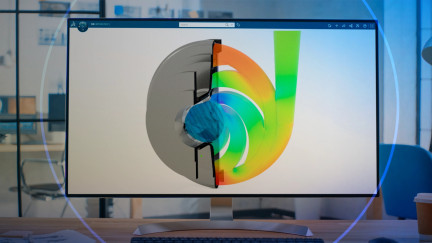
Discover how SIMULIA's Fluid Dynamics Engineer can transform your CFD analysis into a seamless part of your design process.
E-seminar
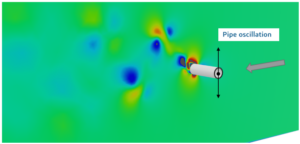
The 3DEXPERIENCE platform can be used to perform complex coupled co-simulations such as Vortex-Induced-Vibration on pipe-lines. The 3DSFlow solver is available via the FMK role and the non-linear structural dynamic analysis with Abaqus is available via the SYE role.
Article
Discover recent updates to our Fluid Dynamics Engineer role that simplify and accelerate the end-to-end workflow for fluid simulations.
E-seminar
Steady-State and transient Internal and external flow around and through solids and structures
Computational Fluid Dynamics Simulation Software
BUILT WITH CATIA & SIMULIATake your designs further with simulation, for faster, higher-quality product development. 3 plans from $11,188/year
Speak with a SIMULIA expert to learn how our solutions enable seamless collaboration and sustainable innovation at organizations of every size.
Courses and classes are available for students, academia, professionals and companies. Find the right SIMULIA training for you.
Find information on software & hardware certification, software downloads, user documentation, support contact and services offering
![[Design & Simulation Engineering] > Dassault Systèmes®](https://www.3ds.com/assets/invest/styles/card/public/2026-09/260827_business_website_design_simulation_engineering_header.png.webp?itok=DAAArAEn)