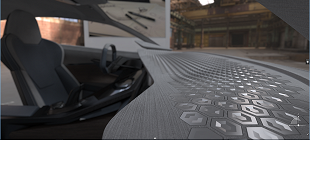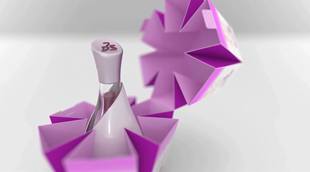


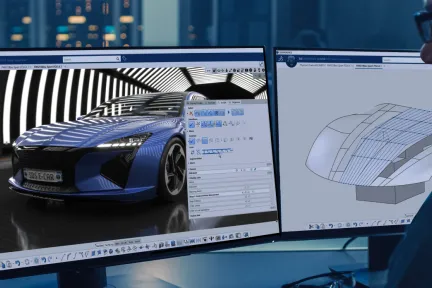

3D Pattern Shape Creator
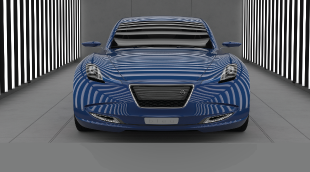
Design, explore and validate variants of complex, repetitive and non-regular shapes and patterns with an intuitive algorithmic approach
Role
A Unified Industrial Design Workflow Solution
From product to transportation industries, the style & design of the product plays a major role in its success on the market. Develop shape & material creativity, reach a high level of surface sophistication & quality, and get the right decision tools with physical & virtual prototypes: these are the key elements of CATIA Design & Styling to boost design innovation.
CATIA Design & Styling provides all the solutions for design creativity, surface excellence and product experience, meaning that you can combine 3D sketching, subdivision surface, Class-A modeling to 3D printing, reverse engineering, realistic visualization and virtual and augmented product experience, to create and develop renderings in an integrated process, with a seamless workflow.
Create and explore innovative conceptual ideas with an integrated creative workflow, all in the context of the Human to enrich the Design experience.
Create the best surface Quality, Optimization and Performance to reach the high standards of Automotive Class-A Surfaces, Aero lofting or Naval Architect Hull form.
Take advantage of a high-end visualization with Immersive Virtual & Augmented Reality Experience, for an accurate decision-making during the product development process.
Imagine, Create & Experience the products of tomorrow with no limits, and take advantage of intuitive CATIA solutions, from creative design to surface modeling to product experience, to explore more ideas at every phase of the design process thanks to the 3DEXPERIENCE platform. Explore the following disciplines.
From Conceptual Shape Ideation and Exploration to Human Centric User Experience
Going from Concept to Production Quality Class A Surfaces
Visualize, Experience and Decide on your 3D Design
CATIA Creative Design and Styling portfolio empowers our users to perform design sketch integration, ultra-fast 3D ideation concept modeling with subdivision surfaces, high-end surfacing, high-end real-time visualization, photo-realistic rendering and rapid prototyping: all in context of the Human and with design thinking methodologies, to create consumer-centric experiences. These solutions, applicable to all industries and scenarios, enable users to create and develop renderings, surfaces and prototypes seamlessly, thanks to a unified workflow, a collaborative platform and interconnected solutions.
CATIA Design & Styling software products are packaged as Roles on the 3DEXPERIENCE platform to get you up to speed faster and work more efficiently with all needed applications available at your fingertips. Select a package that corresponds to your role in an organization.
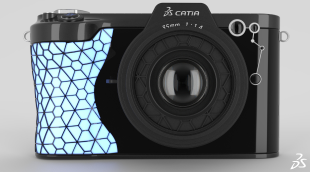
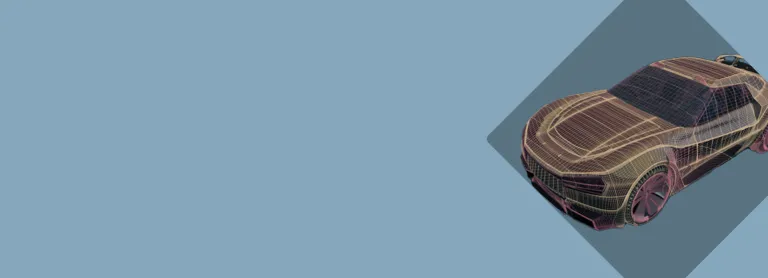
Design, explore and validate variants of complex, repetitive and non-regular shapes and patterns with an intuitive algorithmic approach
Role
Enable creative Design anytime, anywhere and on any device, with Web browser Applications for 3D Design, freeform Shape Sculpting and pattern Design
Role
Accelerate the appearance design exploration and make the right visual design decision with a fully integrated real-time Visualization and Rendering
Role
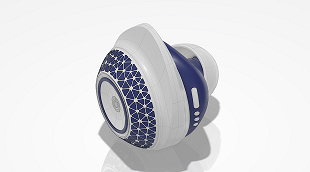
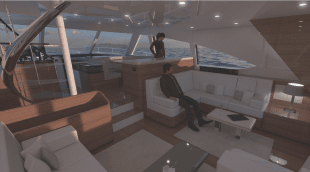
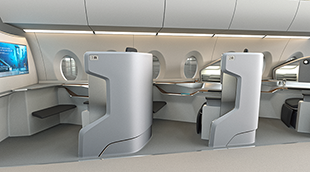
Imagine, Create & Experience the interior Design of yachts and boats, with a Unified Industrial Design workflow solution, for the best passenger Experience
Role
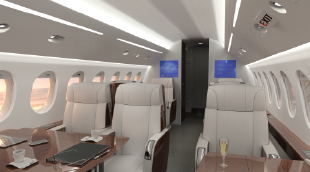
Realistic visualization & VR capabilities enable virtual aircraft cabin reviews for layout and material design, saving time and cost on physical prototypes
Role
Imagine, Create & Experience the Cabin and its Monuments, with a unified Industrial Design workflow solution, for the ultimate Passenger Experience
Role
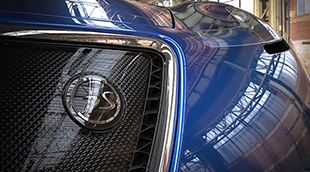
Produce high-end Class-A Quality surfaces respecting the styling intent and converging technical requirements leveraging the power of the 3DEXPERIENCE
Role
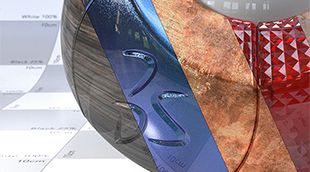
Imagine & Validate your Color, Material & Finishing, by using virtual Design with realtime visualization & physically accurate rendering directly on native data
Role
The most frequently used data importers for design visualization on the 3DEXPERIENCE platform, bundled into a collection
Role
Spark your Creativity! Imagine & explore conceptual designs through a comprehensive set of applications addressing ideation, concept modeling and visualization
Role
Design & Manage all technical areas of the model, collaborate with mock-up organization for technical reviews and facilitate link with Engineering teams.
Role
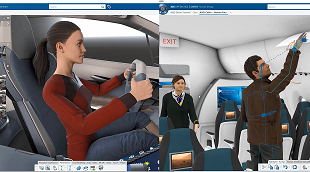
Move to the Experience Design thinking by adding Virtual Humans body and posture to your Design workflow
Role
Evaluate Human Postures and User Experience for Comfort and Safety studies with a Virtual Twin Human
Role
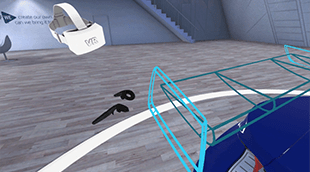
Perform multi-users Virtual Reality reviews and capture team decisions, directly and natively on the Virtual Twin within your 3DEXPERIENCE
Role
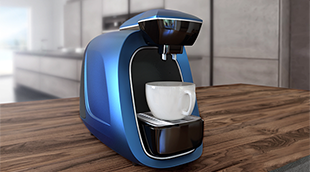
Imagine, Create & Experience the product of tomorrow with a complete and Unified Industrial Design workflow solution
Role
Reach a holistic view of the virtual twin to enable decision on visual quality perception from Realistic appearances, materials, shadows, reflections & lighting
Role
Grow quality of visible technical surfaces, to increase perceived quality, reach higher shape standards and optimize downstream processes consuming surfaces
Role
Experience & Make design decisions in Mixed Reality by matching precisely the Virtual+Real design, engineering, simulation and manufacturing data and product
Role
Providing integrated boat hull form Design & compartments position, with advanced shape design for best quality, optimization & first hydrostatics assessment
Role
Make the best design by bringing concepts into qualified designs through a fully integrated styling and mechanical Design workflow
Role
If I create a Matching Constraint in ISD then switch to IDX, the Display of match label disappears. Even if I turn on Conditions in IDX.ISD: match label is there.In IDX - Conditions On - gone - it is still active and working - just cant see the match state unless I double click and edit the match constraint.
CATIA CREATIVE DESIGN & STYLING - USER COMMUNITY
I am using InfoColor in IDX 2026X-FD03 and if I attempt to search by color using Ctrl+F - then select colour from element is choses the base RGB colour - this means the InfoColor palette is not in sync with standard Object Properties.Is it the intention to add this functionality so we can search by InfoColor? I don't want to have to keep selecting first assigning a Role then picking content etc.
CATIA CREATIVE DESIGN & STYLING - USER COMMUNITY
I find selection in OmniMatch very poor compared to ISD, ICEM Surf and Alias, especially if I have to match several surfaces into the same target surface. Nearly all the functions, like OmniCut, OmniFillet etc, have separate buttons, so why have they been left out from OmniMatch where they are so important.With Edge to Edge matching I can use Ctrl+trace select, but internal matching below you have
CATIA CREATIVE DESIGN & STYLING - USER COMMUNITY
A deep dive into ASICS’ innovative approach to personalized footwear using cutting-edge technology from design to additive manufacturing
Article
The Art of Surface Modeling
End-to-End Model-Based Solutions for Mechatronics & Software-Driven Experiences
Enabling Rapid Development of High-Quality Mechanical Products
A Comprehensive Set of Engineering Roles Integrated in a Seamless Design Process
Delivering world-class Building Information Management (BIM) software solutions for architects, civil engineers and contractors across all project phases and trades.
Speak with a CATIA expert to learn how our solutions enable seamless collaboration and sustainable innovation at organizations of every size.
Courses and classes are available for students, academia, professionals and companies. Find the right CATIA training for you.
Find information on software & hardware certification, software downloads, user documentation, support contact and services offering