


Product Creative Designer
Imagine, Create & Experience your Product, with a unified creative design workflow solution, for the best Consumer Experience
Role
A Unified Industrial Design Workflow Solution
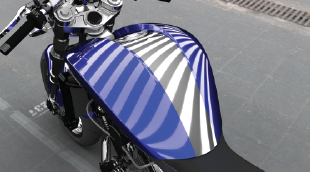
From product to transportation industries, the style & design of the product plays a major role in its success on the market. Develop shape & material creativity, reach a high level of surface sophistication & quality, and get the right decision tools with physical & virtual prototypes: these are the key elements of CATIA Design & Styling to boost design innovation.
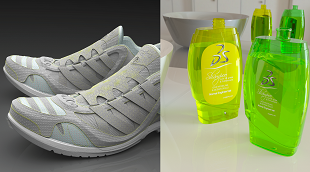
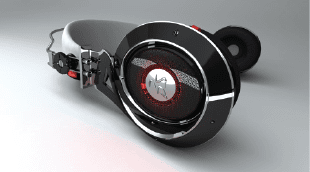
CATIA Design & Styling provides all the solutions for design creativity, surface excellence and product experience, meaning that you can combine 3D sketching, subdivision surface, Class-A modeling to 3D printing, reverse engineering, realistic visualization and virtual and augmented product experience, to create and develop renderings in an integrated process, with a seamless workflow.
Create and explore innovative conceptual ideas with an integrated creative workflow, all in the context of the Human to enrich the Design experience.
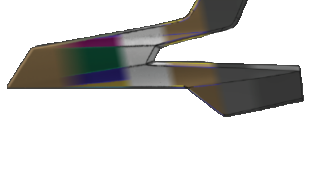
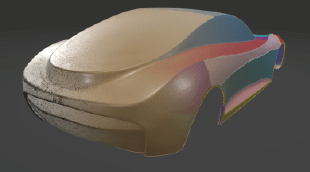
Create the best surface Quality, Optimization and Performance to reach the high standards of Automotive Class-A Surfaces, Aero lofting or Naval Architect Hull form.
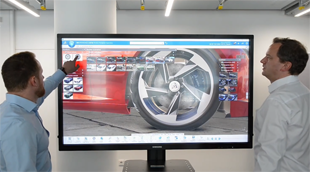
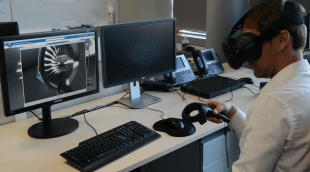
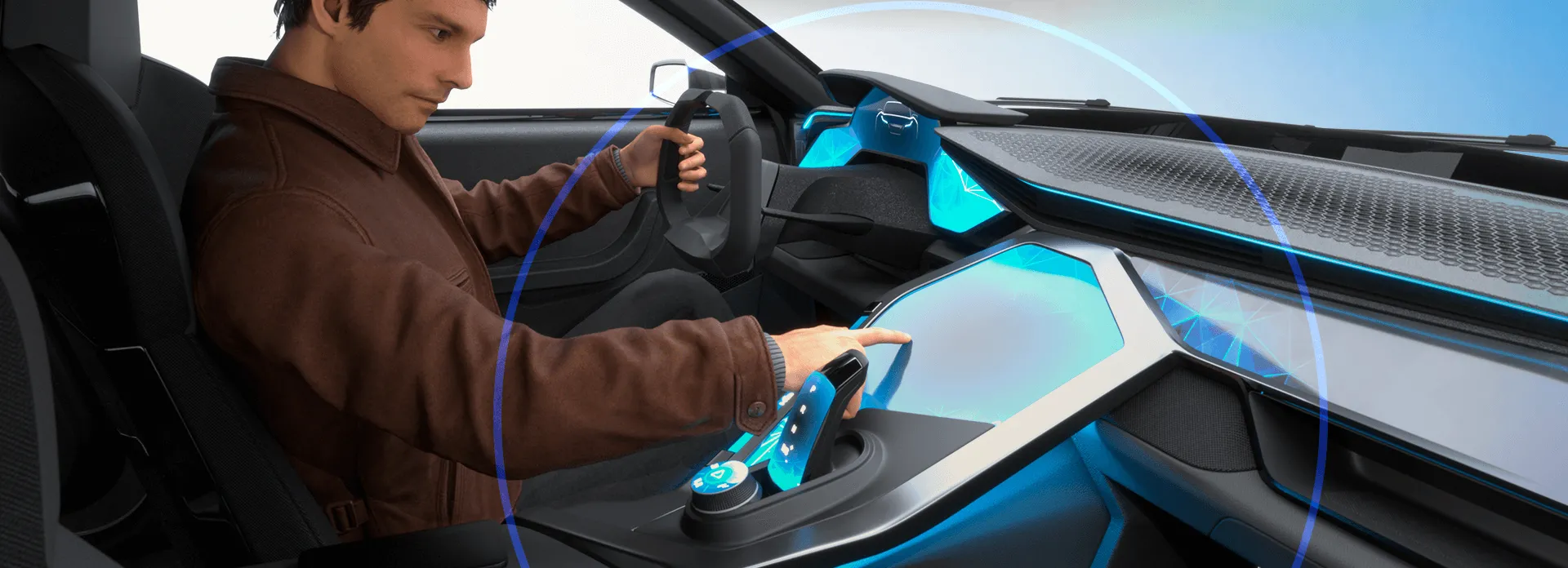
Take advantage of a high-end visualization with Immersive Virtual & Augmented Reality Experience, for an accurate decision-making during the product development process.
Imagine, Create & Experience the products of tomorrow with no limits, and take advantage of intuitive CATIA solutions, from creative design to surface modeling to product experience, to explore more ideas at every phase of the design process thanks to the 3DEXPERIENCE platform. Explore the following disciplines.
From Conceptual Shape Ideation and Exploration to Human Centric User Experience
Going from Concept to Production Quality Class A Surfaces
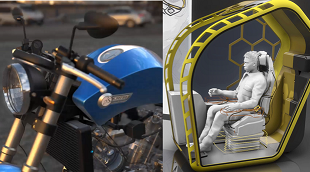
Visualize, Experience and Decide on your 3D Design
CATIA Creative Design and Styling portfolio empowers our users to perform design sketch integration, ultra-fast 3D ideation concept modeling with subdivision surfaces, high-end surfacing, high-end real-time visualization, photo-realistic rendering and rapid prototyping: all in context of the Human and with design thinking methodologies, to create consumer-centric experiences. These solutions, applicable to all industries and scenarios, enable users to create and develop renderings, surfaces and prototypes seamlessly, thanks to a unified workflow, a collaborative platform and interconnected solutions.
CATIA Design & Styling software products are packaged as Roles on the 3DEXPERIENCE platform to get you up to speed faster and work more efficiently with all needed applications available at your fingertips. Select a package that corresponds to your role in an organization.
Imagine, Create & Experience your Product, with a unified creative design workflow solution, for the best Consumer Experience
Role
Make the right Design choice & decision by creating intuitive & realistic Product Design Experience presentations, exploring alternative variants & experiences
Role
Boost your creativity, design with quality and reduce time-to-market of your Product with a Unified Industrial Design workflow solution
Role
Bring Real product to Virtual twin models, with the highest productivity, quality, and multiple possible methodologies of reconstruction.
Role
Imagine the most sophisticated shape Design by creating high end surfaces ready for production, respecting the Design intent and technical requirements
Role
State of the Art for high end surface modeling, suitable for any aeronautical surface design from lofting, interior design up to surfaces simplification
Role
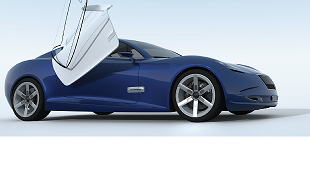
Gain the competitive advantage with an integrated Design workflow, to Imagine, Create & Experience the vehicle of tomorrow with a Unified solution up to class A
Role
Imagine, Create & Experience the Vehicle of Tomorrow, with a unified Industrial Design workflow solution, for the ultimate Consumer Experience
Role
Accelerate the Real to Virtual product Process. From scanned data generate the Virtual twin model and associativity for reconstruction & preparation for 3DPrint
Role
Immediately improve the understanding of your design with integrated & direct access to immersive Virtual Reality inside your 3DEXPERIENCE applications
Role
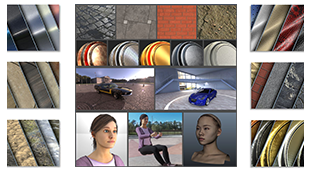
Increase the performance of your design decisions with highly realistic ready-to-use Visual Content - of Materials, Humans, Props and Environments
Role
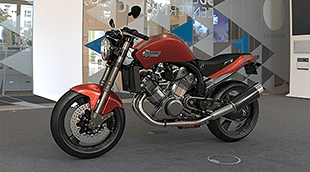
Accelerate the appearance design exploration and make the right visual design decision with a fully integrated real-time Visualization and Rendering
Role
When I am creating sections, I pick the mesh add it as a new section, Plane direction, count 1 select the plane, no section. Keeps doing this.Worse though, is that when I save and then close down file and reopen, all my sections have been deleted except the last one.. Video shows this.What does this option in Preferences do? Nick McferranSylvain CarreThomas Frison
CATIA CREATIVE DESIGN & STYLING - USER COMMUNITY
How do I balance a curve or a surface about a symmetry plane in IDX. We have been using this as a process methodology for over 15 years now and it surprises me that it is still not part of the IDX toolset, unless I am missing something?Currently, for a curve I am having to edit the control point positions as I used to do in ICEM Surf 2.0 in 1995! Forget the surfaces!I can't use the ISD Control poi
CATIA CREATIVE DESIGN & STYLING - USER COMMUNITY
When setting Sliding mode to be None, and then using Z (XY Plane or Top) from VNav everything works perfect as designed.(X direction runs left to right)So why when I press F4 and choose Top or Bottom View does it rotate the view 90 degrees?Nick McferranSylvain Carre
CATIA CREATIVE DESIGN & STYLING - USER COMMUNITY
The Art of Surface Modeling
End-to-End Model-Based Solutions for Mechatronics & Software-Driven Experiences
Enabling Rapid Development of High-Quality Mechanical Products
A Comprehensive Set of Engineering Roles Integrated in a Seamless Design Process
Delivering world-class Building Information Management (BIM) software solutions for architects, civil engineers and contractors across all project phases and trades.
Speak with a CATIA expert to learn how our solutions enable seamless collaboration and sustainable innovation at organizations of every size.
Courses and classes are available for students, academia, professionals and companies. Find the right CATIA training for you.
Find information on software & hardware certification, software downloads, user documentation, support contact and services offering