Hi,I can retrieve categories and projects from TWC via Cameo Open API calls. Is there a way to retrieve Cameo Collaborator resources through the Open API Thank you.
CATIA MBSE CYBER SYSTEMS
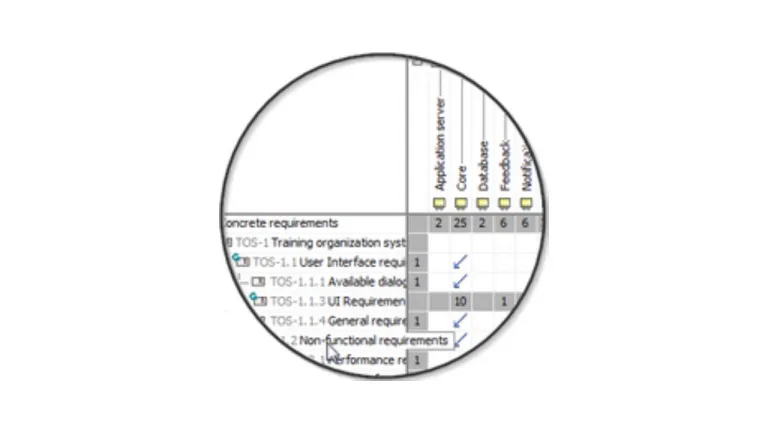
Ensure Traceability from Requirements to Other Model Parts
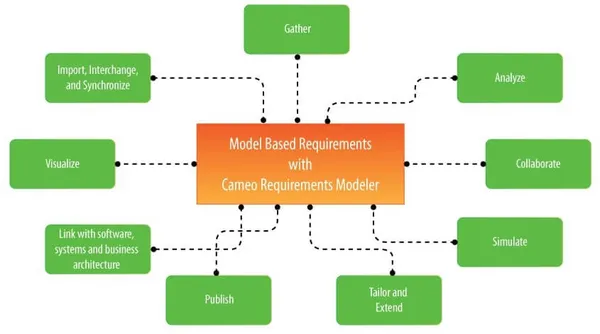
The Cameo Requirements Modeler plugin integrates with other products to work with requirements no matter whether you are gathering them, importing from other tools, managing, publishing, analyzing or linking to other models as needed by your business processes, designs or test cases. All of this is available out of the box with this plugin for full model-based requirements engineering support.
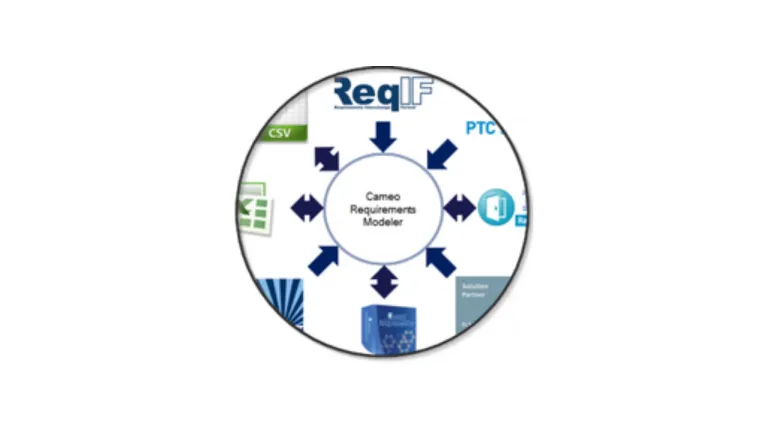
The plugin implements the requirements part of the OMG SysML standard and provides a means to import and manage requirements in the model. Requirements Interchange Format (ReqIF) makes the plugin open for requirements interchange among different requirements management tools, including IBM DOORS, PTC Integrity, and Siemens Teamcenter.
This product is designed for software engineers, business analysts and business architects, and other users, who need requirement support to ensure traceability from requirements to other model parts. It is bundled as a part of the solution for systems engineers (Cameo Systems Modeler) and enterprise architects (Cameo Enterprise Architecture) and is available as a plugin for MagicDraw.

Seamless traceability to designs and test cases and easy change impact analysis
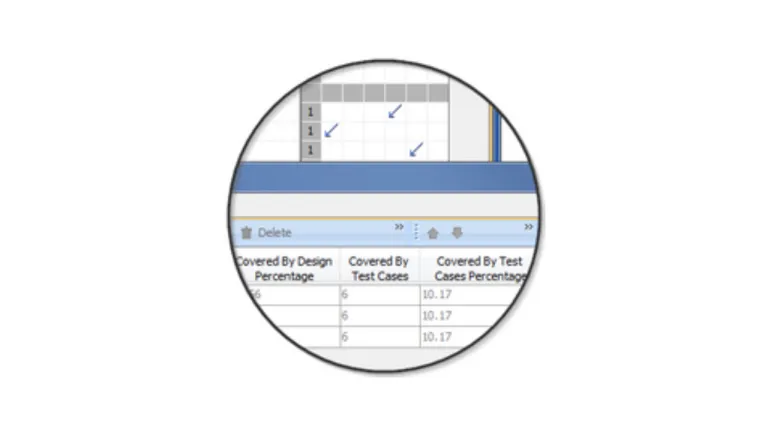
Improved your team communication with simple and standard notation, clear diagrams, web portal, live requirement coverage metrics and generated requirements reports
Increased quality of your requirements due to the automatic validation and better structuring of your requirements
Saved time and resources by working with single integrated product for requirements, processes, and design
Easy extensibility to fit your needs
GAP between text based requirements and architecture in the model is the major problem this plugin and model-based requirements solves. This GAP solves the following problems:

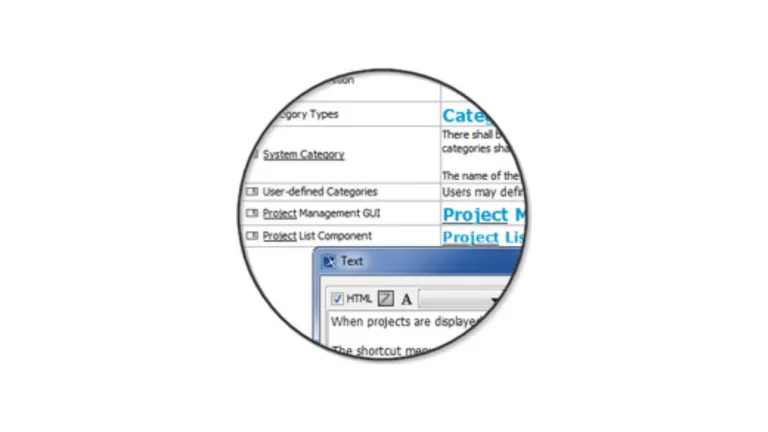
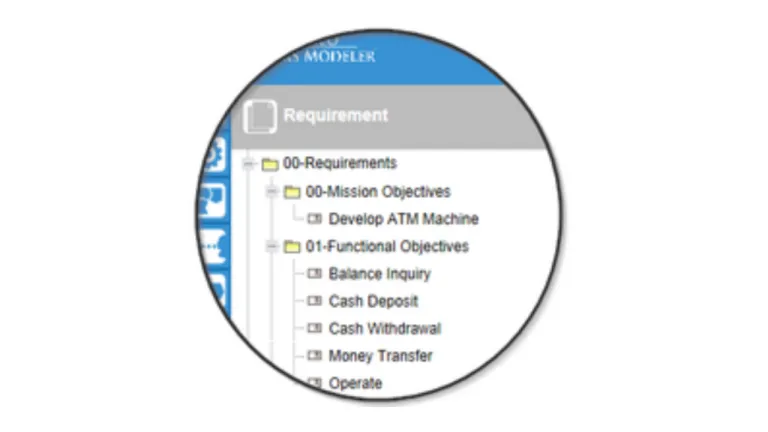
Once imported, requirements become first class citizens in the modeling world. Here is how to support that:
Once requirements are imported into model or captured they can be visualized in multiple predefined views:
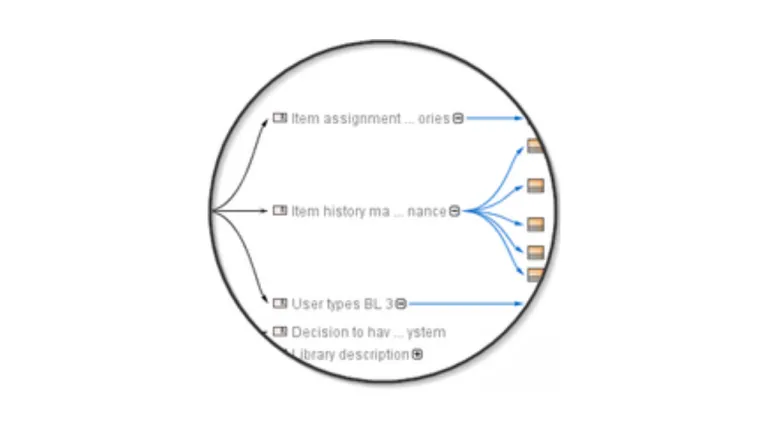
Align requirements with your model:
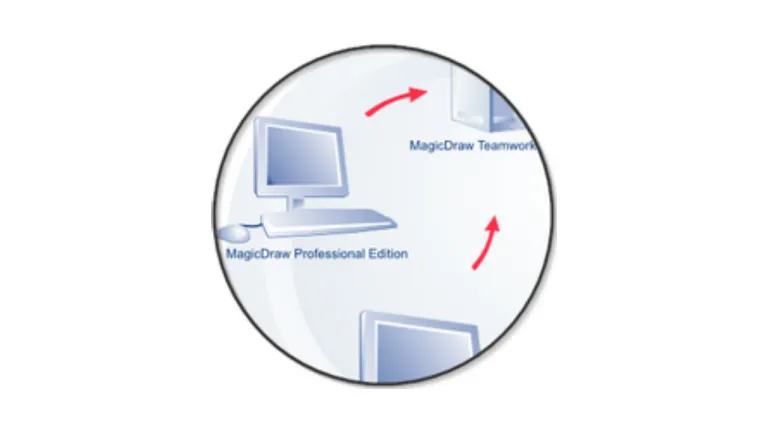
Work on requirements in teams by using MagicDraw Teamwork Server repository which enables effective team collaboration, change and configuration management, allows for restricting access to the project, and multisite support
Integration with OMG standard-based model execution, debugging, animation, and user interface prototypes supporting framework – Cameo Simulation Toolkit. It allows simulating future capability based on requirements parameters or imitate live user interface of future system
Hi,I can retrieve categories and projects from TWC via Cameo Open API calls. Is there a way to retrieve Cameo Collaborator resources through the Open API Thank you.
CATIA MBSE CYBER SYSTEMS
Take a look at our newly designed MBSE Bot, which recently helped us present an MBSE for Manufacturing use case at the Global Product Data Interoperability Summit (GPDIS).But presenting is only the beginning.The MBSE Bot can:• Present and explain MBSE and Digital Engineering concepts• Teach SysML v2 and help you prepare for SysML v2 certification• Recognize people and interact through natural conv
CATIA MBSE CYBER SYSTEMS
Can the sample model ("SysML v2 book sample") be opened in CATIA MAGIC Community edition in read-write mode? (is read-only by default) so that I can access the text version of the models...
CATIA MBSE CYBER SYSTEMS
I'm looking to add a table of contents based on the ordering of the views; by paragraph # as laid out in the Inner Elements ordering. It would be awesome if there were page numbers on the ToC when published and exported to pdfThe "Collaborator WebApp" can insert a ToC to the very first page of my document, but that gets listed before my customers official markings and cover pages. I would prefer
CATIA MBSE CYBER SYSTEMS
NOTE: Existing users of No Magic products can access to the user portal at https://magicdraw.com/main.php, as well as Cameo Collaborator for Teamwork Cloud samples at https://ccexamples.nomagic.com.
Speak with a CATIA expert to learn how our solutions enable seamless collaboration and sustainable innovation at organizations of every size.
Courses and classes are available for students, academia, professionals and companies. Find the right CATIA training for you.
Find information on software & hardware certification, software downloads, user documentation, support contact and services offering