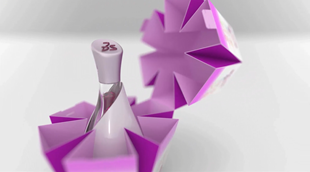


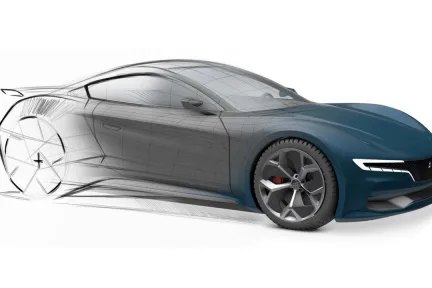
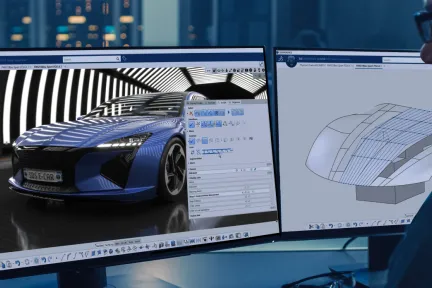
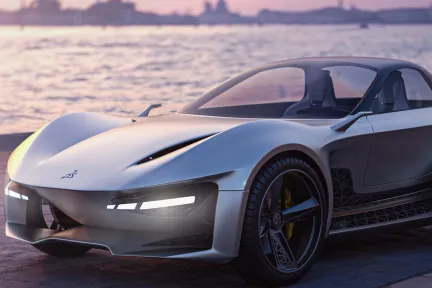
3D Pattern Shape Creator
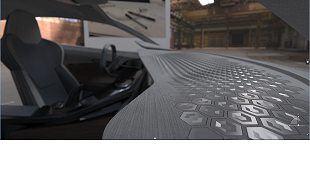
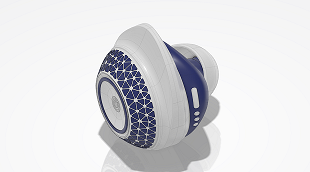
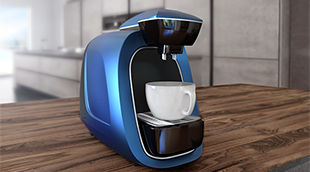
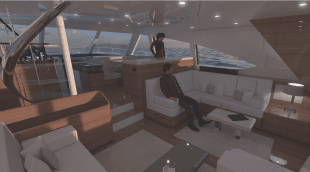
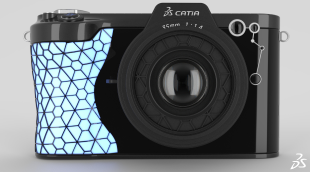
Design, explore and validate variants of complex, repetitive and non-regular shapes and patterns with an intuitive algorithmic approach
角色
统一的工业设计工作流程解决方案
从产品到交通运输行业,产品的造型和设计对于其在市场上取得成功发挥着重要作用。对 CATIA 设计与造型而言,实现形态和材料的创新、曲面质量和精细复杂程度达到较高水准、借助物理和虚拟原型获得合适的决策工具等,都是提升设计创新能力的关键因素。
CATIA 设计与造型 为设计创意、高级曲面和产品体验提供了完整的解决方案。这意味着,您可以将 3D 草图绘制、细分曲面、A级曲面建模以及3D 打印、逆向工程、逼真可视化以及虚拟和增强产品体验相结合,通过无缝的工作流程在一个集成流程中创建可视化和渲染。
利用集成的创意工作流程,创建和探索创新的概念性构思,依托以人为本的理念,丰富设计体验。
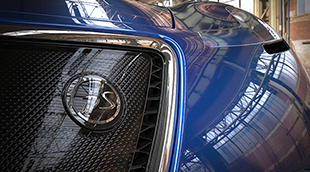
创造最佳优化的轻量化高质量曲面,以达到汽车A 级曲面、航空气动放样或船舶轻量化外形设计。
利用高端可视化配合沉浸式虚拟和增强现实体验,在产品开发流程中做出精准的决策。
借助 3DEXPERIENCE 平台,您可以肆意构想、创造和体验未来产品,同时利用从创意设计、曲面建模到产品体验方面的直观 CATIA 解决方案,在设计流程的每个阶段探索更多创意。欢迎探索以下专业学科。
从概念形状构思和探索到以人为中心的用户体验
从概念到产品级 A 级曲面
可视化、体验并驾驭您的 3D 设计
利用 CATIA 创意设计与造型产品组合,我们的用户可以开展集成的草图设计、使用细分曲面极快地完成 3D 构思概念建模、创建高质量曲面、高端实时可视化、照片级真实渲染和快速原型设计:依托以人为本的理念和设计思维方法,提供以消费者为中心的体验。这些适用于各种行业和场景的解决方案,使得通过统一的工作流程、协作平台和互联解决方案,能够无缝地创建和修改曲面、原型和渲染。
CATIA 设计与造型软件产品在 3DEXPERIENCE 平台上以角色的形式打包;所有必要的应用工具触手可及,加快您的进度,提升工作效率 选择一个与您在组织中的角色相匹配的软件包。
Design, explore and validate variants of complex, repetitive and non-regular shapes and patterns with an intuitive algorithmic approach
角色
Enable creative Design anytime, anywhere and on any device, with Web browser Applications for 3D Design, freeform Shape Sculpting and pattern Design
角色
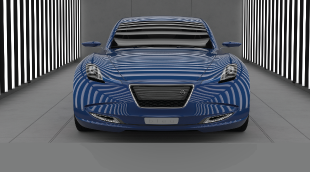
Accelerate the appearance design exploration and make the right visual design decision with a fully integrated real-time Visualization and Rendering
角色
Imagine, Create & Experience the interior Design of yachts and boats, with a Unified Industrial Design workflow solution, for the best passenger Experience
角色
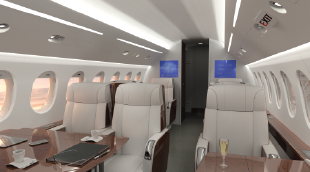
Realistic visualization & VR capabilities enable virtual aircraft cabin reviews for layout and material design, saving time and cost on physical prototypes
角色
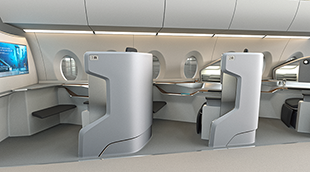
Imagine, Create & Experience the Cabin and its Monuments, with a unified Industrial Design workflow solution, for the ultimate Passenger Experience
角色
Produce high-end Class-A Quality surfaces respecting the styling intent and converging technical requirements leveraging the power of the 3DEXPERIENCE
角色
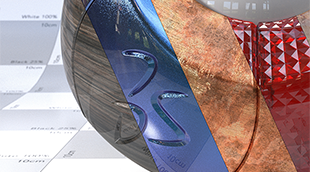
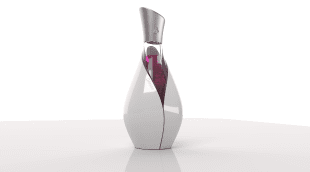
Imagine & Validate your Color, Material & Finishing, by using virtual Design with realtime visualization & physically accurate rendering directly on native data
角色
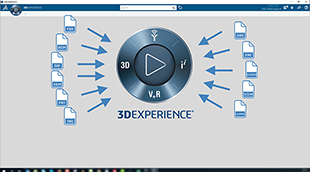
The most frequently used data importers for design visualization on the 3DEXPERIENCE platform, bundled into a collection
角色
Spark your Creativity! Imagine & explore conceptual designs through a comprehensive set of applications addressing ideation, concept modeling and visualization
角色
Design & Manage all technical areas of the model, collaborate with mock-up organization for technical reviews and facilitate link with Engineering teams.
角色
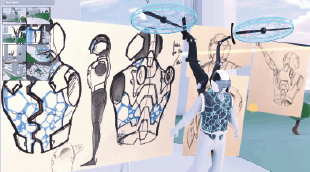
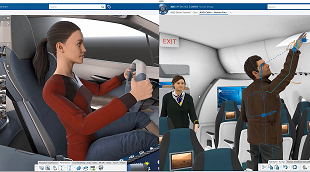
Move to the Experience Design thinking by adding Virtual Humans body and posture to your Design workflow
角色
Evaluate Human Postures and User Experience for Comfort and Safety studies with a Virtual Twin Human
角色
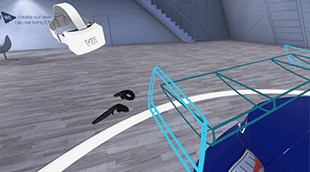
Perform multi-users Virtual Reality reviews and capture team decisions, directly and natively on the Virtual Twin within your 3DEXPERIENCE
角色
Imagine, Create & Experience the product of tomorrow with a complete and Unified Industrial Design workflow solution
角色
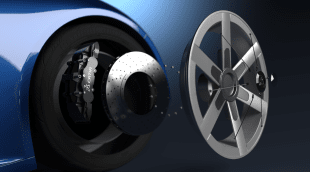
Reach a holistic view of the virtual twin to enable decision on visual quality perception from Realistic appearances, materials, shadows, reflections & lighting
角色
Grow quality of visible technical surfaces, to increase perceived quality, reach higher shape standards and optimize downstream processes consuming surfaces
角色
Experience & Make design decisions in Mixed Reality by matching precisely the Virtual+Real design, engineering, simulation and manufacturing data and product
角色
Providing integrated boat hull form Design & compartments position, with advanced shape design for best quality, optimization & first hydrostatics assessment
角色
Make the best design by bringing concepts into qualified designs through a fully integrated styling and mechanical Design workflow
角色
Dear CATIA lovers, We are pleased to invite you to our next CATIA Design User Talk. Date: September 29th, 10am (CET) Title: From Product to Immersive Experience with CATIA 3DEXPERIENCE VR Solutions Topic of the presentation: In this session Michael Adrian and Ugo BARBA-LATA, CATIA Design & Styling experts will explain how CATIA Immersive Solutions capabilities address VR scenarios that places the
CATIA CREATIVE DESIGN & STYLING - USER COMMUNITY
Hello All,Se attached a little example of a corner fillet.Everything is full parametric and have G2 matching (btw super easy to change to G3...).All function are in ICEM Design Experience (IDX) except "Corner Fillet", who belongs to the App "ICEM Shape Morphing". As you see in the video (Min 1'26), it is easy to look for a function from another App without going there (just use the Command search
CATIA CREATIVE DESIGN & STYLING - USER COMMUNITY
First steps in learning ICEM Surf. A spectacular tool.
CATIA CREATIVE DESIGN & STYLING - USER COMMUNITY
A deep dive into ASICS’ innovative approach to personalized footwear using cutting-edge technology from design to additive manufacturing
Article
与 CATIA 专家交流,了解我们的解决方案如何在各种规模的企业中实现无缝协作和可持续创新。
面向学生、学术机构、专业人士和企业的课程与培训现已开放。找到适合您的 CATIA 培训。
查找有关软硬件认证、软件下载、用户文档、支持联系人和服务项目的信息