
Appearance & Rendering Designer
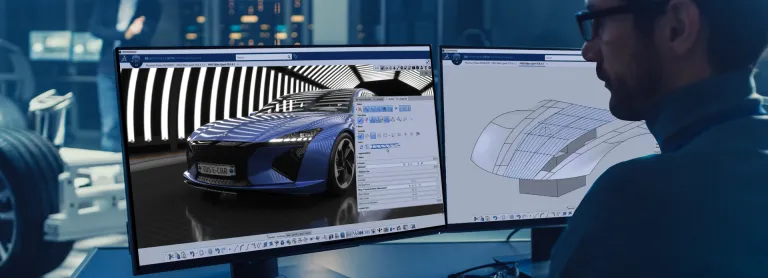
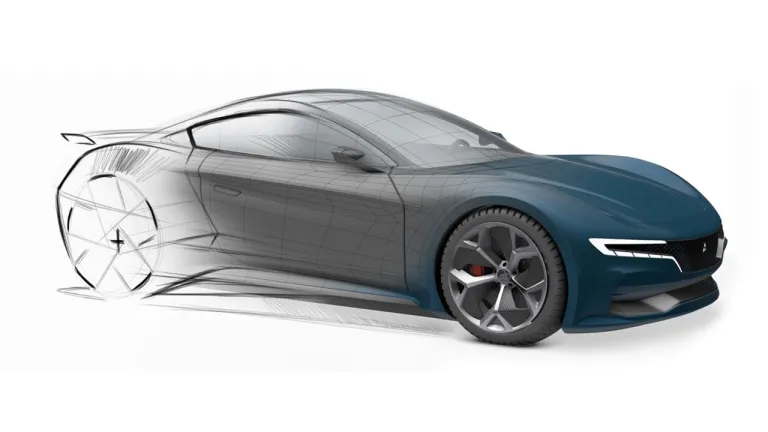
Accelerate the appearance design exploration and make the right visual design decision with a fully integrated real-time Visualization and Rendering
角色
可视化、体验并驾驭您的 3D 设计
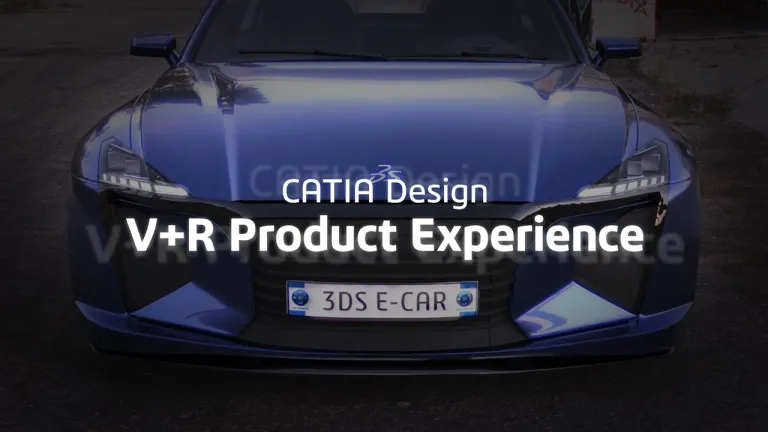
CATIA 的虚拟 + 现实 (V+R) 产品体验解决方案利用一体化的逼真可视化、沉浸式虚拟和增强现实体验,以及方便易用的评审决策应用,帮助我们的客户进行沟通并做出准确的决策。
在当下竞争尤为激烈的消费市场中,产品设计、外观和用户体验对于企业取得成功至关重要。以创新和敏捷的方式将产品推向市场以迎合消费趋势是获得业务成功的关键因素。各企业正在不断探索各种方法,以加强创意设计和可视化设计协作,协调审美要求和工程约束,融入不断变化的用户体验需求,以及应对可持续发展的趋势。
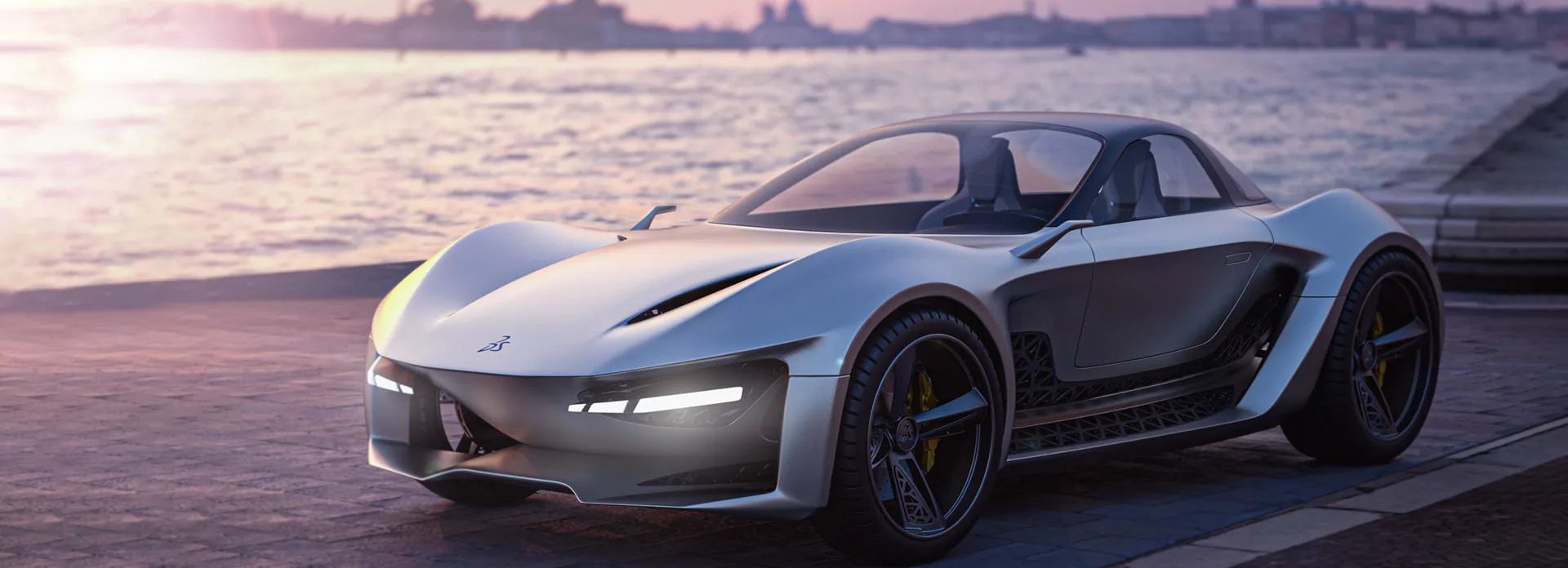
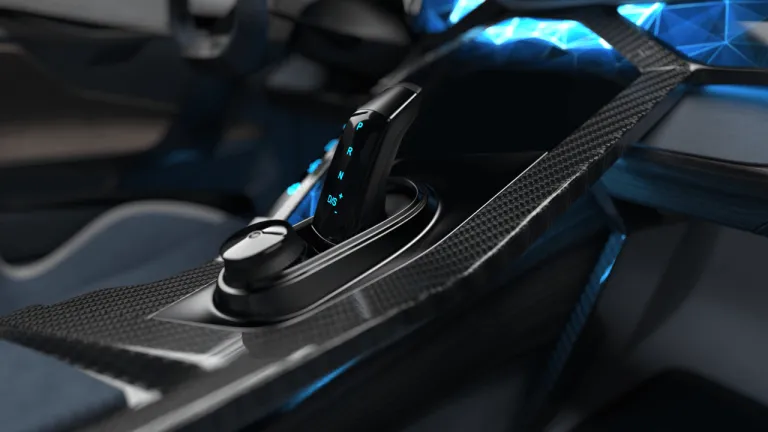
CATIA V+R 产品体验可提供一个优质的可视化和决策套件,助力您在整个产品开发流程中做出明智的决策。虚拟原型制作,由逼真的 CATIA 可视化驱动,帮助各种依赖于全面产品美学的行业流程。此外,逼真的可视化增强了对虚拟 3D 验证过程的信任和可接受度,这对研究人体工程学、工程和制造场景至关重要。
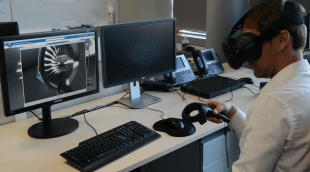
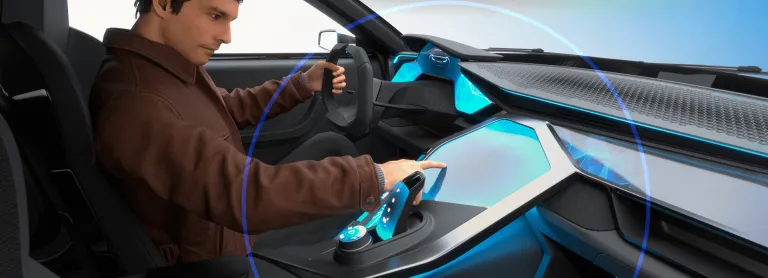
CATIA V+R 产品体验沉浸式解决方案可提供精确、逼真的沉浸式产品渲染,以便进行全面的设计评审。我们的混合现实解决方案使您能够直接沉浸在受控的虚拟孪生里面或前面,便于探索设计问题,并在任何阶段无缝集成人体体验的验证。通过我们的虚拟和混合现实协作工具,您可以利用来自设计、工程和仿真的数据,实时做出可连接和可追溯的决策,所有这些都基于虚拟孪生的单一数据源。
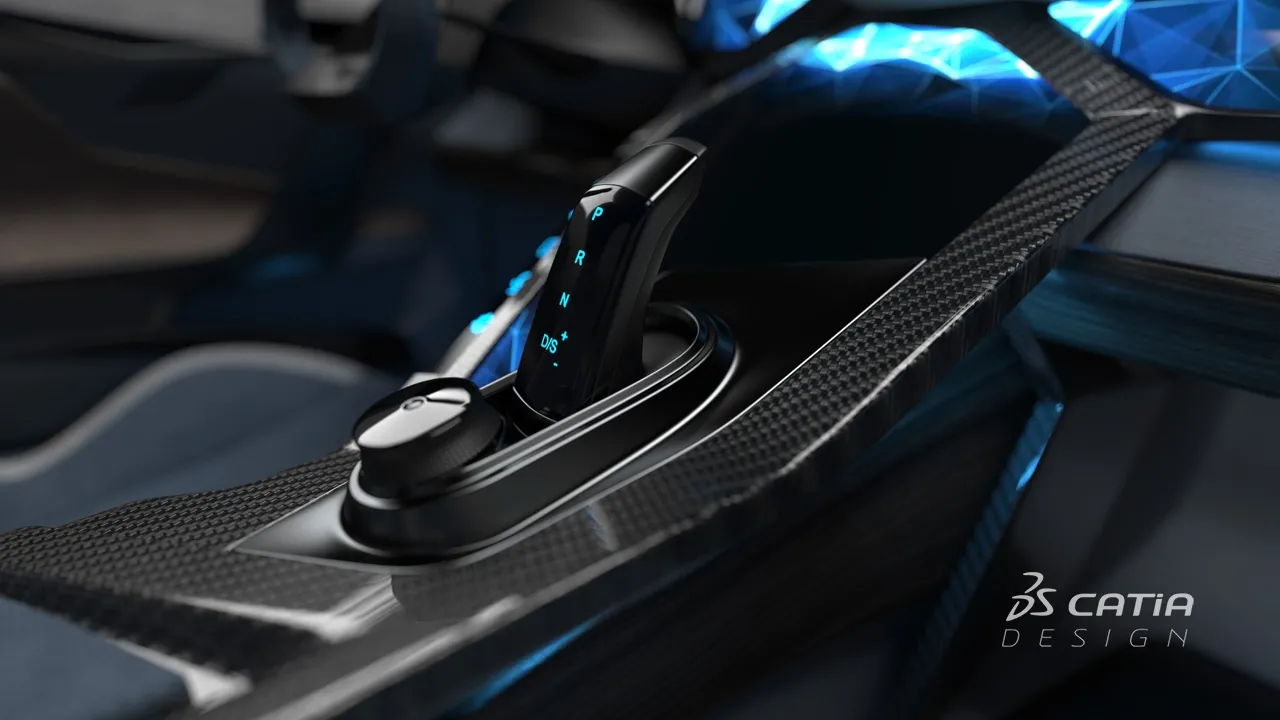
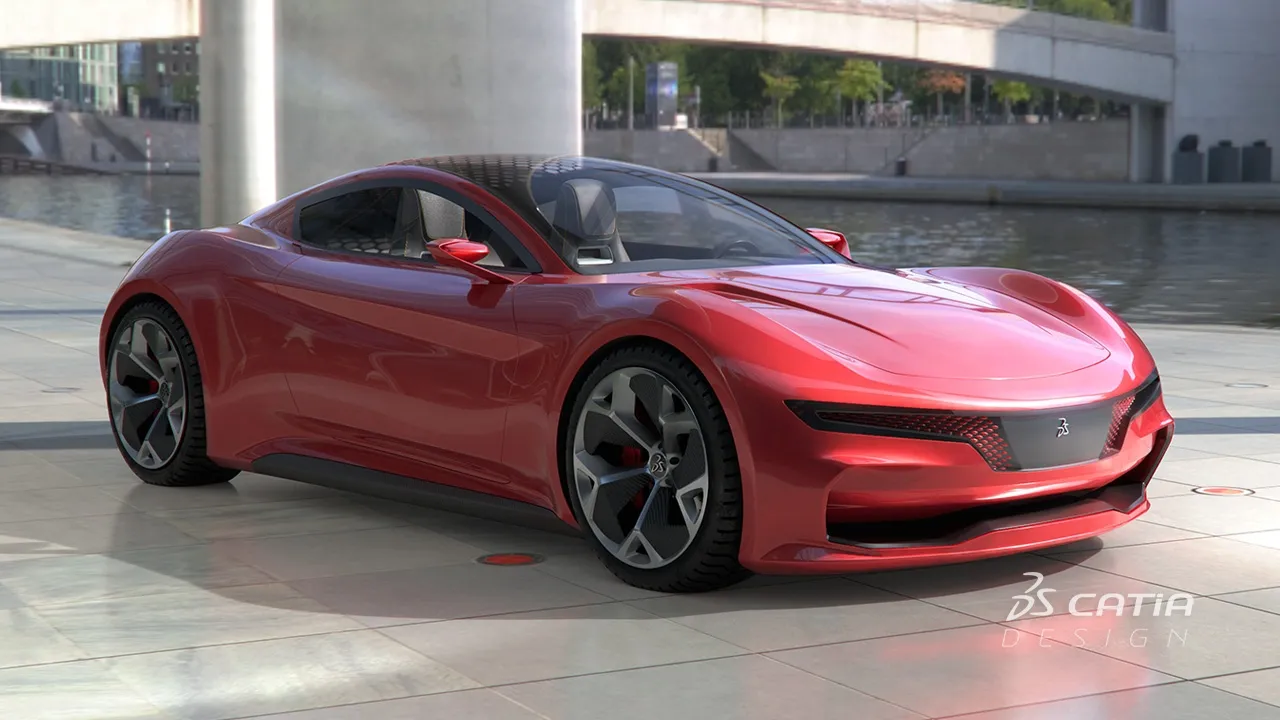
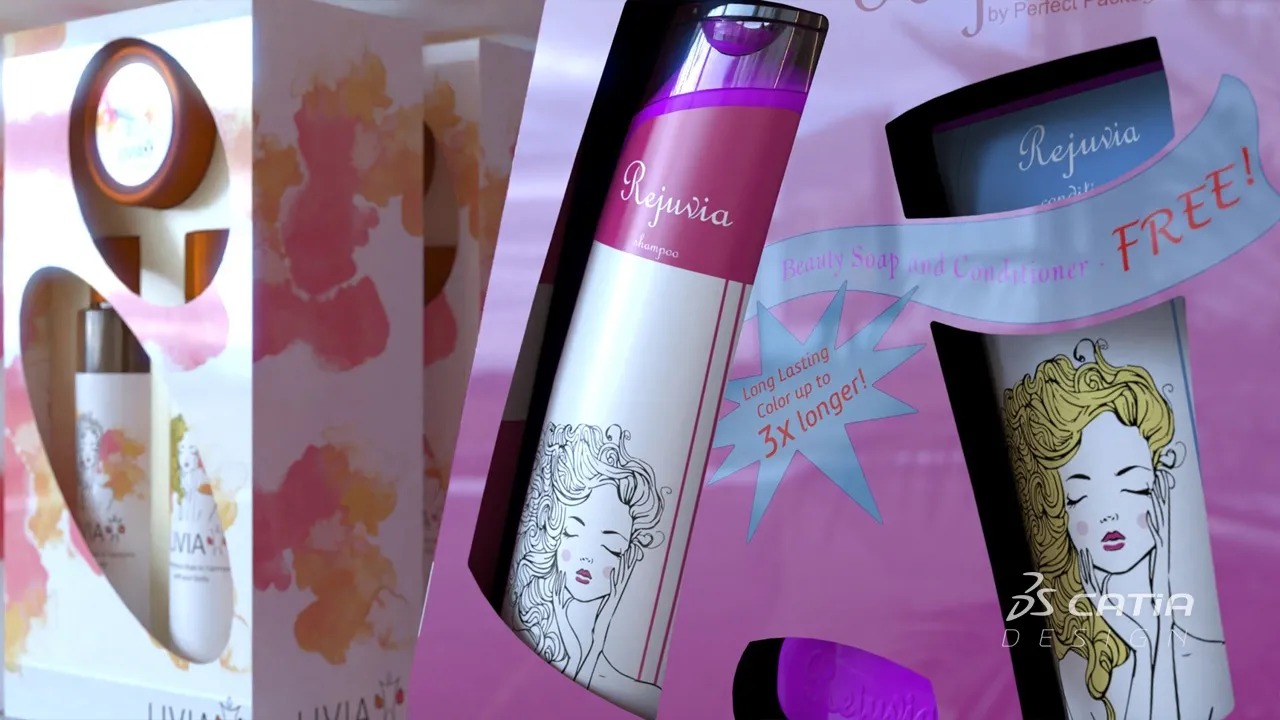
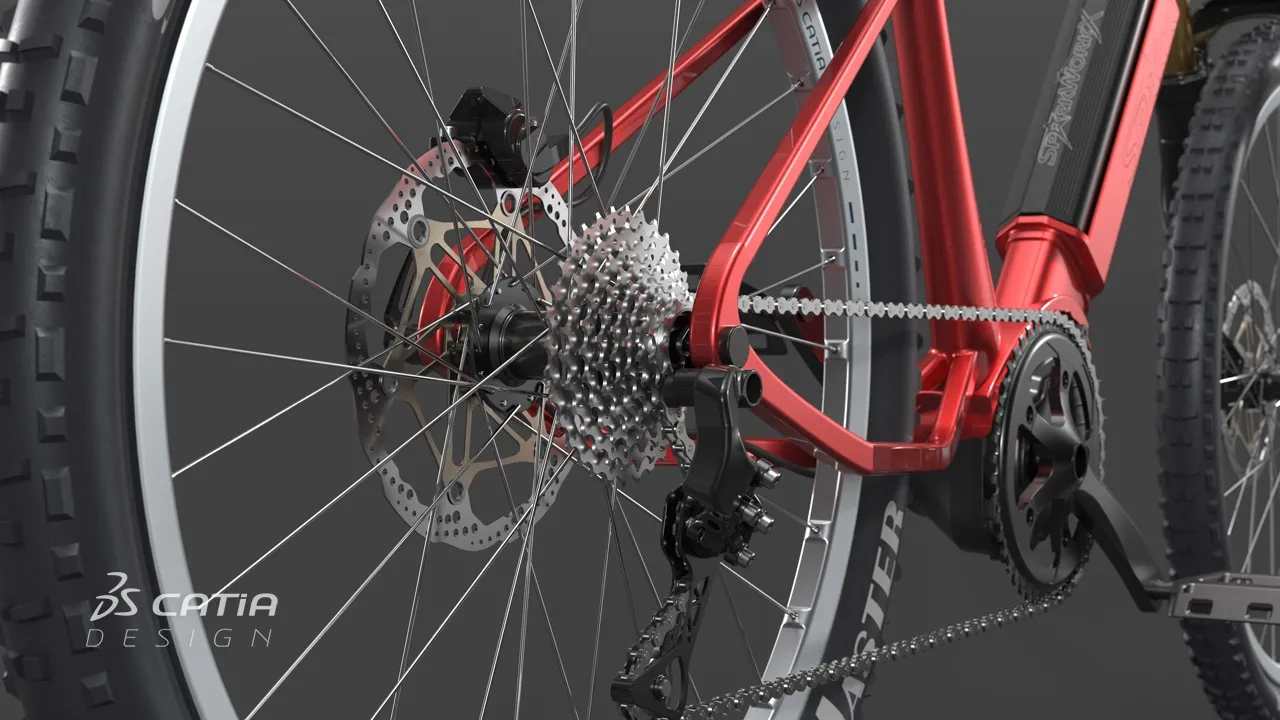
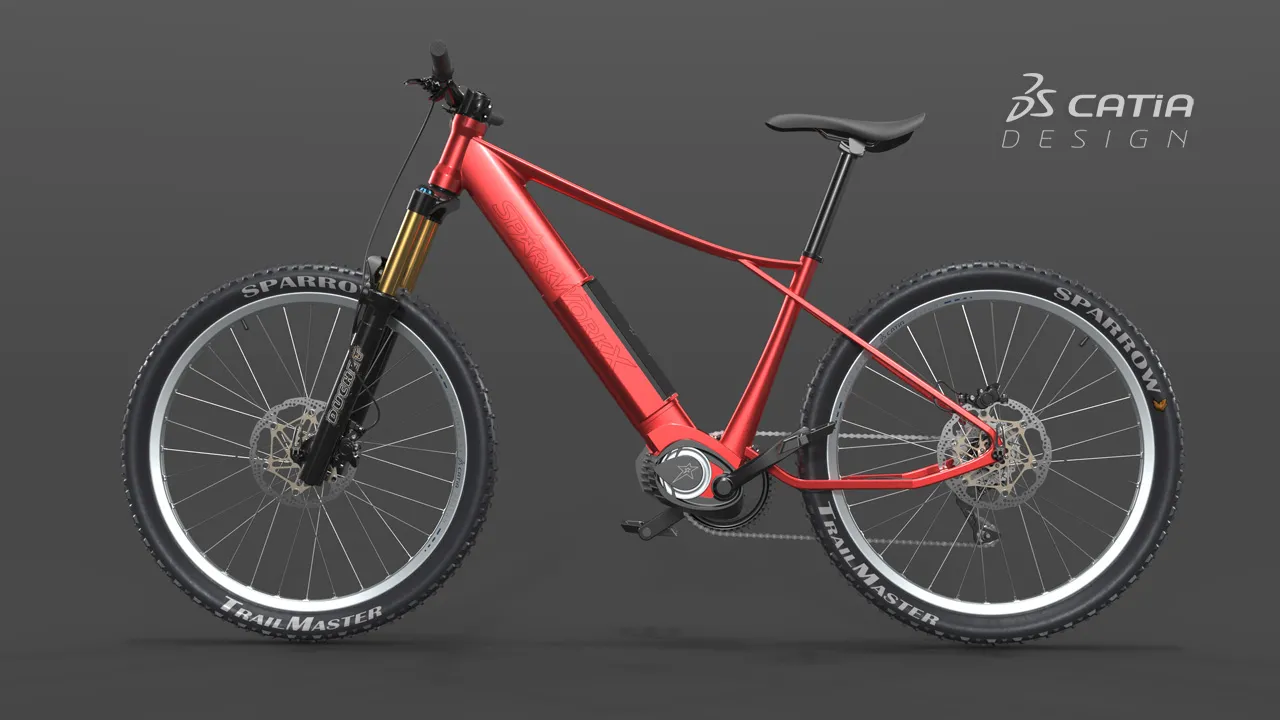
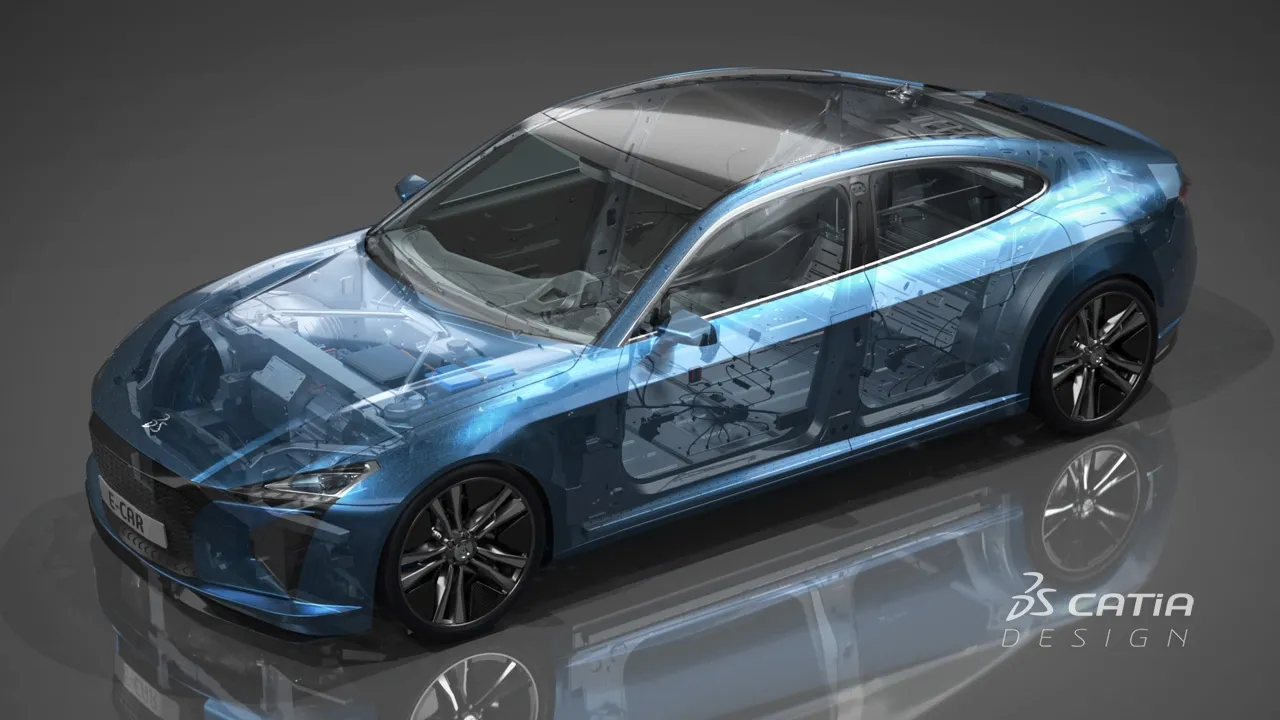
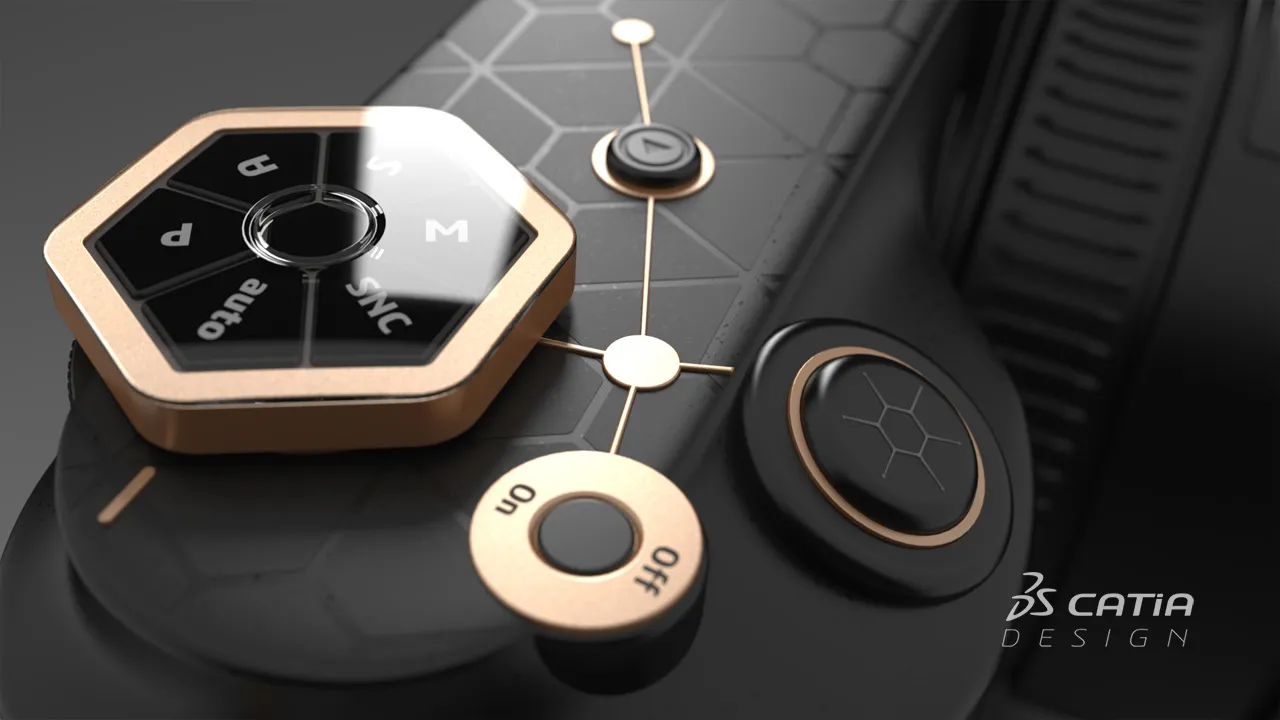
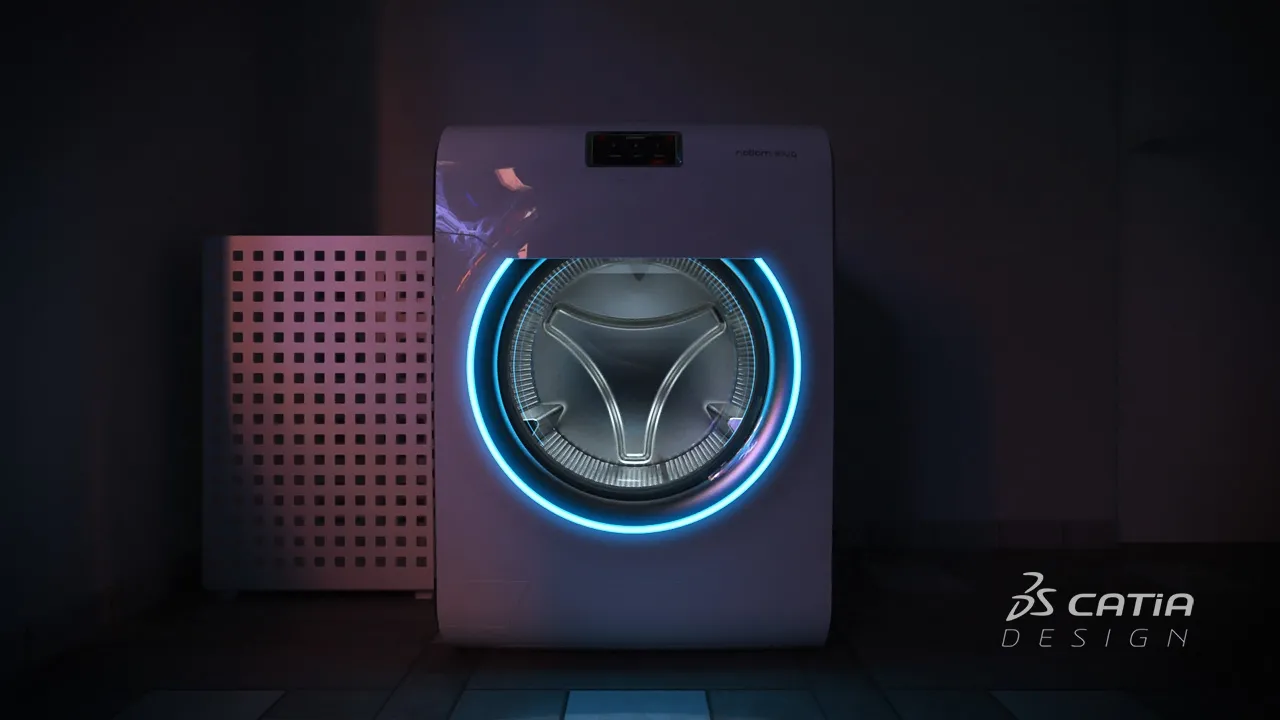
创意设计体验是一项非常具有变革性的技术,对我帮助很大。我非常享受与这个团队、这个平台一起工作的过程,我真的很希望能够再次参与这样的挑战。
CATIA V+R 产品体验 软件产品以 角色的形式打包在3DEXPERIENCE 平台上,以便让您更快上手,并更高效地使用所有所需的应用,尽在您的指尖。选择一个与您在组织中的角色相对应的套餐。
Accelerate the appearance design exploration and make the right visual design decision with a fully integrated real-time Visualization and Rendering
角色
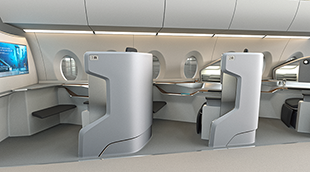
Realistic visualization & VR capabilities enable virtual aircraft cabin reviews for layout and material design, saving time and cost on physical prototypes
角色
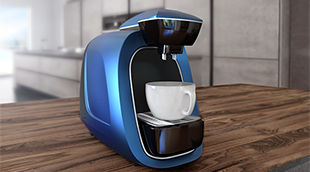
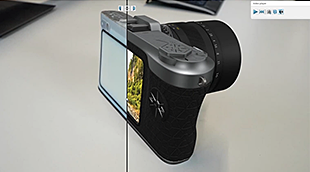
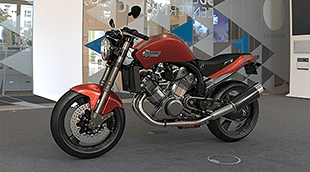
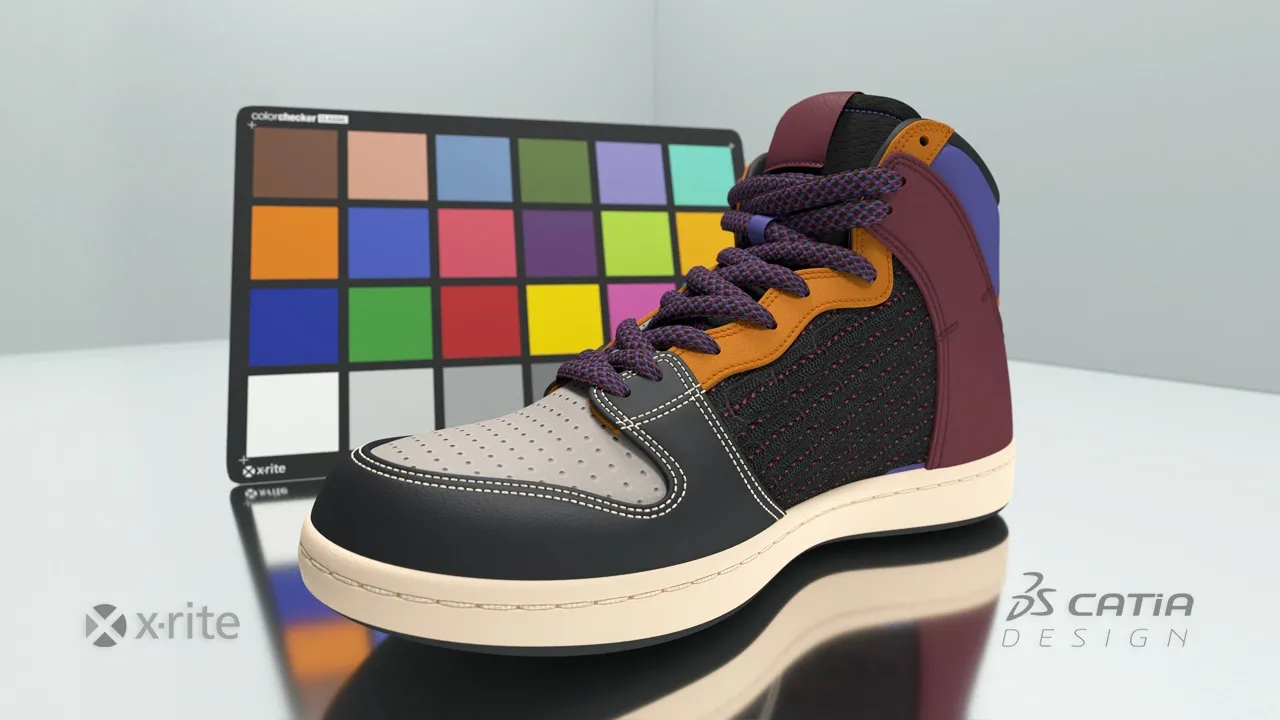
Imagine & Validate your Color, Material & Finishing, by using virtual Design with realtime visualization & physically accurate rendering directly on native data
角色
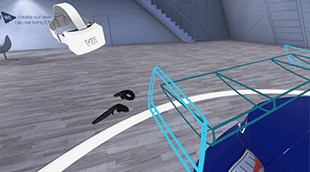
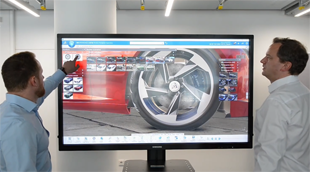
Perform multi-users Virtual Reality reviews and capture team decisions, directly and natively on the Virtual Twin within your 3DEXPERIENCE
角色
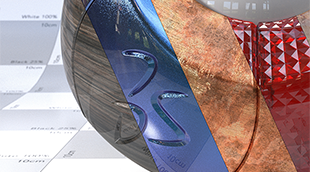
Reach a holistic view of the virtual twin to enable decision on visual quality perception from Realistic appearances, materials, shadows, reflections & lighting
角色
Experience & Make design decisions in Mixed Reality by matching precisely the Virtual+Real design, engineering, simulation and manufacturing data and product
角色
Make the right Design choice & decision by creating intuitive & realistic Product Design Experience presentations, exploring alternative variants & experiences
角色
Bring Real product to Virtual twin models, with the highest productivity, quality, and multiple possible methodologies of reconstruction.
角色
Immediately improve the understanding of your design with integrated & direct access to immersive Virtual Reality inside your 3DEXPERIENCE applications
角色
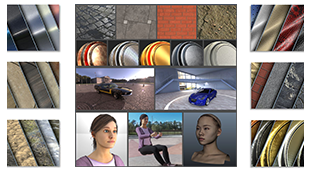
Increase the performance of your design decisions with highly realistic ready-to-use Visual Content - of Materials, Humans, Props and Environments
角色
Accelerate the appearance design exploration and make the right visual design decision with a fully integrated real-time Visualization and Rendering
角色
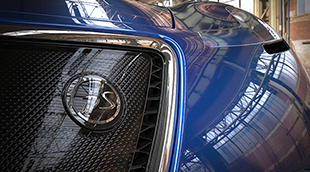
Hello All,Tried some renders using the Spectral Render Engine from PEQET role on 3DS ECar, results were amazing Linkedin Post: https://lnkd.in/p/gdD-WkasDrop your comments below
CATIA CREATIVE DESIGN & STYLING - USER COMMUNITY
Clicking the OK button with a mouse to confirm commands has two drawbacks. First, it takes extra time. Second, the mouse may be positioned precisely on the model for adjustment; moving it back and forth will lose that exact cursor position. Using the spacebar on the keyboard to confirm commands is more efficient and matches our operating habits.
CATIA CREATIVE DESIGN & STYLING - USER COMMUNITY
I would appreciate some advice. I am dealing with a toolbar display issue in the 3DEXPERIENCE environment.
CATIA CREATIVE DESIGN & STYLING - USER COMMUNITY
Integrating Design Collaboration with CAD, Scalable Visualization and VR
Article
与 CATIA 专家交流,了解我们的解决方案如何在各种规模的企业中实现无缝协作和可持续创新。
面向学生、学术机构、专业人士和企业的课程与培训现已开放。找到适合您的 CATIA 培训。
查找有关软硬件认证、软件下载、用户文档、支持联系人和服务项目的信息