Fluid 3D Systems Designer
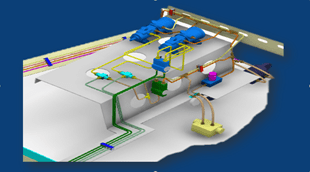
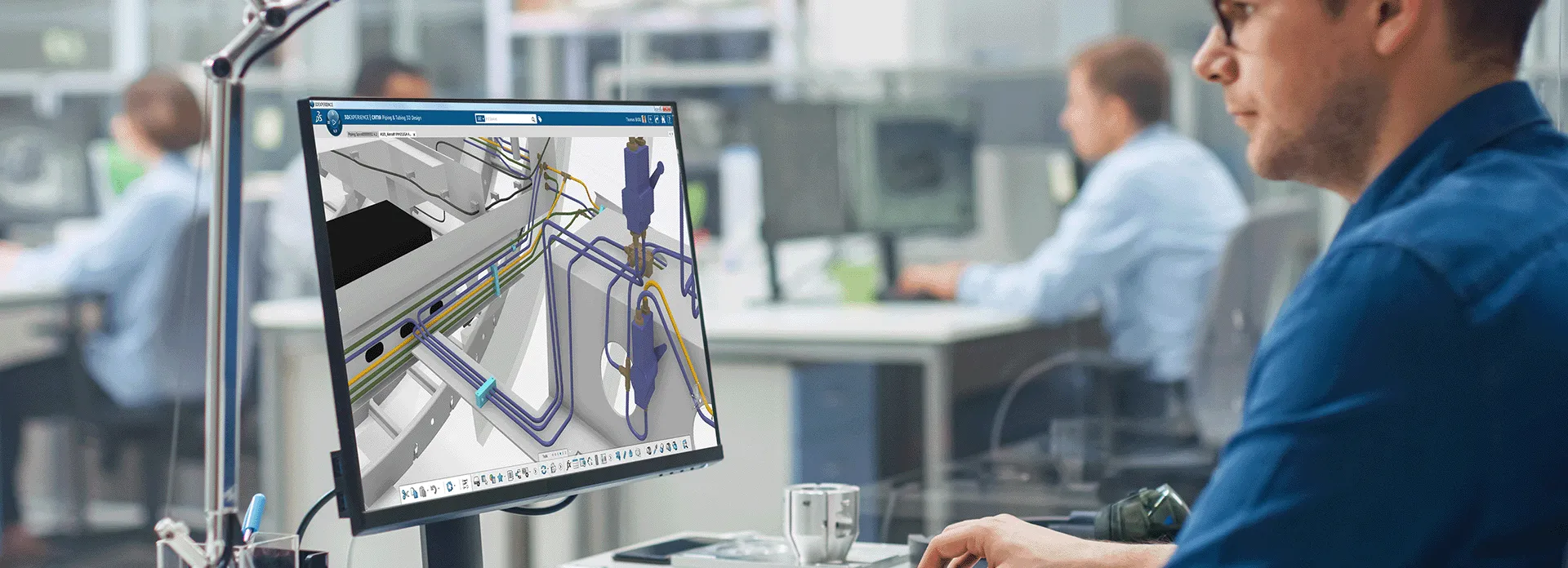
Improve piping, tubing and HVAC systems quality, shorten design time and reduce material costs by optimizing the physical design of complex fluid systems
ロール
コラボレーティブな製品開発プラットフォームで、規格に準拠したエンドツーエンドの流体システムを設計する
流体システムは、パイピング、配管、HVAC など流体の処理や輸送、場合によっては流体を通して電力を伝送することを目的として設計されています。これらのシステムは、用途に応じて異なる材料から製造できます。材料とフローの特性はプロセスに沿って変化する可能性があるため、流体システムの設計はさまざまな標準と仕様によって管理されます。これにより、使用状況に応じた厳格な体系化、分類、コンプライアンス確保が可能になります。
3DEXPERIENCE プラットフォームでは、パイピング、配管、HVAC の各システムのライフサイクル管理が可能です。プロセスとの迅速かつ容易な統合により、製品イノベーションのコラボレーションによる投入を加速させます。また、複雑なシステムを管理する能力も強化されます。
製品/プロセスの複雑さが増しているため、流体システム・メーカーは標準化アプローチを採用しています。その結果、規制遵守だけでなく、エンジニアは絞り込まれた検証済みのオプションを利用できるようになりました。
CATIA 3DEXPERIENCE Fluid Engineering ソリューションは、こうした標準や仕様の導入をサポートします(Engineering Specifications Editor、データ・セットアップ・アプリケーション、ライブラリ/カタログを使用)。サイト管理者は、プロジェクトのエンジニアがその業界に関連する特定の標準セット内で作業させることができます。これにより、より高い水準のコンプライアンスを確保できます。
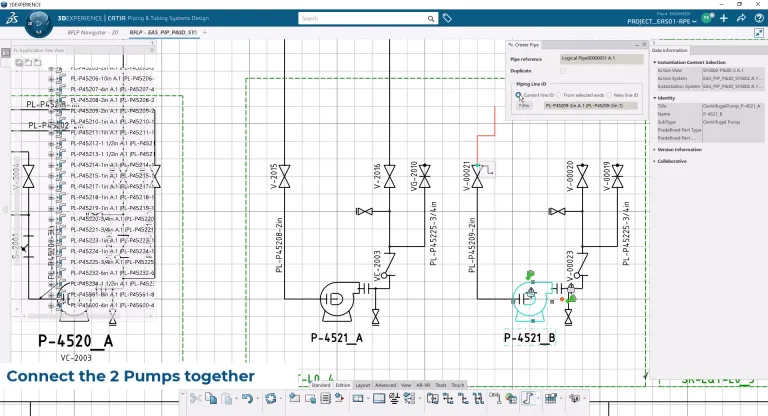
2D 回路図では、効率的な 2D ツールを使用して簡単かつ迅速に回路図を作成できます。予備的なブロック図や高度な PFD、複雑な P&ID など、回路図ツールはさまざまなレベルの複雑さに対応するだけでなく、複数の分野にわたるデータ・オブジェクトにも対応します。
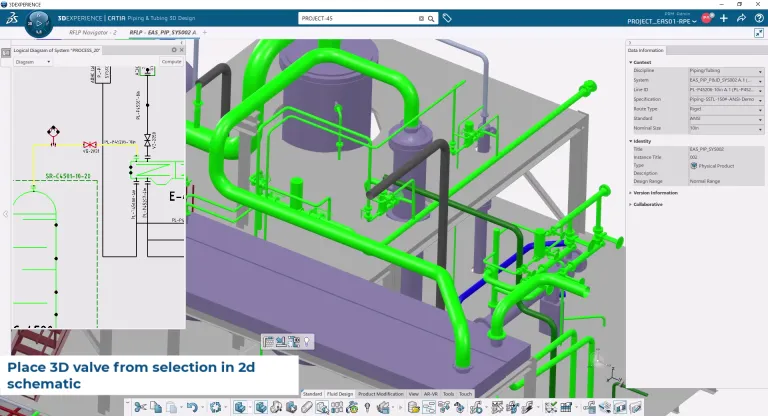
3D 流体エンジニアは、回路図が準備できていなくても早期に作業を開始できるため、時間を節約できます。適切な完成度マイルストーンに沿って、2D 設計と 3D 設計を同期し、完全性とトレーサビリティーを確保できます。
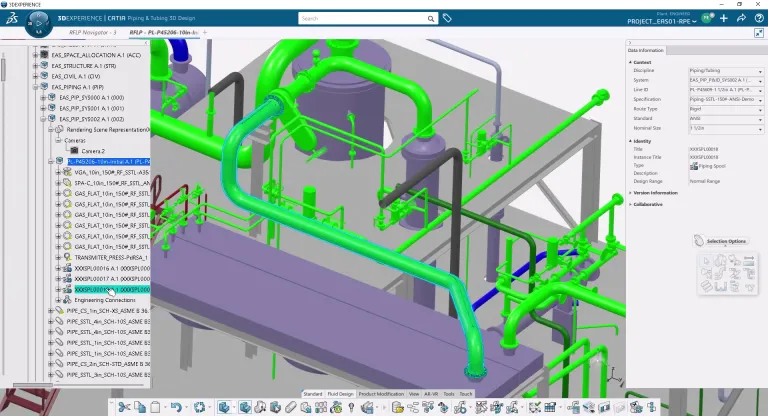
Fluid 3D Systems Designer ツールは、エンジニアが機器を配置し、流体ネットワークを効率的に作成するのに役立ちます。強力な形状機能と堅牢なコンプライアンス・メカニズムにより、目標を達成することができます。さらに、設計の自動化により、生産性が向上し、エラーが減少します。
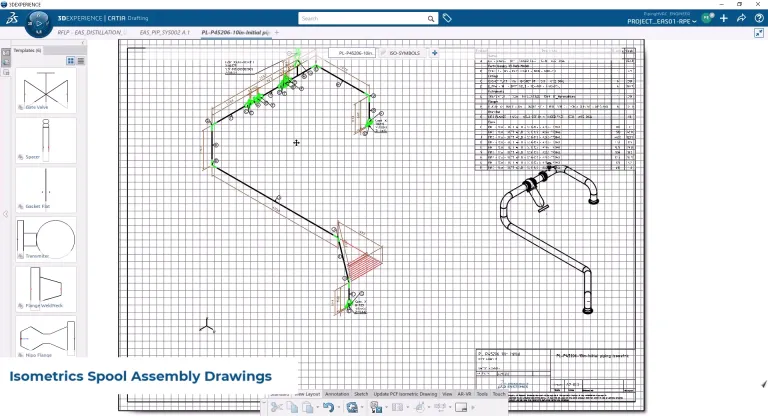
設計の工程は 3D 設計で終わらず、特定の要件に応じて製造成果物を簡単に生成できます。製造成果物には、スプール製造図面、アセンブリー図面、エンジニアリング BOM、製造 BOM、レポートなどがあります。
CATIA Fluid Engineering ソフトウェア製品は、3DEXPERIENCE プラットフォームでロールとしてパッケージ化されており、必要なアプリケーションすべてをすぐに利用できるため、迅速かつ効率的に作業を進めることができます。組織におけるお客様の役割に対応するパッケージをお選びください。
Improve piping, tubing and HVAC systems quality, shorten design time and reduce material costs by optimizing the physical design of complex fluid systems
ロール
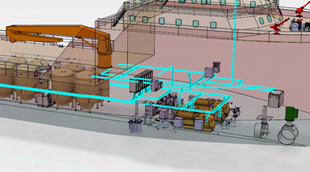
Engineer fluid & electrical systems and steel layout equipment while ensuring integration/synchronization in context of the overall ship or offshore platform
ロール
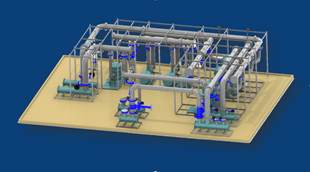
An integrated 3D fluid systems development environment for the physical design of piping and HVAC systems in the context of the Digital Mock-Up
ロール
What if your SysML model could interact with real systems before the software is even implemented?Join us to live webinar to discover how CATIA Magic (Cameo Systems Modeler) connects SysML models with live DDS (Data Distribution Service) traffic, enabling earlier system integration, validation, and testing.Through a live demonstration, you will see how a SysML model can subscribe to real-time data
CATIA MBSE CYBER SYSTEMS
Hi,I am using CSM 2022x Refresh 2 with Teamwork Cloud and Collaborator plugins.I am trying the OSLC integration capability with DNG by following one of your available tutorial https://docs.nomagic.com/CDH/latest/business-use-case-flow-with-dng-304012914.html but somehow, I am not ending with a similar result.By the end of the flow, I should be able to view the CSM element (which I published as an
CATIA MBSE CYBER SYSTEMS
According to PwC’s 29th Global CEO Survey, only 1 in 8 CEOs say AI delivers both higher revenues and lower costs. Billions invested. Countless pilots. So where is AI creating value?It starts with a real business challenge, and virtual twins give industrial AI the context to solve it.On Thursday, November 19, 2026, join us for the CATIA R2027x Live Keynote, in person in Vélizy-Villacoublay or onlin
CATIA MBSE CYBER SYSTEMS
A SysML model can describe a DDS interface. This plugin for CATIA Magic lets it take part in one: a simulation can publish and subscribe to real RTI Connext DDS traffic, so a service that exists only as a model can exchange data with services that already exist as code.The video (linked below) shows the setup and a live demo.What it's forChecking interfaces before implementation. A supplier's code
CATIA MBSE CYBER SYSTEMS
Virtual Twin for Electrical & Fluid Systems Design Process
EBooks
Discover how Marcopolo uses the 3DEXPERIENCE platform to streamline bus development, centralize product data, and speed time to market.
Customer Story
Manage traceability along the entire electrical systems life-cycle
E-seminars
電気設計者のための強力なエンドツーエンド・プロセス
シームレスな設計プロセスに統合された包括的なエンジニアリング・ロールのセット
組織の規模の大小を問わず、シームレスなコラボレーションと持続可能なイノベーションに、このソリューションがどう役立つかについて、CATIA の担当技術者がご説明します。
学生、教育機関、専門家、企業向けに、さまざまなトレーニング・コースをご提供しています。最適な CATIA トレーニングを見つけてください。
ソフトウェアおよびハードウェアの認証情報、ソフトウェアのダウンロード、ユーザー・ドキュメント、サポート窓口、ならびに提供サービスに関する情報はこちらから。