

Product Creative Designer
Imagine, Create & Experience your Product, with a unified creative design workflow solution, for the best Consumer Experience
ロール
統合されたインダストリアル・デザイン・ワークフロー・ソリューション
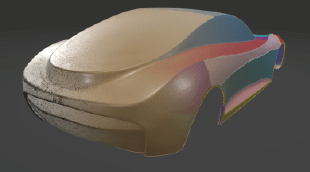
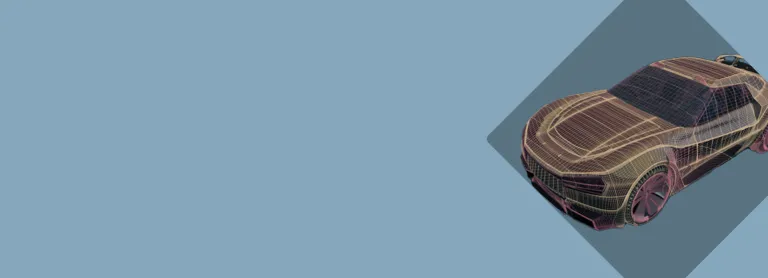
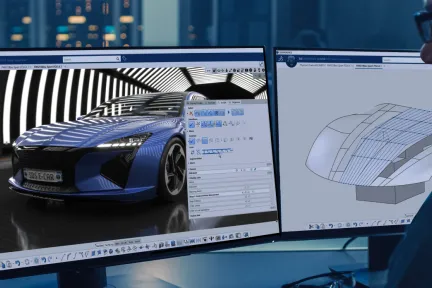
製造業から自動車・輸送機械業まで、製品のスタイルとデザインは、市場で成功を収めるうえで大きな役割を担っています。独創的な形状と材料の開発、ハイレベルなサーフェスの洗練性と品質、適切な意思決定ツールと物理/仮想プロトタイプの入手は、CATIA Design & Styling が設計のイノベーションを推進する主要な要素です。
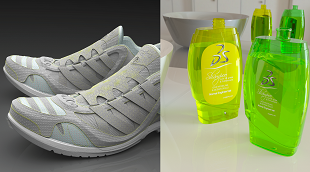
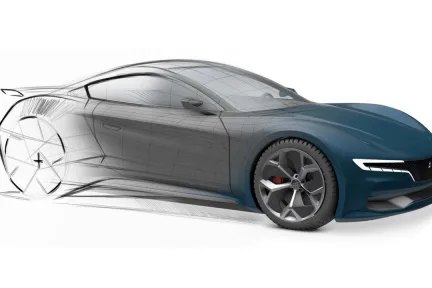
CATIA Design&Styling は、デザインの創造性、サーフェスの卓越性、製品エクスペリエンスを作り上げるためのすべてのソリューションを提供します。つまり、3D スケッチ、サブディビジョン・サーフェス、クラス A のモデリング、3D プリント、リバース・エンジニアリング、リアルな可視化、仮想現実および拡張現実の製品エクスペリエンスを組み合わせて、シームレスなワークフローにより統合プロセスの中でレンダリングを作成、開発できます。
デザインエクスペリエンスを豊かにする人間のコンテキストにおいて、クリエイティブな統合ワークフローにより、斬新なコンセプト、アイデアを創造、探求します。
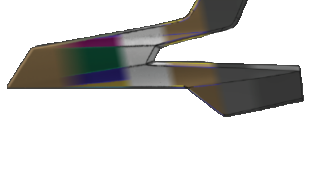
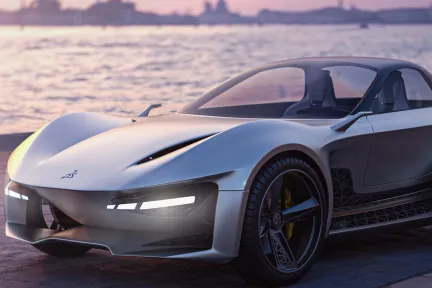
最高のサーフェス品質、最適化、パフォーマンスを実現し、自動車向けクラス A のサーフェス、エアロ・ロフティング、船舶アーキテクトの船体形状の高い基準を達成します。
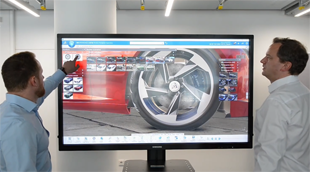
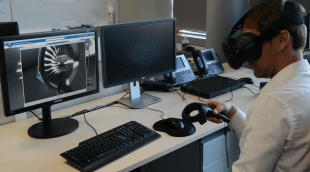
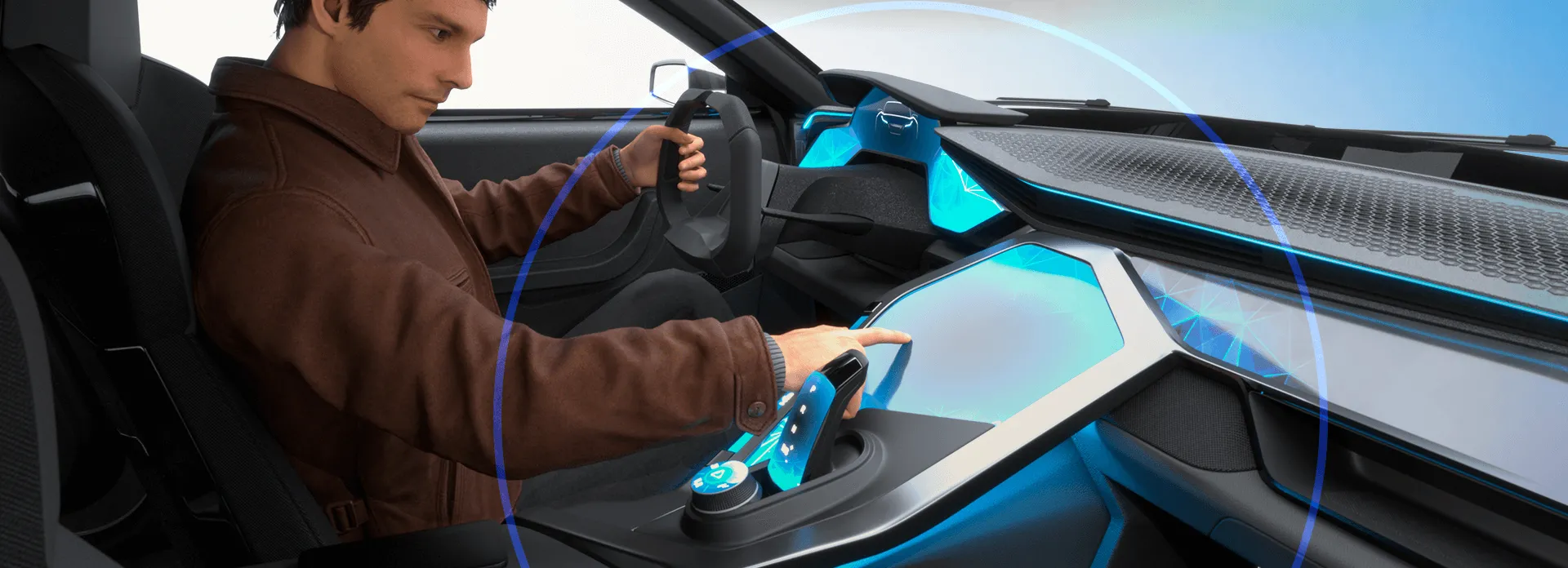
没入型の仮想現実および拡張現実エクスペリエンスによるハイエンドな視覚化を活用して、製品開発プロセスにおける正確な意思決定を実現します。
3DEXPERIENCE プラットフォームを使用すると、クリエイティブ・デザインからサーフェス・モデリング、製品エクスペリエンスに至るまで、直感的な CATIA ソリューションを活用して、設計プロセスのあらゆる段階でより多くのアイデアを検討できます。以下の各分野について、詳細をご確認ください。
概念的な形状のアイデア出しと探求から、人間中心のユーザー・エクスペリエンスへ
コンセプトからクラス A のサーフェス品質へ
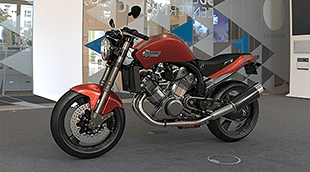
3D 設計の視覚化、エクスペリエンスを提供し、適切な決定を促す
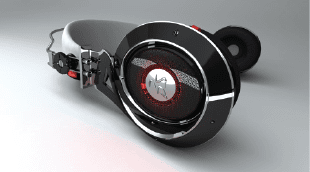
CATIA Creative Design and Styling ポートフォリオでは、サブディビジョン・サーフェス、ハイエンド・サーフェシング、ハイエンドのリアルタイムの視覚化、フォトリアリスティック・レンダリング、迅速なプロトタイプ化によって、設計スケッチ統合や、超高速な 3D によるコンセプト・モデリングの実行が可能になります。これらはすべて、人間のコンテクストにおいて、デザイン思考の方法論を用いながら、消費者中心の体験を創造することを目的として行われます。これらのソリューションはあらゆる業界やシナリオに適用可能であり、統合ワークフロー、コラボレーション・プラットフォーム、相互に接続されたソリューションによって、レンダリング、サーフェス、プロトタイプをシームレスに作成、開発できます。
CATIA Design & Styling ソフトウェア製品は、3DEXPERIENCE プラットフォーム でロールとしてパッケージ化されており、必要なアプリケーションすべてをすぐに利用できるため、迅速かつ効率的に作業を進めることができます。 組織におけるお客様の役割に対応するパッケージをお選びください。
Imagine, Create & Experience your Product, with a unified creative design workflow solution, for the best Consumer Experience
ロール
Make the right Design choice & decision by creating intuitive & realistic Product Design Experience presentations, exploring alternative variants & experiences
ロール
Boost your creativity, design with quality and reduce time-to-market of your Product with a Unified Industrial Design workflow solution
ロール
Bring Real product to Virtual twin models, with the highest productivity, quality, and multiple possible methodologies of reconstruction.
ロール
Imagine the most sophisticated shape Design by creating high end surfaces ready for production, respecting the Design intent and technical requirements
ロール
State of the Art for high end surface modeling, suitable for any aeronautical surface design from lofting, interior design up to surfaces simplification
ロール
Gain the competitive advantage with an integrated Design workflow, to Imagine, Create & Experience the vehicle of tomorrow with a Unified solution up to class A
ロール
Imagine, Create & Experience the Vehicle of Tomorrow, with a unified Industrial Design workflow solution, for the ultimate Consumer Experience
ロール
Accelerate the Real to Virtual product Process. From scanned data generate the Virtual twin model and associativity for reconstruction & preparation for 3DPrint
ロール
Immediately improve the understanding of your design with integrated & direct access to immersive Virtual Reality inside your 3DEXPERIENCE applications
ロール
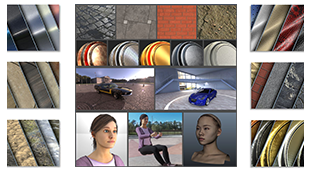
Increase the performance of your design decisions with highly realistic ready-to-use Visual Content - of Materials, Humans, Props and Environments
ロール
Accelerate the appearance design exploration and make the right visual design decision with a fully integrated real-time Visualization and Rendering
ロール
When I am creating sections, I pick the mesh add it as a new section, Plane direction, count 1 select the plane, no section. Keeps doing this.Worse though, is that when I save and then close down file and reopen, all my sections have been deleted except the last one.. Video shows this.What does this option in Preferences do? Nick McferranSylvain CarreThomas Frison
CATIA CREATIVE DESIGN & STYLING - USER COMMUNITY
How do I balance a curve or a surface about a symmetry plane in IDX. We have been using this as a process methodology for over 15 years now and it surprises me that it is still not part of the IDX toolset, unless I am missing something?Currently, for a curve I am having to edit the control point positions as I used to do in ICEM Surf 2.0 in 1995! Forget the surfaces!I can't use the ISD Control poi
CATIA CREATIVE DESIGN & STYLING - USER COMMUNITY
When setting Sliding mode to be None, and then using Z (XY Plane or Top) from VNav everything works perfect as designed.(X direction runs left to right)So why when I press F4 and choose Top or Bottom View does it rotate the view 90 degrees?Nick McferranSylvain Carre
CATIA CREATIVE DESIGN & STYLING - USER COMMUNITY
最高級のサーフェス・モデリング
The Art of Surface Modeling
メカトロニクスとソフトウェア主導型エクスペリエンスのためのエンドツーエンドのモデルベース・ソリューション
高品質のメカニカルプロダクトを迅速に開発する
シームレスな設計プロセスに統合された包括的なエンジニアリング・ロールのセット
プロジェクトのすべてのフェーズと取引で、世界レベルの BIM (Building Information Management)ソフトウェア・ソリューションを建築家、土木技師、請負業者に提供します。
組織の規模の大小を問わず、シームレスなコラボレーションと持続可能なイノベーションに、このソリューションがどう役立つかについて、CATIA の担当技術者がご説明します。
学生、教育機関、専門家、企業向けに、さまざまなトレーニング・コースをご提供しています。最適な CATIA トレーニングを見つけてください。
ソフトウェアおよびハードウェアの認証情報、ソフトウェアのダウンロード、ユーザー・ドキュメント、サポート窓口、ならびに提供サービスに関する情報はこちらから。