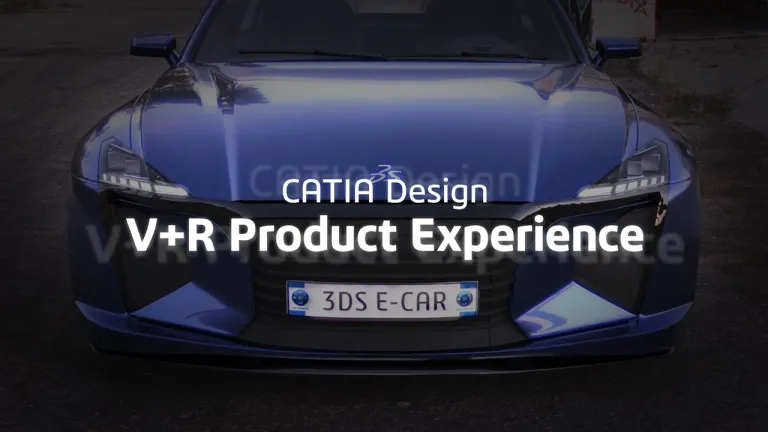
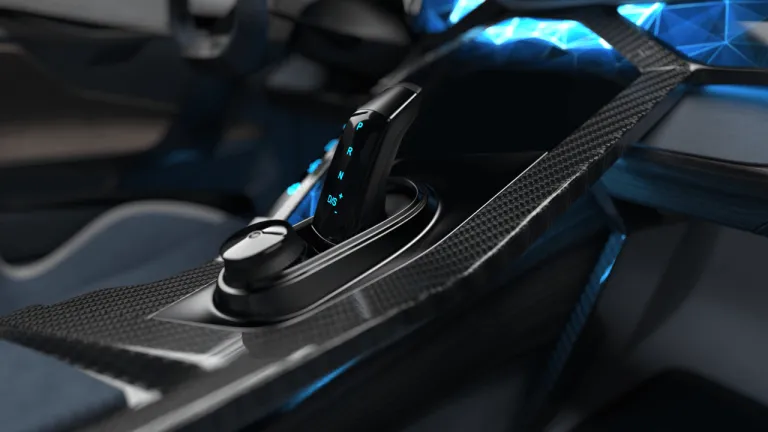

Appearance & Rendering Designer
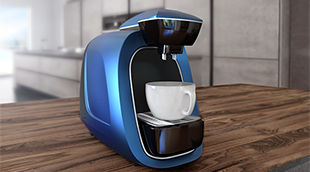
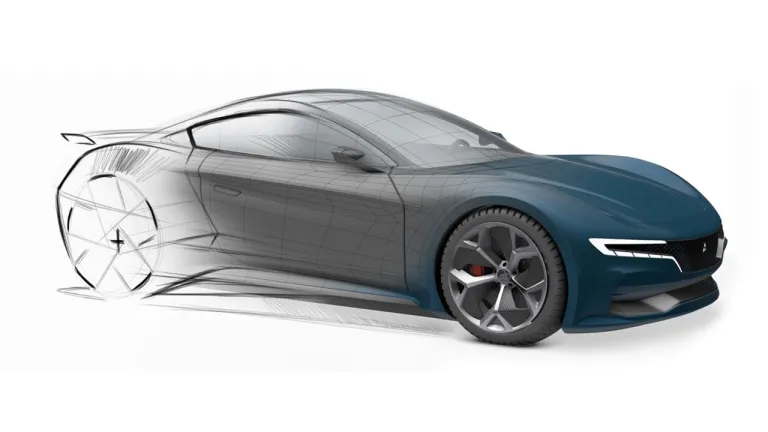
Accelerate the appearance design exploration and make the right visual design decision with a fully integrated real-time Visualization and Rendering
ロール
3D 設計の視覚化、エクスペリエンスを提供し、適切な決定を促す
CATIA Virtual + Real (V+R) Product Experience ソリューションは、お客様がコミュニケーションを図り、正確な意思決定を行えるよう支援します。統合されたリアルな視覚化、没入型仮想現実と拡張現実エクスペリエンス、アクセス可能なアプリケーションを活用して、ビジュアルに関する判断を下すことができます。
競争の激しい今日の消費者市場では、製品設計、外観、ユーザー・エクスペリエンスが企業の成功には欠かせません。消費者のトレンドに合わせて製品を市場に投入するうえで、イノベーションと俊敏性は成功のための重要な要因です。企業は、クリエイティブな設計とビジュアル・コラボレーションを強化し、エンジニアリング上の制約を考慮しつつ美的な要件を調整し、進化するユーザー・エクスペリエンスの需要を満たし、持続可能性のトレンドに対応する方法を絶えず模索しています。
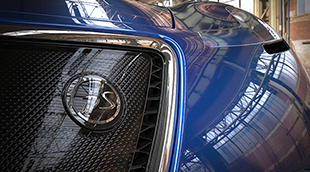
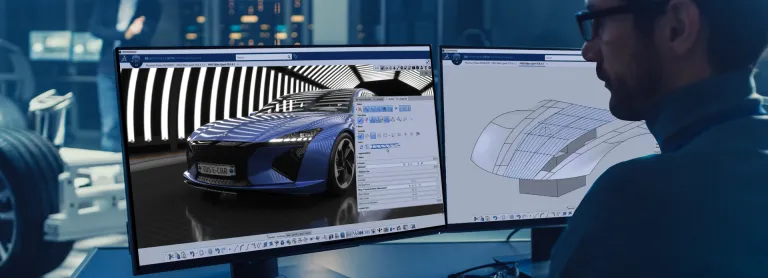
CATIA V+R Product Experience は、視覚化および意思決定のための優れたスイートを提供し、製品開発プロセス全体を通じて情報に基づいた意思決定を促進します。バーチャル・プロトタイピングは、CATIA の実物そっくりな視覚化を利用して、製品全体の美しさが重要になるさまざまな業界プロセスを支援します。さらに、リアルな視覚化により、エルゴノミクス、エンジニアリング、製造の各シナリオを検討するうえで不可欠な、3D ベースの仮想検証プロセスの信頼性と受容性が向上します。
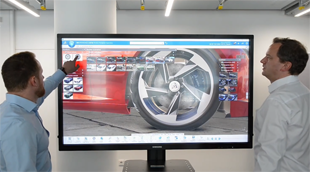
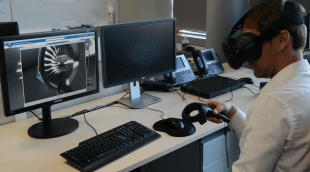
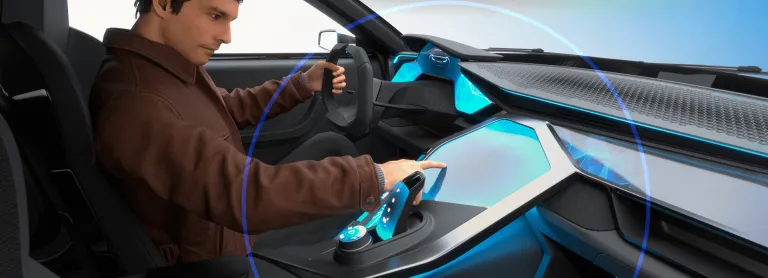
CATIA V+R Product Experience Immersive ソリューションは、包括的なデザイン・レビューのために、正確でリアルな没入型製品レンダリングを提供します。当社の複合現実ソリューションは、管理されたバーチャルツインの内部または前面に直接没入できるため、設計上の疑問を調べたり、どの段階でもヒューマン・エクスペリエンスとシームレスに統合して検証したりできます。仮想現実と複合現実のコラボレーション・ツールを使用すると、設計、エンジニアリング、シミュレーションのデータを活用して、つながりを維持したまま、追跡可能な決定をリアルタイムに行うことができます。これらはすべて、バーチャルツインの一元管理された情報源を利用します。
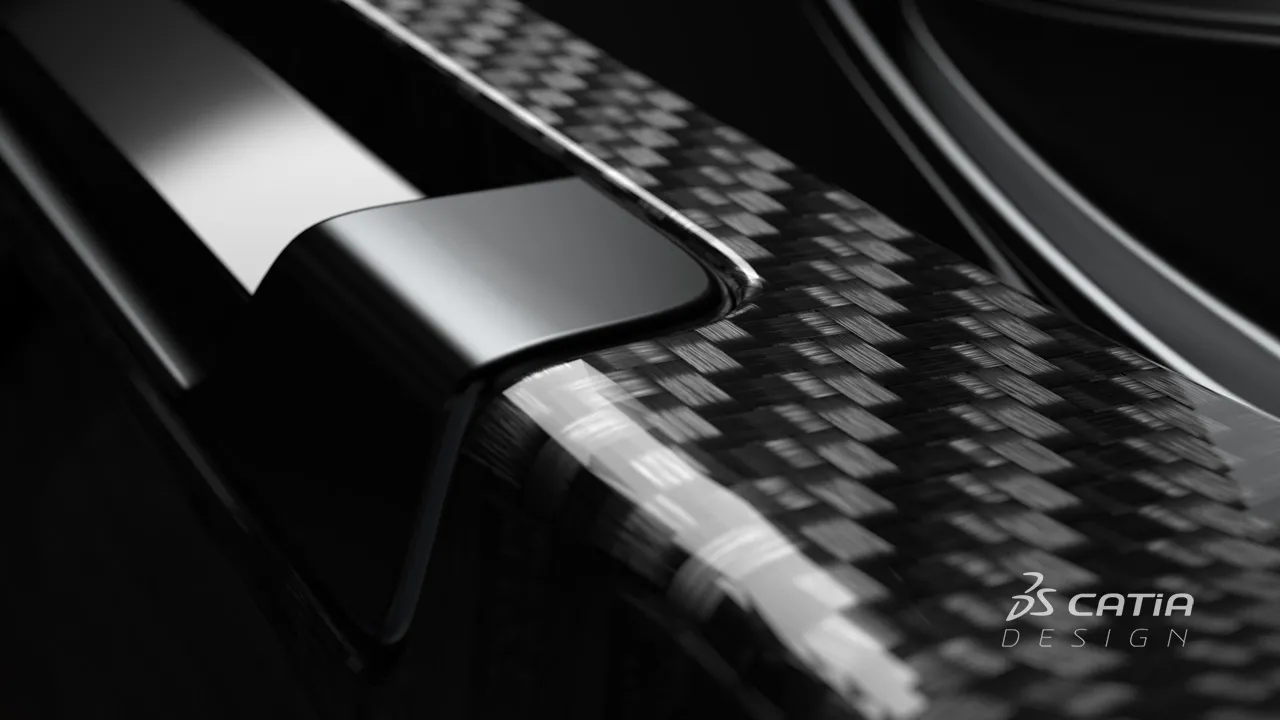
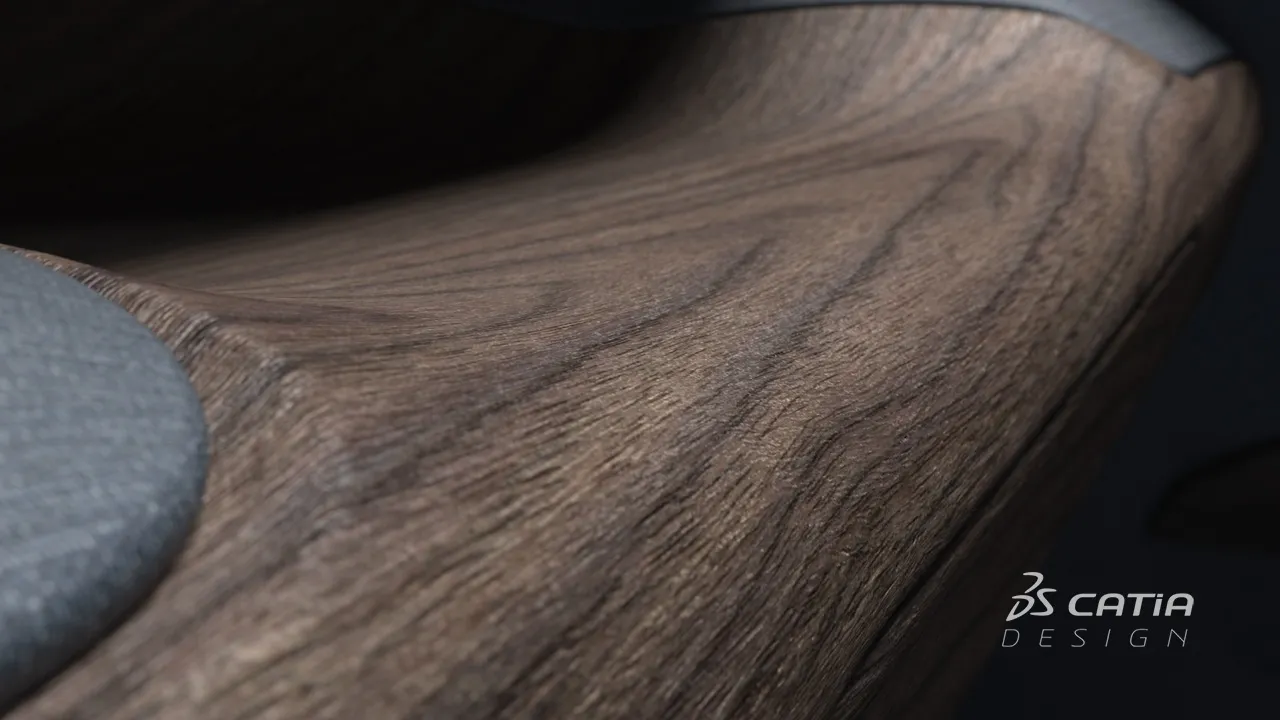
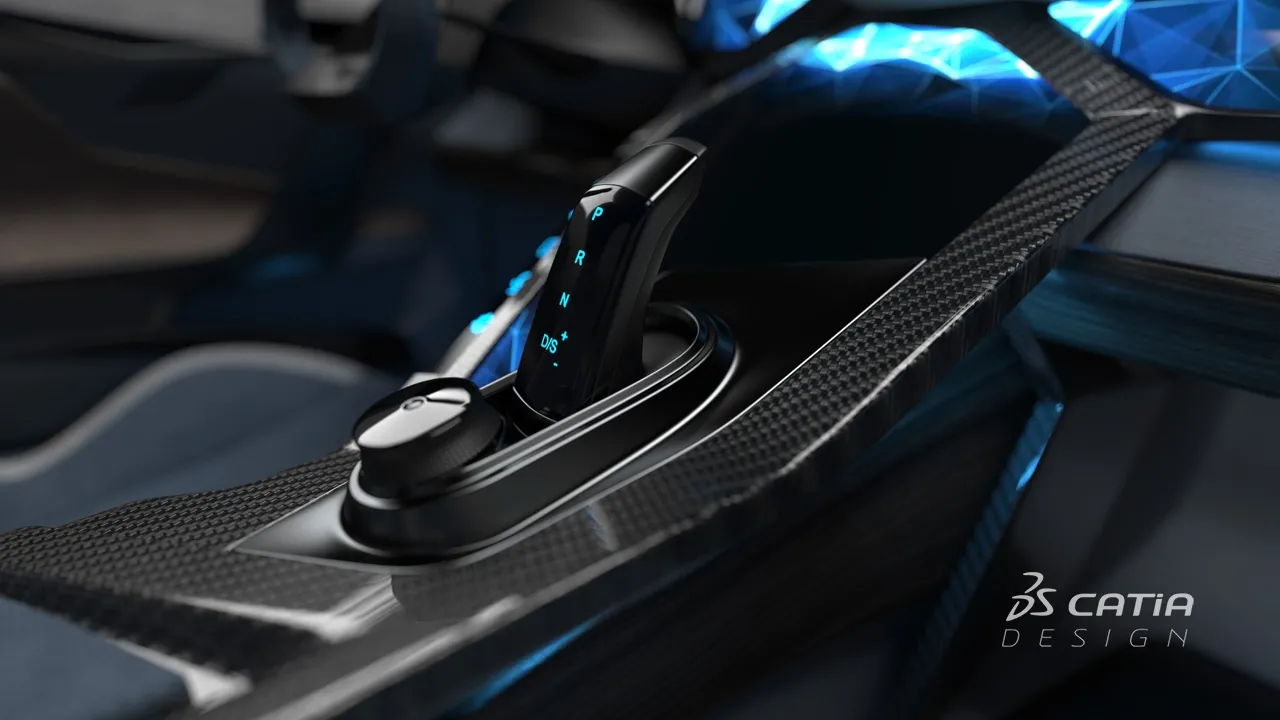
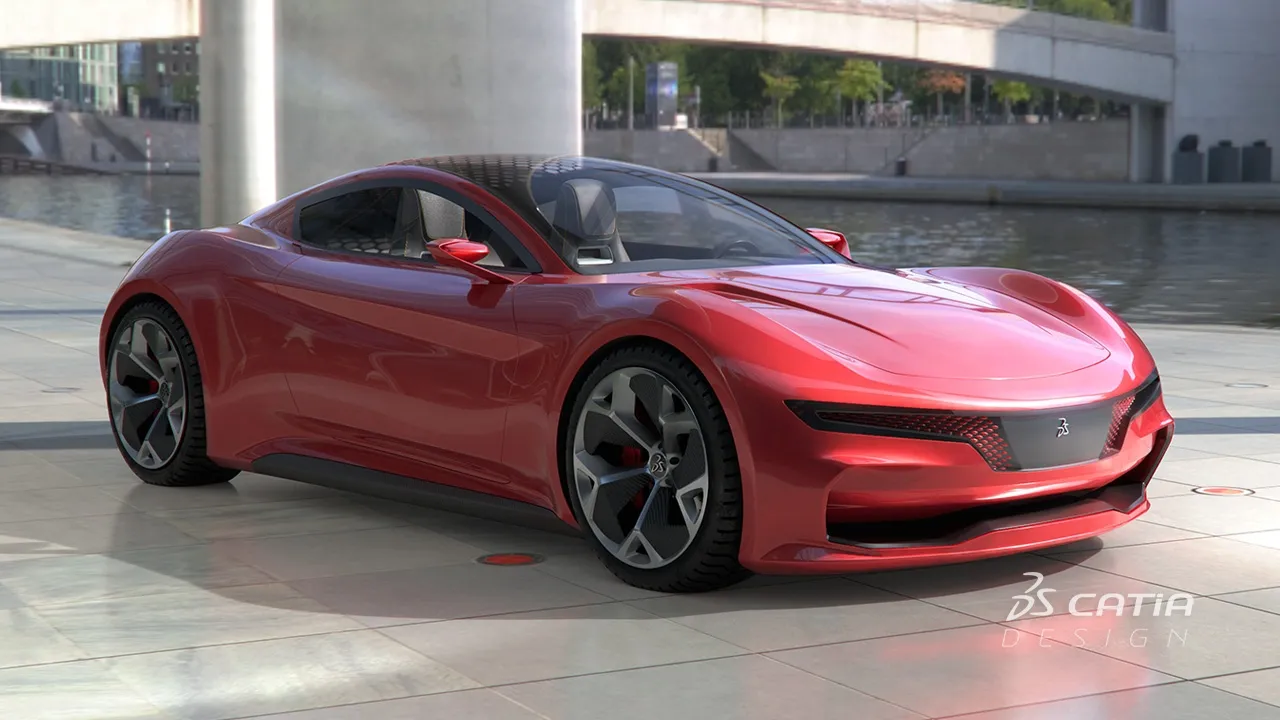
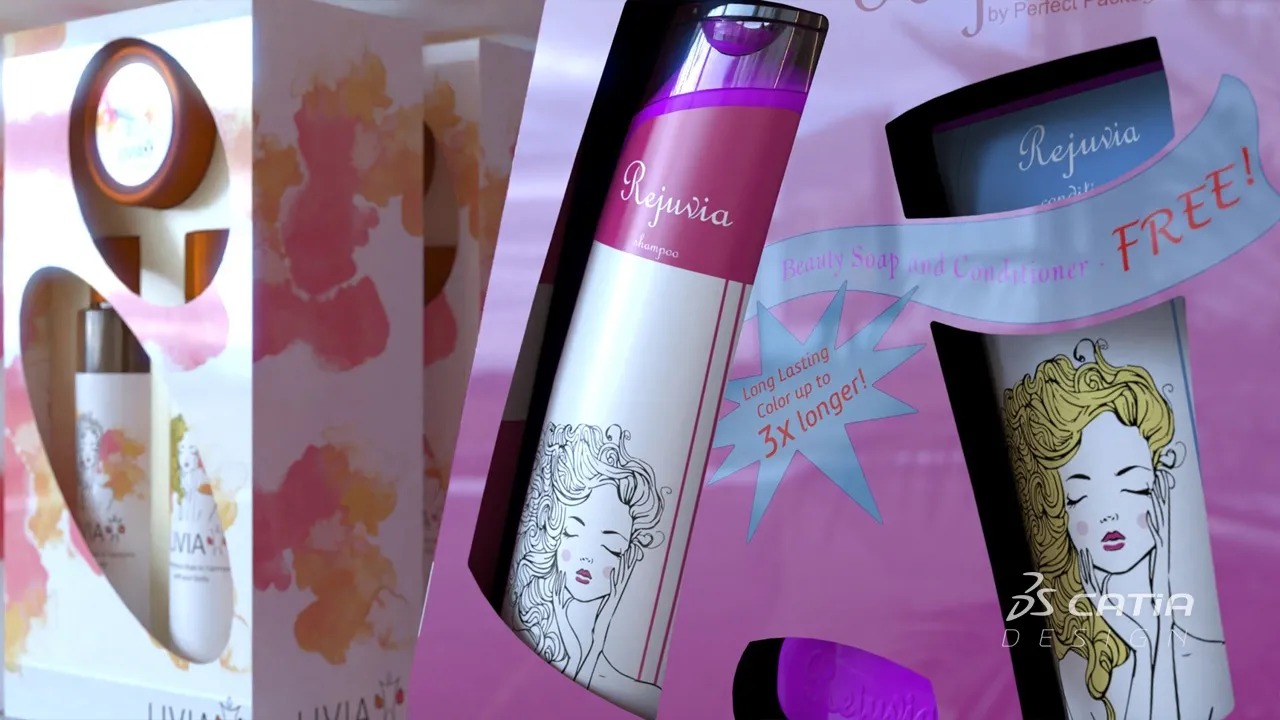
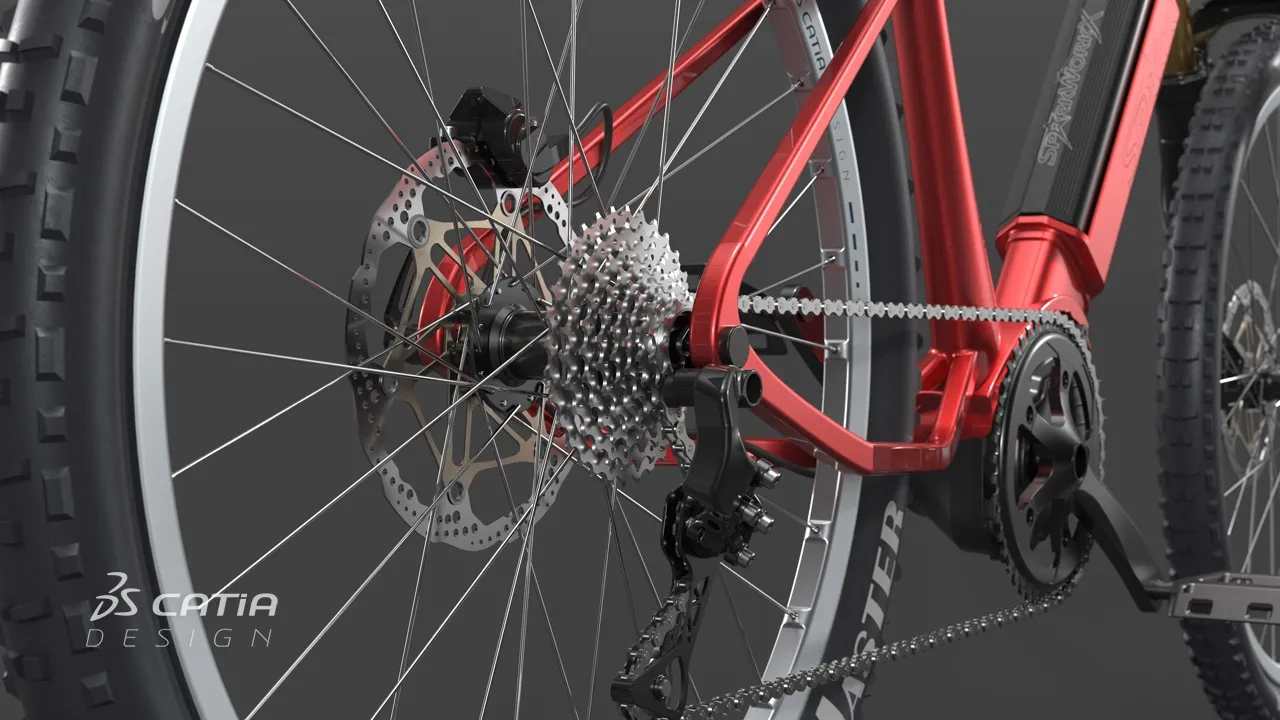
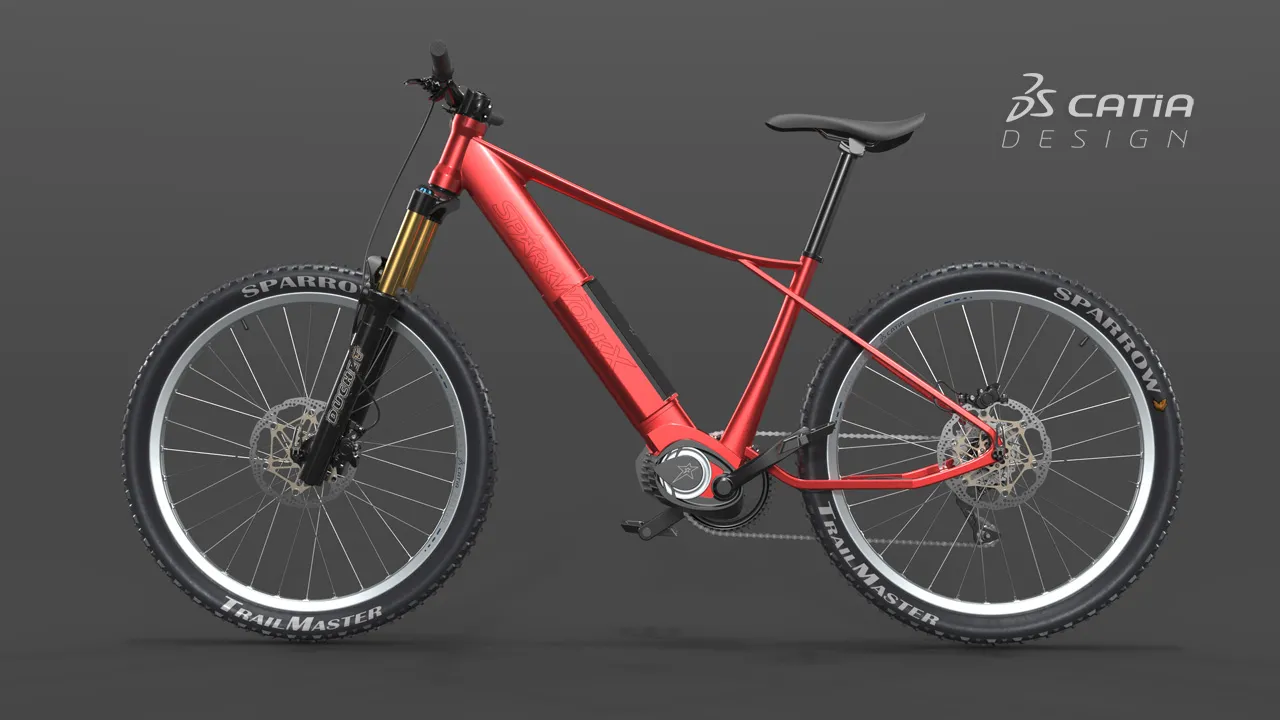
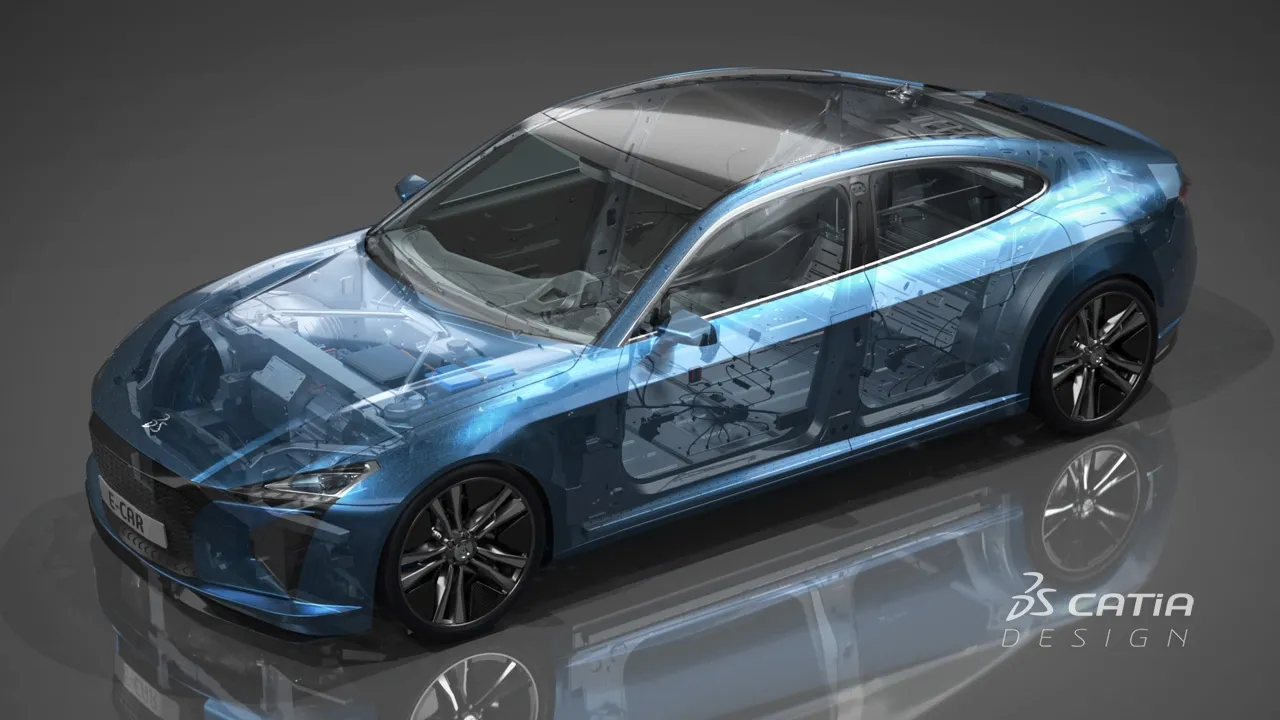
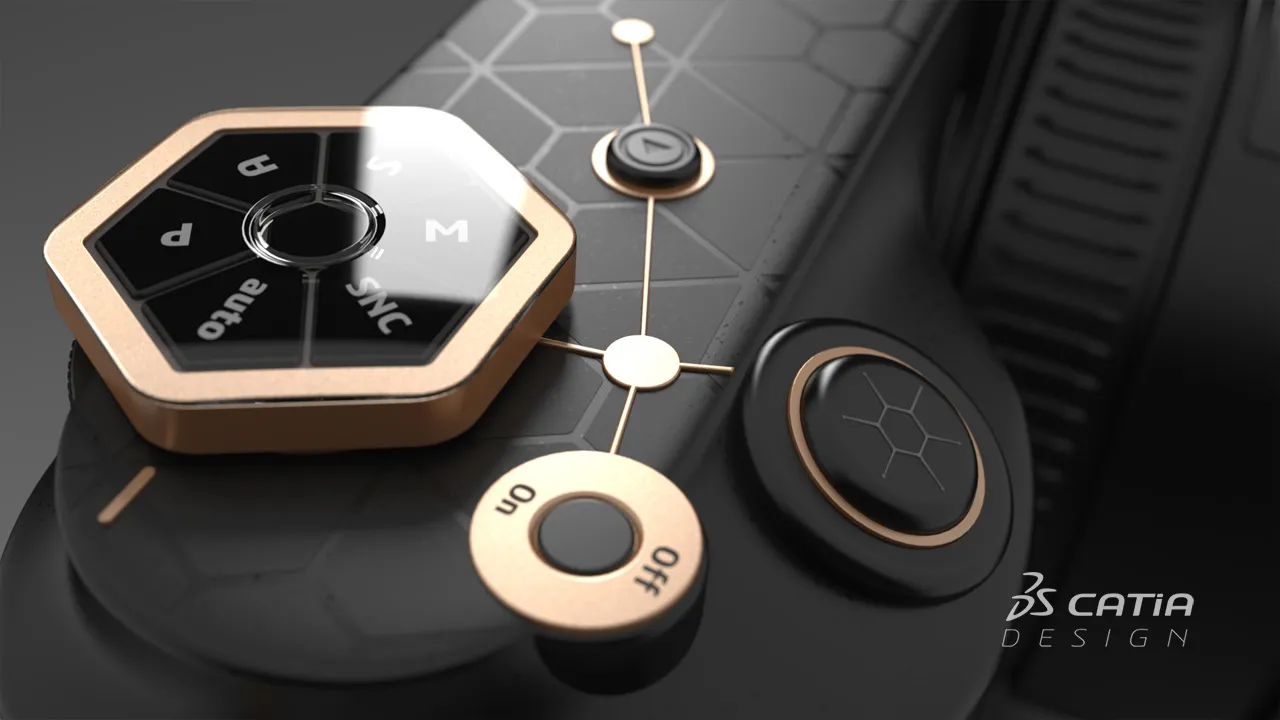
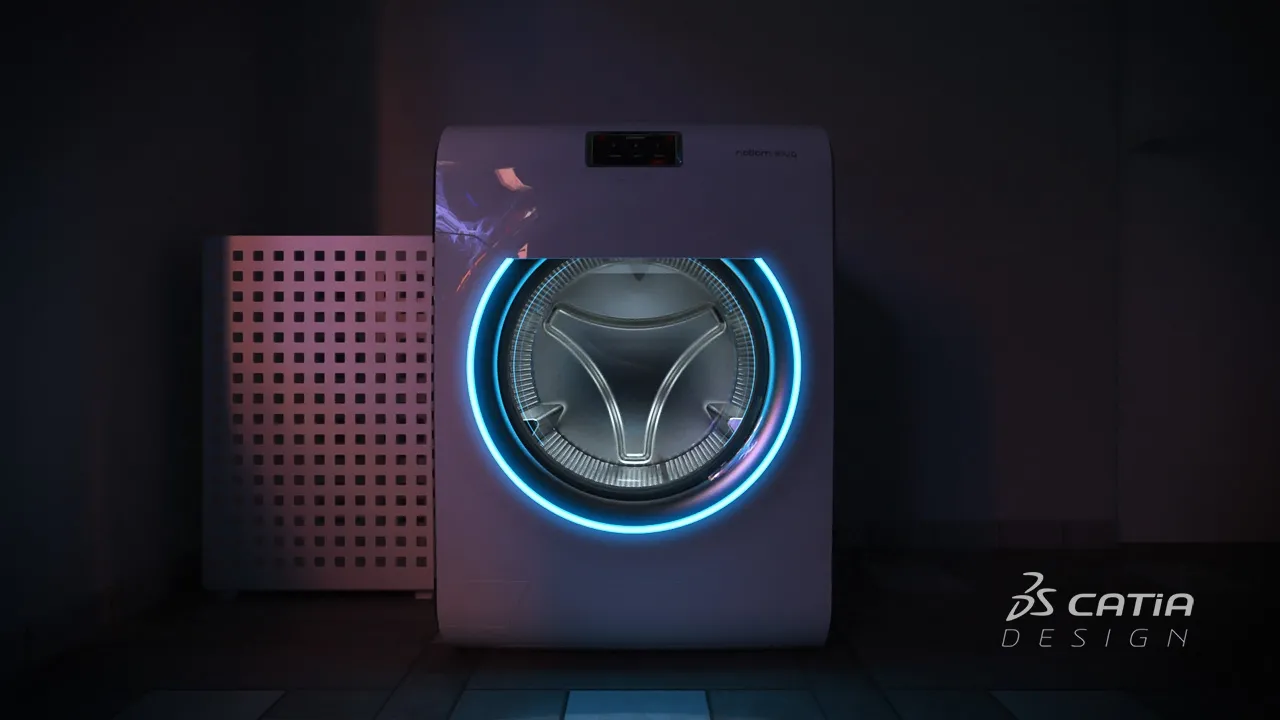
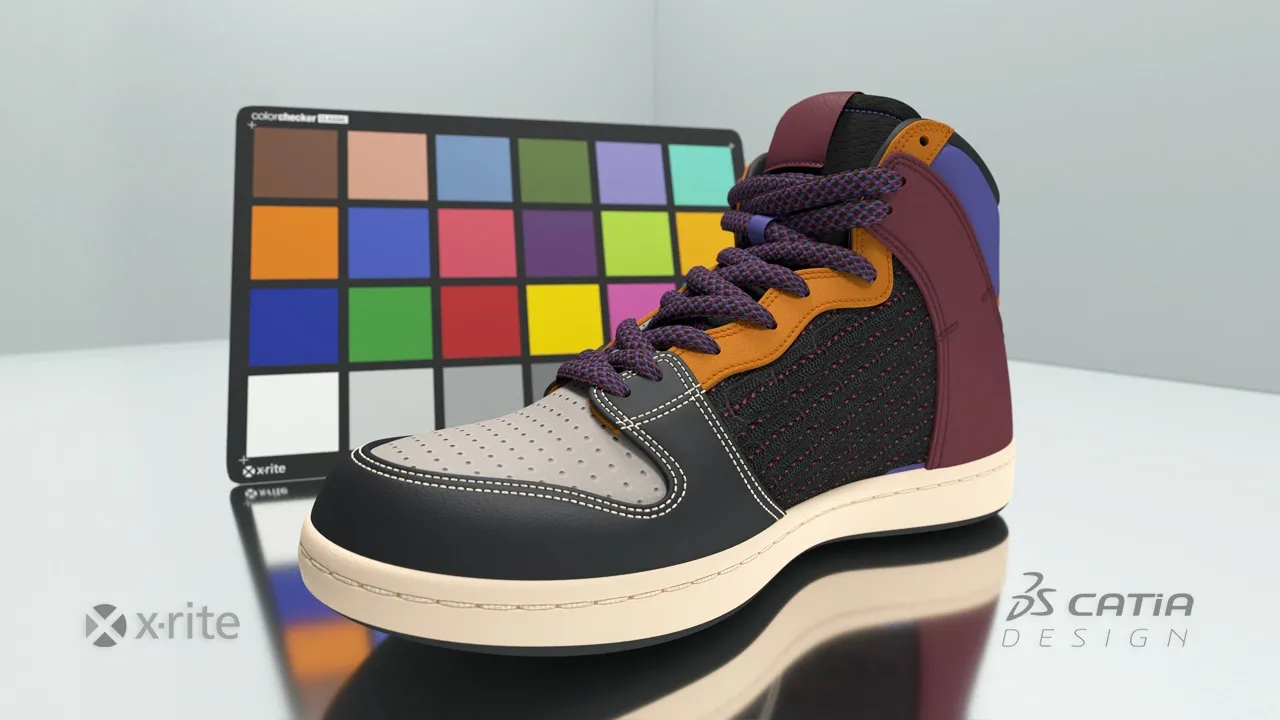
クリエイティブ・デザイン・エクスペリエンスは、非常に革新的なテクノロジーで、とても役に立ちました。このチーム、このプラットフォーム、このプロジェクトで仕事ができてとても楽しかったです。このようなチャレンジにぜひもう一度挑んでみたいです。
CATIA V+R Product Experience ソフトウェア製品は、3DEXPERIENCE プラットフォームでロールとしてパッケージ化されており、必要なアプリケーションすべてをすぐに利用できるため、迅速かつ効率的に作業を進めることができます。組織におけるお客様の役割に対応するパッケージをお選びください。
Accelerate the appearance design exploration and make the right visual design decision with a fully integrated real-time Visualization and Rendering
ロール
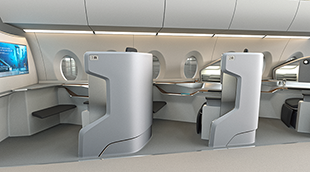
Realistic visualization & VR capabilities enable virtual aircraft cabin reviews for layout and material design, saving time and cost on physical prototypes
ロール
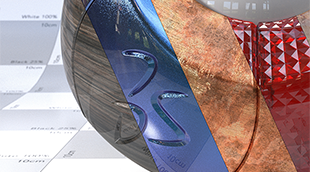
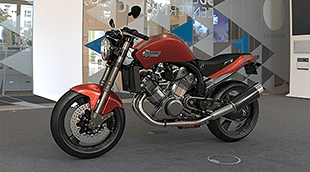
Imagine & Validate your Color, Material & Finishing, by using virtual Design with realtime visualization & physically accurate rendering directly on native data
ロール
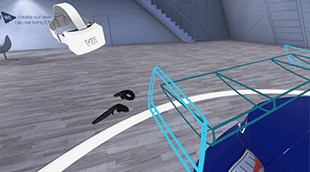
Perform multi-users Virtual Reality reviews and capture team decisions, directly and natively on the Virtual Twin within your 3DEXPERIENCE
ロール
Reach a holistic view of the virtual twin to enable decision on visual quality perception from Realistic appearances, materials, shadows, reflections & lighting
ロール
Experience & Make design decisions in Mixed Reality by matching precisely the Virtual+Real design, engineering, simulation and manufacturing data and product
ロール
Make the right Design choice & decision by creating intuitive & realistic Product Design Experience presentations, exploring alternative variants & experiences
ロール
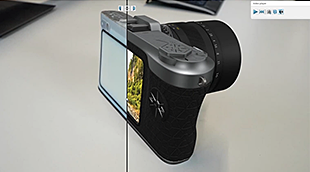
Bring Real product to Virtual twin models, with the highest productivity, quality, and multiple possible methodologies of reconstruction.
ロール
Immediately improve the understanding of your design with integrated & direct access to immersive Virtual Reality inside your 3DEXPERIENCE applications
ロール
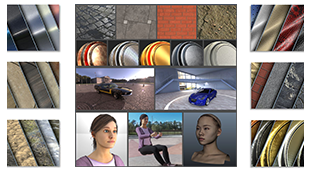
Increase the performance of your design decisions with highly realistic ready-to-use Visual Content - of Materials, Humans, Props and Environments
ロール
Accelerate the appearance design exploration and make the right visual design decision with a fully integrated real-time Visualization and Rendering
ロール
Dear CATIA lovers, We are pleased to invite you to our next CATIA Design User Talk. Date: September 29th, 10am (CET) Title: From Product to Immersive Experience with CATIA 3DEXPERIENCE VR Solutions Topic of the presentation: In this session Michael Adrian and Ugo BARBA-LATA, CATIA Design & Styling experts will explain how CATIA Immersive Solutions capabilities address VR scenarios that places the
CATIA CREATIVE DESIGN & STYLING - USER COMMUNITY
Hello All,Se attached a little example of a corner fillet.Everything is full parametric and have G2 matching (btw super easy to change to G3...).All function are in ICEM Design Experience (IDX) except "Corner Fillet", who belongs to the App "ICEM Shape Morphing". As you see in the video (Min 1'26), it is easy to look for a function from another App without going there (just use the Command search
CATIA CREATIVE DESIGN & STYLING - USER COMMUNITY
First steps in learning ICEM Surf. A spectacular tool.
CATIA CREATIVE DESIGN & STYLING - USER COMMUNITY
Integrating Design Collaboration with CAD, Scalable Visualization and VR
Article
コンセプトからクラス A のサーフェス品質へ
概念的な形状のアイデア出しと探求から、人間中心のユーザー・エクスペリエンスへ
統合されたインダストリアル・デザイン・ワークフロー・ソリューション
組織の規模の大小を問わず、シームレスなコラボレーションと持続可能なイノベーションに、このソリューションがどう役立つかについて、CATIA の担当技術者がご説明します。
学生、教育機関、専門家、企業向けに、さまざまなトレーニング・コースをご提供しています。最適な CATIA トレーニングを見つけてください。
ソフトウェアおよびハードウェアの認証情報、ソフトウェアのダウンロード、ユーザー・ドキュメント、サポート窓口、ならびに提供サービスに関する情報はこちらから。