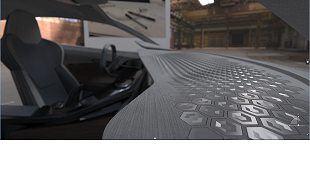
3D Pattern Shape Creator
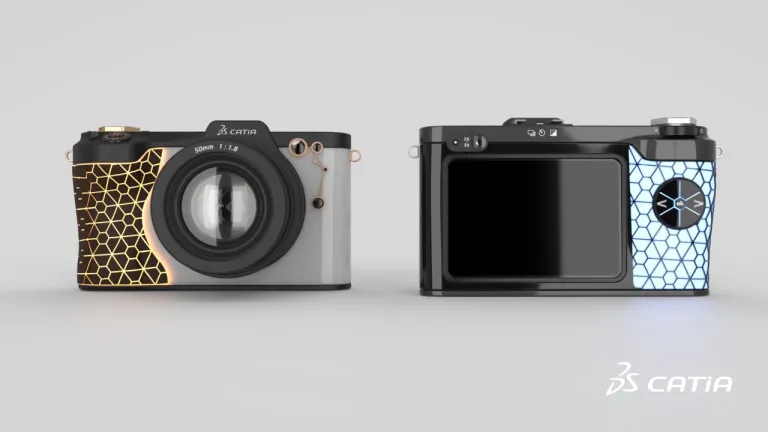
Design, explore and validate variants of complex, repetitive and non-regular shapes and patterns with an intuitive algorithmic approach
역할
개념적 형상 아이디어를 시작으로, 인간 중심의 사용자 경험까지 활용할 수 있습니다.
소비자 시장의 치열한 경쟁 속에서 제품 디자인 및 스타일링은 성공적인 제품 판매를 위한 전략적인 요소가 되고 있습니다. 혁신적이고 매력 있는 제품을 소비자 트렌드에 맞게 신속하게 시장에 내놓는 것이 성공의 핵심 요인입니다. 이러한 과제를 해결하기 위해 선도적인 기업들은 산업 디자인을 위한 인력, 가상 프로세스 및 도구에 투자하고 있습니다.
기업은 이전과 제한된 시간 내에 더 많은 디자인 제안을 탐색할 수 있도록 창의적인 방법을 강구해야 합니다. 제품이 점점 더 복잡해지면서 설계, 엔지니어링 및 마케팅 부서 간에 반복적인 협업이 필요해지고 있습니다. CATIA Creative Design 솔루션은 이러한 과제에 대응할 수 있는 적절한 제품과 기술을 제공합니다.
CATIA Creative Design은 3DEXPERIENCE 플랫폼에 통합된 산업 디자인 솔루션을 제공하여 창의적 설계의 전체 워크플로우를 포괄합니다. 설계자들은 순차적 워크플로에서 협업 워크플로에 이르기까지 동일한 데이터로 협업하여, 모든 설계를 더 효과적으로 정의하고 생성할 수 있습니다.
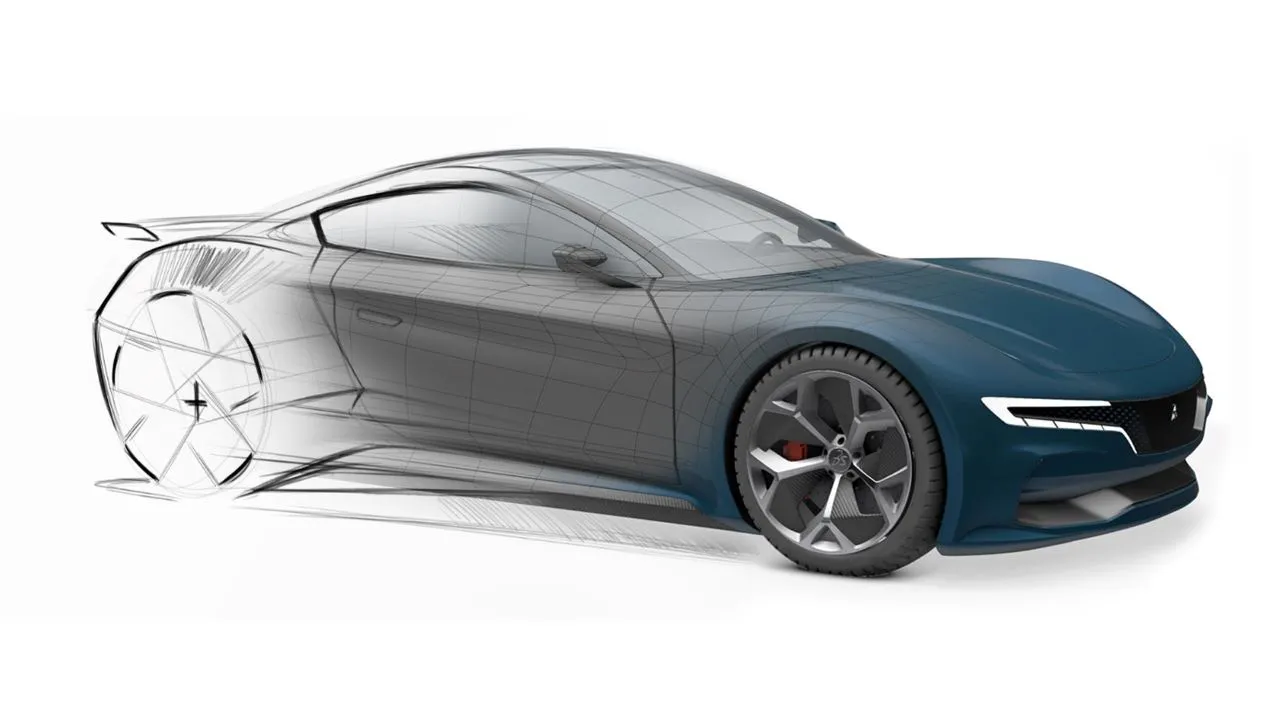
이를 통해 설계 스케치 통합, 초고속 3D 아이디어 컨셉 모델링, 새롭고 혁신적인 알고리즘 설계 접근 방식, 고급 실시간 시각화, 실사적 렌더링, 가상 현실 경험 등을 모두 인간의 맥락에서 수행할 수 있습니다.
CATIA Creative Design은 고품질 제품을 완성하는 데 필요한 주요 이점을 제공합니다.
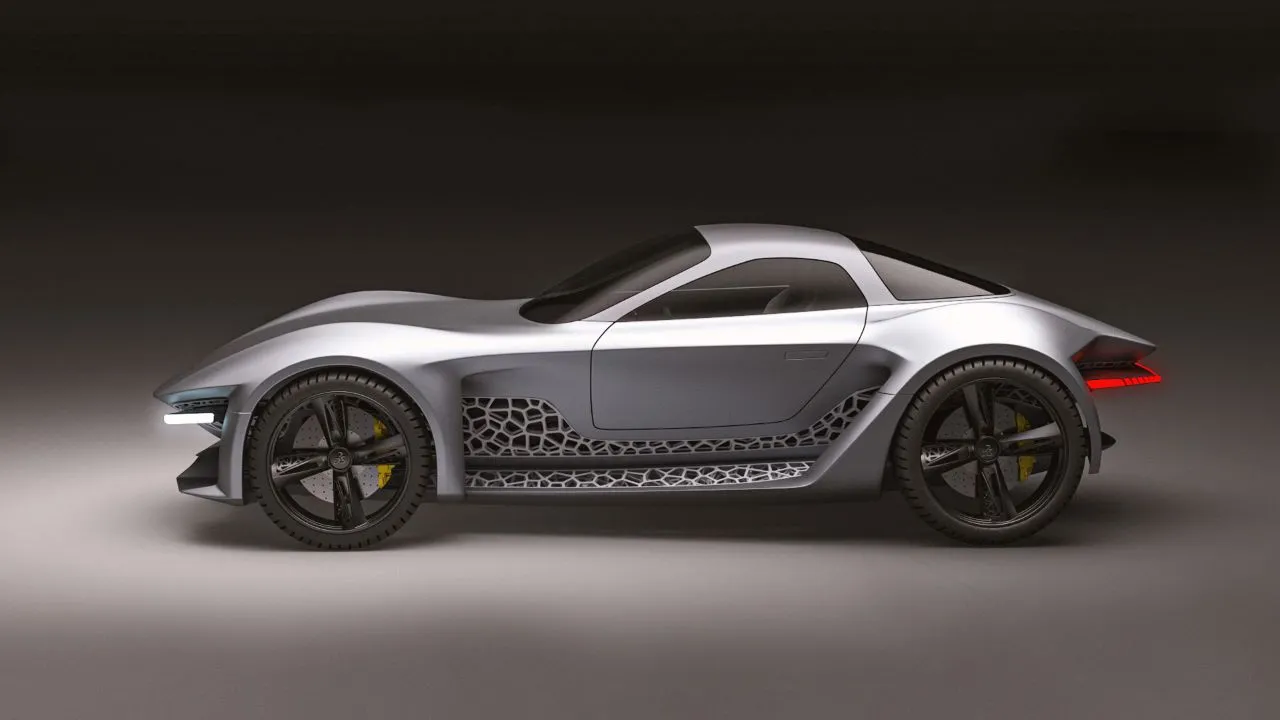

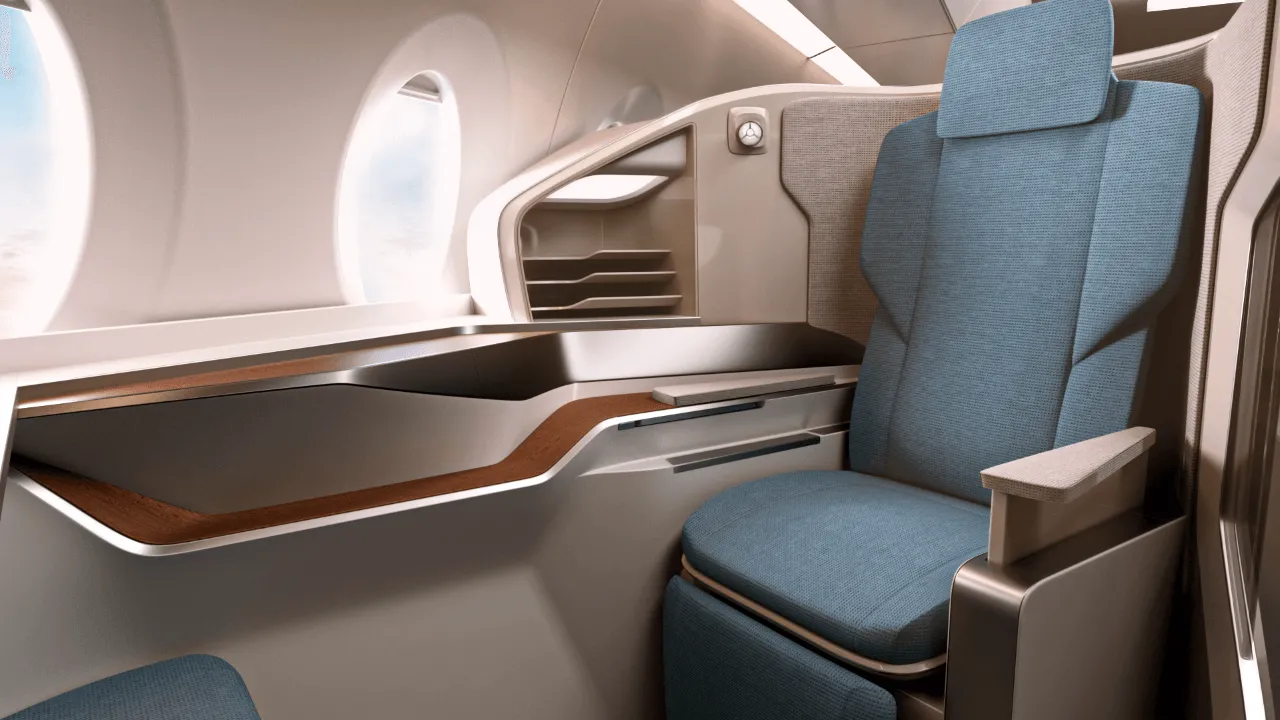
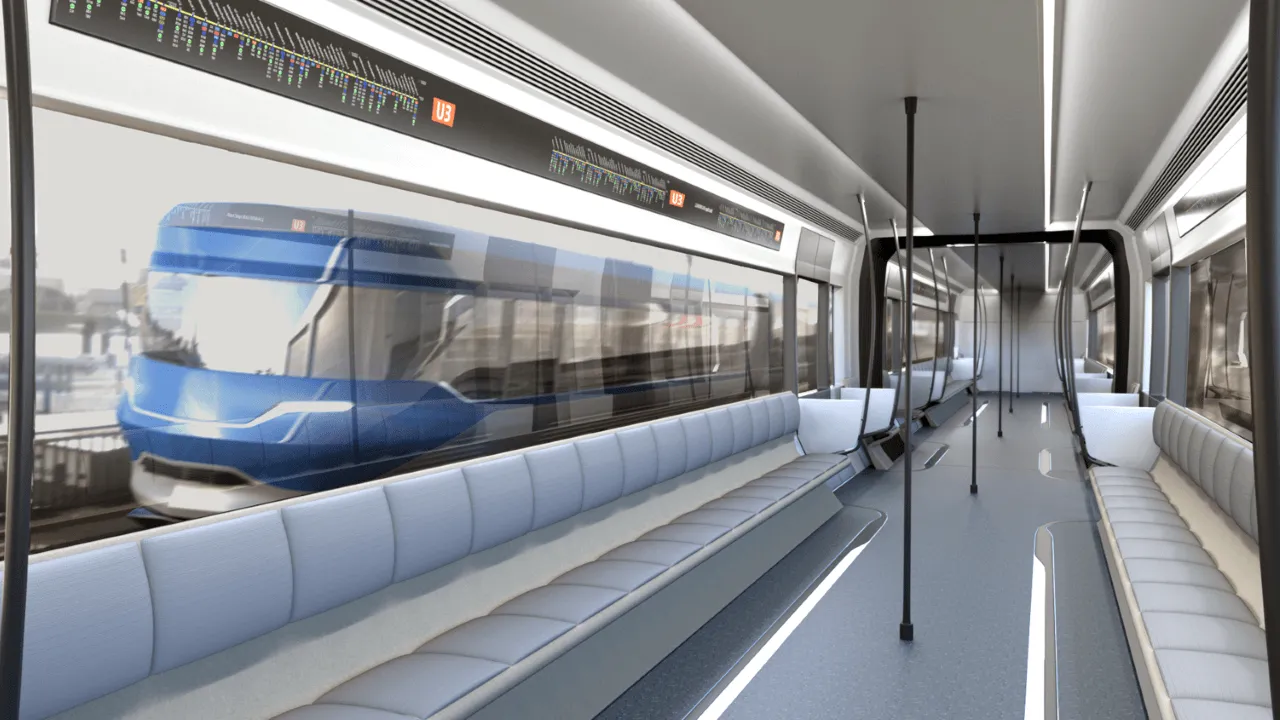
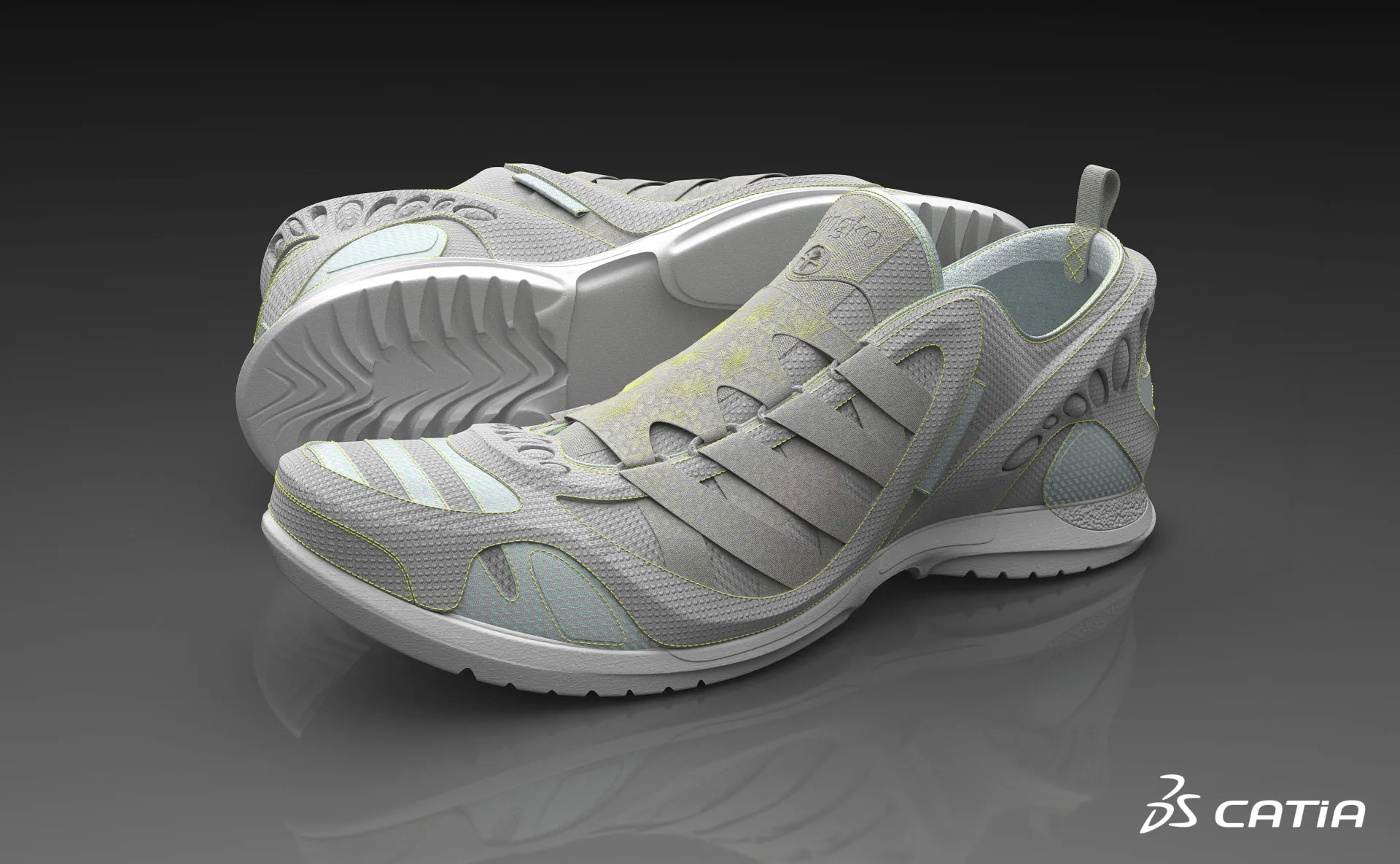
CATIA Creative Design 소프트웨어 제품은 3DEXPERIENCE 플랫폼에서의 Role에 따라 패키지화되어 있어 필요한 모든 애플리케이션을 더 빠르게 활용하고 더 효율적으로 작업할 수 있습니다. 조직에서 자신의 역할에 해당하는 패키지를 선택하세요.
Design, explore and validate variants of complex, repetitive and non-regular shapes and patterns with an intuitive algorithmic approach
역할
Enable creative Design anytime, anywhere and on any device, with Web browser Applications for 3D Design, freeform Shape Sculpting and pattern Design
역할
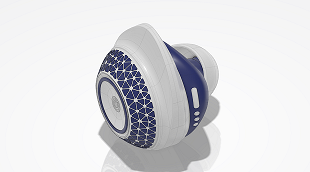
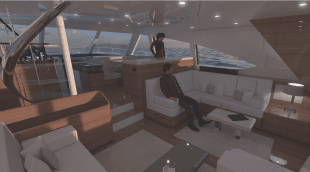
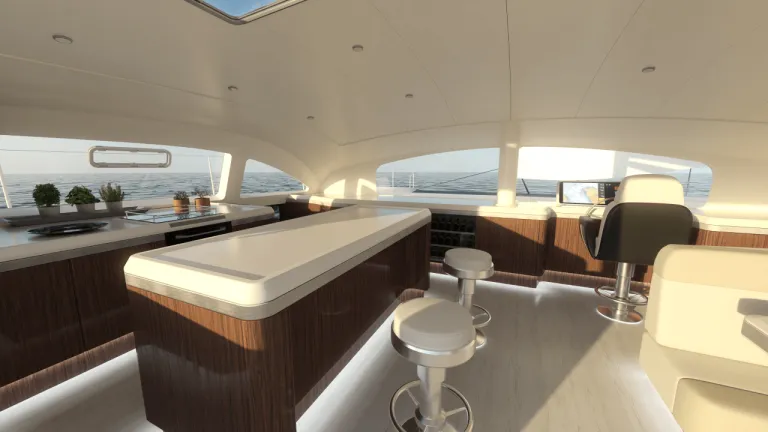
Imagine, Create & Experience the interior Design of yachts and boats, with a Unified Industrial Design workflow solution, for the best passenger Experience
역할
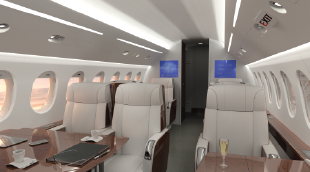
Imagine, Create & Experience the Cabin and its Monuments, with a unified Industrial Design workflow solution, for the ultimate Passenger Experience
역할
The most frequently used data importers for design visualization on the 3DEXPERIENCE platform, bundled into a collection
역할
Spark your Creativity! Imagine & explore conceptual designs through a comprehensive set of applications addressing ideation, concept modeling and visualization
역할
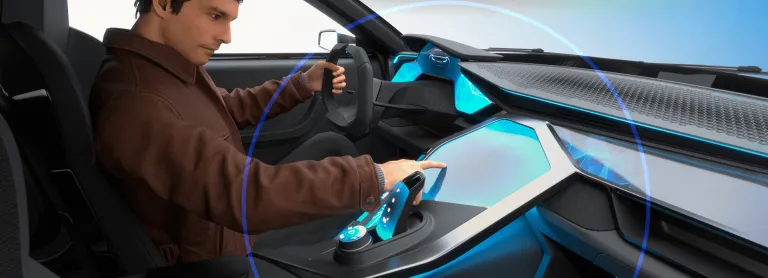
Move to the Experience Design thinking by adding Virtual Humans body and posture to your Design workflow
역할
Evaluate Human Postures and User Experience for Comfort and Safety studies with a Virtual Twin Human
역할
Imagine, Create & Experience the product of tomorrow with a complete and Unified Industrial Design workflow solution
역할
Make the best design by bringing concepts into qualified designs through a fully integrated styling and mechanical Design workflow
역할
Imagine, Create & Experience your Product, with a unified creative design workflow solution, for the best Consumer Experience
역할
Boost your creativity, design with quality and reduce time-to-market of your Product with a Unified Industrial Design workflow solution
역할
설계자, 특히 젊은 설계자들은 다양한 경험과 응용을 바탕으로 아이디어를 표현합니다. [...] 그들은 언제든 3D 디지털 설계를 시작할 수 있습니다 [...] 이 디자인 환경은 인간의 상호 작용과 계산 능력을 병합해 창의성을 높여줍니다. 이러한 결합은 혁신에 영감을 주는 강력한 공식입니다.

Youtube
Duration 3min 20s

Youtube
Duration 3min 7s


Youtube
Duration 1min 34s


창의적인 디자인 의 세계가 변화하고 있습니다. CATIA를 통해 앞서 나가는 방법 알아보기
Youtube
Duration 3min 20s
Dear CATIA lovers, We are pleased to invite you to our next CATIA Design User Talk. Date: September 29th, 10am (CET) Title: From Product to Immersive Experience with CATIA 3DEXPERIENCE VR Solutions Topic of the presentation: In this session Michael Adrian and Ugo BARBA-LATA, CATIA Design & Styling experts will explain how CATIA Immersive Solutions capabilities address VR scenarios that places the
CATIA CREATIVE DESIGN & STYLING - USER COMMUNITY
Hello All,Se attached a little example of a corner fillet.Everything is full parametric and have G2 matching (btw super easy to change to G3...).All function are in ICEM Design Experience (IDX) except "Corner Fillet", who belongs to the App "ICEM Shape Morphing". As you see in the video (Min 1'26), it is easy to look for a function from another App without going there (just use the Command search
CATIA CREATIVE DESIGN & STYLING - USER COMMUNITY
First steps in learning ICEM Surf. A spectacular tool.
CATIA CREATIVE DESIGN & STYLING - USER COMMUNITY
컨셉 설계 단계부터 생산 품질 클래스 A 곡면으로 전환
3D 설계의 시각화, 경험 및 결정
통합형 산업 디자인 워크플로 솔루션
CATIA 전문가와 상담하고, 기업 규모에 관계없이 원활한 협업과 지속 가능한 혁신을 실현할 수 있는 방법을 확인해 보세요.
학생, 교육기관, 전문가 및 기업을 위한 다양한 교육 과정이 제공됩니다. 나에게 맞는 CATIA 교육 과정을 찾아보세요.
소프트웨어 및 하드웨어 인증, 소프트웨어 다운로드, 사용자 문서, 기술 지원 문의 및 서비스에 대한 정보를 확인해 보세요.