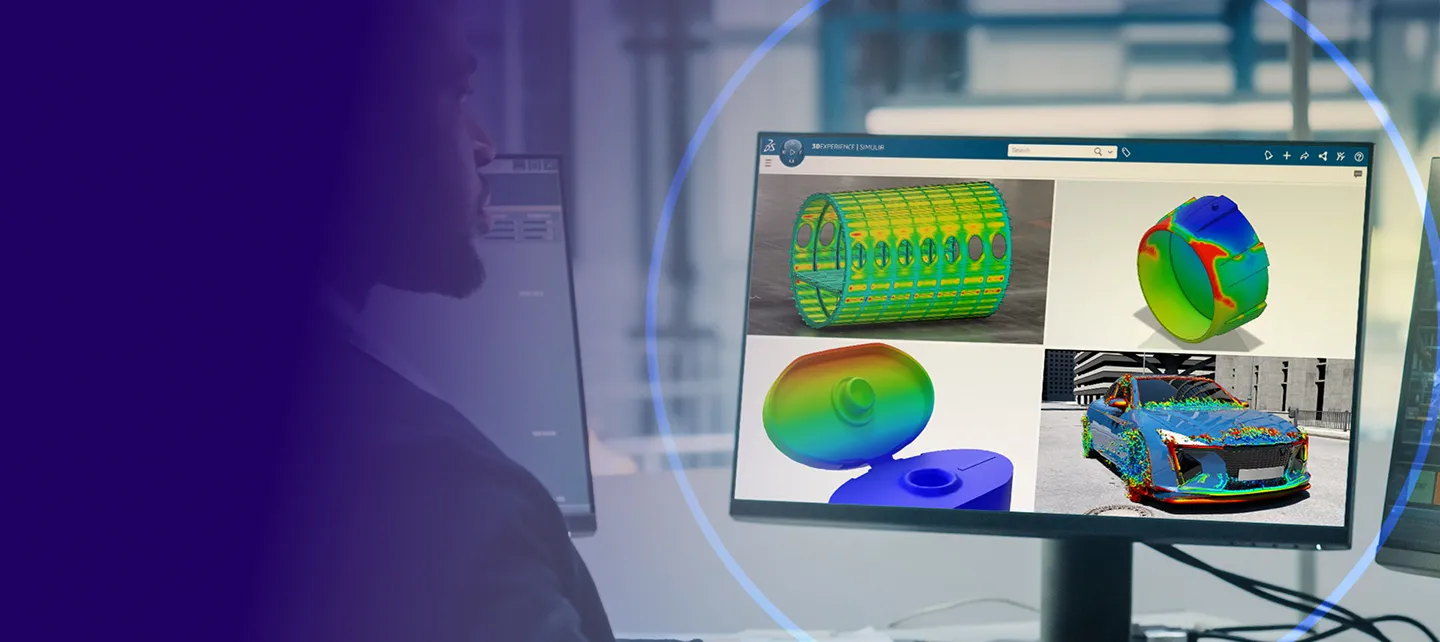
Get started with PLM Express Design & Simulation Engineering
Everything you need for the setup and usage of CATIA & SIMULIA PLM Express
Your Journey Starts Here
Are you already set up?

STEP 1
Check your Inbox
Look for the email from 3ds.com with the subject “Your 3DEXPERIENCE platform is ready to use”.
Click the "Launch your 3DEXPERIENCE platform" button in the email.
STEP 2
Invite & grant access
Invite your team and give them access to apps by granting them roles through to your Members Management dashboard.
STEP 3
Install your desktop apps
Find a detailed video explanation step by step in the dedicated Wik page we created for you in the 3DEXPERIENCE platform.
Setting up your Design Environment
STEP 4 - 3DEXPERIENCE fundamentals for a CATIA user
Not a user yet? Click here to preview
Start your Learning Journey
STEP 5 - After completing the above you are ready to learn and use Design & Simulation Engineering. Select your bundle to get started.
DESIGN & SIMULATION ENGINEERING ESSENTIAL
- ONBOARDING
- ADOPTION
- MASTERING
CATIA Learning Module
Practice CATIA Smart Mechanical Components
- Define and reuse smart mechanical components
- Define component specifications and place the component on the component specifications
DESIGN & SIMULATION ENGINEERING MASTER
- ONBOARDING
- ADOPTION
- MASTERING
DESIGN & SIMULATION ENGINEERING ELITE
- ONBOARDING
- ADOPTION
- MASTERING
Help & Support Resources
Find solutions and answers right away with these resources


Looking for help with setup?
One of our certified local partners will contact you shortly after purchase.
For additional help, reach out through our support form.
Haven’t purchased yet?
To get full access to Design & Simulation Engineering and start using all features, you’ll need to purchase a license first. Explore the product details, compare options, and choose the plan that best fits your needs.