[Do not delete] WOC issue

 UX/UI testing brings many advantages to software product development improving build quality into the product 

There are 49610 results
Installing or Upgrading to DraftSight 2019

If you’ve been following our blogs, you will have noticed the last paragraph on every blog tells you the all free versions of DraftSight (2018 or earlier) will cease to run after 12/31/2019. So, whether you are installing DraftSight fresh or upgrading from … Continued

Article

What's New in SOLIDWORKS PDM 2020 - Web2

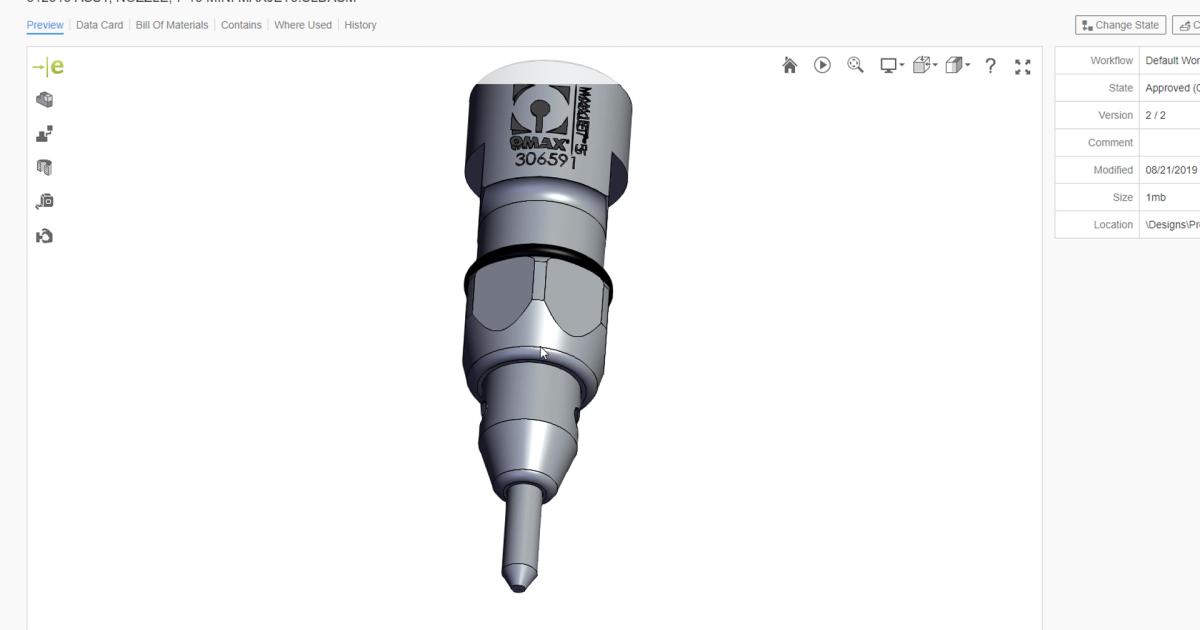
Web2 with SOLIDWORKS PDM 2020 introduces expanded functionality for accessing your data from a web browser on your computer, phone or any device with an internet connection. You can now audit file history and access the Bill of Materials (native SOLIDWORKS BOM, weldment, and computed). When you want to download files, a new Download with References is available to automatically include additional files like drawings, simulation and more.

Videos

What's New in SOLIDWORKS 2020 - Sketching

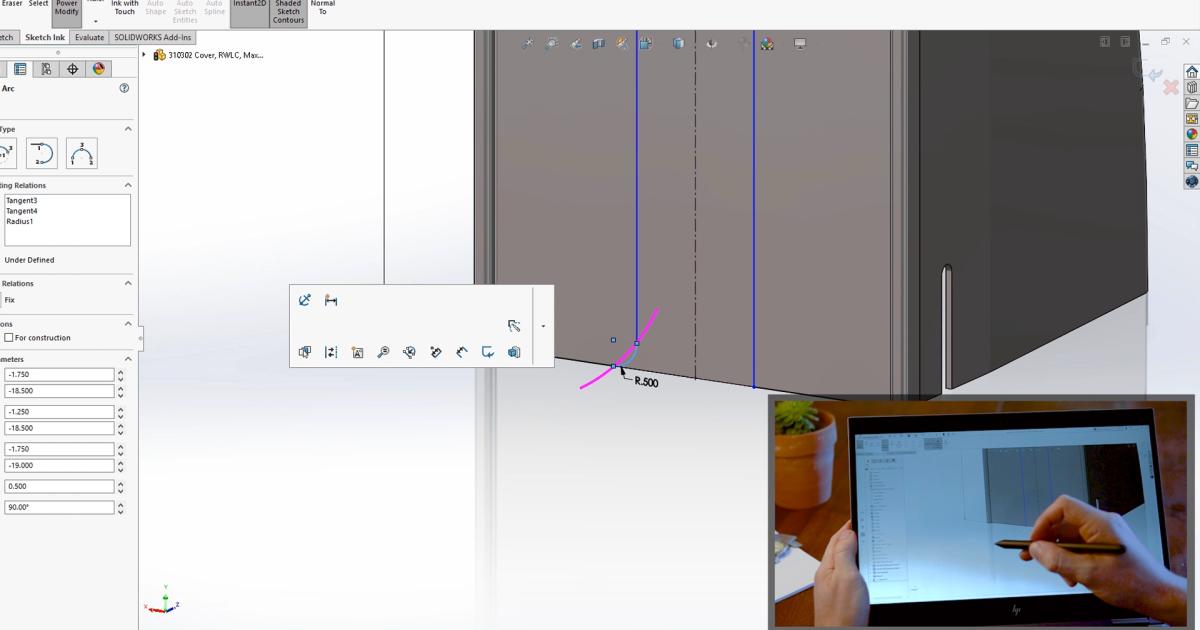
Sketching enhancements in SOLIDWORKS 2020 include improved workflows when using touch-enabled devices, smoother transitions with G3 Continuity, and significant improvements to the "Redo" functionality.

Videos

What's New in SOLIDWORKS 2020 - eDrawings VR

Virtual Reality in eDrawings Professional enables users to explore their designs at a one-to-one scale using a VR headset. Fully released in 2020 with higher visual quality, including transparency, Full Scene Anti-aliasing and Ambient Occlusion, which gives your model a more realistic appearance.

Videos

What's New in SOLIDWORKS 2020 - Flexible Components

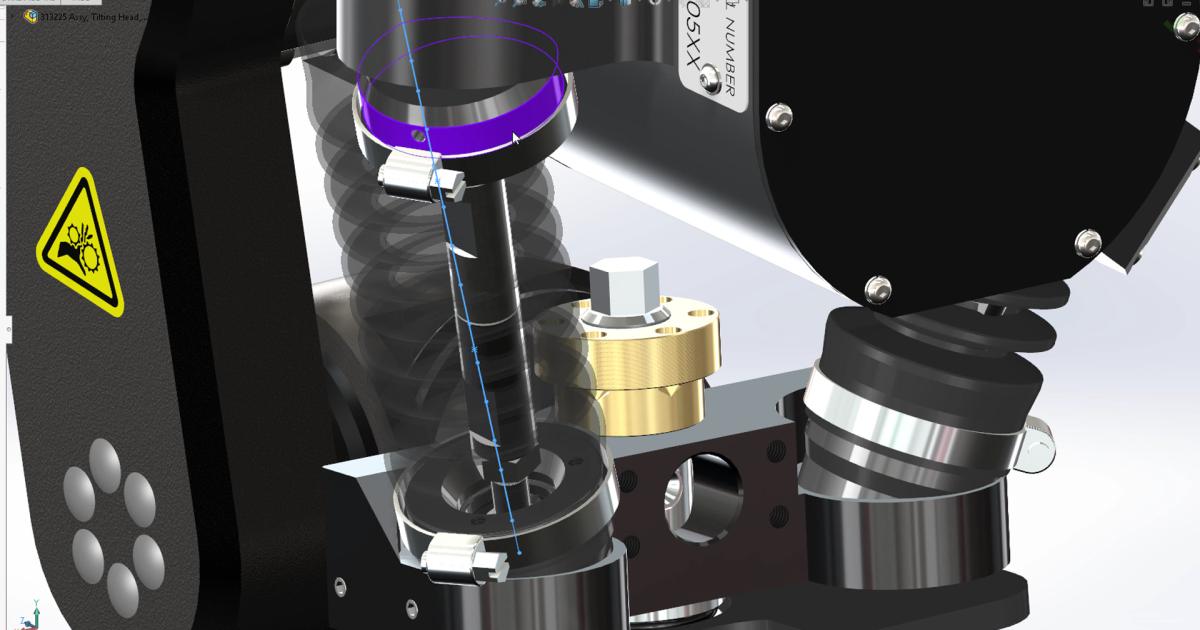
Make any part dynamic with the new Make Part Flexible tool in SOLIDWORKS 2020. Remap external references of parts with ease without creating additional configurations or part files. This optimizes your data management and efficiency visualizing and validating assemblies with motion. Bill of Materials recognize the multiple instances of Flexible Parts as a common part. Drawing references are also maintained without impacting the geometry shown in the drawing.

Videos

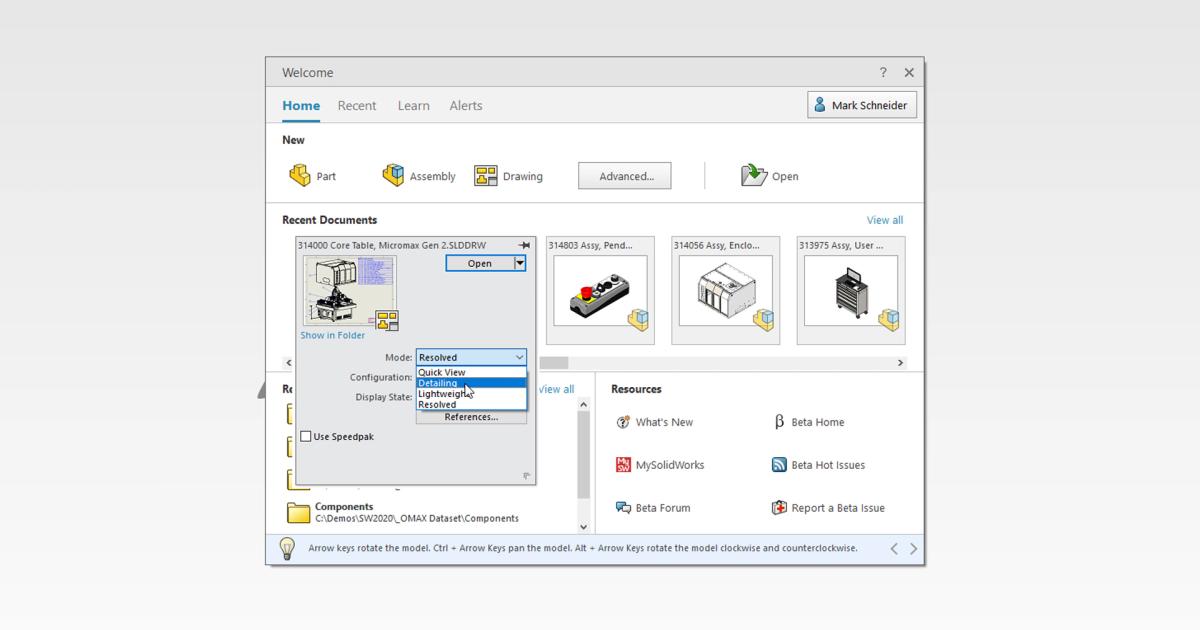
What's New in SOLIDWORKS 2020 - Detailing Mode

With the new Detailing Mode in SOLIDWORKS 2020 productivity is enhanced by allowing users to open in seconds, drawings containing large assemblies, lots of sheets, many configurations or resource intensive views. Watch this video to see many of the tasks that can be completed in SOLIDWORKS Detailing Mode.

Videos

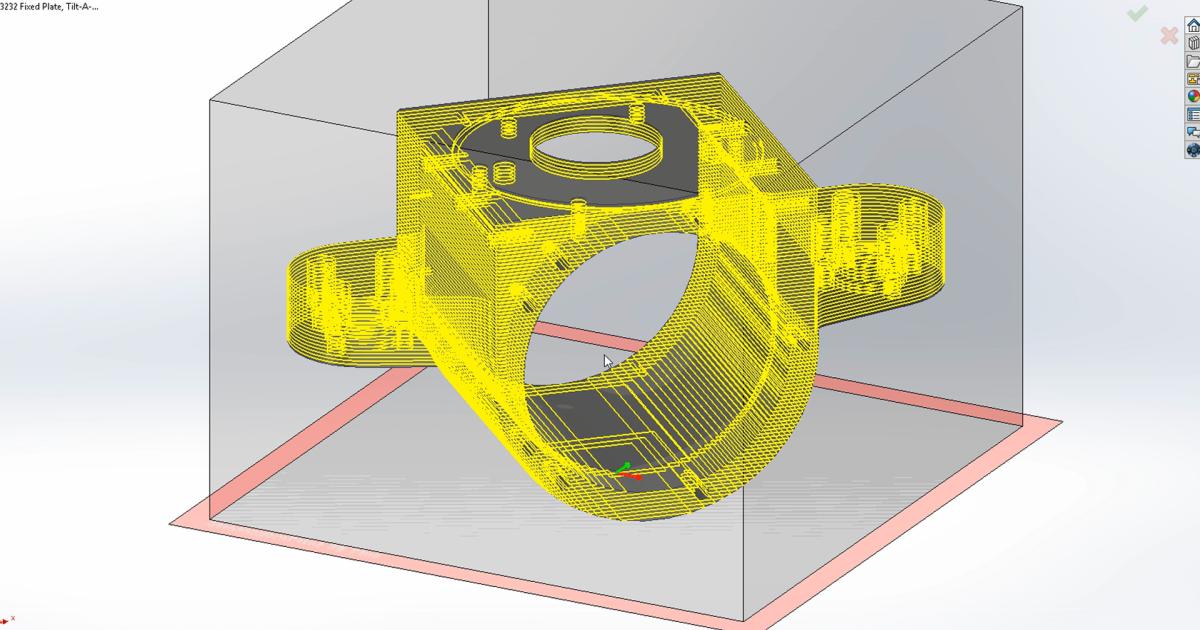
What's New in SOLIDWORKS 2020 - 3D Printing

3D Printing enhancements in SOLIDWORKS 2020 include a searchable database of 3D Printers with envelope information, generating 2D slice data from high quality solid geometry rather than a tesellated file and the ability to save this information to the 3MF format. We also take a brief look at the 3D Experience Marketplace Make where you can quickly outsource the manufacturing or prototype of any SOLIDWORKS part - right inside the SOLIDWORKS interface.

Videos

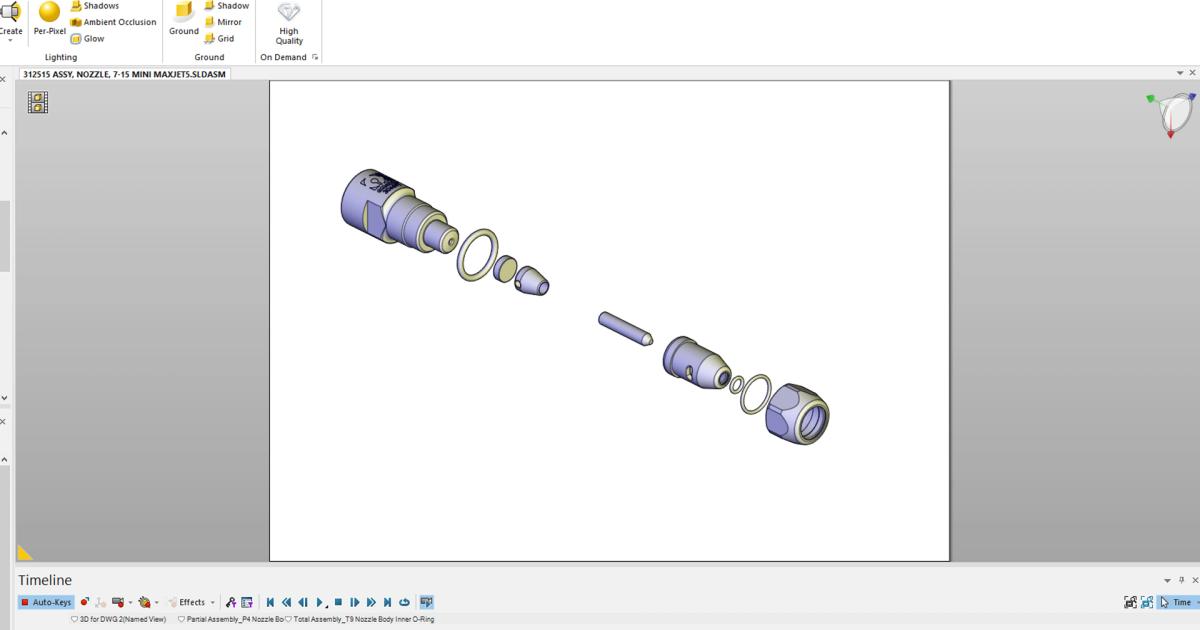
What's New in SOLIDWORKS Composer 2020

SOLIDWORKS Composer 2020 can now import all the exploded views and their steps from the SOLIDWORKS CAD model. These views can be reused for a variety of purposes including animations. Animations can now be saved as MKV, MP4 and FLV in addition to AVI. Lastly, A series of raster and vector images can be rapidly published using the new 360 degree capture.

Videos