[Do not delete] WOC issue

 UX/UI testing brings many advantages to software product development improving build quality into the product 

There are 49610 results
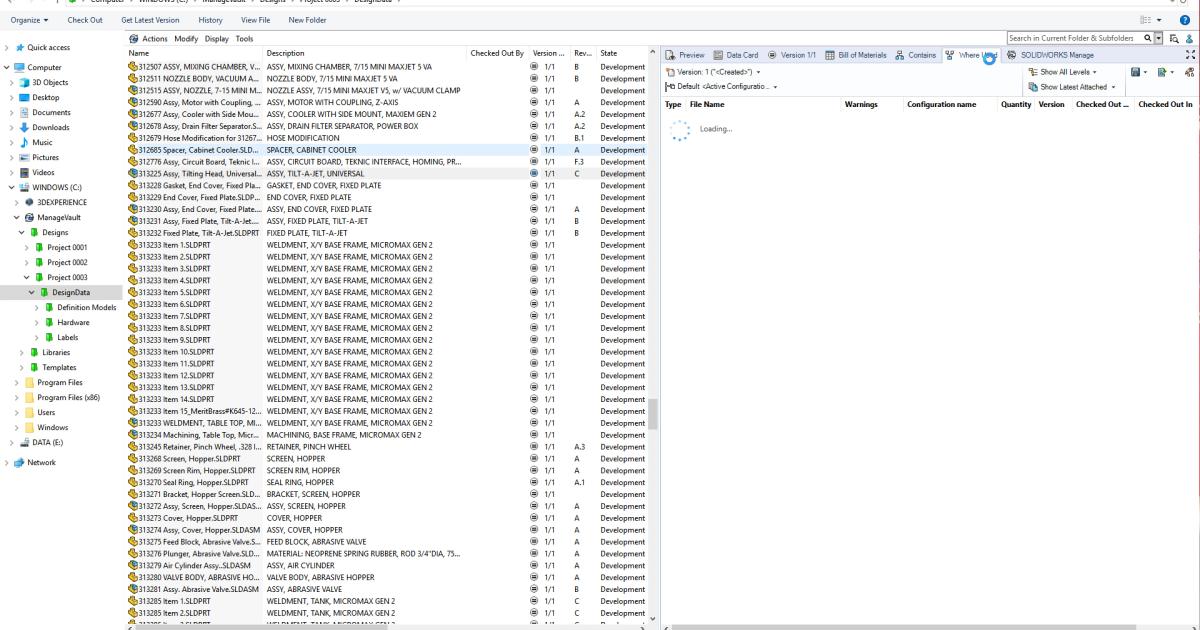
What's New in SOLIDWORKS PDM 2020 - Performance

The increased performance of SOLIDWORKS PDM 2020 makes your day-to-day use faster than ever before. You no longer have to wait for file contents and their details to load to browse to a subfolder. PDM tabs load data in the background as well. Overall system efficiency is improved. This includes the PDM Add-In for SOLIDWORKS CAD.

Videos
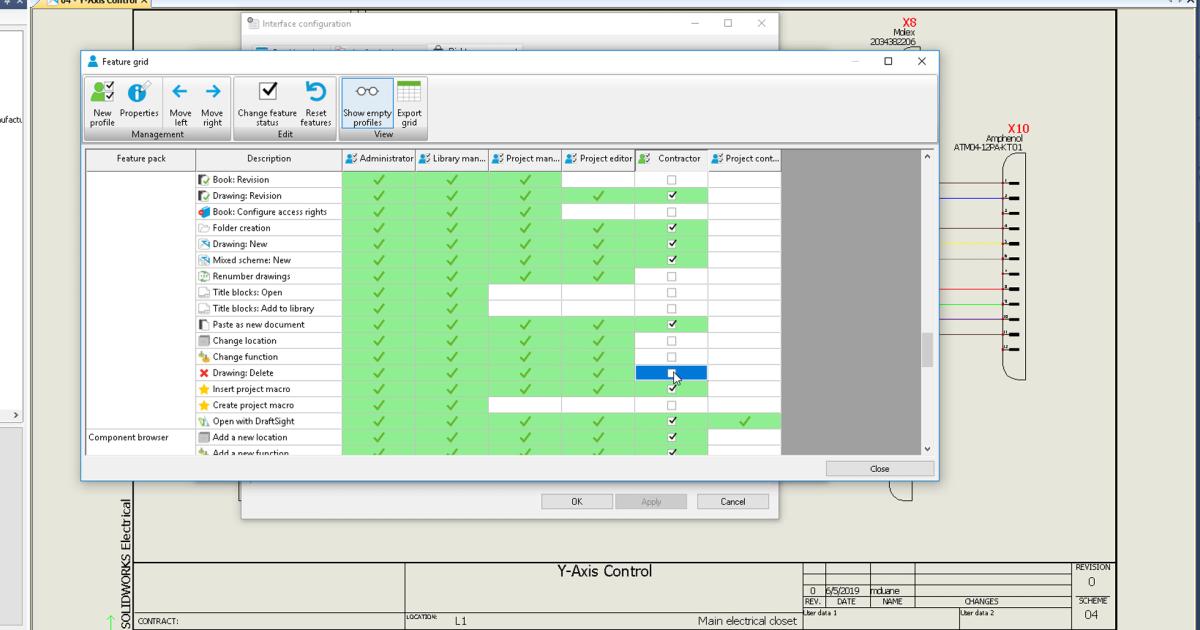
What's New in SOLIDWORKS Electrical 2020 - User Rights

SOLIDWORKS Electrical 2020 introduces customizable user rights profiles. User rights determine what each user is able to view and modify within SOLIDWORKS Electrical. Each profile has certain functionality enabled and each user is assigned to a profile. In addition to the five baseline profiles, now it is possible to create custom profiles where each piece of functionality can be enabled individually. These new options in 2020 offer more granular permission controls for administrators.

Videos

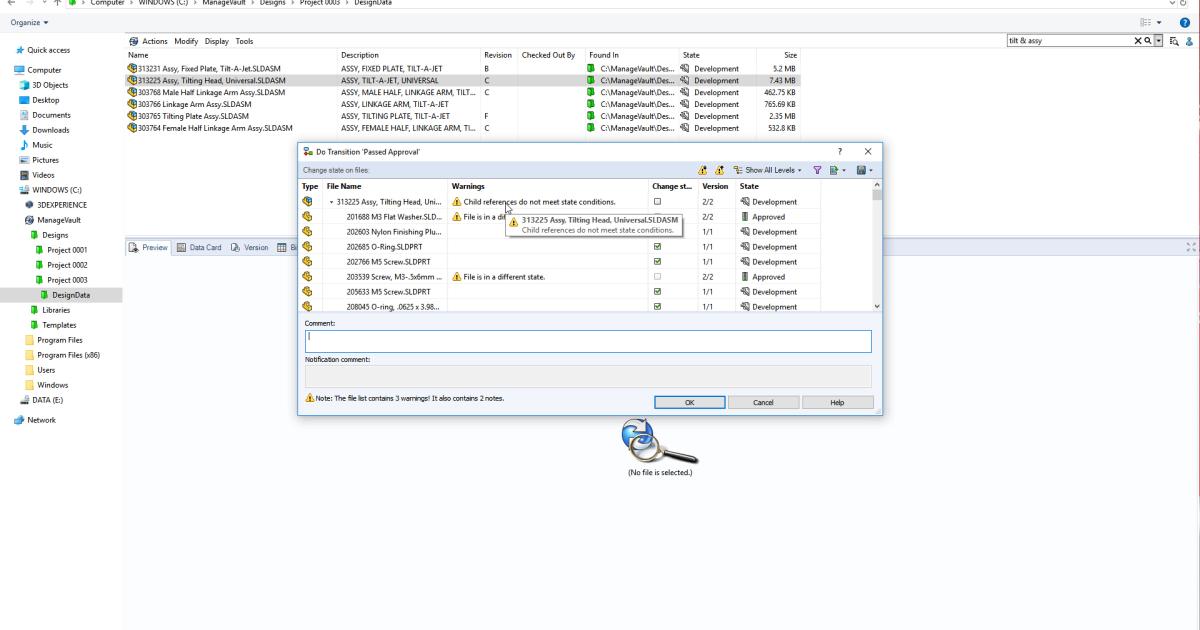
What's New in SOLIDWORKS PDM 2020 - Workflows

SOLIDWORKS PDM 2020 introduces Child Reference Sate Conditions for Workflows. For example, you can prevent documents from being approved that use files that are obsolete or going under a change. This helps automate your processes to ensure the correct data gets released.

Videos

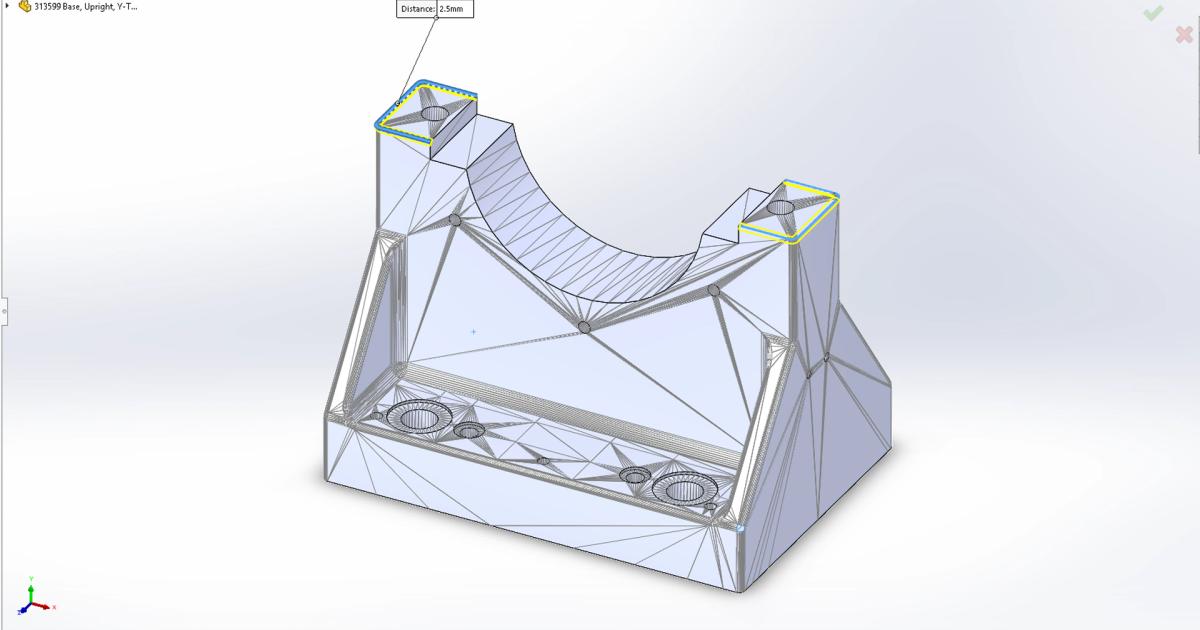
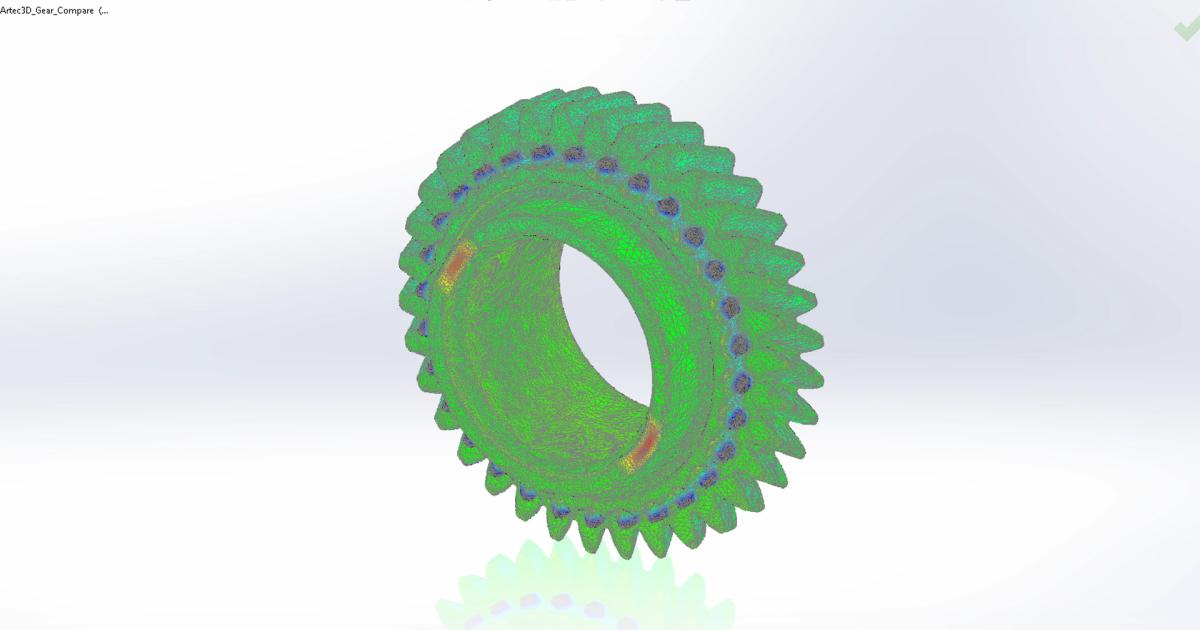
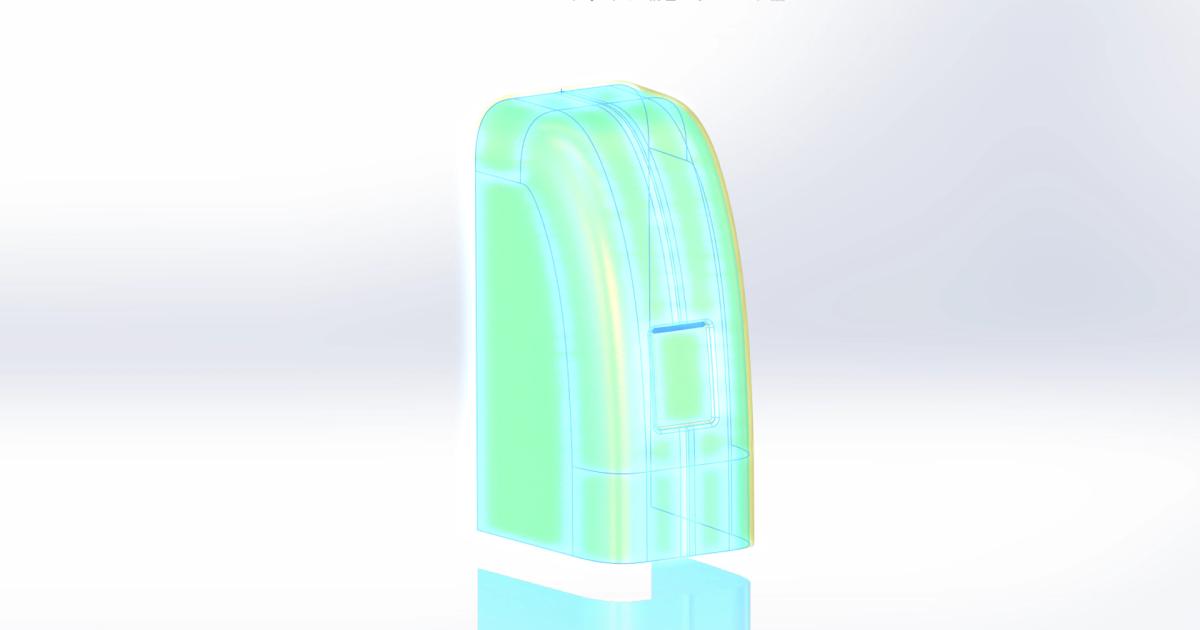
What's New in SOLIDWORKS 2020 - Decimation and Body Compare

Mesh enhancements in SOLIDWORKS 2020 include the ability to simplify complex mesh data using the new Mesh Decimation tool, creating accurate solid bodies with planes and axis generated using mesh facets, improvements to facet selection with the new Tangency Select tool, and visually inspecting the idealized geometry against the original mesh using Body Compare.

Videos

What's New in SOLIDWORKS 2020 - Surface Offset

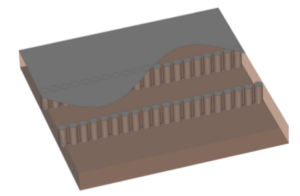
A common technique for advanced surfacing modeling is using the Surface Offset command. In SOLIDWORKS 2020, the command gives users the option to SEE and REMOVE any surfaces that cannot be offset, building the remaining geometry.

Videos