[Do not delete] WOC issue

 UX/UI testing brings many advantages to software product development improving build quality into the product 

There are 49610 results
DraftSight: Pan, Zoom, Groom!

Visit DraftSight.com to explore DraftSight 2019 and learn how you can experience the freedom to do more with a better 2D drafting and 3D design experience. Today’s blog is long overdue, because it takes us back to the basics of … Continued

Article

Benefits of the Structure System Tool in SOLIDWORKS 2019

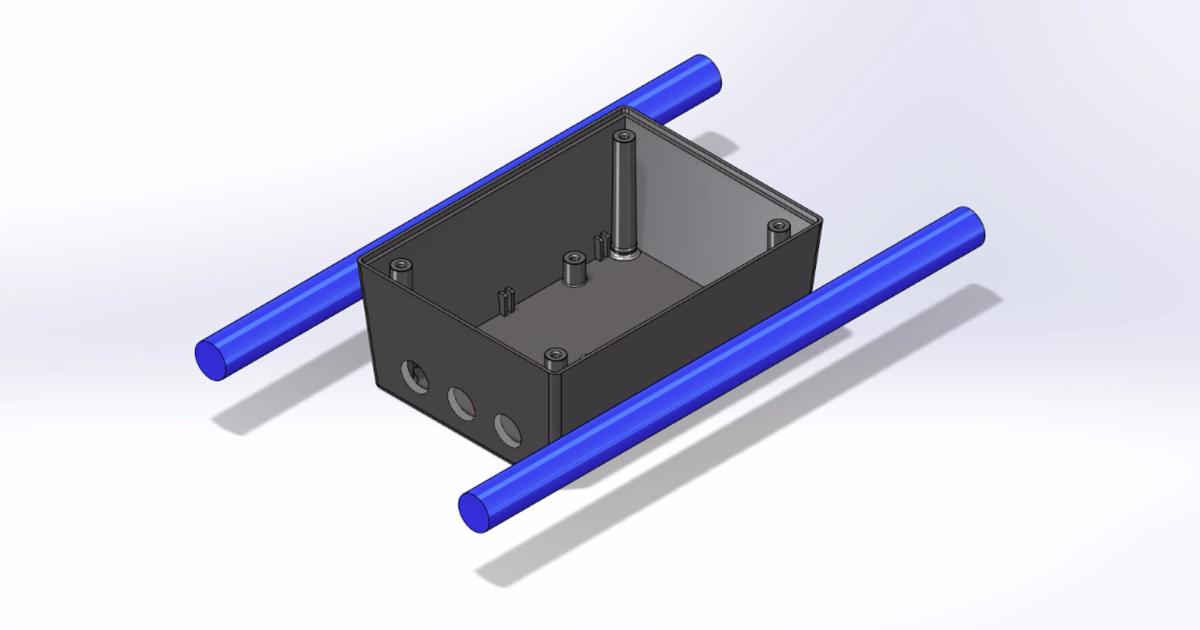
Application Engineer; Colin Murphy, highlights the new enhancement “Structure System” in SOLIDWORKS 2019! Learn how this new tool can save you time and clean up your feature tree! What are the benefits of Structure System? Creating structures using the conventional ... Continued

Article

What's New in SOLIDWORKS PDM 2020 - Search

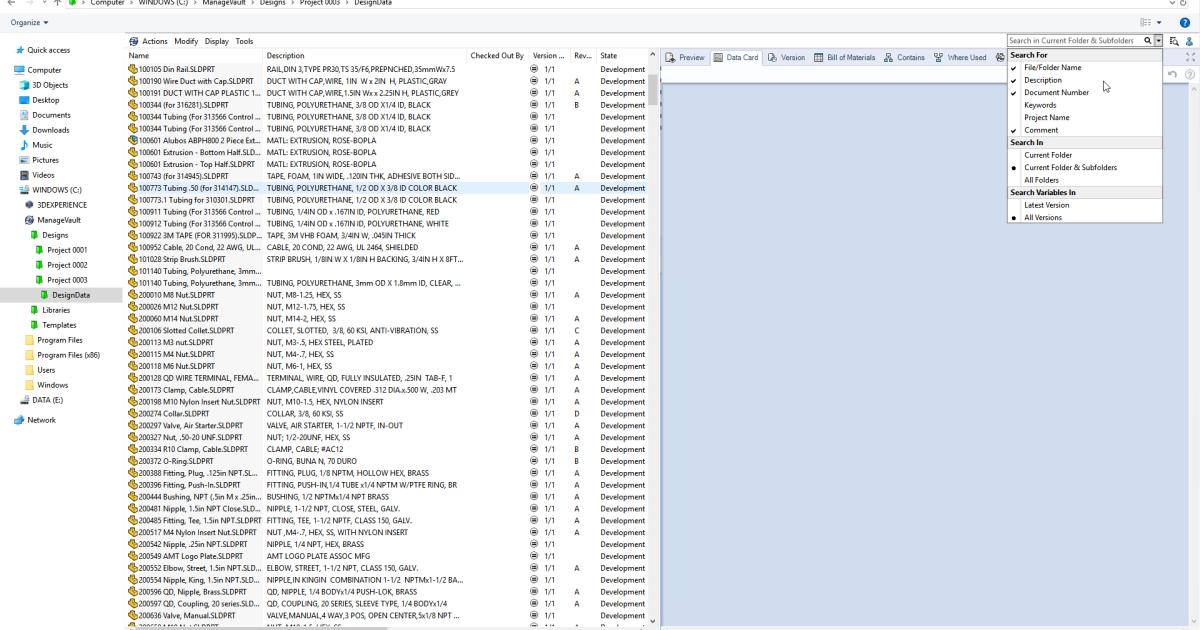
SOLIDWORKS PDM 2020 introduces Quick Search to make it fast and easy to find your files. Use Control+F on your keyboard and start typing. Suggested searches are provided based on your history and what you have started to type in the search field. Quick Search and fields in traditional search cards now support multiple variables to help simplify your search experience.

Videos

Meet a Medidatian: Ana O., Product Director and Art Lover

Reading Time: 3 minutes Welcome to our new series where you’ll get to meet Medidatians (that’s what we call Medidata employees) from around the company, and hear why they do the work they do. We hope you get a feel for the employees who make up our DNA. First up is Ana O., Director, AcornAI Product. Ana heads Value […]

Article

What's New in SOLIDWORKS 2020 - Drawings

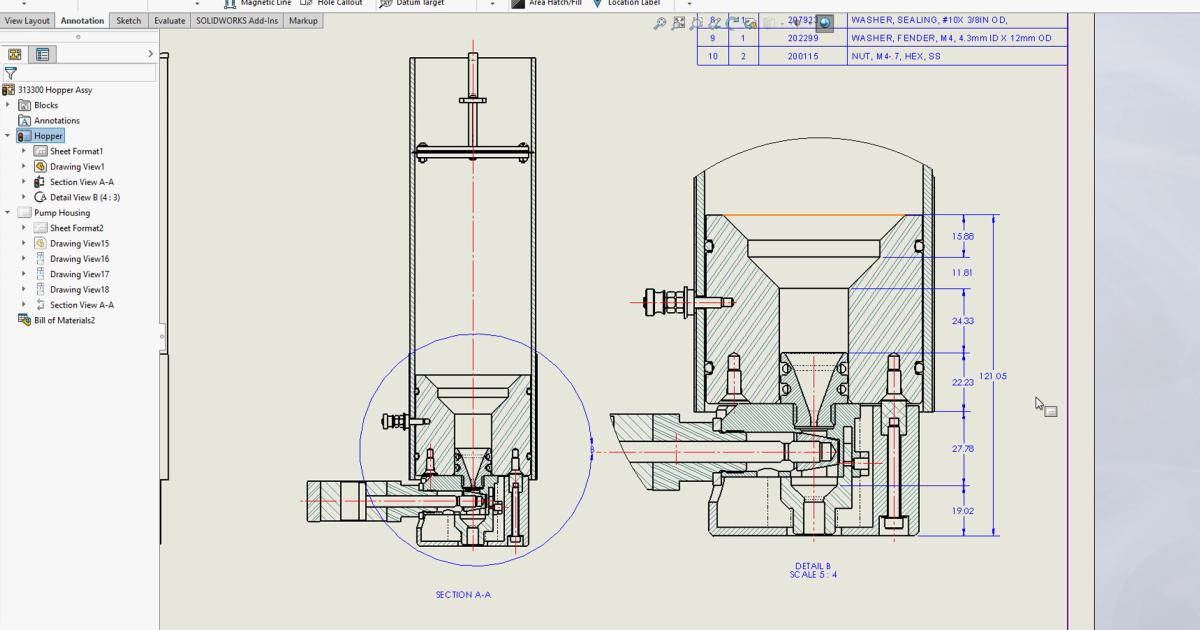
In SOLIDWORKS 2020 there have beenpPowerful new productivity enhancementsin Drawings that make documenting your designs even faster. Learn how to rapidly change sheet scale, a new Chain dimension and Alternate Position Views for parts.

Videos

What's New in SOLIDWORKS SIMULATION 2020 - SIMULATION Evaluator

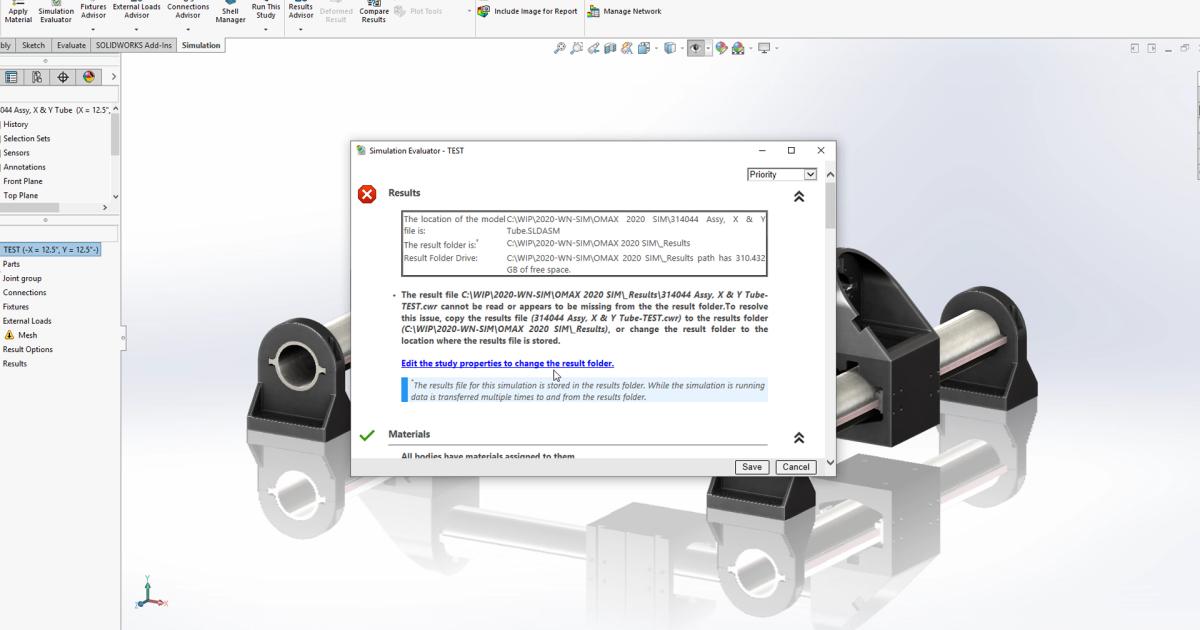
SOLIDWORKS SIMULATION 2020 adds a new tool called SIMULATION Evaluator that provides users a single location to verify and update or re-attach simulation results, check simulation study setup, verify materials and mesh. This single location provides feedback needed to move forward with confidence. Additionally, several User Interface enhancements in SOLIDWORKS SIMULATION 2020 make it easier to navigate the study setup, letting you get your study ready quickly. Also new, studies that are no longer needed or corrupt can be deleted without loading, saving significant time on large, non-linear or dynamic studies.

Videos

What's New in SOLIDWORKS Electrical 2020 - Leader Lines

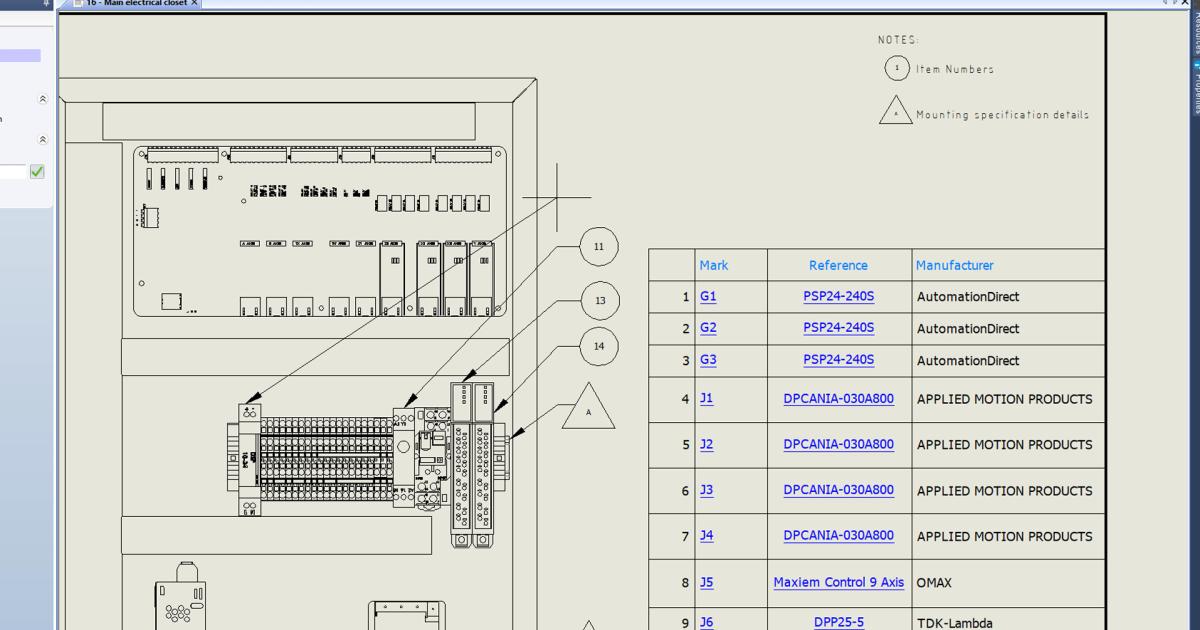
SOLIDWORKS Electrical 2020 introduces leader lines for text and balloons. Use the Leader Style Manager to define the leader appearance such as line type, text font and block shape. Block shapes include circle, hexagon and triangle for common balloon shapes. Easily convey design with the new schematic annotation options.

Videos