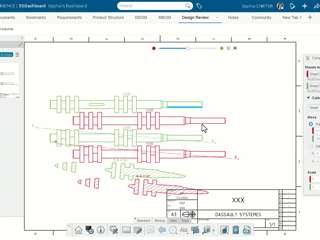
Useful Tip - Visual Comparison of Drawings to Easily Find Discrepancies
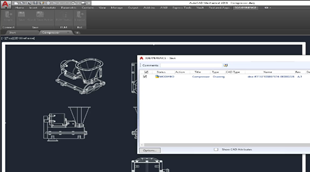
Did you know?You can now compare drawings, such as the latest revision against its previous revision, to quickly identify any differences or discrepancies.How?While reviewing a drawing, to compare it with its other revision, select the 2D Compare command in the Markup tab (*).This automatically opens the 3DSearch results, showing all available revisions of the same drawing.From the search results,
ENOVIA USER COMMUNITY