Search

Please use the search box below or the filters provided to fine-tune the results and discover more about our offers, products, customers, and stories.

There are 17627 results
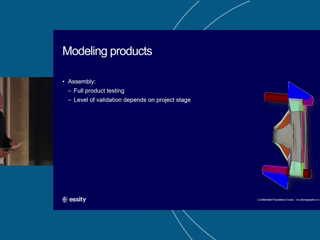
Essity AB | Enhancing Product Comfort and Fit Through Finite Element Simulation at Essity | Manuel Mendoza Vázquez & Ioan Danese | EURONORTH RUM 2026

Abstract: Essity is a global leader in hygiene and health, with products used by one billion people across 150 countries every day. Consumers’ perceptions of these products, such as comfort, fit, reliability and dignity are inherently subjective. Traditionally, product design and evaluation rely on consumer studies, which often occur late in the development process, when design changes tend to be

SIMULIA COMMUNITY
MagicGrid BoK v2 in Practice: Refining VCCU from BlackBox to WhiteBox

Hi everyone,I’m sharing a project I’ve been working on—a YouTube series dedicated to practical MBSE workflows using MagicGrid BoK v2.While there are many great theoretical guides out there, I noticed a gap in seeing the "click-by-click" reality of building these models. My channel focuses on live demonstrations, including practical tips and workarounds that you won't find in the official documenta

CATIA MBSE CYBER SYSTEMS

Webinar Replay | Complex Milling with DELMIA | October 8

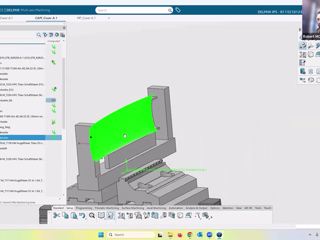
The replay of our webinar focusing on Complex Milling is available here! Discover how DELMIA Machining helps manufacturers simplify complex milling with advanced strategies, automation and simulation.A big thank you to our speaker @RM and @II for the organization!

DELMIA FABRICATION

Orizio Group's Integration Journey: Digitally Driven. Human Centric.

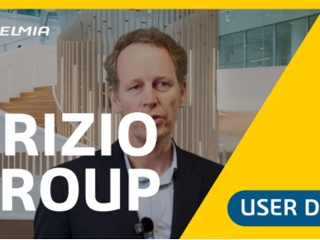
Hear from Miguel Laduron, CIO at Orizio Group about end-to-end integration of data being the "game changer". By ensuring that every stakeholder — from the designer to the shop floor technician — is looking at the same information, Orizio Group is reducing errors in change management and laying the groundwork for a highly efficient, human-centric digital factory.

DELMIA FABRICATION

ICEM Design Experience - From SubD to Class-A

Folks,In 2025, in our European event CATIA Design and Engineering Day in Munich, I did a little presentation about a Work process example. The scenario - We have 4 steps:In the first one we will open a rough SubD Surface created in IMA. It is a reference for our Class-A. In parallel, a Body Engineer is working on stiffening structures and Construction details.Step 2 we will create the Class A with

CATIA CREATIVE DESIGN & STYLING - USER COMMUNITY

ABAQUS learning edition license configuration

HiI've just installed ABAQUS learning edition. I chose to postpone the license configuration during the installation. Now, as I have 3Dexperience pro version installed on my computer, I've got an error message when I start ABAQUS as it tries to use the 3Dexperience server configuration.I found no information about license configuration for the learning edition. How can I change the parameters ?Tha

SIMULIA COMMUNITY

MODSIM: From Two Worlds to One Story | A great overview

If you're new to MODSIM - or you'd like to explain it to someone who is - this webpage gives a great overview of MODSIM and how it can accelerate innovation.https://www.3ds.com/insights/modeling-and-simulation How to Get Started With MODSIMThere are also dedicated sections for leaders and experts that show how MODSIM can transform the way you work.Leader's Chapterhttps://www.3ds.com/insights/mode

MODSIM | MODELING & SIMULATION

ICEM Surf 2026.0 - Create Surface - Fillet vs. Fillet+

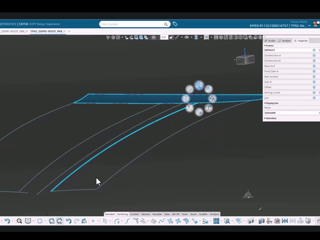
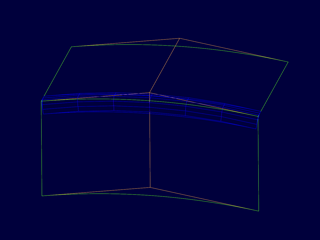
Hi, this is something we already noticed for a long time over several versions on the "Fillet+" tool For some reason it's fillets are not as clean as the ones from the old "Fillet" tool.I becomes very apparent when extrapolating fillets. See here the exact same Fillet (G2, chord, 7CtrlP along, 6CtrlP across). They look almost identical (red=Fillet+ blue=Fillet)But when extrapolating both of them

CATIA CREATIVE DESIGN & STYLING - USER COMMUNITY

Useful Tip|Group by Column – Engineering Release application

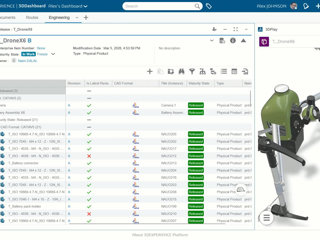
Did you know?You can group the content in the Engineering Release widget, directly from the column itself.This allows you to categorize, filter, and analyze Engineering Items based on attributes (out of the box as well as customized) in a single view, thus streamlining complex structures and accelerating the release process. How?Right click on the column title and select the “Group By” command.Not

ENOVIA USER COMMUNITY

Looking for more?

Check out the links below

Want to join the Workforce of the Future?

Search, find and apply to job opportunities at Dassault Systèmes

Explore our Network of Partners

Our partners extend our solutions by offering complementary products, expertise, and services

Search the Knowledge Base

Dassault Systèmes customers' one stop to get help and support information