[Do not delete] WOC issue

 UX/UI testing brings many advantages to software product development improving build quality into the product 

There are 49439 results
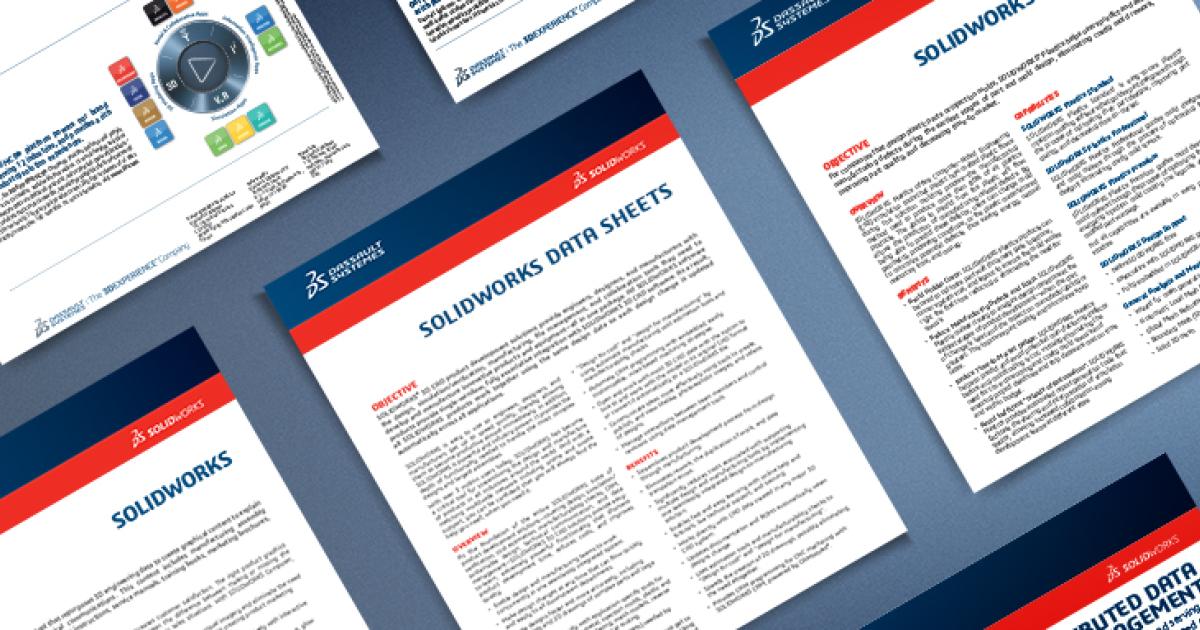
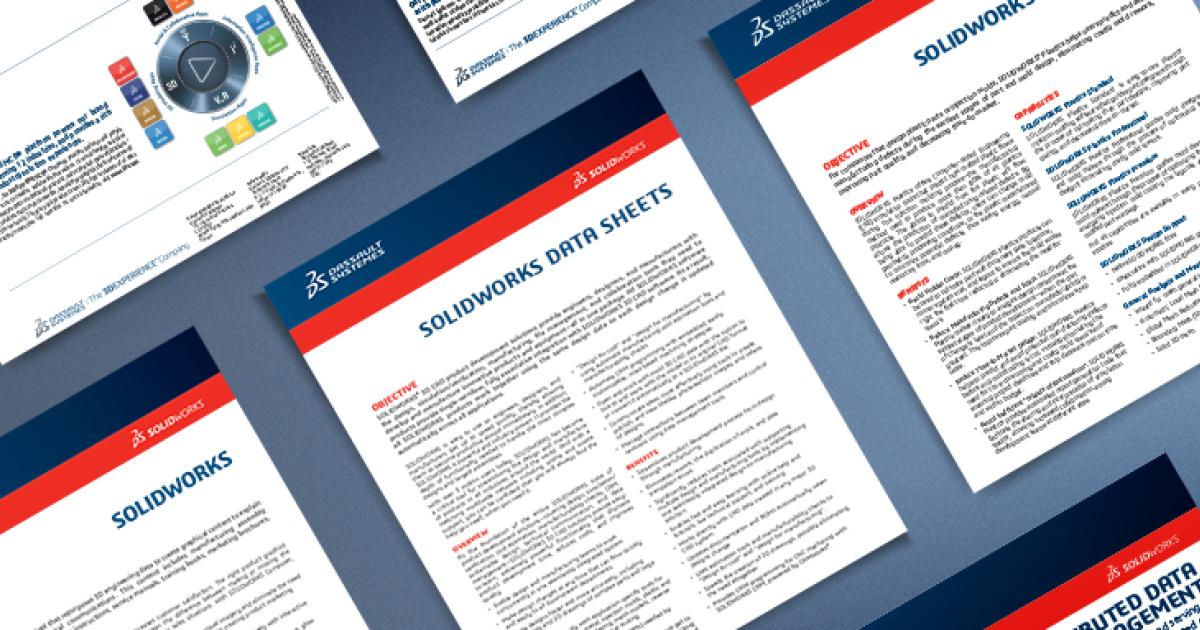
SOLIDWORKS MBD Datasheet

SOLIDWORKS Model-Based Definition (MBD) is a model-based application that reduces costs thanks to unambiguous, integrated 3D annotations. Unlike 2D drawings, SOLIDWORKS MBD defines, organizes and publishes annotations directly into the 3D data. This helps automate downstream manufacturing processes such as tolerance analysis, machining and inspections.

Datasheets
Ambix Consulting, LLC

Streamline complex injection-mold development to improve manufacturability, shorten development times, and reduce costs.

Customer Story

Changing CAD Tools - What You Should Know

Are your engineers frustrated with your current 3D CAD tools? Are parts not fitting together the first time? Are you missing important product launch dates because of assembly issues? Does your CAD’s Data Management system take your engineers away from design work due to data chaos? Are you having trouble finding qualified engineers? If you are experiencing any of these issues, now is the time to switch to SOLIDWORKS. Many of world’s most innovative products get their start in SOLIDWORKS. SOLIDWORKS solutions are designed for ease of use, enabling you to become more productive faster, and focus on creating innovative designs, not on CAD. Download this Tech-Clarity’s white paper to find out how easy it can be to make a switch... and what business benefits await once you’ve made the switch.

White Papers

SOLIDWORKS Apps for Kids

If kids can dream it, they can create it. Apps for Kids inspires young thinkers to turn their wildest creations into reality.

Flyers

SOLIDWORKS Inspection Datasheet

For companies that create inspection documents, SOLIDWORKS Inspection automates the ballooning of engineering drawings and 3D files with Product and Manufacturing Information (PMI), minimizes the time needed to record inspection measurements, and streamlines the creation of industry-standard inspection reports by leveraging existing 2D and 3D CAD data.

Datasheets

An Introduction to SOLIDWORKS Visualize

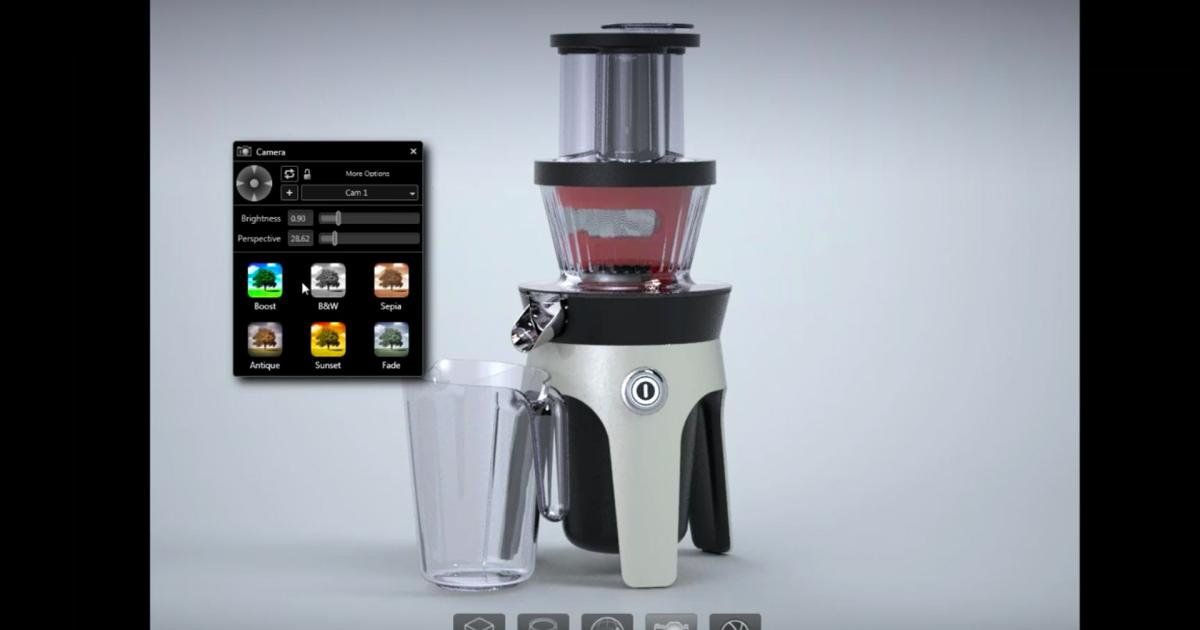
Throughout the design process, photo-quality immersive content help businesses make the right design and engineering decisions. Watch this webinar to learn how SOLIDWORKS Visualize allows you to: Improve internal design, engineering, and sales reviews to help make more informed decisions, faster. Drastically reduce the cost and number of physical prototypes and variations, helping to arrive at final design decisions much more efficiently and cost effectively. Deliver photorealistic imagery and content to marketing far earlier, helping to promote the newest products whether by web, video, or print. Reduce time to market by 50%, allowing for more design time, resulting in an better final product.

Recorded Webinars

The "Smart" Water Cooler

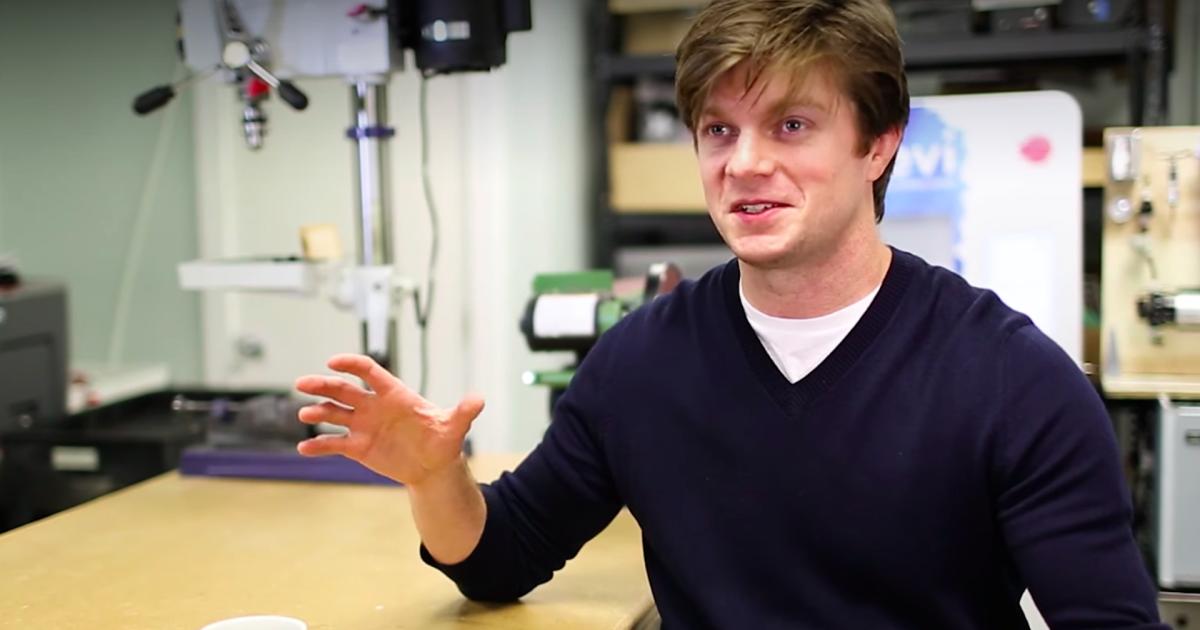
Learn how Bevi, the smart water cooler, bringing flavors, fizz, and eco-friendly fun to the workplace leveraged the SOLIDWORKS for Entrepreneur Program to get smart water cooler off the ground.

Videos

The How-to Guide for Adopting a New CAD Tool

The thought of changing 3D CAD tools can be overwhelming, but it’s easier than you think. Follow these best practices to learn how you can reap benefits such as faster development time and engineering change orders (ECOs), decreased development costs, and fewer design iterations. Download this ebook to learn: How to get started on your migration path How to prepare everyone for the change Best ways to train using the new tool What to do with your legacy design data How to achieve the fastest possible ROI Download the eBook now to shorten your learning curve for adopting a 3D CAD tool so you can achieve the fastest possible ROI.

EBooks

SOLIDWORKS Support Monthly News – December 2017

Hello to all, Welcome to this new edition of the SOLIDWORKS Support Monthly News, coauthored by members of the SOLIDWORKS Technical Support teams worldwide. SOLIDWORKS World 2018 Top Ten List Attention all SOLIDWORKS users! The SOLIDWORKS World Top Ten List ... Continued

Article