[Do not delete] WOC issue

 UX/UI testing brings many advantages to software product development improving build quality into the product 

There are 49439 results
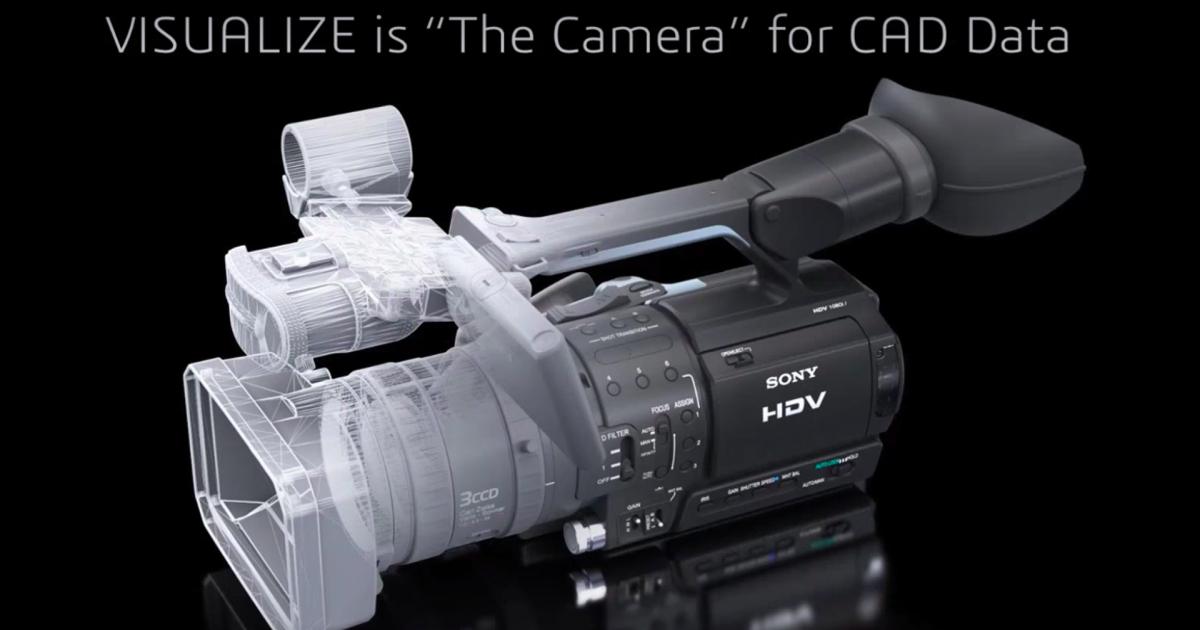
The Benefits of SOLIDWORKS Visualize Professional

The features in SOLIDWORKS Visualize Professional can help you create photo-quality content for internal design reviews and marketing campaigns faster and make decisions much earlier. Discover how SOLIDWORKS Visualize Professional allows you to: Develop interactive content of exterior VRs and interior Panoramas to impress your customers Create multiple colorways or design variations in seconds, and render them out all at once for easy final manufacturing selection Leverage the full animation suite for captivating camera flys, stunning exploded view movies, sun studies, 360 spins and more Add additional effects to your content with customizable camera filters Instantly increase your productivity with the integrated Render Queue

Recorded Webinars

Changing the Game in Wearable Tech

Designed using SOLIDWORKS, learn more about how the MyoTM Gesture Control Armband, one of the first wearable technologies, is delivering elegant, functional interaction with computers.

Articles

Integrating with 3D CAD Software

Great products start with great design, but even the most innovative ideas will fail if they can’t be manufactured efficiently. What’s required is a set of tools that enable design and manufacturing teams to work concurrently—so that potential manufacturability issues can identified and resolved earlier in the process. Check out Chapter 2 of our newIntegrated Design-to-Manufacturing Solutions eBook series, and learn more about the benefits of a connected platform of design tools to streamline the handoff to manufacturing. Download Chapter 2 to discover how the complete SOLIDWORKS 3D design solution allows you to: Collaborate and share data between suppliers and customers Simplify 2D drawings for production-ready drawings Accelerate release to manufacturing with model-based definition Embed electrical components into your products Read now and learn why more than 4 million engineers use SOLIDWORKS for design.

EBooks

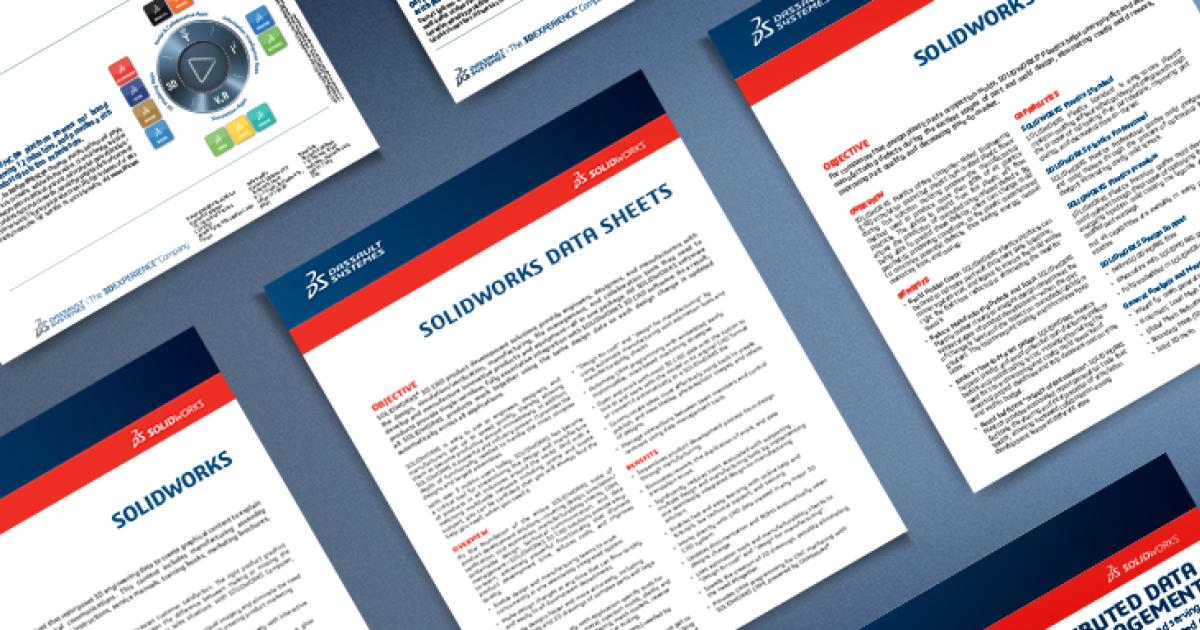
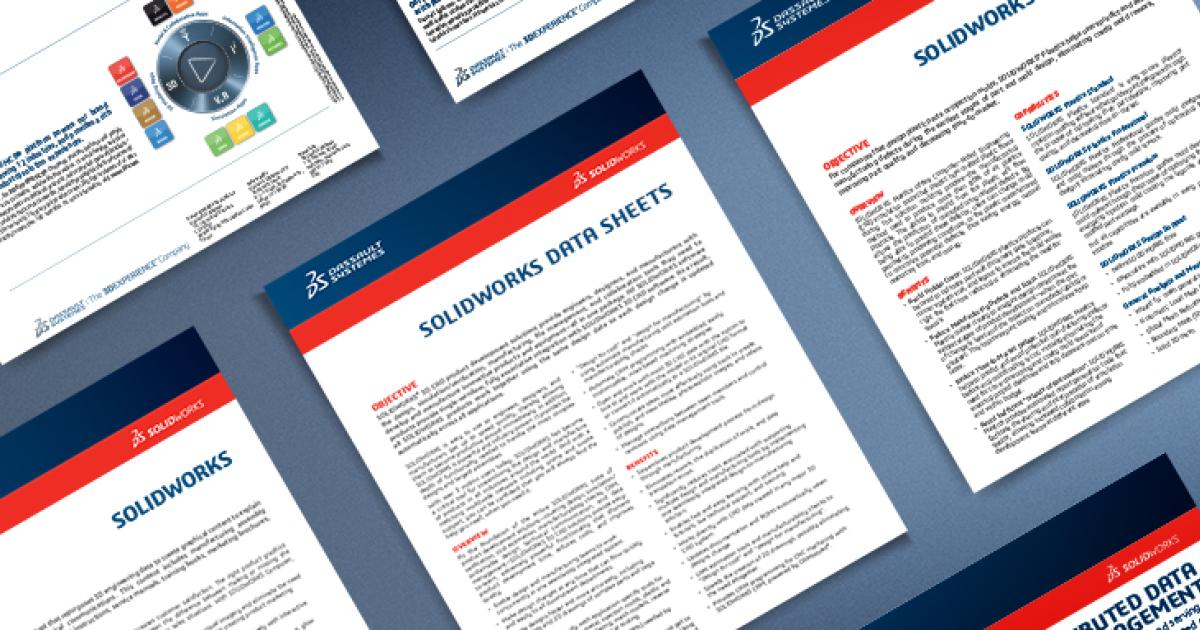
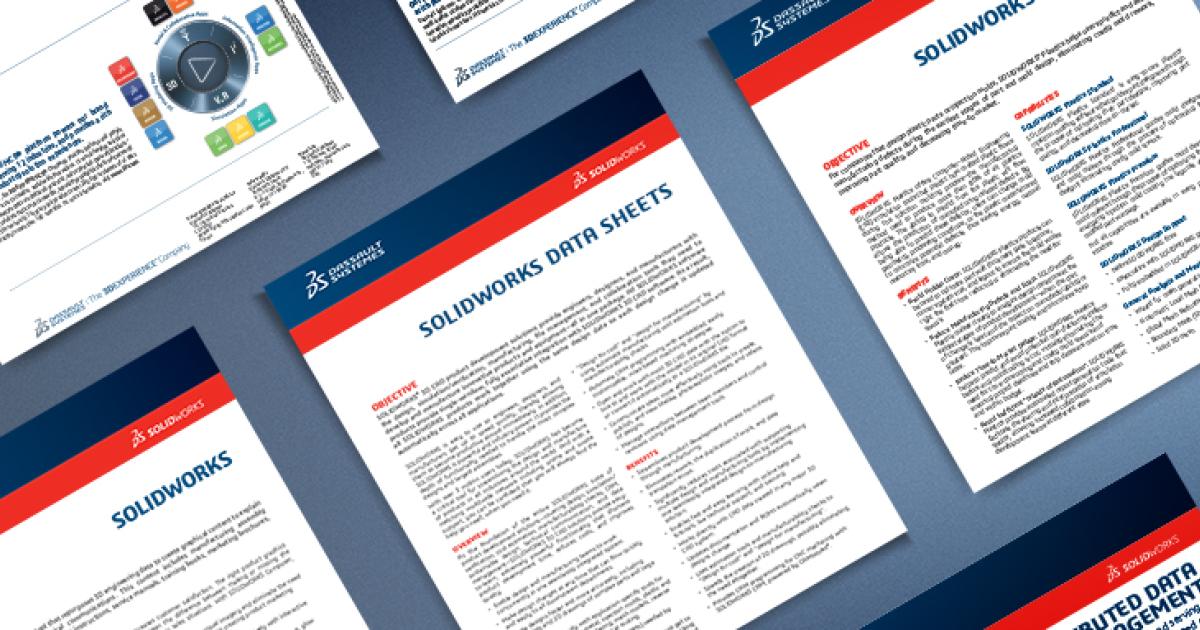
SOLIDWORKS Simulation Datasheet

SOLIDWORKS Simulation is a comprehensive structural analysis solution fully embedded within SOLIDWORKS that can be used by designers and analysts alike to enable companies to get their products to market faster and with less cost without sacrificing quality or performance.

Datasheets

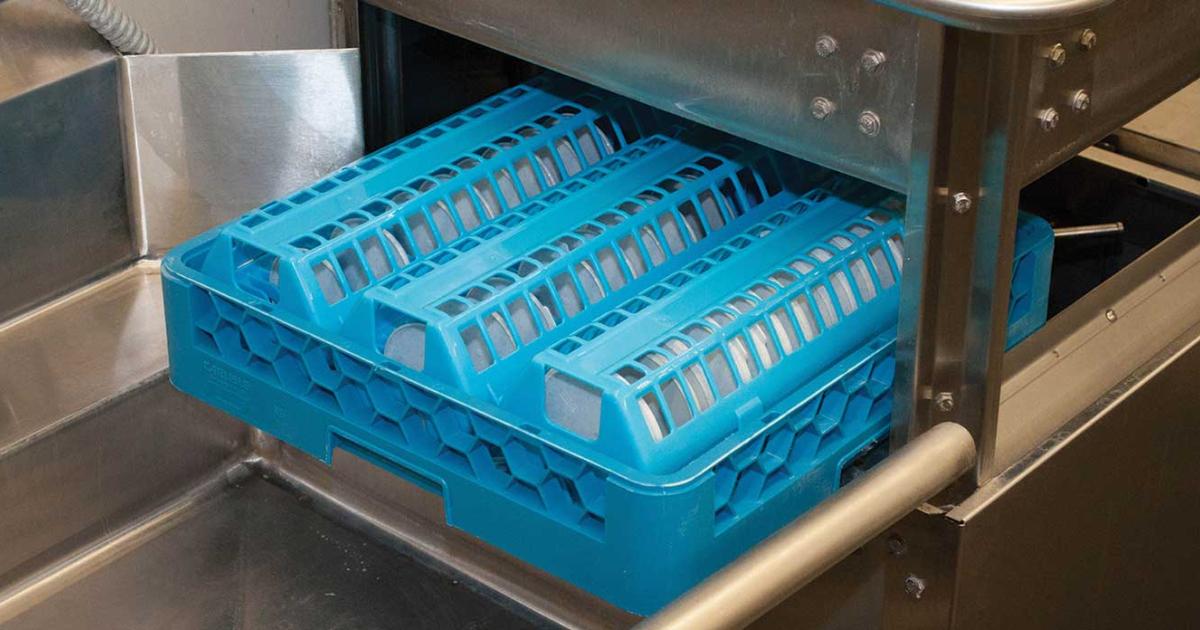
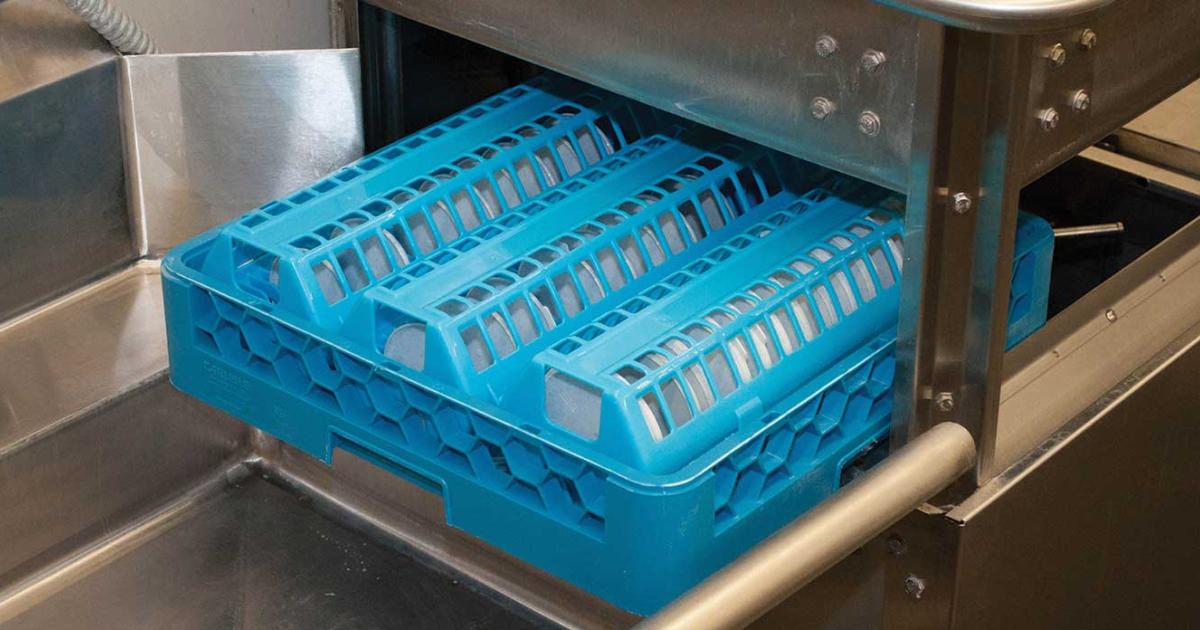
Carlisle FoodService Products

Reduce cycle time, reliance on outside consultants, and prototyping costs associated with the development and manufacture of increasingly complex injection-molded products.

Customer Story

Adding Advanced Plastics and CFD Virtual Testing Capabilities to Your Design Workflow

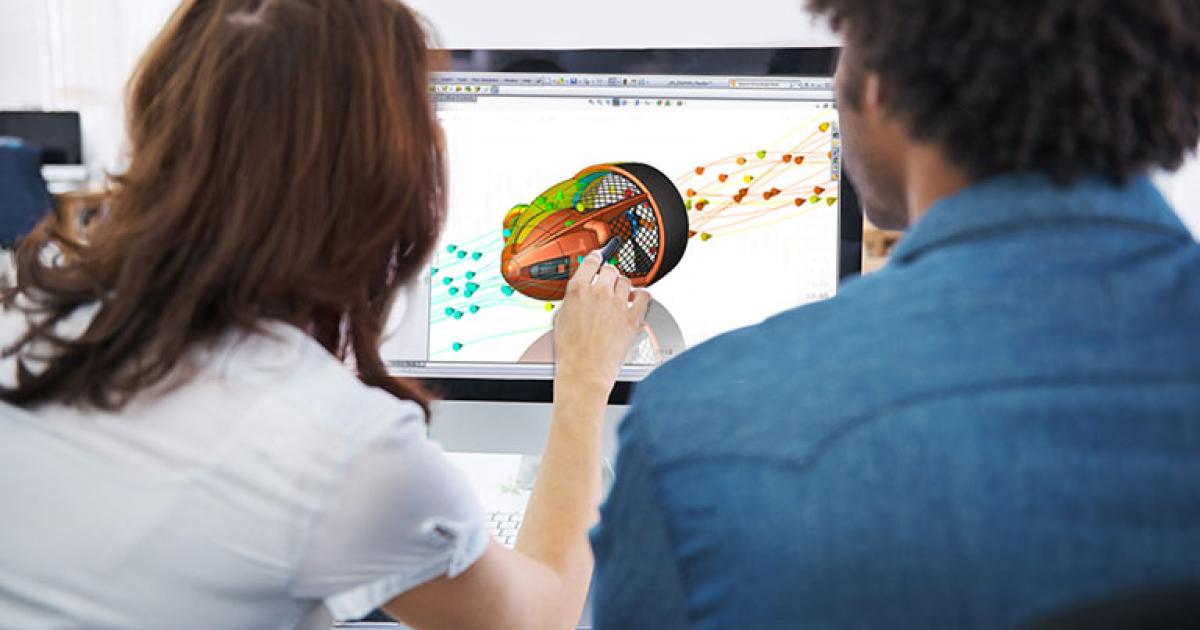
Having the ability to optimize plastic parts during the design phase and know parts are fit for manufacture not only saves frustration, but also keeps you from wasting resources on costly injection molding mistakes. In cases where you need to determine the real-world impact of liquid or gas flow on your product, CFD provides information to help ensure your design will perform as intended and not go up in flames. Download the eBook to learn how you can use virtual prototyping in SOLIDWORKS Plastics and SOLIDWORKS Flow Simulation to take a concurrent engineering approach to plastic part design and use CFD insights to make smart engineering decisions that optimize your products. Read customer success stories and understand features how: SOLIDWORKS Plastics can be used to optimize wall thickness, gate locations, and runner system size and layout, to ensure the mold works right the first time. The ability to predict how the plastic will react to the mold injection process helps ensure potential issues are addressed at the earliest stage of product development. Powerful Computational Fluid Dynamics tools in SOLIDWORKS Flow Simulation enable you to quickly and easily simulate fluid flow, heat transfer, and fluid forces that are critical to design success. Automated Boundary Cartesian Meshing, as well as Turbulence Models and Boundary Layers, will streamline your workflow. SOLIDWORKS Flow Simulation enables you to optimize HVAC and electronics cooling challenges

EBooks
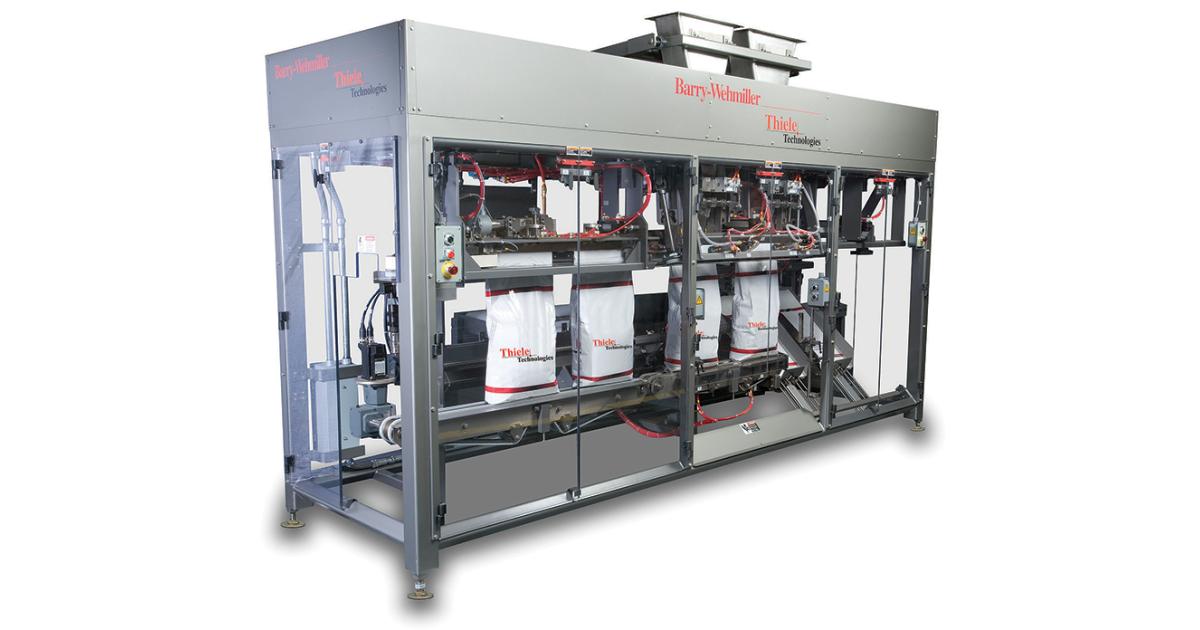
Thiele Technologies, Inc.

Provide customers with more effective tools for servicing and maintaining automated packaging machinery and equipment, as well as better support for customer training initiatives.

Customer Story

SOLIDWORKS PDM Datasheet

SOLIDWORKS PDM (Product Data Management) solutions provide an easy way for designers to collaborate on product designs without worrying about version control or data loss. They can store CAD models and supporting documents—anything from emails to images—in an indexed central repository that tracks versions and automates workflows. This reduces time spent searching for data and eliminates the duplication of effort.

Datasheets

MYSOLIDWORKS Datasheet

MySolidWorks enables companies to be more productive by connecting their designers and engineers with relevant online SOLIDWORKS content, training and services anytime, anywhere, on any device. With MySolidWorks, users can get answers about SOLIDWORKS solutions and connect with the worldwide SOLIDWORKS user community

Datasheets