[Do not delete] WOC issue

 UX/UI testing brings many advantages to software product development improving build quality into the product 

There are 49481 results
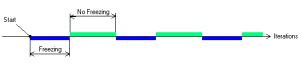
SOLIDWORKS Flow Simulation: Flow Freezing

Reaching a Steady-State SOLIDWORKS Flow Simulation allows for the simulation of steady-state and transient heat transfer problems. A steady-state analysis is run to determine how the heat transfer of a system stabilizes (i.e. becomes unchanging). A steady-state solution does not ... Continued

Article

Top Five Reasons to Switch to SOLIDWORKS

An integrated, multi-disciplinary CAD environment like SOLIDWORKS enables product development and manufacturing teams to work concurrently by leveraging the master 3D CAD model for all design tasks. This allows all stakeholders to work collaboratively with one another so problems can be detected and addressed early and higher-quality products can get to market faster and at lower cost. “The Top Five Reasons to Switch to SOLIDWORKS for Product Development” white paper explains how switching to integrated SOLIDWORKS solutions boosts productivity, reduces costs, improves quality, fosters collaboration, increases innovation and puts you on a path to establishing and maintaining a smart, agile, effective, and successful product development and manufacturing organization. Download the white paper to learn how SOLIDWORKS integrated solutions can help you transform your great ideas into tomorrow’s best new products faster than ever before by unifying all design stakeholders.

White Papers

Streamline Your Quality Control with SOLIDWORKS Inspection

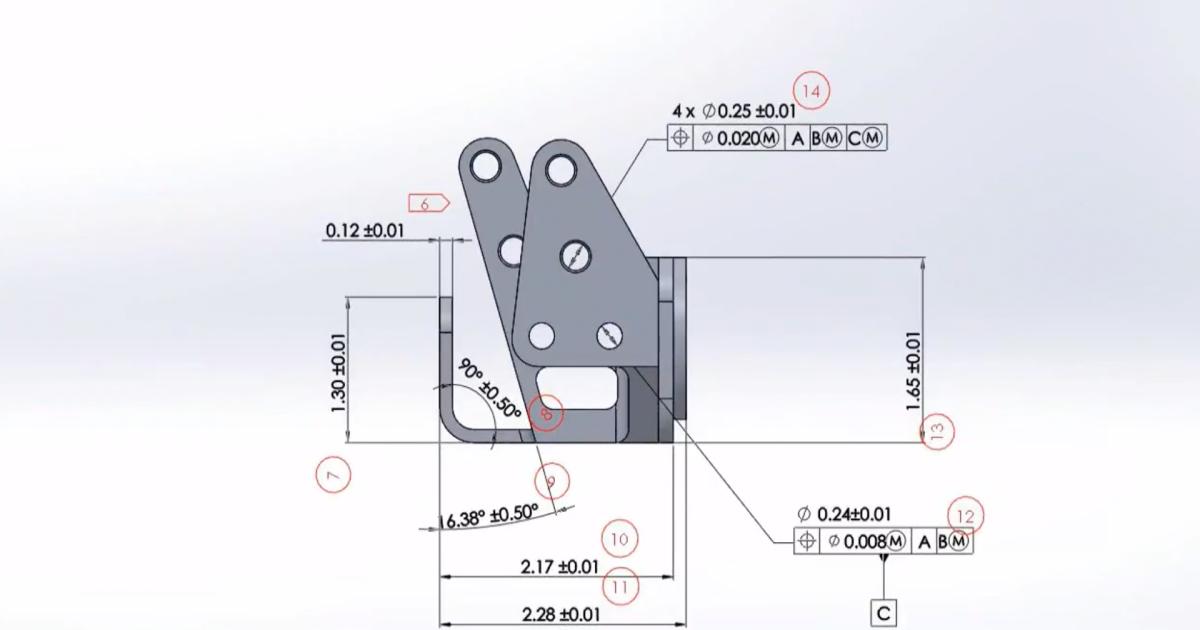
SOLIDWORKS provides complete solutions to streamline the creation of inspection sheets and ballooned drawings for quality control. Learn how you can leverage you existing 3D data with SOLIDWORKS Inspection to help reduce, or even completely eliminate, bottlenecks in your quality control department. In just 22 minutes, you'll learn about: Extracting Product and Manufacturing Information (PMI) to create a First Article Inspection (FAI) report Publishing a 3D PDF with a 3D views, annotations, and inspection sheets Manually or automatically importing measured values directly into your inspection project

Recorded Webinars

Design for Manufacturability with SOLIDWORKS

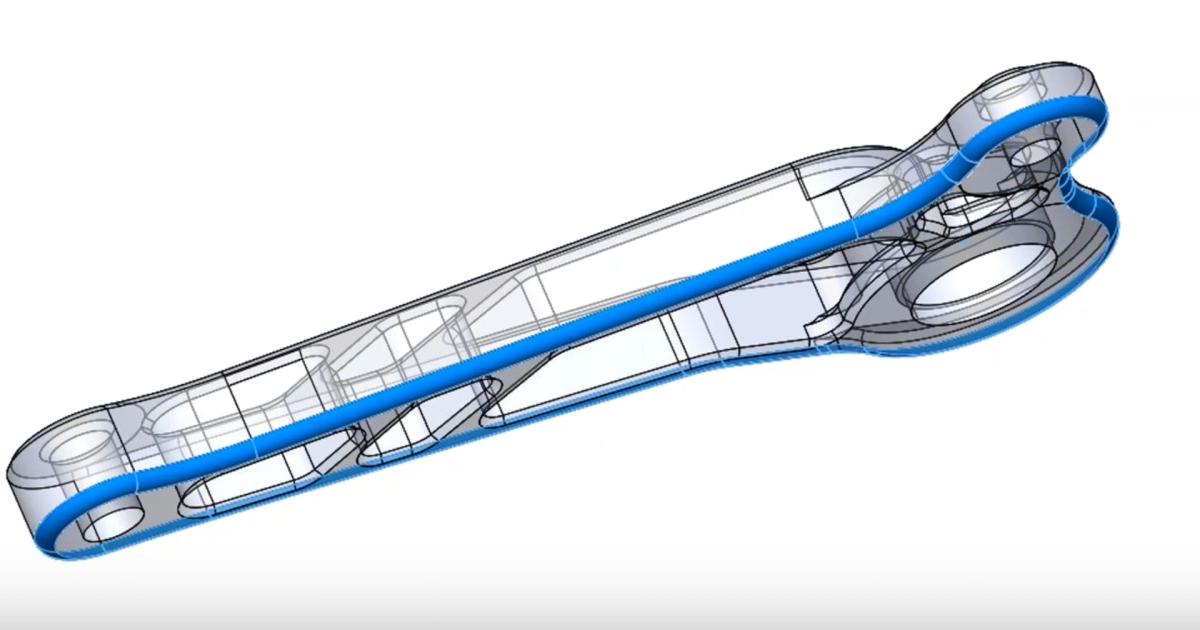
SOLIDWORKS solutions provide many features for checking manufacturability, as well as the cost of your designs. Learn about the great tools inside SOLIDWORKS, as well as some great partner products and services that can help reduce, or even completely eliminate, problems before going to manufacturing. In just 22 minutes, you'll learn about: SOLIDWORKS DFMXpress for automated manufacturability checking–provided with every license of SOLIDWORKS Other SOLIDWORKS manufacturability and cost checks, such as SOLIDWORKS Costing SOLIDWORKS CAM powered by CAMWorks for automated NC toolpath creation and machining simulation DFMPro for SOLIDWORKS—an advanced version of SOLIDWORKS DFMXpress available from our partner HCL 3DEXPERIENCE Marketplace | Make and SOLIDWORKS sell as well as other interesting manufacturing partner plug-ins that allow quoting and ordering of parts online

Recorded Webinars

Bring Your Design and Build Processes Closer Together

Great products start with great design, but even the most innovative ideas will fail if they can’t be manufactured efficiently. What’s required is a set of tools that enable design and manufacturing teams to work concurrently—so that potential manufacturability issues can be identified and resolved earlier in the process. Check out our newly updated Integrated Design-to-Manufacturing Solutions eBook series Chapter 2, and learn more about the benefits of a connected platform of design tools to streamline the handoff to manufacturing. Download chapter 2 to discover how the complete SOLIDWORKS 3D design solution allows you to: Collaborate and share data between suppliers and customers Simplify 2D drawings for production-ready drawings Accelerate release to manufacturing with model-based definition Embed electrical components into your products

EBooks

Intuitive CFD Analysis at Your Fingertips

With integrated CFD tools you can efficiently analyze the effects of fluid flow, heat transfer, and related forces on your projects and process multiple “what if” scenarios to help you optimize designs quickly.

White Papers

The Fastest Route from Concept to Manufacture with SOLIDWORKS

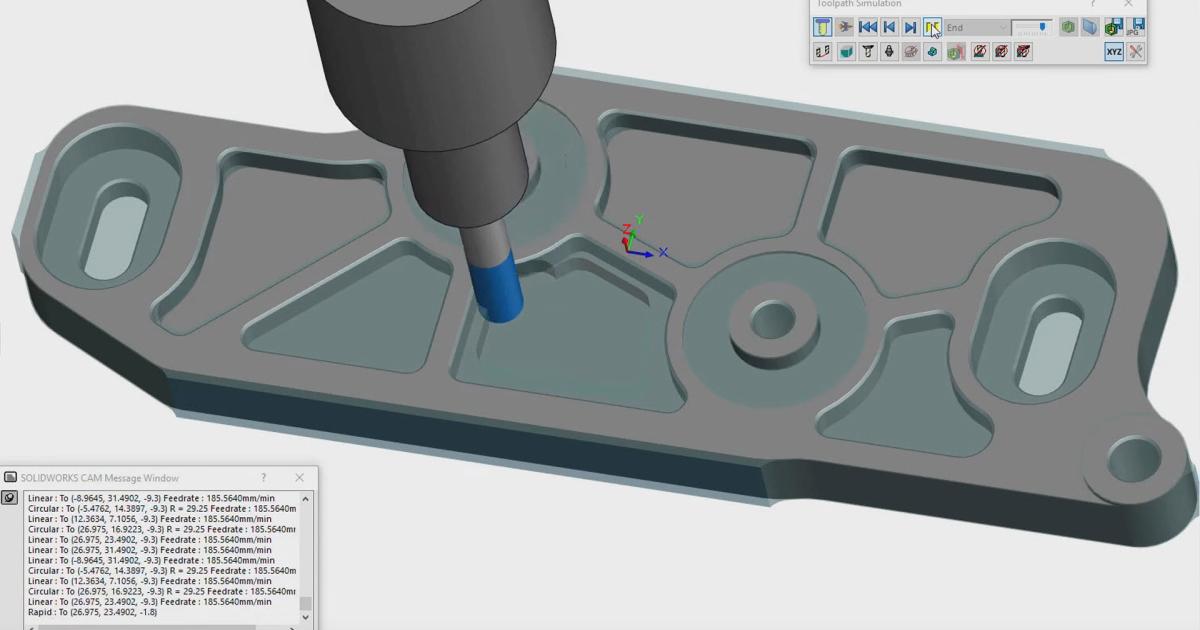
Go from concept design to manufactured parts faster than ever before by enabling design and manufacturing teams to work concurrently without having to export and import data from one system to another. Thousands of companies have been taking advantage of this the SOLIDWORKS manufacturing ecosystem for years helping many to become leaders in their markets. Now see these capabilities directly inside SOLIDWORKS. In just 22 minutes, you'll learn how to simplify and speed up design through manufacturing with SOLIDWORKS: Truly integrate design and manufacturing and promote seamlessly integrated, concurrent product development Completely eliminate the need to import and export data between systems Work with 2D drawings, or eliminate the need for 2D drawings entirely by detailing designs in 3D with SOLIDWORKS MBD Create your CNC tool paths directly in SOLIDWORKS with SOLIDWORKS CAM Automate creation of inspection documentation, with SOLIDWORKS Inspection

Recorded Webinars

Top Tips: The Prototyping Shop of the Future

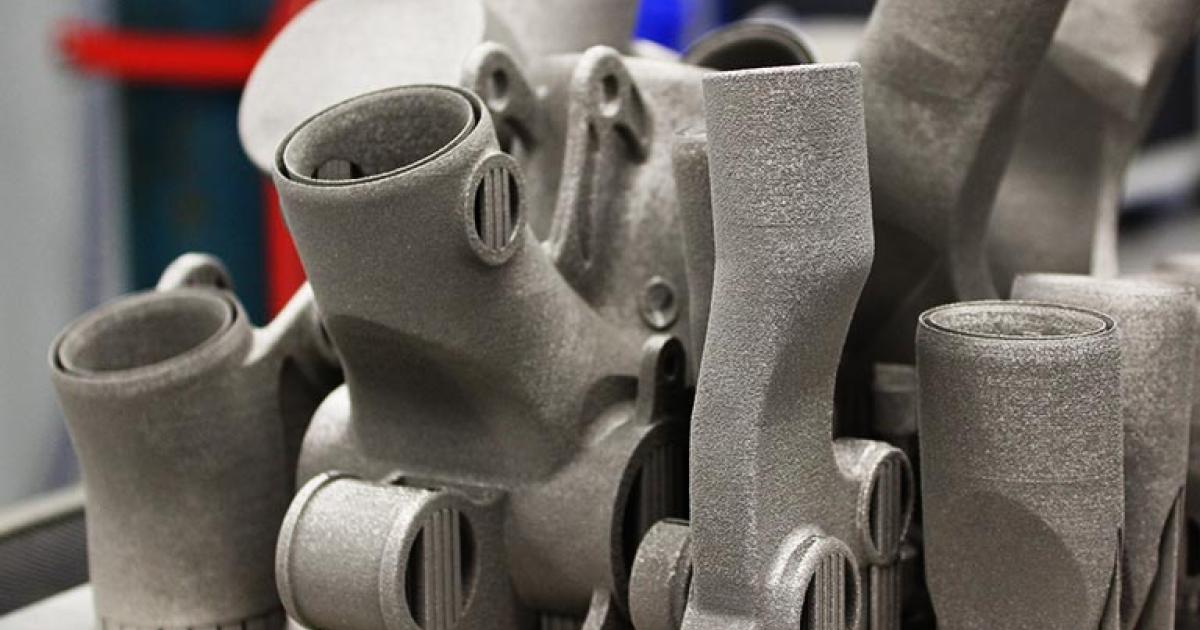
In today’s increasingly digital world, engineers and designers rely on data that can be displayed on a screen. But in product development, it’s hard to overstate the importance of physically interacting with a design through a prototype. Read more for tips on using modern tools for prototypes now and for years to come.

Articles

Reject Risk in Mold Injection with SOLIDWORKS Plastics

SOLIDWORKS Plastics takes the guesswork—and the risk—out of designing plastic parts, allowing you to accurately assess manufacturability, functionality, and quality, throughout the design process. The result is shortened cycle times, reduced defects, and the elimination of costly rework. Read more to learn how SOLIDWORKS Plastics enables you to eliminate expensive mold re-work, optimize part quality, and ensure manufacturability in a familiar, efficient environment by giving you the tools to: Prevent manufacturing errors. SOLIDWORKS Plastics lets users easily identify and correct potential manufacturing errors during the design process. Eliminate expensive mold rework. By sidestepping rework, manufacturers can save thousands of dollars and weeks of lost production time. Reduce the need for secondary processes. An optimized molding process cuts the need for secondary processes, such as polishing, deburring, or flash removal. Optimize manufacturing cycle times. Reducing cycle time requirements enables more cycles and more productivity. Perform tests quickly and accurately. Complex simulation functions are conducted through an intuitive, streamlined interface. Reduce material waste. Optimal placement of stringer channels and vents reduces material consumption.

White Papers
Validation Has Never Been So Simple

A truly great design is innovative, meets customer needs, and can be manufactured. This last step is often overlooked by many design teams. Download chapter 3 of our newly updated Integrated Design-to-Manufacturing Solutions eBook series to learn how SOLIDWORKS solutions help ensure your manufacturing team has everything it needs to produce your designs right, the first time—every time. Download chapter 3 to discover how to: Catch problems and identify hidden cost drivers Remove guesswork from the injection molding process Make better design decisions that will lower production costs Avoid assembly problems that lead to rework Improve quality by enforcing standards

EBooks

Differences Between CAD and CAM Then and Now

Most engineers today are familiar with computer-aided design (CAD) tools that create digital 2D and 3D designs and computer-aided manufacturing (CAM) software that brings those designs to the shop floor. But that wasn't always the case. Download this article to learn the Then and Now of: Design Tools Simulation and Visualization Manufacturing and Collaborative Tools

Articles

Avoid Embarrassing Injection Molding Dysfunction

SOLIDWORKS Plastics gives you the tools to easily assess your designs for manufacturability by simulating the plastic injection process. By using SOLIDWORKS Plastics, you can catch potential defects in the early stages of your design, gain the insight to make smarter decisions earlier, save money by avoiding costly late-stage design changes, and get to market faster.

Videos