Answered: Your Questions on EV Aerodynamics
There’s no question that vehicle electrification and autonomy are two of...
Article
UX/UI testing brings many advantages to software product development improving build quality into the product
There’s no question that vehicle electrification and autonomy are two of...
Article
Thirty-two teams. Sixty-four games. One trophy. It all kicks off, quite literally, this June. Not merely a thrilling global display of elite athletic prowess, the world-famous football tournament is a carefully orchestrated exercise in preparation and management. From travel to ... Continued
Article
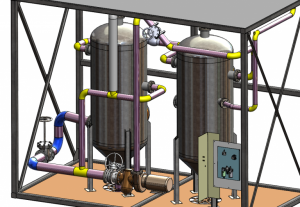
What is SOLIDWORKS Routing? SOLIDWORKS Routing is an add-in that allows you to completely automate the process of routing pipework, tubing or even cabling, saving you many hours of modelling against traditional methods. In this article we want to show ... Continued
Article
What is SOLIDWORKS Routing? SOLIDWORKS Routing is an add-in that allows you...
Article
Whether looking for initial approval for your concept, or creating final sales, marketing, and customer service content, you’ll want to present your ideas and products in the best way possible. With the associativity in SOLIDWORKS solutions, you can create shop-floor and customer-facing content throughout the whole design process. Check out the final chapter in our newly updated Integrated Design–to-Manufacturing Solutions ebook series, to learn more about creating detailed and exciting content to sell and support your products. Download chapter 5 to discover how to: Generate impressive and eye-catching visuals Build demand before you launch Elevate your materials for sales meetings Develop impressive support materials
EBooks
Shorten cycle times. Lower costs. Improve quality. Bringing design and manufacturing together might just be single smartest decision you can make when it comes to streamlining your workflow. In the latest updated eBook series from SOLIDWORKS, Integrating Design-to-Manufacturing Solutions, you'll learn more about the advantages to be gained by using better tools to integrate your teams and processes. Download this eBook chapter and discover how adopting an integrated approach enables you to: Get design and manufacturing teams working concurrently and communicating seamlessly Reduce errors that can occur when designs are passed from one phase to the next Identify potential manufacturing issues earlier in the design phase Focus on design innovation and spend less time on design iteration
EBooks
Much has been made of the rivalry between design engineers and manufacturing engineers. Starting at the time of the Industrial Revolution, the two roles have been seen as separate functions: designers inventing products that manufacturing personnel would then produce, using paper drawings or verbal instructions. In recent years, there has been greater collaboration between designers using computer-aided design (CAD) software and manufacturing engineers using computer-aided manufacturing (CAM) software. This has been driven, in many cases, by pressure to be more efficient with time and manufacturing resources. However, the two types of software were seldom integrated into a single environment that permitted seamless collaboration. Download this article for more about these two roles and how integrating both of them brings better products to market more efficiently.
Articles
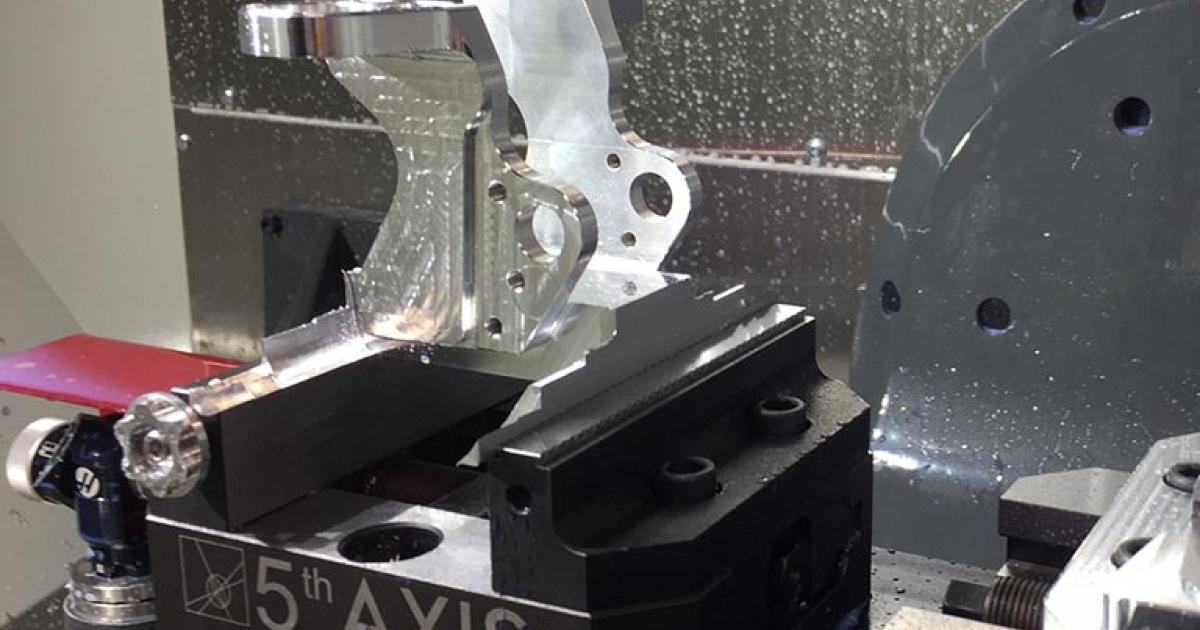
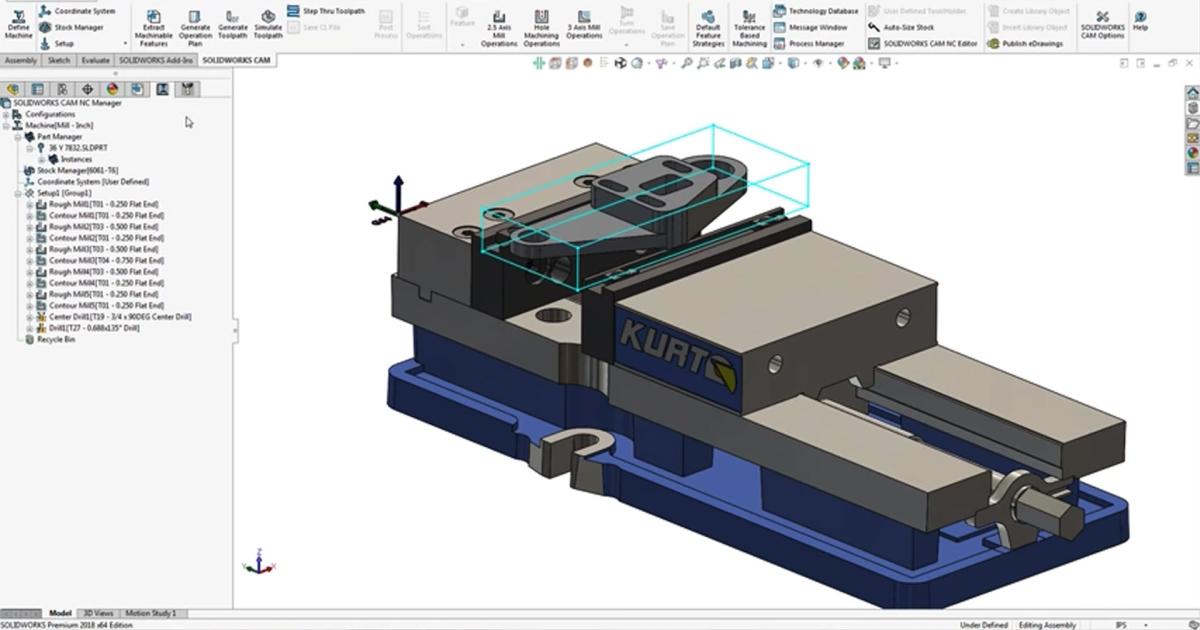
SOLIDWORKS CAM provides many features for standardizing and streamlining your manufacturing process. Learn about the great tools inside SOLIDWORKS CAD and SOLIDWORKS CAM that can help reduce, or even completely eliminate, problems before manufacturing your parts. In just 22 minutes, you'll learn about: SOLIDWORKS for automated setup sheets and process planning workflows SOLIDWORKS CAM Rules-Based Machining, which provides a seamless way to capture company standards when programming parts SOLIDWORKS CAM powered by CAMWorks for automated NC toolpath creation and machining simulation Assembly machining techniques to check for collisions with fixtures and vises 3+2 milling operations using a rotary axis for a mill
Recorded Webinars
Prototypes have traditionally been early versions of designs given three-dimensional solid form in order to test their appearance, ergonomics, fit, or performance in a real-world application. As the product design cycle becomes shorter, parts made using prototyping technology are increasingly used as stand-ins for parts made using more traditional manufacturing methods. Read on for some tips on incorporating rapid prototyping technologies into your product-development cycle.
Articles
Today, more than ever, we’ve come to rely on electronics to complete everyday tasks. So what happens when overheating causes these electronics to go haywire and take over every aspect of your life? A nightmarish meltdown of digital and physical proportions.
Videos
An integrated, multi-disciplinary CAD environment like SOLIDWORKS enables product development and manufacturing teams to work concurrently by leveraging the master 3D CAD model for all design tasks. This allows all stakeholders to work collaboratively with one another so problems can be detected and addressed early and higher-quality products can get to market faster and at lower cost. “The Top Five Reasons to Switch to SOLIDWORKS for Product Development” white paper explains how switching to integrated SOLIDWORKS solutions boosts productivity, reduces costs, improves quality, fosters collaboration, increases innovation and puts you on a path to establishing and maintaining a smart, agile, effective, and successful product development and manufacturing organization. Download the white paper to learn how SOLIDWORKS integrated solutions can help you transform your great ideas into tomorrow’s best new products faster than ever before by unifying all design stakeholders.
White Papers
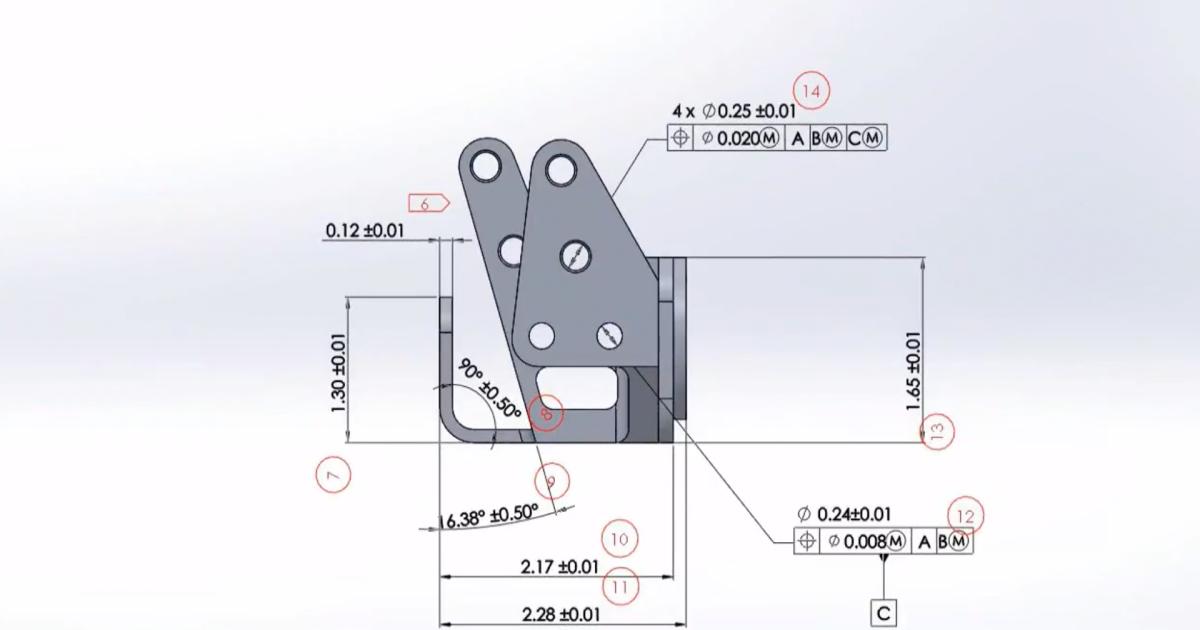
SOLIDWORKS provides complete solutions to streamline the creation of inspection sheets and ballooned drawings for quality control. Learn how you can leverage you existing 3D data with SOLIDWORKS Inspection to help reduce, or even completely eliminate, bottlenecks in your quality control department. In just 22 minutes, you'll learn about: Extracting Product and Manufacturing Information (PMI) to create a First Article Inspection (FAI) report Publishing a 3D PDF with a 3D views, annotations, and inspection sheets Manually or automatically importing measured values directly into your inspection project
Recorded Webinars