Useful Tip| Adding Thumbnails to Classification Libraries & Classes
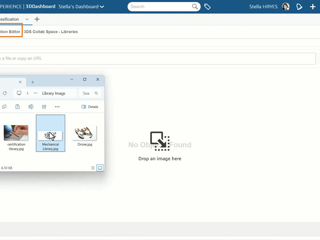
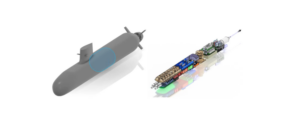
Did you know?You can add images as thumbnails to Classification Libraries and Classes.It enhances visual recognition and makes it easier and quicker for you to identify and navigate through various libraries and classes.How?Adding the Thumbnails:In the IP Classification Editor web app, select the library or class and open its Information panel -> Properties tab, click the placeholder image to open
ENOVIA USER COMMUNITY