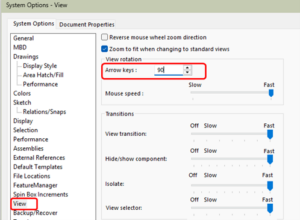
The SOLIDWORKS Power User Playbook: Settings That Change Everything
Here’s a tour of some basic system and document options that can improve your SOLIDWORKS experience. Even better, you now have the bragging rights of a power user.
Article
UX/UI testing brings many advantages to software product development improving build quality into the product
Here’s a tour of some basic system and document options that can improve your SOLIDWORKS experience. Even better, you now have the bragging rights of a power user.
Article
Does anyone know how to launch Catia for students online? I cant even fid where to launch.Edu 3DEXPERIENCE CATIA
3DEXPERIENCE EDU | STUDENTS
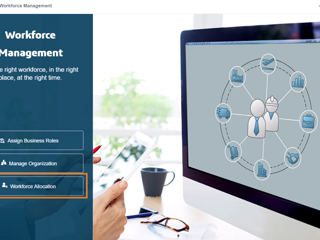
IntroductionIn today's fast-paced work environment, getting the right people on the right tasks has become increasingly challenging as priorities shift and projects evolve rapidly. Resource Managers need real-time visibility to make informed staffing decisions quickly and confidently.To address this need, ENOVIA introduced the 'Workforce Allocation View' in R2026xFD01; which is a centralized works
ENOVIA USER COMMUNITY
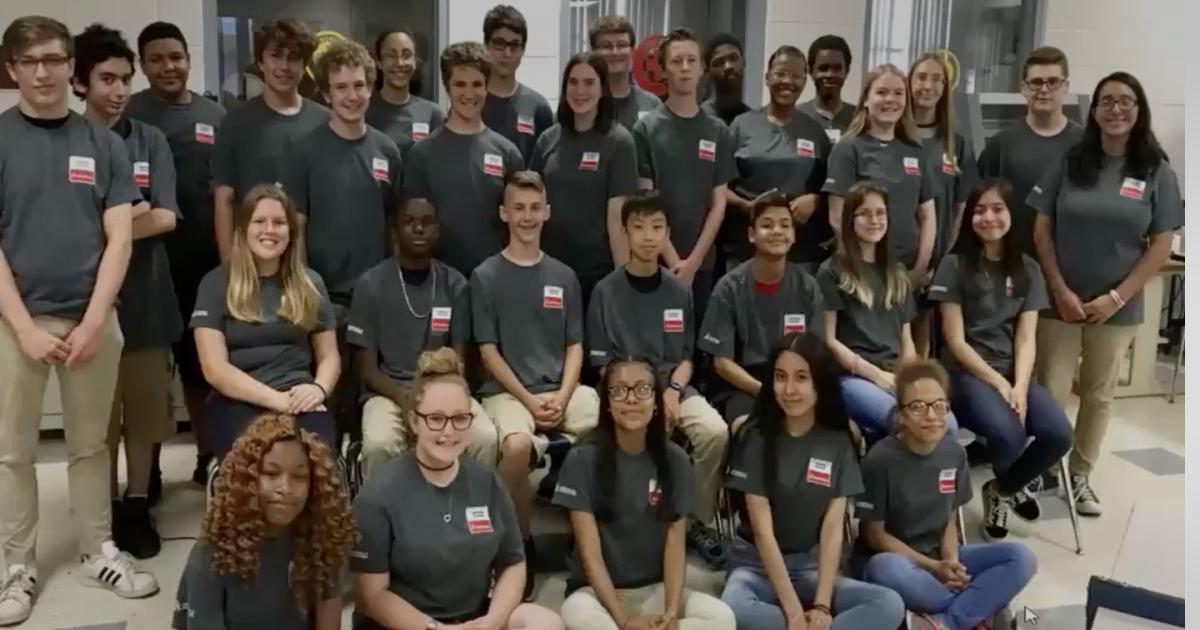
Are you ready to inspire the next generation of engineers? Watch our 45-minute on-demand webinar with Amy Hamilton, an experienced engineering teacher for middle-grade students, as she shares her proven strategies for teaching.Whether you're a new or experienced educator, this on-demand webinar will provide actionable insights to enhance your teaching methods and help your students develop essential engineering skills.
Recorded Webinars
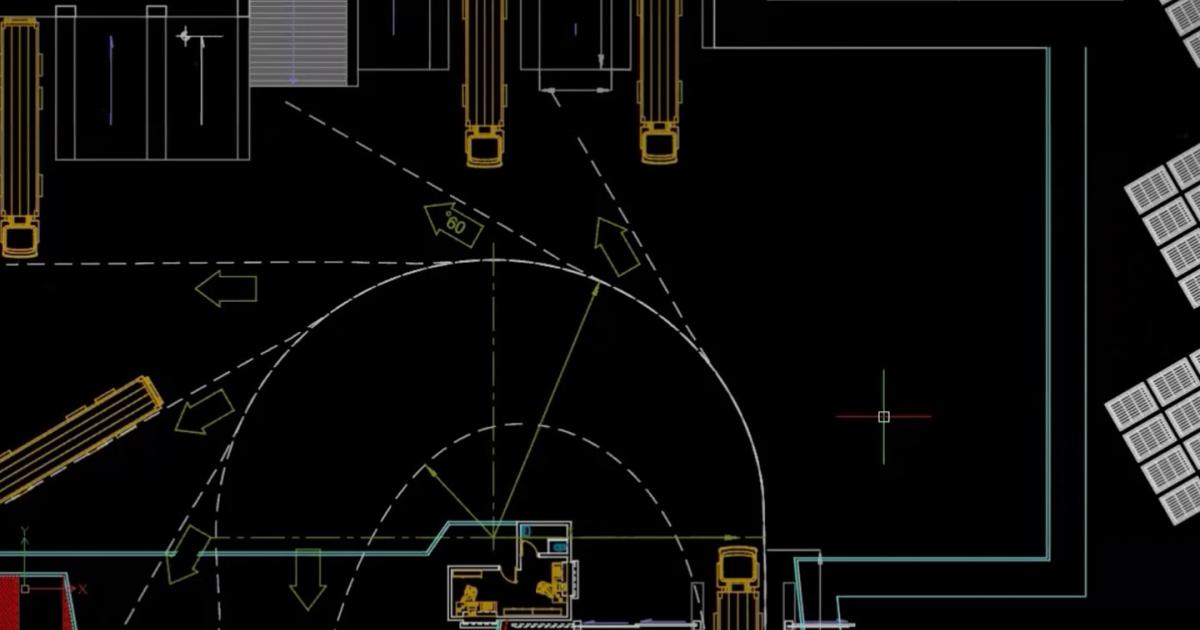
As the industry rapidly shifts toward 3D, educators face the challenge of keeping curricula current while ensuring students develop essential skills for future careers. Despite advances in 3D modeling, a strong grasp of 2D drafting remains fundamental for graduates entering engineering, architecture and design roles.Your expertise in equipping students with both 2D and 3D skills is critical for preparing them to meet modern job market expectations. DraftSight delivers a robust 2D drafting solution that aligns naturally with your current SOLIDWORKS program.Watch our on-demand webinar to see how DraftSight for Education complements your SOLIDWORKS curriculum, strengthening core drafting skills while supporting real-world 2D and 3D workflows.
Recorded Webinars
We’re so excited to announce that the official SOLIDWORKS Merch Store is now live. Check it out today!
Article
A scalable and interdisciplinary research innovation platform for circular product development
project
Hello everyone, welcome back to Motion Monday This week I worked on a motion analysis of a bowling setup — but instead of just one shot, I tried three different variations to see how the outcome changes.All three cases start from the exact same position, with the ball given an initial velocity of 3 m/s. What changes is how the ball interacts with the pins based on its path and spin.Case 1: Direc
3DEXPERIENCE EDU | STUDENTS
Running a simulation is not just about hitting "Run." In design, what you see is what you get. In simulation, what you get is what you set up. In this session, we will reveal 20 essential Dos and Don’ts every analyst and designer should know to boost accuracy, save computing time, and avoid common pitfalls. We will cover: Choosing the right mesh element type Solver strategies that shorten run time instead of dragging it out When to use shells, beams, and rigid connections effectively Smart use of virtual bolts, pins, and contacts for realistic assemblies Large displacement and adaptive methods and when they help Loads, boundary conditions, and materials that actually reflect reality You will leave with a practical checklist that acts as your built-in validation system, one you can use immediately to safeguard every analysis you run in SOLIDWORKS or the 3DEXPERIENCE platform. Make your simulations faster, sharper, and more trustworthy. Do not just run. Run smart.
Recorded Webinars
Explore how data science is transforming Product Lifecycle Management (PLM).
E-seminar
BIOVIA Generative Therapeutics Design integrates NVIDIA MolMIM NIM, combining generative AI with classical simulation to design better drugs faster, in a unified workflow.
Article
This blog provides a tutorial that explores how to program a robot with a Fanuc controller in a fixed Tool Center Point (TCP) mode – a specific, stationary point in the robot’s workcell that the tool tip is programmed to return to or interact with–using DELMIA Machining.
Article