Like Father Like Son
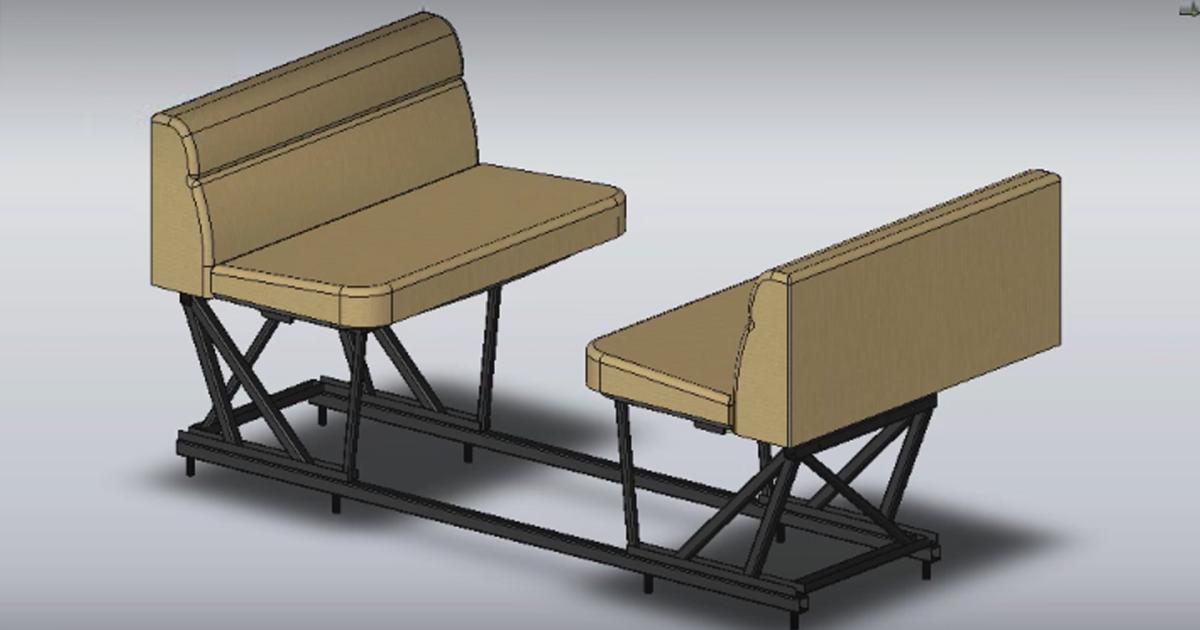
Learn how Tomas, an 11 year old boy from Argentina, taught himself SOLIDWORKS with the ambition of being just like his father.
Videos
UX/UI testing brings many advantages to software product development improving build quality into the product
Learn how Tomas, an 11 year old boy from Argentina, taught himself SOLIDWORKS with the ambition of being just like his father.
Videos
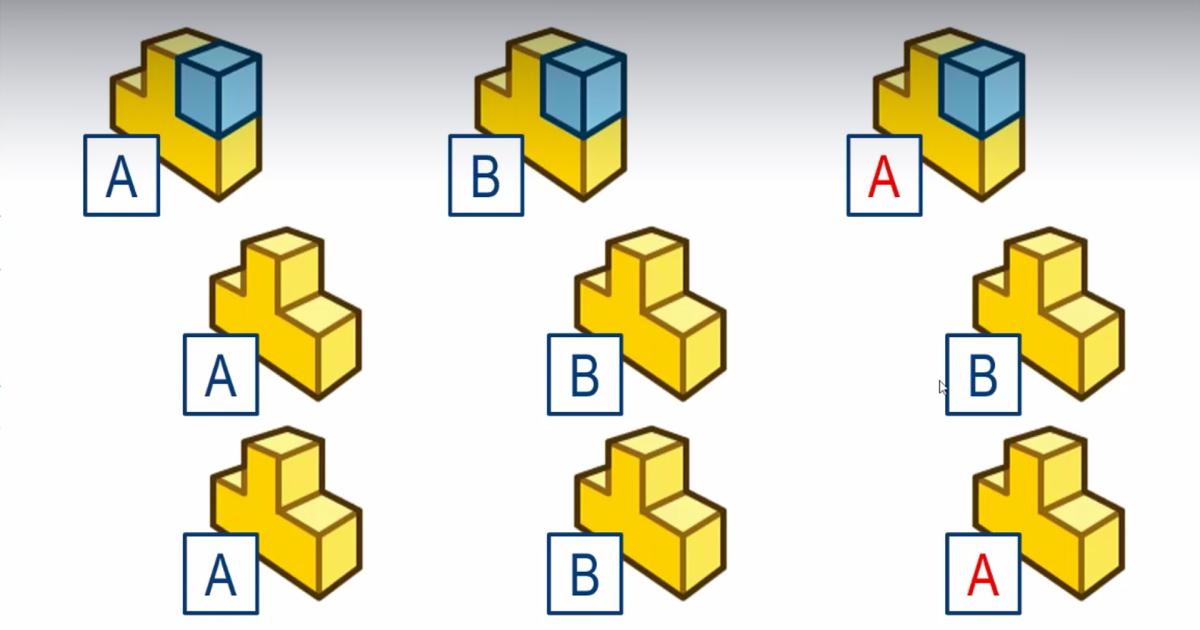
It has never been easier to explore new design ideas with Branch and Merge in SOLIDWORKS PDM, and the new bi directional communication between revision tables and PDM will make sure that everyone on the design team is up to date.
Videos
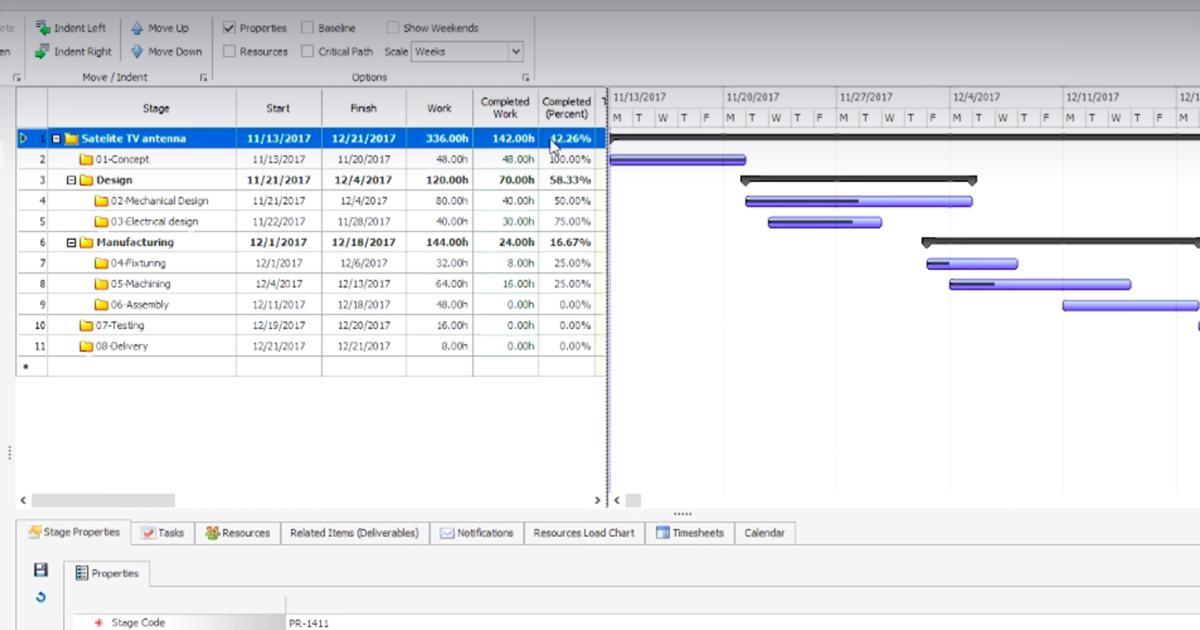
With SOLIDWORKS Manage, you have complete visibility into all projects, enabling organizations to plan, manage resources, connect project deliverables and monitor status right down to the task. Resources can be allocated to each stage of a project and tasks can be defined and assigned to project stakeholders.
Videos
Learn about Franklin Robotics, Tertil, the weeding robot for your vegetable or flower garden, and how they were able to bring their product to market with the SOLIDWORKS Entrepreneur Program.
Videos
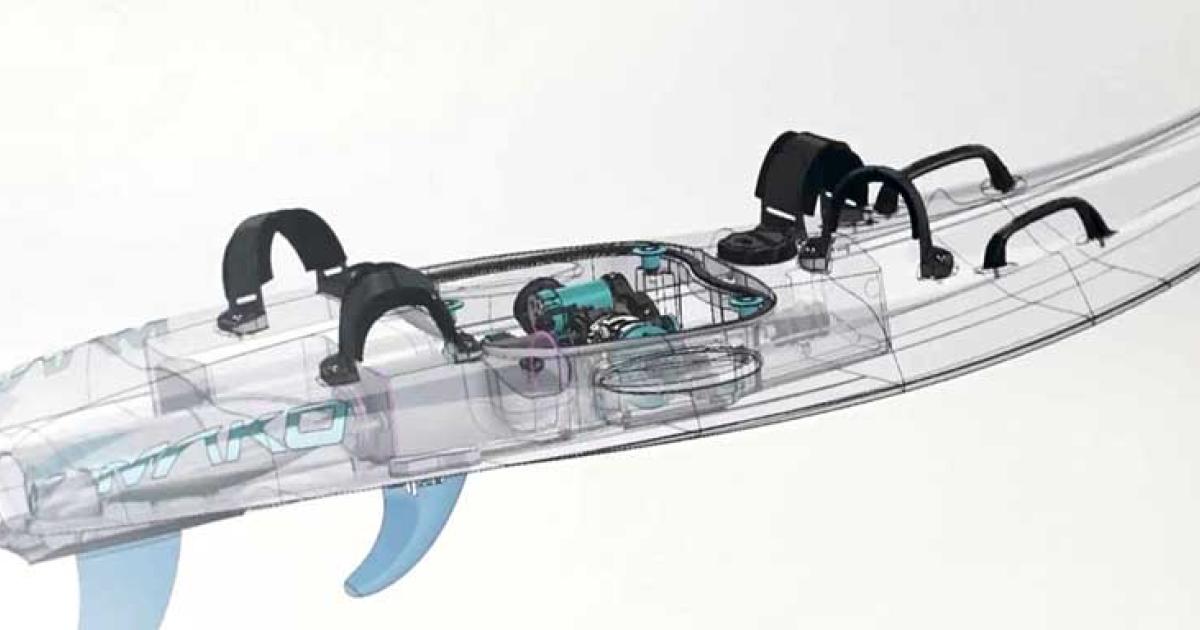
The Mako Boardsports Slingshot jetboard has over 300 parts, but just one goal – to completely reinvent the sport of surfing. Check out this infographic to see how Mako's Jetboard works.
Infographics
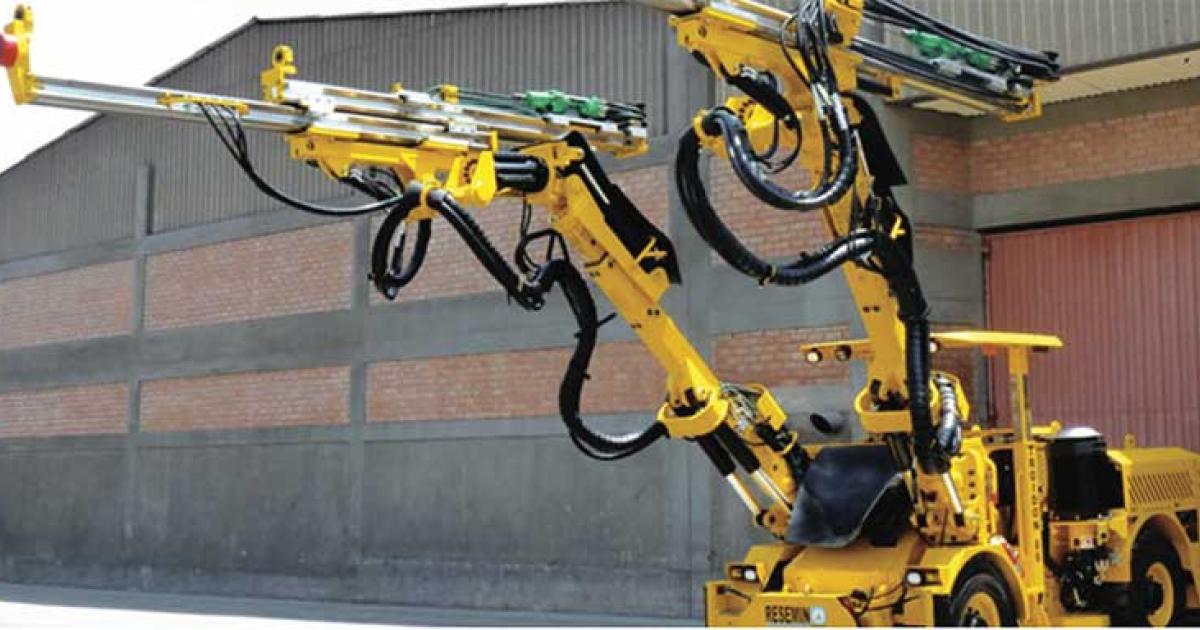
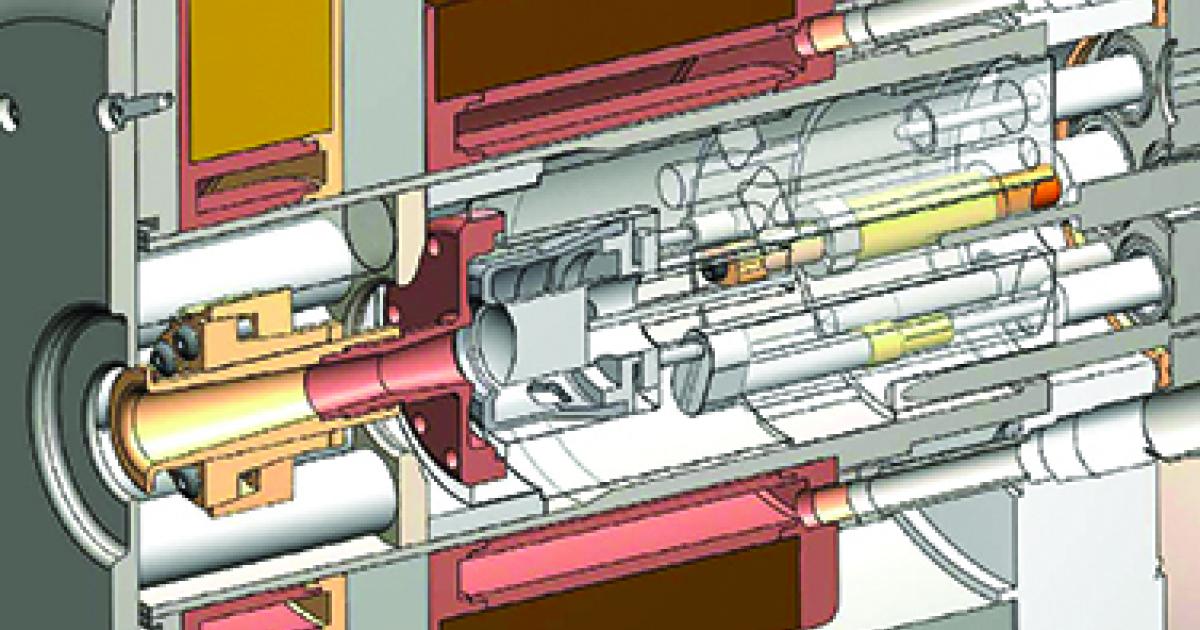
In today’s increasingly competitive global market, manufacturers of industrial machinery or heavy equipment face daunting development challenges. The need to accelerate product time-to-market, control costs, and improve product complexity requires that you modernize your product development systems and implement 3D-based design technologies. Taking advantage of a 3D CAD environment enables you to outpace competitors by developing and producing better machines in a shorter time—and at a lower cost.
White Papers
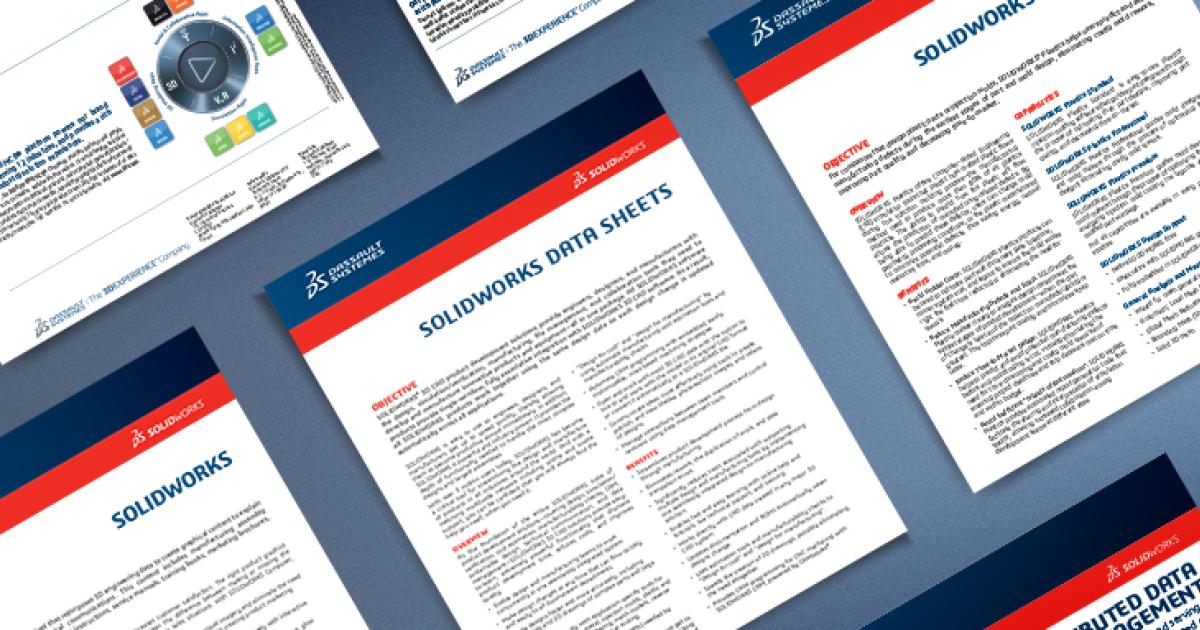
SOLIDWORKS Visualize enables anyone to create professional, photo-quality images, animations and other 3D content in the fastest and easiest way possible, enabling designers, engineers and content creators to enhance their 3D decision making experience. Users will design and market products with more impact by turning imagination into reality with SOLIDWORKS Visualize as the “camera” for their CAD data.
Datasheets
Learn more about SOLIDWORKS Research eligibility requirements.
Datasheets
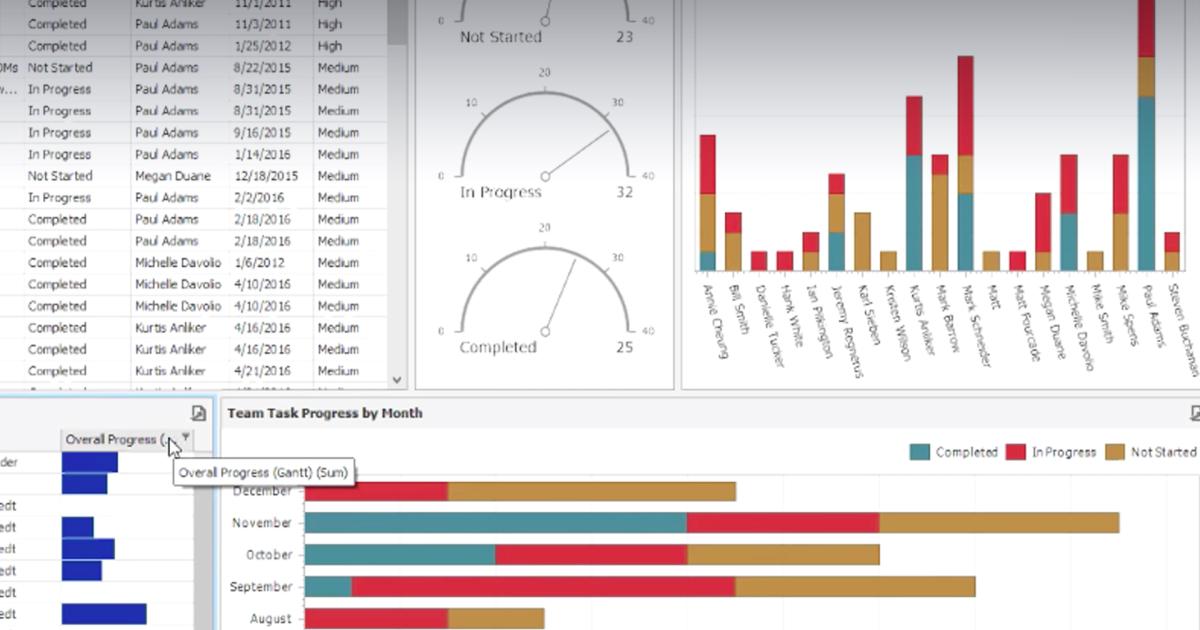
SOLIDWORKS Manage provides fully customizable Dashboards to visualize critical information in an easy-to-consume format for better decision making. Fully customizable Dashboards can be built using grids, gauges, charts, and more to capture key information about what is happening in your department or business. These graphical elements reference your data, in real time, and provide instant access to key performance indicators.
Videos
Learn how the world's first privately owned spacecraft is pioneering affordable missions to the moon.
Videos
As an engineer or a designer, your main goal is to create inspiring, innovative product designs. If you are working without a product data management (PDM) system in place, however, you might be spending too much of your time either searching for design files or correcting mistakes due to incorrect, out-of-date files. Learn how a simple-to-use and easy-to-implement PDM tool, such as SOLIDWORKS PDM, can give you back that time you’ve been wasting so you can focus on designing that next great product. In just 22 minutes, see how SOLIDWORKS PDM can help you: Find the right files quickly with comprehensive search Keep track of and share your design concepts and revisions without Pack and Go Freely rename and move files without breaking your designs Easily maintain as-built in addition to latest model arrangements
Recorded Webinars
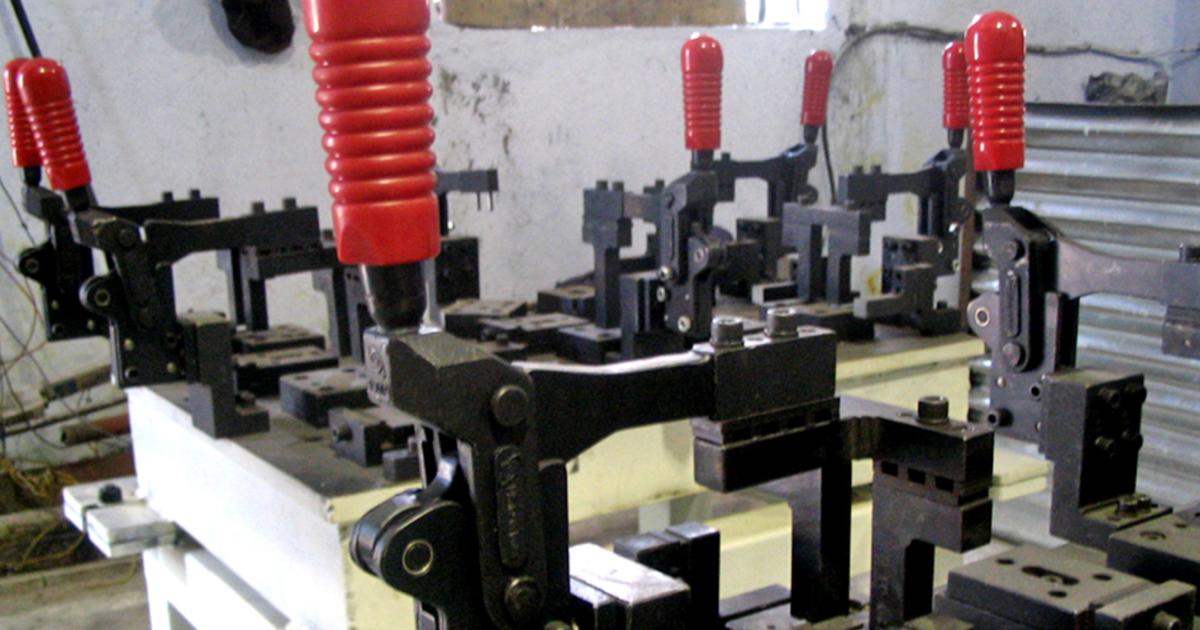
The transition to SOLIDWORKS 3D design software enabled Steel-Smith to shorten design cycles, reduce development costs, and accelerate time-to-market for its toggle clamps and clamping solution products.
Customer Stories