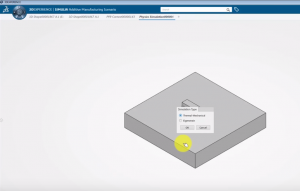
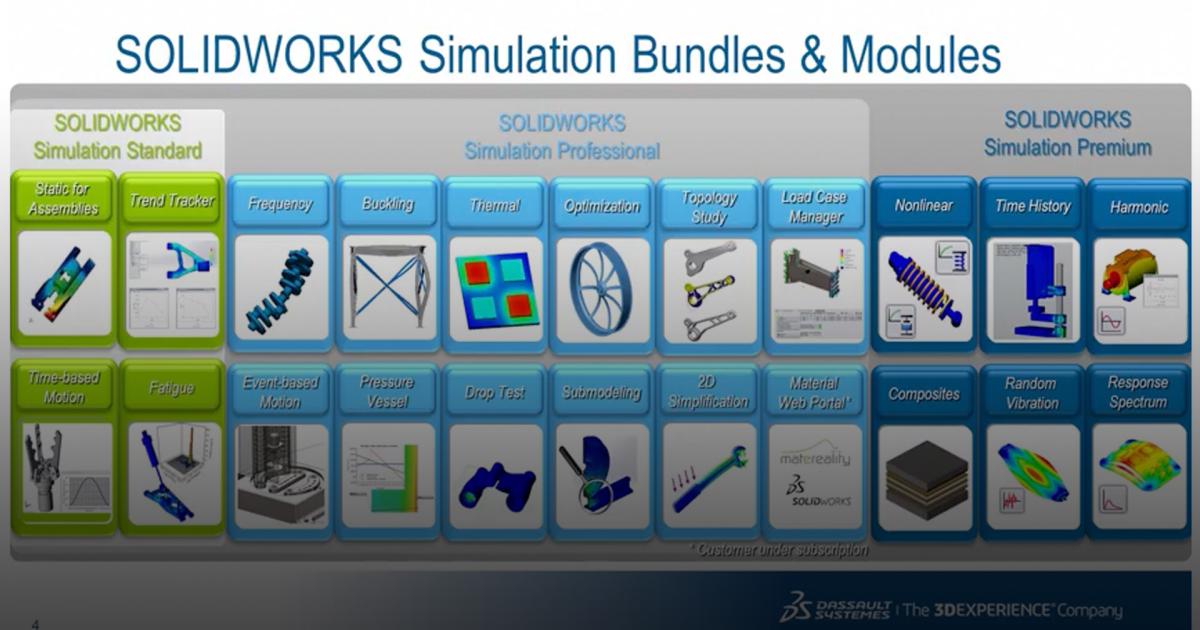
Learn How to Put Simulation to Work for You in Seven MinutesNot sure what you can do with SOLIDWORKS Simulation? Take seven minutes and learn how you can reduce costs, examine “what-if” scenarios, build fewer prototypes, shorten design cycles, and reduce product failure and recalls. SOLIDWORKS Simulation’s designer-focused UI makes analysis easy to learn and use; meaning computational analysis is no longer reserved for specialists but can be applied by every designer to improve their products. During this seven-minute video, you will learn about the modules available to you in SOLIDWORKS Simulation Standard including: Static: design for strength with Linear Elastic Stress-Displacement analysis Trend Tracker: analyze multiple iterations of a design in a single study Fatigue: design for life and durability to understand the total life of your design Time-based Motion: study the rigid kinematics of moving assemblies Motion + Static: run stress analysis of parts during motion analysis WATCH THE VIDEO and learn how Simulation can benefit your product development process in seven minutes.
Videos