This blog series follows the journey of several SOLIDWORKS employees who are in Rwanda helping to equip the students of that country with the technology tools to become the innovators of tomorrow. Read Part two here. ... Continued
Article

UX/UI testing brings many advantages to software product development improving build quality into the product
This blog series follows the journey of several SOLIDWORKS employees who are in Rwanda helping to equip the students of that country with the technology tools to become the innovators of tomorrow. Read Part two here. ... Continued
Article

Stefan Ulrich is the award winning artist behind RandomDesign, a prop shop that specializes in functional designs. He created the show-stopping X-Wing model featured at SOLIDWORKS World 2019, after only using SOLIDWORKS Education Edition for six months. And he’s excited to explore more modeling and making possibilities. ... Continued
Article
Everyone knows that SOLIDWORKS is the most feature-heavy CAD software out there. Whatever you may dream of doing with a 3D model, there’s probably a SOLIDWORKS command button that can do it for you. The problem is, our computer screens ... Continued
Article
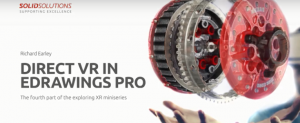
The fourth video in our exploring XR series explores the new virtual reality capabilities of eDrawings Professional. We’ll show you how to get started using direct VR and give you an idea of the benefits eDrawings Professional can bring to ... Continued
Article
The following article appeared in our 2017 annual report. We are sharing...
Article
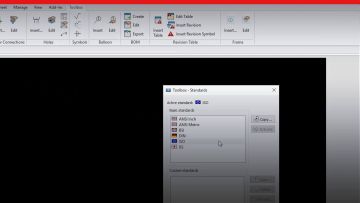
DraftSight contains robust mechanical tools and symbols that will help you standardize your mechanical drafting practices and speed up your time to market. The Mechanical Toolbox allows you to choose which industry-standard you want to use or create your own custom standard.
Videos
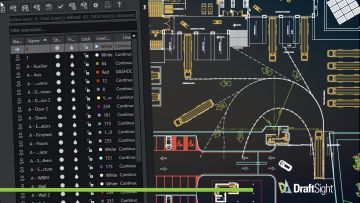
DraftSight’s Layers Manager simplifies the creation, management, and organization of drawing layers, giving you complete control over properties such as color, line type, and visibility. This intuitive tool keeps complex projects structured, reduces errors, and ensures consistency across your designs.
Videos
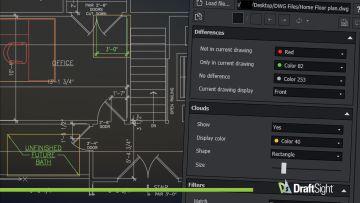
DraftSight’s enhanced Draw Compare tool visually highlights changes, including additions, deletions, and modifications, between drawing revisions. This feature streamlines the review process, ensures design accuracy, and helps identify discrepancies with ease. You can also export comparison results as a DWG file, saving time and improving collaboration across teams.
Videos
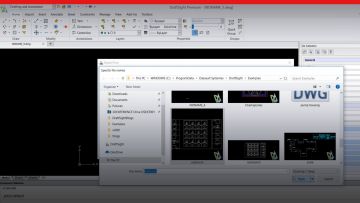
Load multiple drawing files and select the sheets you’d like to print, with the ability to print sheets from multiple files simultaneously, saving you valuable time throughout your drafting process.
Videos