Game-changing strategy for smart manufacturers
The Vietnam Investment Review, one of Vietnam’s leading economics and business newspapers,...
Article
UX/UI testing brings many advantages to software product development improving build quality into the product
The Vietnam Investment Review, one of Vietnam’s leading economics and business newspapers,...
Article
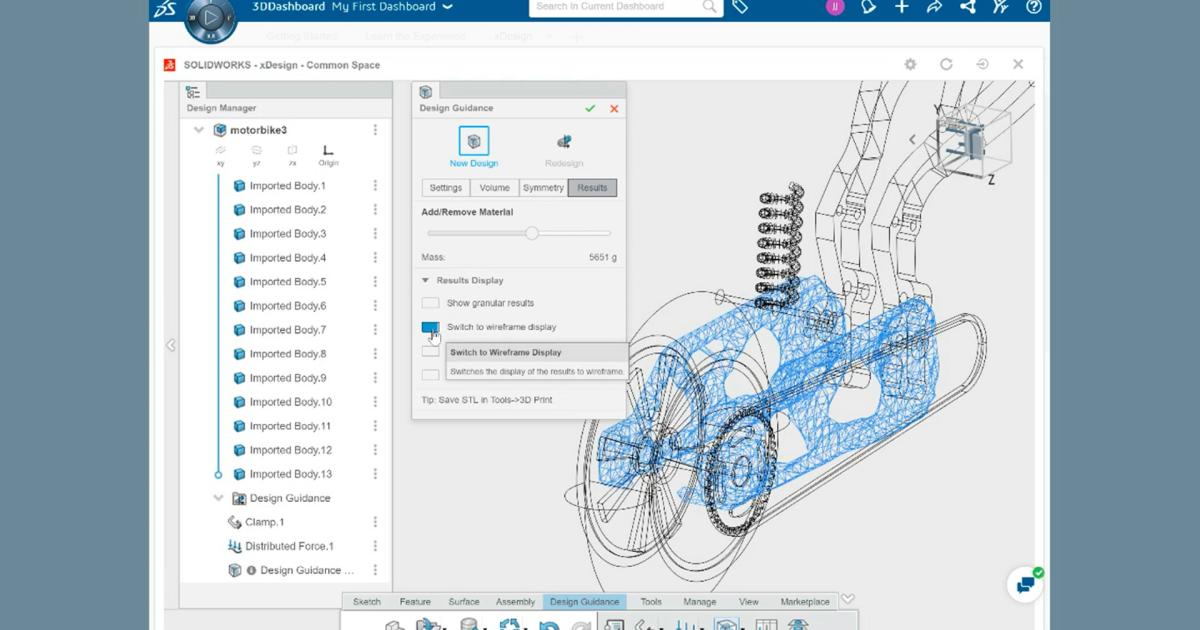
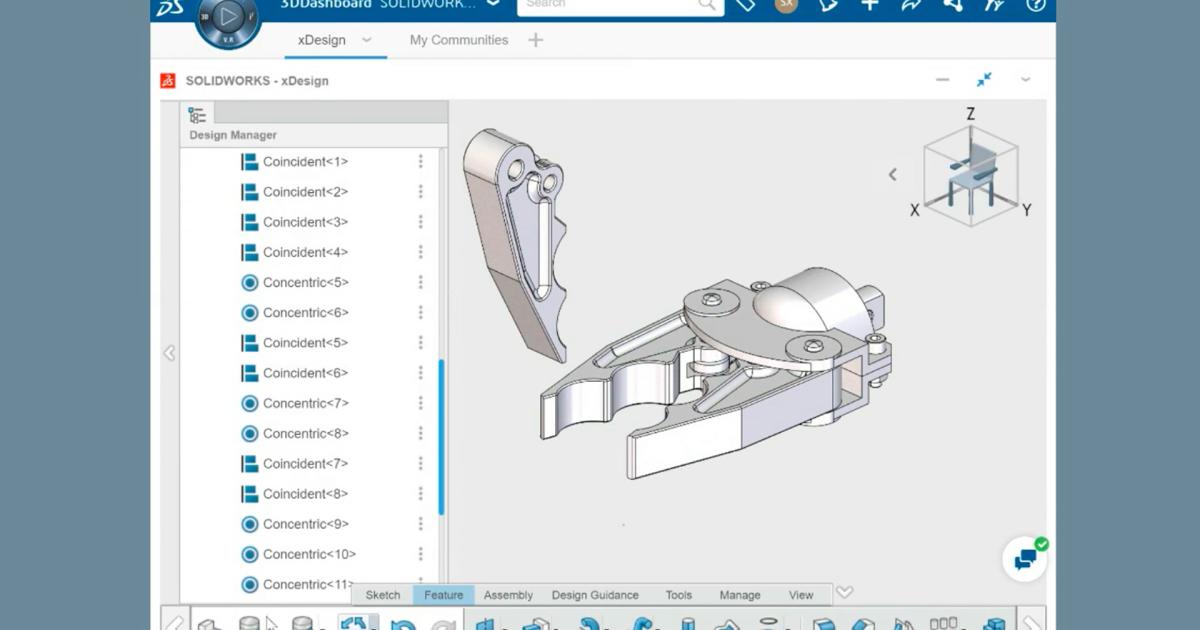
3D Creator is a role on the 3DEXPERIENCE platform that contains the xDesign app for 3D modeling. This 12-minute training video provides and overview on how to use Design Guidance in xDesign. After watching, you will understand how to: Use sketches or 3D geometry to define the connection points and force conditions. Select existing geometry to avoid or leave intact. Choose the resolution required to optimize for time or result. Use the results as a guide to create the design, or automatically smooth the output. Thank you for your interest in 3D Creator training. Watch the video, then explore additional training resources for both 3D Creator and 3D Sculptor.
Videos
3D Creator is a role on the 3DEXPERIENCE platform that contains the xDesign app for 3D modeling. This 11-minute training video will teach you how to make design modifications on sketches and parts. After watching, you will understand how to: Modify sketch dimensions. Edit existing features. Reorder a feature in the design tree. Thank you for your interest in 3D Creator training. Watch the video, then explore additional training resources for both 3D Creator and 3D Sculptor.
Videos
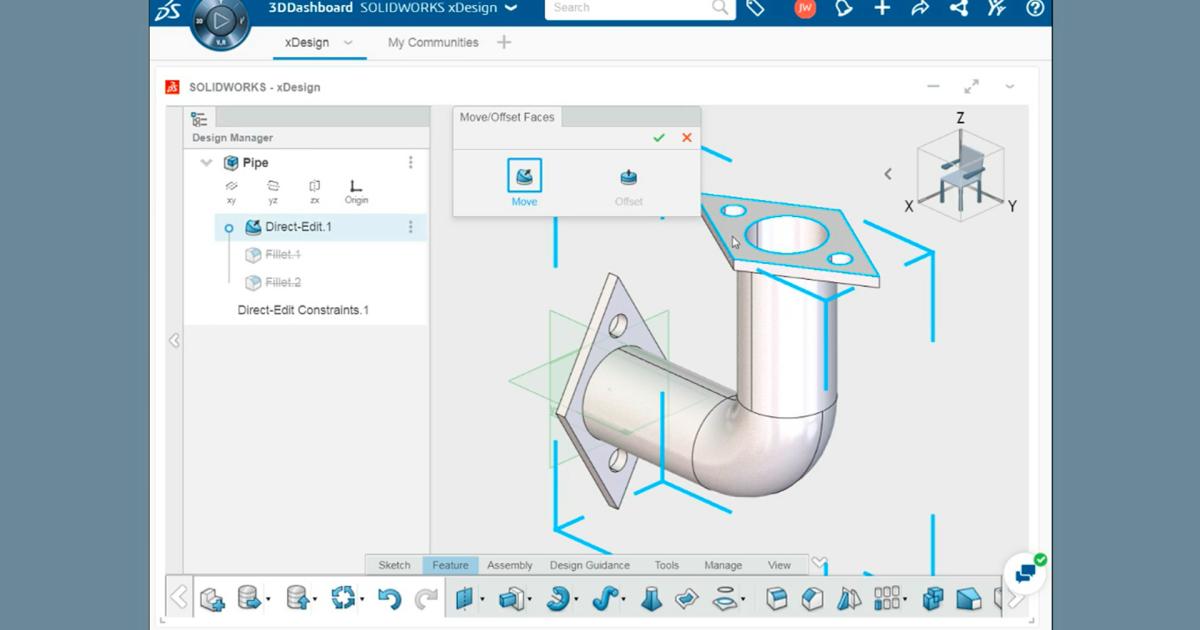
3D Creator is a role on the 3DEXPERIENCE platform that contains the xDesign app for 3D modeling. This 5-minute training video will teach you how Direct Editing allows you to instantly make changes to 3D geometry. After watching, you will understand how to: Manipulate any model by pushing and pulling on its faces. Control a specific face by converting individual features. Thank you for your interest in 3D Creator training. Watch the video, then explore additional training resources for both 3D Creator and 3D Sculptor.
Videos
Don’t miss all the fun Tuesday night for the special event, Bash on Broadway, at 3DEXPERIENCE World 2020. ... Continued
Article
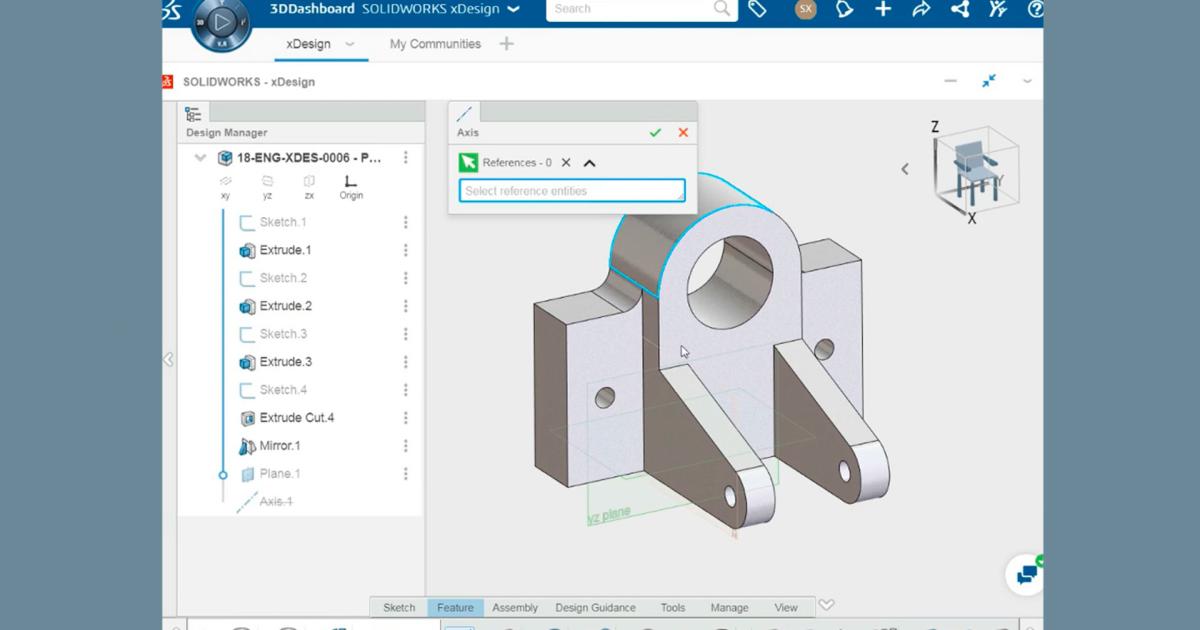
3D Creator is a role on the 3DEXPERIENCE platform that contains the xDesign app for 3D modeling. This 5-minute training video will teach you how to create reference planes and axes in any orientation using existing references and solid geometry. After watching, you will understand how to: Use planes as reference geometry. Use axes as reference geometry. Thank you for your interest in 3D Creator training. Watch the video, then explore additional training resources for both 3D Creator and 3D Sculptor.
Videos
Designing in the context of an assembly or top down design is one of the great benefits of SOLIDWORKS. The designer can use components in one assembly as a reference to design a new component in another assembly. If the ... Continued
Article
3D Creator is a role on the 3DEXPERIENCE platform that contains the xDesign app for 3D modeling. This 20-minute training video will teach you the basics of sketching in xDesign. After watching, you will understand how to: Use different sketch tools. Use constraints and relations in the sketch. Apply dimensions to fully define the sketch and capture design intent. Thank you for your interest in 3D Creator training. Watch the video, then explore additional training resources for both 3D Creator and 3D Sculptor.
Videos
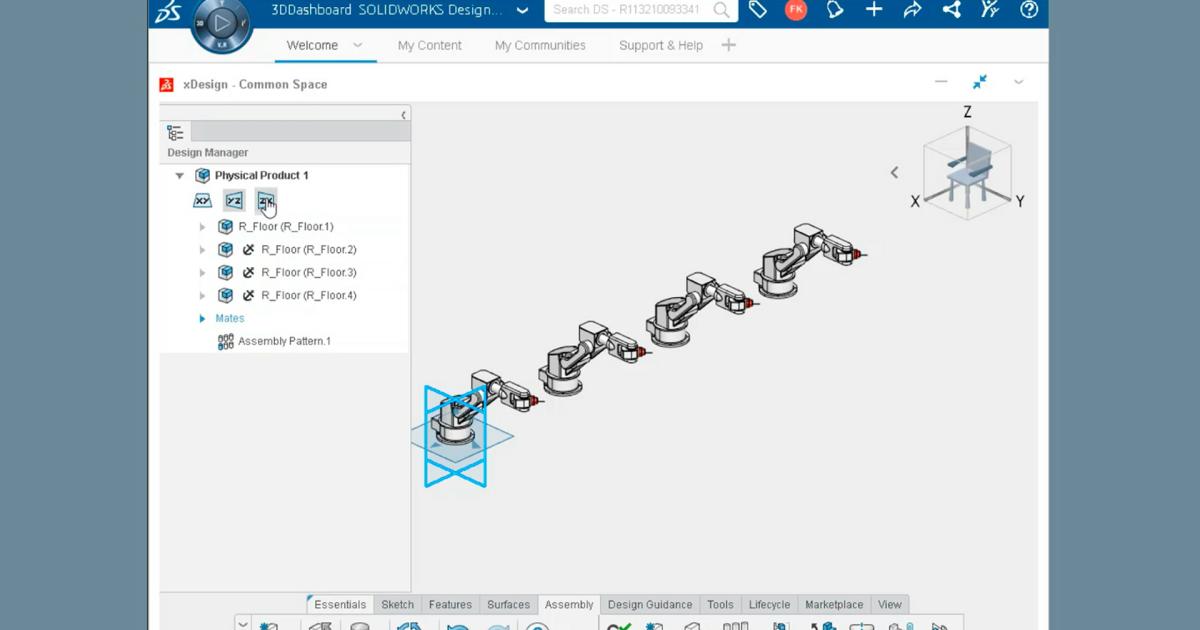
3D Creator is a role on the 3DEXPERIENCE platform that contains the xDesign app for 3D modeling. This 6-minute training video will teach you how to create instances of assembly components. After watching, you will: Know how to make linear, circular, or mirrored patterns. Understand the references required to properly define component patterns. Thank you for your interest in 3D Creator training. Watch the video, then explore additional training resources for both 3D Creator and 3D Sculptor.
Videos
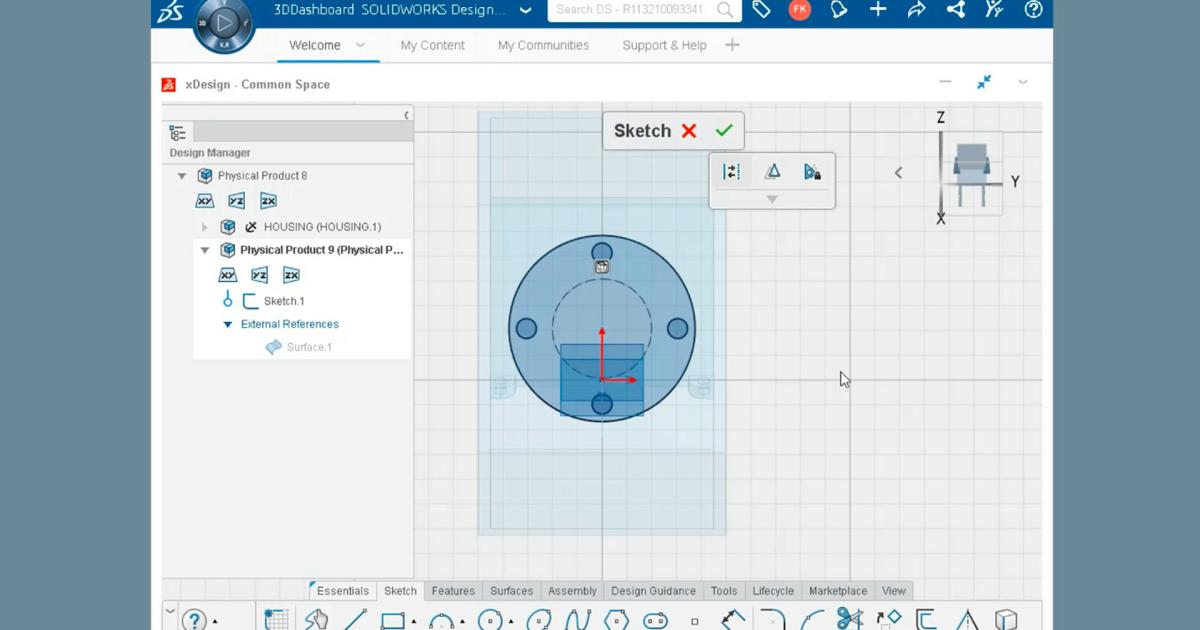
3D Creator is a role on the 3DEXPERIENCE platform that contains the xDesign app for 3D modeling. This 11-minute training video will teach you how to create new components while working in an assembly. After watching, you will understand how to: Insert a new component to create new geometry that references existing geometry. Learn how to simply borrow existing geometry or how to make the references persistent. Make a component using sketches, sketched features, and fillets. Thank you for your interest in 3D Creator training. Watch the video, then explore additional training resources for both 3D Creator and 3D Sculptor.
Videos
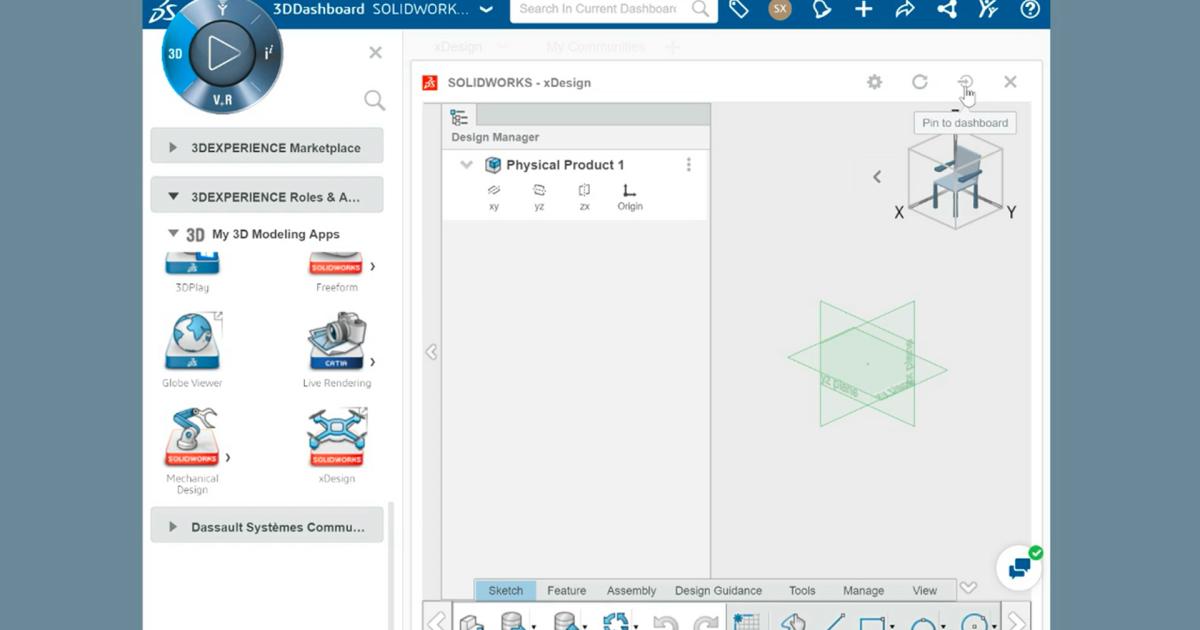
3D Creator is a role on the 3DEXPERIENCE platform that contains the xDesign app for 3D modeling. This 6-minute training video will instruct you on saving and accessing content. After watching, you will understand how to: Create a collaborative workspace to store your content. Start using xDesign by creating a new physical product. Access existing designs from the 3DEXPERIENCE platform using its built in search capabilities. Thank you for your interest in 3D Creator training. Watch the video, then explore additional training resources for both 3D Creator and 3D Sculptor.
Videos
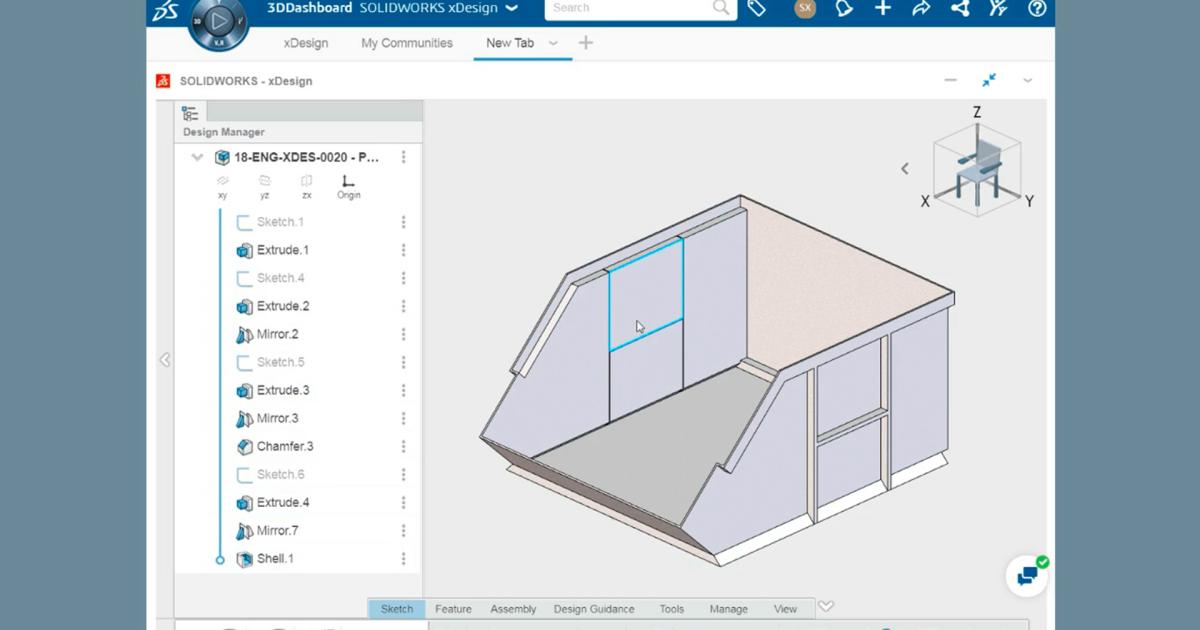
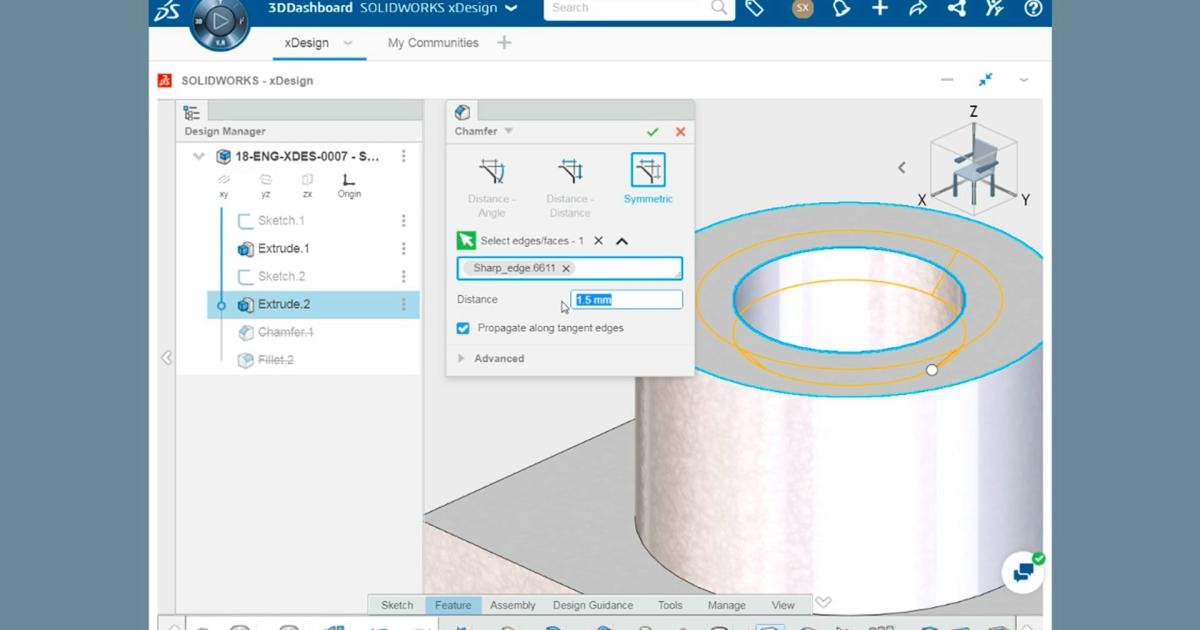
3D Creator is a role on the 3DEXPERIENCE platform that contains the xDesign app for 3D modeling. This 10-minute training video will teach you how to use applied features such as fillets and chamfers to create details in your models. After watching, you will understand how to: Create fillet features. Create chamfer features. Create shell features. Create draft features. Thank you for your interest in 3D Creator training. Watch the video, then explore additional training resources for both 3D Creator and 3D Sculptor.
Videos